
🧠 AI Quiz
Think you really understand Artificial Intelligence?
Test yourself and see how well you know the world of AI.
Answer AI-related questions, compete with other users, and prove that
you’re among the best when it comes to AI knowledge.
Reach the top of our leaderboard.

















Plagiarism Remover
What is Plagiarism Remover?
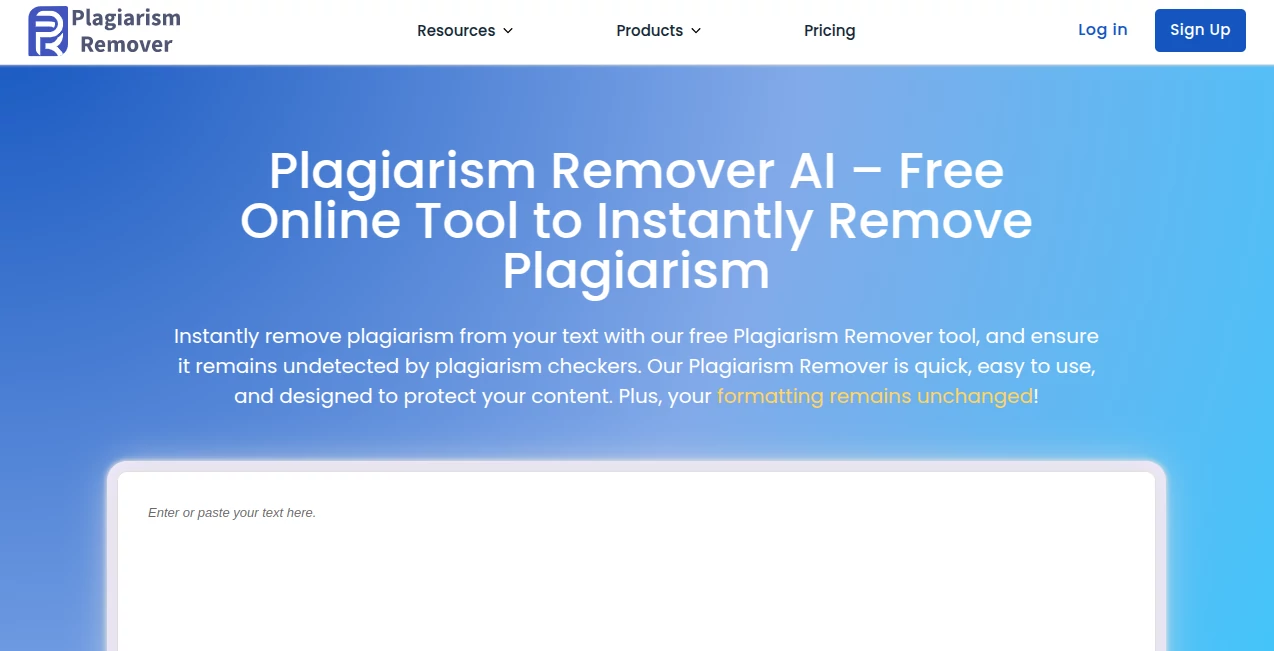
Running into duplicated text can feel like a real roadblock, especially when you're pouring effort into original work, but this handy tool sweeps in to refresh things smoothly. Paste in your content, hit go, and it rephrases while holding onto the heart of your message, spitting out something fresh that stands on its own. I've used it for tweaking blog drafts that echoed sources a bit too closely, and the output kept the flow natural without that stiff, over-edited vibe—perfect for getting past checks without losing your voice.
Introduction
In an era where content flies fast and originality matters more than ever, having a reliable way to polish pieces for uniqueness is a lifesaver. This online helper focuses on just that: taking potentially flagged text and rewriting it intelligently to bypass detection, all without needing downloads or sign-ups. It's straightforward, quick, and claims solid accuracy, making it a favorite for students rushing assignments or bloggers refining posts. What stands out is the no-fuss approach—fully web-based, so you jump in anytime, and the results often surprise with how readable they stay.
Key Features
User Interface
The landing spot is all about simplicity: a generous box for pasting text, clear limits shown upfront, and a prominent button to kick things off. No accounts or logins clutter the view, just direct access that loads fast and guides you gently. It's the kind of clean setup that feels welcoming, especially on mobile when you're fixing something on the go.
Accuracy & Performance
It processes chunks swiftly, reworking phrases to dodge common flags while aiming to preserve intent and readability. Turnarounds are near-instant for standard loads, and the emphasis on natural output means less manual fixes afterward. In my trials with borrowed paragraphs, it shifted wording enough to clear basic scans, though deeper ones might need a second pass.
Capabilities
Core strength lies in paraphrasing to reduce similarity, handling everyday writing like essays or articles with a focus on quick refreshes. It stays online-only for ease, supporting direct input and output copies without extras like file uploads in the base form. The real draw is that free access for core use, letting you tackle immediate needs without barriers.
Security & Privacy
Since it's no-sign-up and processes on the fly, your text doesn't linger or tie to any profile—straight in and out for that quick peace of mind. It's reassuring for sensitive drafts, knowing nothing's stored long-term.
Use Cases
Students refine research notes that lean too heavy on sources, emerging with versions ready for submission. Bloggers update old posts to breathe new life and sidestep duplicate flags from search engines. Freelancers polish client briefs or reports that echo references, delivering clean copies fast. Even casual writers tweak shared ideas into personal takes for forums or comments.
Pros and Cons
Pros:
- Instant access with no accounts—jump right in anytime.
- Quick rephrasing that keeps things readable and flowing.
- Fully free for basic runs, no hidden gates.
- Web-based convenience on any device.
Cons:
- Word caps on free inputs mean splitting longer pieces.
- Results vary with complex text, sometimes needing light edits.
Pricing Plans
The heart of it is completely free, with no sign-up required for core rewriting—ideal for occasional or everyday needs. Any upgrades, if available, would likely extend limits or add perks, but the base delivers real value without a dime.
How to Use PlagiarismRemover
Head over, paste your text into the main field (watch the counter for limits), select any options if shown, and click to process. Grab the refreshed version from the output box, copy it out, and run a check if you like. For bigger jobs, break into sections—it's that simple and speedy.
Comparison with Similar Tools
Plenty of paraphrasers out there demand logins or limit trials heavily, but this one's open-door policy and focus on straightforward removal set it apart for quick fixes. It's less about bells and whistles, more about reliable, no-strings refreshes that get the job done without dragging you through hoops.
Conclusion
When duplicate worries creep in, this tool offers a calm, capable hand to smooth things over and keep your work moving forward. It's a practical ally for maintaining originality in a copy-heavy world, blending ease with effectiveness in a way that's hard to beat. Give it a spin next time you're refining—chances are, it'll become your quiet go-to.
Frequently Asked Questions (FAQ)
Do I need to sign up?
Nope—straight access, no accounts or emails required.
What's the word limit?
Varies by session, but generous for most tasks; split longer ones if needed.
Does it keep my text?
Processed on the spot, nothing stored for privacy.
How accurate is the rewrite?
Solid for reducing matches while aiming to stay true to meaning.
Works on any language?
Best with English, though it handles common ones decently.
AI Paraphraser , AI Plagiarism Checker , AI Rewriter , AI Writing Assistants .
These classifications represent its core capabilities and areas of application. For related tools, explore the linked categories above.
Plagiarism Remover details
Pricing
- Free
Apps
- Web Tools
Categories

Plagiarism Remover Alternatives Product

Sourcetable
RewriteBar

Humanize AI …

AHelp

LyricStudio

UPDF AI

Grammarly

Jasper

Simplified
