BackEngine
What is BackEngine?
AI can answer questions quickly, but getting useful answers from company data is a different challenge. Customer information is often spread across CRM records, emails, call recordings, support tickets, Slack conversations, and product data. When an AI system has to search through all of those sources at the moment a question is asked, important context can easily be missed.
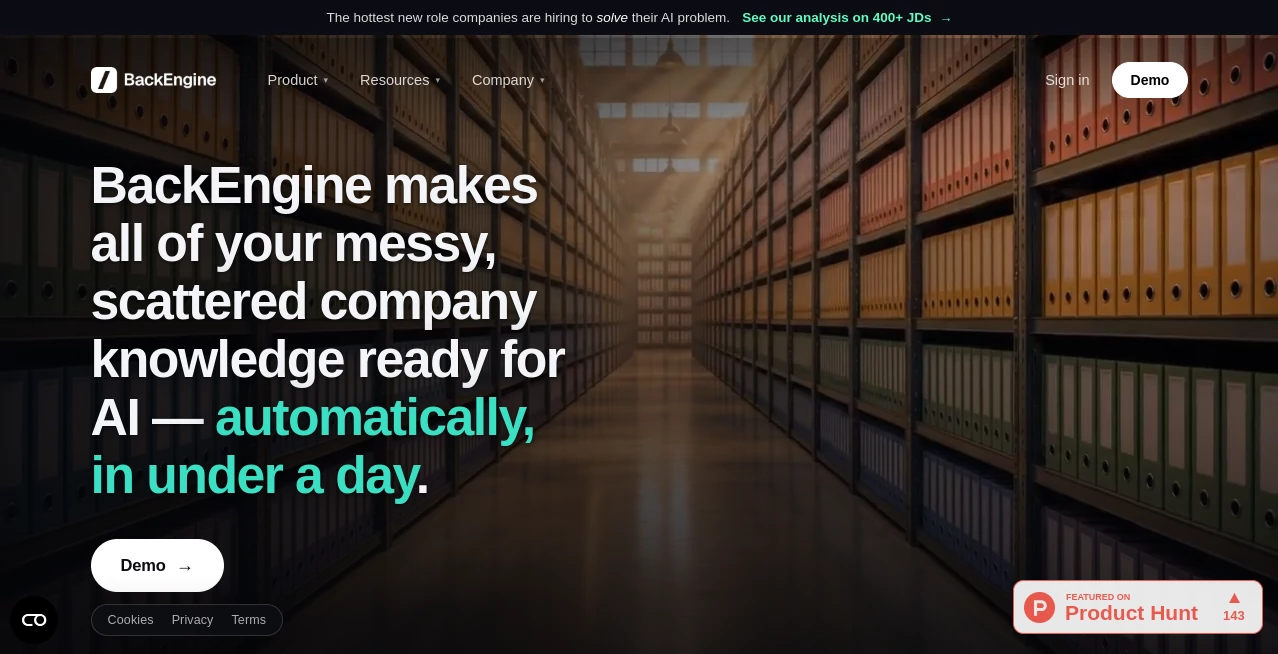
BackEngine is designed to solve that problem by organizing business information before an AI needs to use it. Instead of simply passing raw records to a model, it connects information from different systems, relates the data to customers and accounts, and prepares focused context that AI can use to answer business questions.
The approach is particularly useful for teams working with customer-facing information. Sales representatives can investigate account risks, customer success teams can prepare for renewals, and product teams can identify patterns in customer feedback without manually combining information from several platforms.
The platform also works within AI environments that teams already use. Users can ask questions in natural language, while responses can include links back to relevant sources. This makes the experience feel less like learning another complicated analytics platform and more like giving an existing AI assistant access to the right business context.
Key Features
- Connects customer and business data from multiple systems.
- Organizes and relates information before an AI query is made.
- Provides source-linked context for more traceable answers.
- Supports natural-language questions inside familiar AI workflows.
- Can work with CRM data, calls, emails, Slack, support tickets, and product usage information.
- Allows information to be organized by topics, speakers, urgency, dates, sentiment, and account health.
- Supports scheduled summaries and recurring intelligence reports.
- Applies permissions so users only receive information they are authorized to access.
- Helps teams create repeatable workflows around customer and revenue data.
- Can reduce the amount of unnecessary information passed to an AI model.
User Interface
The user experience is intentionally centered around natural-language interaction rather than a complicated dashboard. Once the relevant business systems are connected, users can ask questions about accounts, customers, conversations, risks, and other business information using ordinary language.
For teams already using Claude or Slack, this approach can be especially convenient. A sales manager, for example, can ask which enterprise accounts appear to be at risk instead of opening several systems and manually comparing records. The answer can then point back to the underlying CRM, call, email, or ticket information.
This design makes the product feel more like an intelligence layer sitting behind existing workflows than another destination employees have to remember to visit.
Accuracy & Performance
One of the strongest claims made by the company is based on its comparison between prepared business context and direct connections to external tools. In its published benchmark, the platform reported 67% fewer factual errors, 2.4 times more critical facts surfaced, and 65% fewer tokens used compared with direct tool connections using the same data, questions, and AI.
The underlying idea is straightforward. Instead of asking an AI model to sift through a large collection of raw records every time someone asks a question, information is cleaned, joined, categorized, and organized ahead of time. The model can then receive a smaller and more relevant set of information.
For businesses dealing with thousands of customer interactions, that distinction can matter. A seemingly simple question such as why an account is unhappy may require information from several conversations, emails, tickets, and CRM updates. Having those pieces connected before the question is asked gives the AI a stronger foundation for its response.
Capabilities
The platform is built around customer and revenue intelligence rather than generic content generation. It can bring together information from systems such as Salesforce, HubSpot, Gong, Zoom, Fireflies, Gmail, Outlook, Slack, and Microsoft Teams.
Once the information is organized, teams can investigate questions such as which accounts are showing warning signs, what objections a customer has raised, which product requests have the greatest business impact, or what needs attention before an important customer meeting.
Scheduled workflows add another useful layer. Instead of waiting for someone to ask for an analysis, recurring summaries can be delivered on a defined schedule. A customer success team might receive a weekly risk report, while a sales team could prepare recurring account or renewal briefs.
The system is also designed around consistent answers. Because the underlying business information is organized centrally, different team members can work from the same definitions and connected sources instead of creating their own versions of customer intelligence.
Security & Privacy
Access control is an important part of the platform's architecture. Permissions determine which information can be retrieved and which users are allowed to see it. This means an account representative can be restricted to relevant accounts while an executive may have broader visibility.
The company also publishes information about its subprocessors and infrastructure. Its listed service providers include Amazon Web Services, OpenAI, Anthropic, Slack, HubSpot, SendGrid, Zoom, and Fireflies for specific parts of the service and support environment.
For organizations considering connecting sensitive customer information, reviewing the provider's current privacy, security, and data-processing documentation before deployment is still recommended. Access permissions should also be configured according to the organization's internal policies.
Use Cases
- Sales intelligence: Sales teams can investigate account health, identify risks, prepare for meetings, and understand objections using information collected across multiple customer touchpoints.
- Customer success: Customer success managers can identify warning signals, monitor account activity, and prepare renewal conversations without manually assembling information from different systems.
- Revenue forecasting: Revenue leaders can combine customer conversations, CRM information, and engagement signals to get a broader view of what is happening across active accounts.
- Product feedback: Product teams can search customer conversations and requests to understand recurring problems and connect feedback with the accounts or revenue associated with it.
- Executive reporting: Leaders can receive recurring summaries that highlight important customer developments without asking employees to prepare the same reports manually every week.
- Account research: Before a customer meeting, a team member can ask for a concise account briefing based on historical conversations, emails, tickets, and CRM information.
- Customer risk detection: Teams can look for signals such as unresolved tickets, declining engagement, negative conversations, or stalled communication that could indicate a potential churn risk.
Pros and Cons
Pros
- Brings scattered customer information into a connected context layer.
- Works with several popular business and communication systems.
- Designed around practical business questions rather than generic AI experimentation.
- Can provide source-linked answers for easier verification.
- Supports scheduled intelligence and recurring summaries.
- Uses permissions to control access to business information.
- Can reduce the amount of raw data an AI model needs to process.
- Fits into AI workflows that teams may already be using.
Cons
- The platform is primarily aimed at organizations with substantial customer and business data rather than casual individual users.
- Initial setup requires connecting and configuring business data sources.
- Teams handling sensitive information should review security and data-processing requirements before connecting production systems.
- Public pricing is not clearly listed, so prospective customers need to contact the company to discuss plans and deployment.
- The value of the system increases with the quality and breadth of the connected business data.
Pricing Plans
Public pricing is not displayed as a standard self-service price list. The company instead encourages businesses to schedule a conversation and see the product using their own data.
The official onboarding information states that connecting the data can take around 15 minutes on a call, data can be ready in approximately two days, and teams can begin seeing value within about a week. This sales-led approach is more suitable for organizations that want the system configured around their existing customer-data environment.
Because pricing can depend on the organization's requirements, connected systems, data volume, and deployment needs, businesses should contact the provider for a current quote rather than relying on older third-party pricing information.
How to Use It
Start by connecting the business systems that contain the information your team wants the AI to understand. Depending on the workflow, this can include a CRM, email accounts, meeting recordings, support systems, Slack, Teams, or product information.
Once the connections are established, the data is organized and related so that customer information can be retrieved through different dimensions. This preparation is what separates the experience from simply connecting an AI model directly to a collection of applications.
Next, use the AI interface your team already works with and ask a practical question. For example, you might ask which enterprise accounts are showing signs of risk, what a particular customer has said about pricing, or which feature requests are associated with the greatest revenue.
Review the sources behind the response when a decision depends on specific customer information. For recurring work, scheduled summaries can also be configured so important information reaches the team automatically rather than requiring someone to repeat the same query each week.
Comparison with Similar Tools
Traditional business intelligence platforms are excellent for structured dashboards, reports, and predefined metrics, but they often require users to know where information is stored and how different datasets relate to each other. Generic AI assistants, on the other hand, can be flexible but may struggle when large amounts of fragmented business information need to be interpreted at once.
This product occupies a different position between those approaches. Its main purpose is to prepare and organize customer context so an AI system can work with business information more effectively. Rather than replacing every CRM, communication platform, or analytics product, it acts as a layer that connects the information those systems already contain.
For a small team with limited data, a general-purpose AI assistant may be enough. For a growing organization where customer intelligence is scattered across numerous systems, a dedicated context layer can offer a more structured way to make that information useful.
Conclusion
For organizations trying to move beyond simple AI experimentation, the biggest challenge is often not the intelligence of the model. It is giving the model the right information at the right moment.
By connecting customer data, organizing it before queries are made, enforcing permissions, and making the resulting context available through familiar AI workflows, this platform takes a practical approach to that problem. The emphasis on sales, customer success, product feedback, and revenue intelligence also makes its target audience clear.
It is particularly compelling for teams that spend too much time jumping between CRM records, emails, meeting notes, support tickets, and internal conversations just to answer one business question. Instead of asking employees to manually assemble that context, the platform is designed to make the information available to AI in a more organized form.
For companies with fragmented customer data and an active AI strategy, it is worth exploring with real internal data rather than judging it solely from a product tour. That is where the difference between another AI assistant and a dedicated business context layer becomes much easier to understand.
Frequently Asked Questions (FAQ)
What does this platform do?
It connects and organizes business information from systems such as CRM platforms, emails, calls, support tickets, Slack, Teams, and product data so AI can use that information as relevant business context.
Which systems can be connected?
Supported integrations listed by the company include Salesforce, HubSpot, Gong, Zoom, Fireflies, Gmail, Outlook, Slack, and Microsoft Teams, with additional systems available depending on the deployment.
Can it provide scheduled reports?
Yes. Teams can configure recurring tasks that deliver information on a schedule, such as weekly account-risk summaries, renewal preparation briefs, or customer digests.
How does it improve AI answers?
Instead of sending large collections of raw records to an AI model when a question is asked, the system organizes and connects relevant information in advance. This can give the model more focused context and reduce unnecessary data processing.
Is pricing publicly available?
No standard public pricing table is currently presented on the official website. Businesses are encouraged to schedule a conversation and evaluate the platform using their own data.
Is it suitable for sales and customer success teams?
Yes. Sales and customer success are among the clearest use cases, particularly for account research, risk identification, renewal preparation, customer intelligence, and recurring account summaries.
AI Sales Assistant , AI CRM Assistant , AI Research Tool , AI Customer Service Assistant .
These classifications represent its core capabilities and areas of application. For related tools, explore the linked categories above.

BackEngine Alternatives Product

Metal

Medialyst

Roipad
CoolVerdict

Reloq

Creget

Sales Prospe…

Surgeflow

SearchSpot