
FlexClip
What is FlexClip?
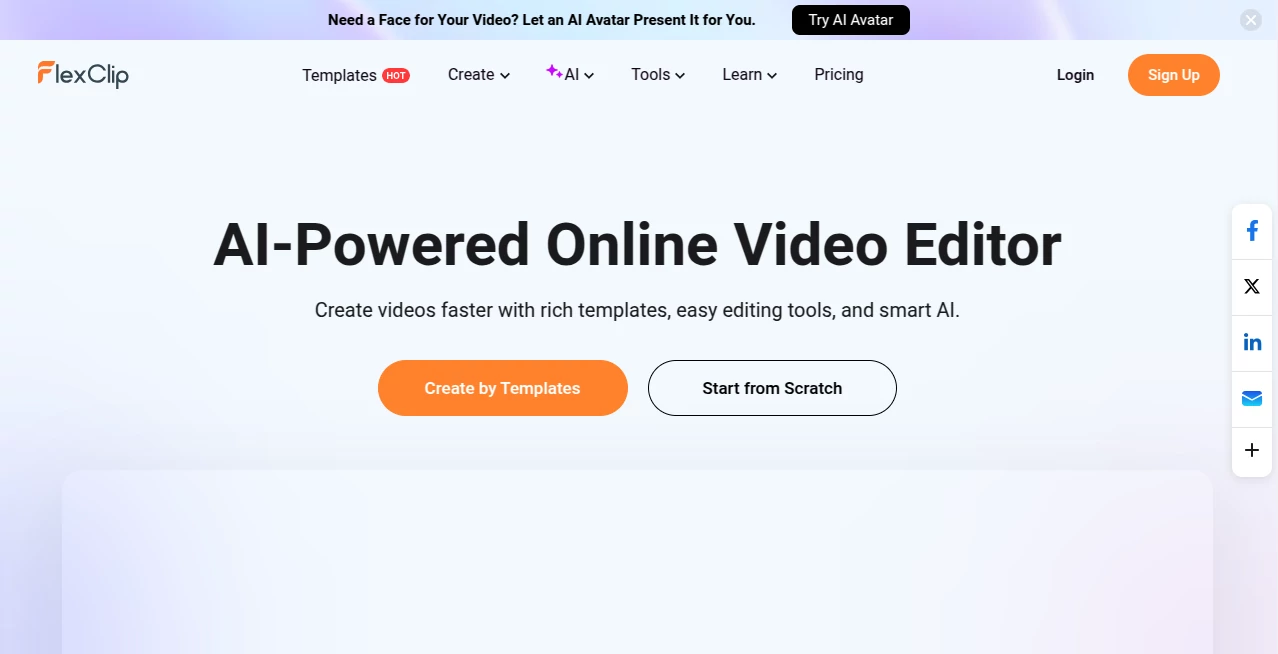
Creating engaging videos used to require professional editing skills, expensive software, and hours of learning complex tools. Today, things are different. This platform makes video creation feel surprisingly simple, even for complete beginners. Whether you're building a marketing video, a social media clip, or a personal slideshow, everything is designed to be fast, intuitive, and visually impressive.
What stands out immediately is how accessible the entire experience feels. You don’t need to be a designer or editor. You just pick a template, customize it, and your content starts to look like something made by a professional studio.
Key Features
User Interface
The interface is clean and straightforward. Everything is drag-and-drop, which removes the usual frustration of timeline editing. Even first-time users can navigate through templates, media uploads, and editing tools without confusion. It feels more like assembling a story than editing a video.
Accuracy & Performance
Performance is smooth, with quick rendering times and responsive editing controls. Pre-designed templates are well-structured, helping users maintain consistency in transitions, timing, and layout without needing manual adjustments.
Capabilities
- Thousands of ready-made video templates
- Stock media library including video, images, and music
- Text animation and dynamic transitions
- Voiceover and subtitle options
- Cloud-based editing with no installation required
Security & Privacy
Projects are stored securely in the cloud, allowing users to access their work from any device. The platform ensures that uploaded files remain private and are only accessible to the account owner, which is essential for business and client-based work.
Use Cases
- Social media content creation for platforms like Instagram, TikTok, and YouTube
- Marketing and promotional videos for small businesses
- Educational and training materials for online courses
- Personal video slideshows for events and memories
- Explainer videos for products or services
Pros and Cons
Pros
- Beginner-friendly interface
- Large library of templates
- No software installation required
- Fast rendering and export
- Great for marketing and social media content
Cons
- Advanced editors may find limitations in customization
- Some premium assets require paid access
- Internet connection required for full functionality
Pricing Plans
The platform typically offers a flexible pricing structure, including a free option with basic features and premium plans that unlock advanced templates, higher export quality, and access to expanded media libraries. This makes it suitable for both casual users and professional creators.
How to Use This Tool
Getting started is simple and doesn’t require any technical background. After creating an account, users can choose a template that fits their project. From there, it’s a matter of dragging and dropping media, editing text, and adjusting timing. Once satisfied, the video can be exported in a few clicks and shared directly to social platforms or downloaded for use elsewhere.
Comparison with Similar Tools
Compared to traditional desktop editing software, this platform removes the complexity of timelines and heavy rendering systems. While professional tools may offer deeper control, this solution focuses on speed, simplicity, and accessibility. It is especially strong when compared to other browser-based editors due to its balance of templates, ease of use, and output quality.
Conclusion
For anyone looking to create polished videos without the learning curve of professional editing software, this platform is a strong choice. It bridges the gap between simplicity and quality, making video creation accessible to marketers, educators, and everyday users alike. The combination of templates, ease of use, and cloud convenience makes it a practical solution for modern content creation needs.
Frequently Asked Questions (FAQ)
- Is it suitable for beginners? Yes, the platform is designed specifically for users with little or no editing experience.
- Do I need to install software? No, everything works directly in the browser.
- Can I use it for commercial projects? Yes, many users create marketing and business videos with it.
- Does it support social media formats? Yes, it includes presets for major platforms like YouTube, Instagram, and TikTok.
AI Animated Video , AI Video Editor , AI Video Generator .
These classifications represent its core capabilities and areas of application. For related tools, explore the linked categories above.

FlexClip Alternatives Product

sora video

Banana 2 Edi…

Seedance2 Vi…

Motion Contr…
Veo 3.2 AI V…

v04 ai

Seedance 2.0

vei4 ai
Seedance 2.0…