
Flick
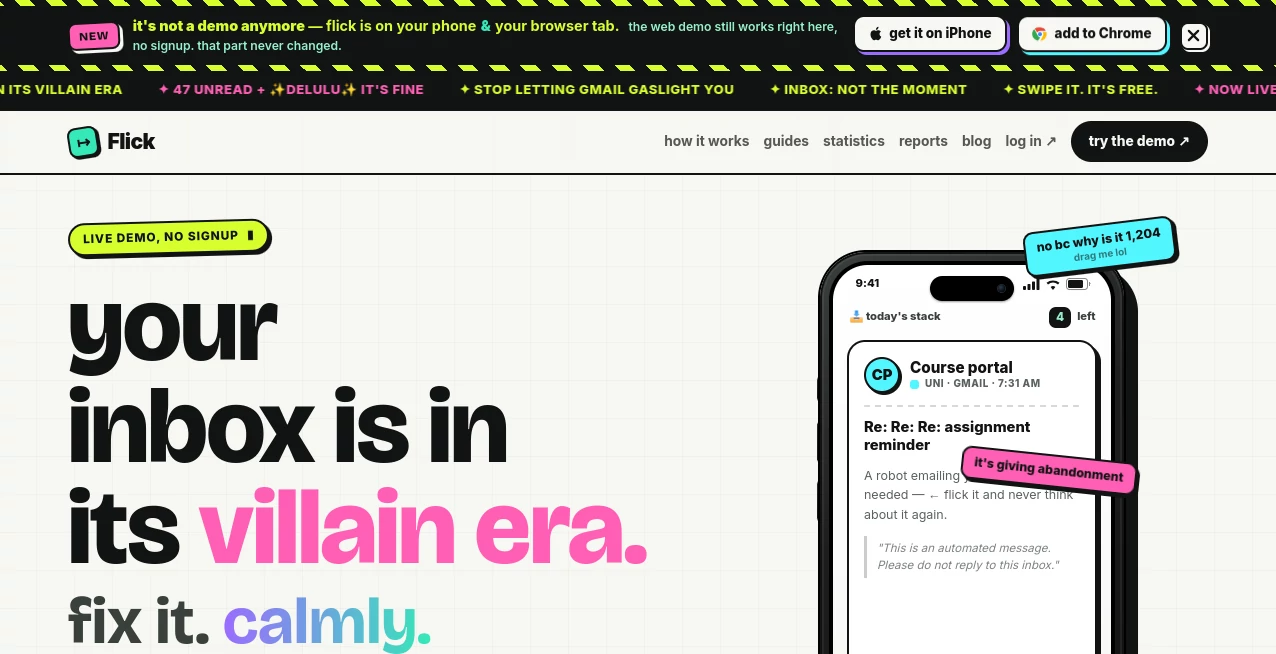
What is Flick?
In a world where inboxes are flooded every second, creating emails that stand out has become more of an art than a task. This platform is designed to simplify that challenge by helping individuals and teams craft well-structured, engaging, and conversion-focused emails without the usual friction.
Instead of spending hours fine-tuning tone, layout, or wording, users can focus on their message while the system handles the structure and clarity. It feels less like a tool and more like a thoughtful assistant sitting beside you while you write.
Key Features
User Interface
The interface is clean and distraction-free, built for speed and clarity. Everything is placed where you expect it to be, so even first-time users can start creating emails without a learning curve.
Accuracy & Performance
Performance is smooth and responsive, even when handling longer email drafts or complex marketing sequences. The output remains consistent in tone and formatting, reducing the need for repeated edits.
Capabilities
- Email content generation for marketing and communication
- Smart structuring of subject lines and body content
- Assistance with persuasive and professional tone adjustments
- Support for campaign-style messaging and newsletters
- Optimization suggestions for better engagement
Security & Privacy
Data handling is treated with care, ensuring that user-generated content remains private and protected. The system is designed with modern security practices to maintain trust and reliability.
Use Cases
This platform is useful for marketers, freelancers, startup founders, and even customer support teams. Whether you are sending a product update, a promotional campaign, or a simple follow-up email, it helps shape messages that feel natural and purposeful.
Many users also rely on it to overcome writer’s block when trying to craft the perfect opening line or subject line that encourages higher open rates.
Pros and Cons
Pros
- Fast and intuitive email creation process
- Produces clean and structured content
- Useful for both beginners and professionals
- Helps improve engagement quality
Cons
- Advanced customization options may feel limited for power users
- Requires internet connection for full functionality
Pricing Plans
The platform typically offers flexible pricing options to accommodate different users, from individuals handling occasional emails to businesses managing large-scale campaigns. Free access is usually available with basic features, while premium tiers unlock advanced capabilities and higher usage limits.
How to Use
Getting started is straightforward. Users begin by selecting the type of email they want to create, entering a short description of their goal, and then allowing the system to generate a structured draft.
From there, adjustments can be made to tone, length, and messaging style. Once satisfied, the email can be copied or exported for immediate use in any email client or marketing system.
Comparison with Similar Tools
Compared to traditional email writing assistants, this platform focuses more on clarity and conversion-driven structure rather than just grammar correction. While many tools help polish text, this one emphasizes shaping the entire message flow from subject line to closing statement.
It sits comfortably between basic writing assistants and advanced marketing automation platforms, making it a flexible choice for a wide range of users.
Conclusion
For anyone looking to improve the quality and effectiveness of their email communication, this platform offers a balanced mix of simplicity and functionality. It removes unnecessary complexity while still delivering professional-grade results that can enhance engagement and response rates.
Frequently Asked Questions (FAQ)
Is this platform suitable for beginners?
Yes, it is designed with simplicity in mind, making it easy for anyone to start creating emails without prior experience.
Can it be used for marketing campaigns?
Yes, it supports structured messaging that works well for promotional and marketing emails.
Does it require technical knowledge?
No technical background is needed. The workflow is intuitive and guided.
Can I edit the generated content?
Yes, all generated content can be adjusted and refined according to your needs.
AI Newsletter , AI Email Assistant , AI Email Generator , AI Email Marketing .
These classifications represent its core capabilities and areas of application. For related tools, explore the linked categories above.

Flick Alternatives Product

Jasper

Beacons

Agentys

ModelsLab

Sendmux

UPDF AI

HealCycle

Domer

IntoTheBlock