
FramerHub
What is FramerHub?
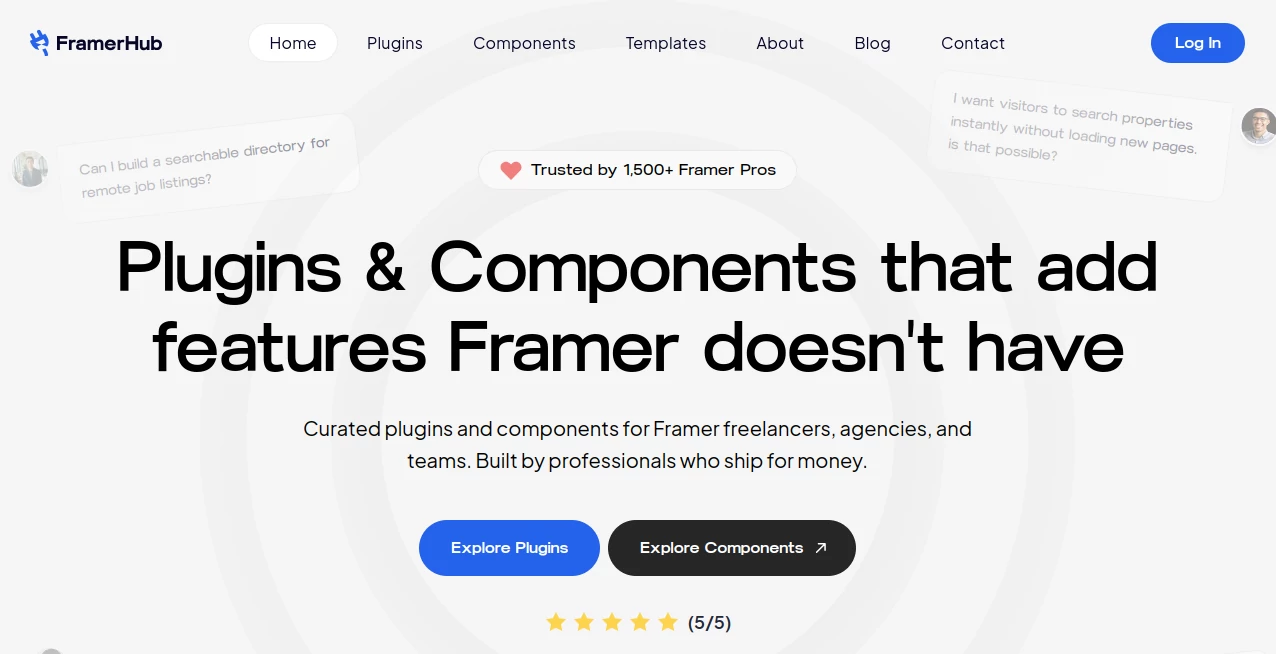
FramerHub is a curated collection of plugins and components built for designers, freelancers, agencies, founders, and teams who want to push Framer beyond its standard feature set. Instead of rebuilding advanced interactions or writing custom code for common website functions, users can add ready-to-use tools directly to their Framer projects.
The platform focuses on practical problems that often appear when building production websites. Dynamic CMS filtering, advanced forms, galleries, scheduling, tables, interactive effects, navigation elements, and e-commerce integrations are among the areas covered. The idea is simple: spend less time solving repetitive technical problems and more time designing the actual website.
With more than 1,500 Framer professionals using its ecosystem, the platform has positioned itself as a useful resource for people who regularly create websites for themselves or clients.
Key Features
The collection combines plugins with individual code components, giving Framer users several ways to add functionality without starting from scratch.
- Ready-to-use plugins for CMS, forms, scheduling, utilities, design workflows, and integrations.
- Premium code components covering galleries, sliders, animations, WebGL effects, navigation, typography, and interactive experiences.
- Copy-and-paste installation that avoids traditional coding workflows.
- Customizable properties for colors, fonts, spacing, and other visual settings.
- Components designed with CMS compatibility in mind.
- Free components and paid products for different project requirements.
User Interface
The experience is designed around the way Framer designers already work. Components can be copied into a project and then adjusted through familiar properties rather than forcing users into a separate development environment.
The component library is also organized around practical categories such as WebGL, typography, interactive elements, scrolling, CMS, galleries, navigation, overlays, and sliders. That makes it easier to find a specific visual effect instead of browsing through a completely unstructured collection.
For someone building a portfolio, for example, adding an animated gallery or interactive hero effect can be considerably quicker than creating the same interaction from the ground up.
Accuracy & Performance
Performance matters particularly when interactive components are used on production websites. The platform describes its components as performance-focused, while individual products provide more specific implementation details. For example, its interactive gallery components use optimized animation techniques and recommend appropriately sized web images to maintain smooth scrolling.
The practical result depends on the component, the assets used, and the complexity of the Framer project. A well-optimized component can save development time, but designers should still avoid loading unnecessary effects or oversized media on pages where speed is important.
Capabilities
The range of functionality is one of the strongest parts of the collection. Current plugins include tools for advanced CMS filtering, forms, reusable components, asset management, CMS scheduling, and data tables, while the component library includes interactive galleries, animated typography, particle effects, 3D visuals, sliders, popups, breadcrumbs, and other website elements.
Some components are deliberately simple. Others are designed to create visual effects that would normally require custom JavaScript or WebGL work. This makes the library useful for both quick client projects and more ambitious interactive websites.
Security & Privacy
The available public information does not present the product as a security or privacy platform, so security-sensitive claims should be evaluated according to the specific plugin being installed and the data it handles.
From a licensing perspective, the service clearly distinguishes between free and paid components. Free components can be used in personal and commercial client projects under the stated license, while paid components generally provide usage rights for personal and client work. Redistribution and reselling of the underlying components are restricted.
Payments are processed through LemonSqueezy, and the published terms state that paid components and bundles are covered by a 14-day money-back guarantee, subject to the listed conditions.
Use Cases
The collection is particularly useful for people who build websites in Framer regularly and frequently encounter the same limitations.
- Freelancers: Add advanced functionality to client websites without spending hours developing custom components.
- Design agencies: Speed up production by reusing tested building blocks across multiple projects.
- Portfolio websites: Create interactive galleries, animated typography, sliders, and visual effects.
- CMS-heavy websites: Add filtering, galleries, tables, navigation helpers, and other content-focused functionality.
- Marketing websites: Improve landing pages with interactive sections, popups, animations, and conversion-focused elements.
- Creative websites: Add 3D, particle, WebGL, and experimental visual effects without developing everything from zero.
- Client projects: Deliver more sophisticated websites while keeping the workflow inside Framer.
Pros and Cons
Pros
- Large selection of Framer-focused plugins and components.
- Strong emphasis on practical website-building problems.
- Many components can be installed without traditional coding.
- Free components are available alongside premium options.
- Components can be customized to match an existing design system.
- Useful for freelancers and agencies working on multiple Framer projects.
- Individual components can be purchased instead of committing to a large software subscription.
Cons
- The collection is specifically focused on Framer rather than general web development.
- Some plugins and integrations are still listed as upcoming.
- Individual components can have different licensing terms, so users should check the product page before using them across multiple client projects.
- Advanced visual effects may require careful asset and performance optimization.
Pricing Plans
The pricing model is based primarily on individual plugins and components rather than a single mandatory subscription. The current component collection includes free products as well as paid components, with individual examples ranging from around $5 to $29.
A full-access option for the component library is also advertised at $99. Individual products can therefore make sense for designers who only need one particular feature, while the broader bundle is more attractive for people who frequently build Framer projects and want access to a larger toolkit.
Plugin pricing can vary by product, with the platform stating that plugins may be sold as standalone purchases, either as one-time purchases or subscriptions depending on the product.
How to Use It
Getting started is straightforward. First, browse the available plugins or components and choose the feature that matches the requirement of your Framer project.
- Select the plugin or component you want to use.
- Review its features, compatibility, pricing, and licensing information.
- Purchase the product if it is paid, or select a free component when available.
- Access the component through the provided dashboard or installation workflow.
- Copy the component into your Framer project.
- Adjust its available properties to match your website's design.
- Preview the result and optimize images or animations when necessary.
No traditional programming knowledge is required for the standard copy-and-paste workflow. This is especially convenient for designers who are comfortable with Framer but would rather not write custom code for every advanced interaction.
Comparison with Similar Tools
Compared with general-purpose website component libraries, this collection has a much narrower but more useful focus for Framer users. A generic JavaScript component library may offer greater technical flexibility, but it can also require development knowledge and manual integration.
Framer-focused resources have the advantage of fitting directly into an existing visual workflow. Instead of translating a generic component into a Framer project, designers can work with components created specifically for the platform.
It is also different from a traditional website template marketplace. Templates provide a starting design, whereas these plugins and components are primarily intended to add individual capabilities to an existing Framer project. For a designer who already has a website structure and only needs advanced filtering, a gallery, animation, popup, or interactive effect, this approach can be considerably more practical.
Conclusion
For Framer professionals, the biggest appeal here is not simply the number of components available. It is the focus on removing the small technical obstacles that can slow down a real website project. A designer can keep working inside Framer while adding functionality that would otherwise require custom development.
The combination of free resources, individual paid components, plugins, and broader access options gives users flexibility in how much they want to invest. A freelancer might only need one $9 component for a client project, while an agency could benefit from having a larger collection available.
If your Framer projects regularly reach the point where the visual design is finished but a missing feature starts demanding custom development, this collection is worth exploring. It turns many of those common gaps into ready-to-use building blocks and can make the final stage of a website project considerably smoother.
Frequently Asked Questions (FAQ)
Do I need coding knowledge to use the components?
No. The platform states that its plugins and components use a copy-and-paste workflow and can be customized through properties inside Framer, similar to native components.
Do the components work with different Framer plans?
Yes. The published information states that the products work with Free, Mini, Basic, Pro, and Enterprise Framer plans without special requirements.
Can I customize the components?
Yes. Components expose properties that can be adjusted for elements such as colors, fonts, spacing, and other visual settings, allowing them to fit an existing brand or website design.
Are there free components?
Yes. The library contains free components as well as paid products. Some plugins are also listed as free, while others are paid or still being developed.
Can components be used for client projects?
Yes, the published licensing terms allow the relevant free and paid components to be used in personal and client projects, although the exact license should be checked for the individual product.
Is there a bundle option?
Yes. The component library currently advertises an all-components option for $99, while individual components can also be purchased separately.
Are new plugins being added?
Yes. The platform is continuing to develop plugins covering areas such as galleries, e-commerce, content operations, workflow automation, and other Framer functionality.
What happens if I have a problem with a component?
Product support is available through the service's support and contact channels. The platform states that users can contact the team when they encounter bugs or need assistance.
Does the collection include CMS-focused tools?
Yes. CMS functionality is one of its stronger areas, with tools for filtering, galleries, scheduling, tables, navigation, and other CMS-related workflows.
Other .
These classifications represent its core capabilities and areas of application. For related tools, explore the linked categories above.

FramerHub Alternatives Product

Bulletin

Middle Name …

Hunty Zombie…

Hall Of Tarot

gpt-plus.ai

grow a garde…

NYT Sudoku

X-Installer

Hugging Face