
KVORUM
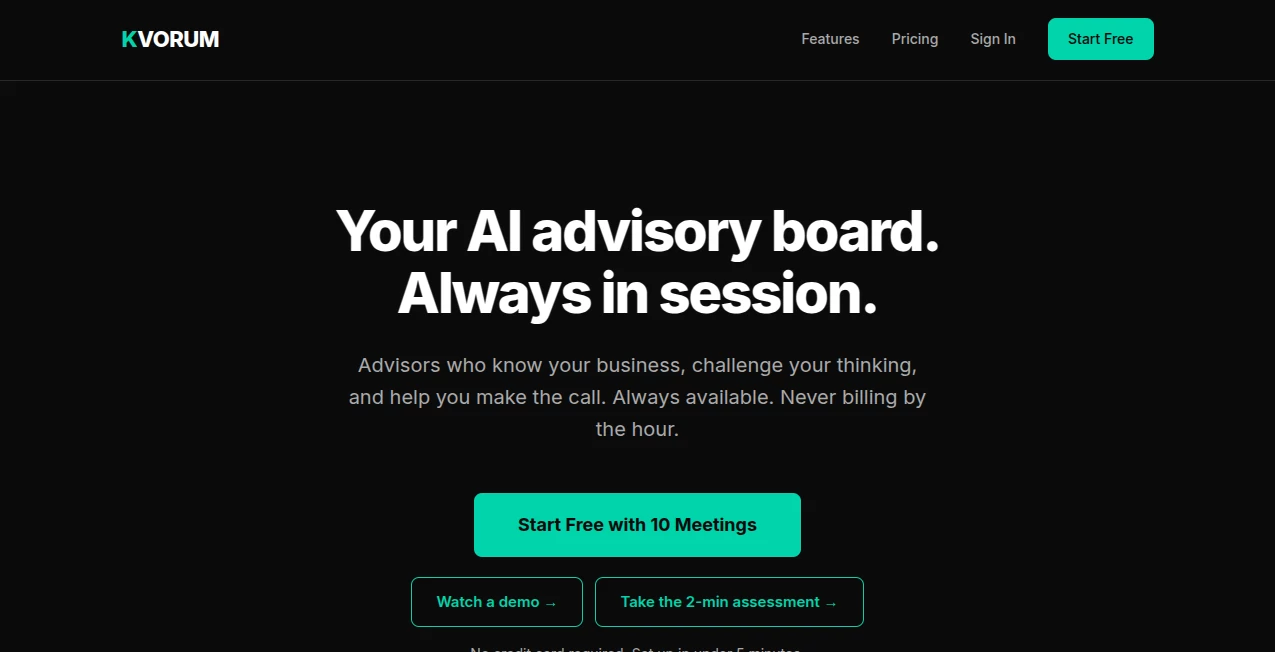
What is KVORUM?
Kvorum is an AI-powered advisory board designed for founders and business teams who need thoughtful input before making important decisions. Instead of receiving a single generic answer, users can bring a business problem to a virtual board made up of five specialized AI advisors, each approaching the situation from a different professional perspective.
The concept is particularly useful for founders who may not have access to a full advisory team. A pricing decision, a marketing investment, a new growth channel, an operational problem, or a customer retention issue can be examined from several angles before a final decision is made.
The experience starts with a simple business briefing. Users can describe their company and provide supporting material such as a pitch deck, P&L statement, or brand guide. The advisors use that context during meetings, which makes the discussion more relevant than starting from scratch with every question.
Key Features
- Five specialized AI advisors covering growth, branding, operations, finance, and customer experience.
- Business-aware discussions based on information supplied by the user.
- Advisor debate rather than a single one-dimensional response.
- Document uploads for business materials and supporting information.
- Saved meetings so previous decisions and context can be revisited.
- Action-oriented recommendations focused on real business decisions.
- Export options available on paid plans.
- Google Workspace and ClickUp integrations on the Pro plan.
- Multiple seats for teams and leadership groups on higher plans.
User Interface
The interface follows a straightforward meeting-based approach rather than trying to overwhelm users with a large collection of controls. The onboarding process is intentionally short: users can sign in with Google, describe their business, and begin their first meeting.
The advisory board itself is organized around recognizable roles. A growth strategist looks at acquisition and conversion, a brand specialist considers positioning and creative direction, an operations advisor examines execution, a finance specialist focuses on profitability, and a customer experience advisor considers retention and loyalty.
That division of responsibility makes the conversation easy to follow. Instead of one assistant jumping between unrelated viewpoints, the discussion feels more like bringing several specialists into the same room.
Accuracy & Performance
The value of the system depends heavily on the quality of the business context provided to it. Users can upload documents such as PDF, Word, Excel, PowerPoint, CSV, and plain-text files, with the security page specifying a maximum file size of 25MB and up to 10 files per account.
Rather than presenting its output as a replacement for professional judgment, the platform is best viewed as a structured thinking partner. Its strongest use is helping a founder uncover assumptions, compare alternatives, and consider financial, operational, marketing, and customer consequences before committing to a decision.
One especially useful detail is that the advisors can disagree. For a founder, that can be more valuable than receiving a perfectly agreeable answer because disagreement can expose an assumption that deserves another look.
Capabilities
The advisory team covers five distinct areas. The growth role focuses on CAC, LTV, channel selection, paid acquisition, and conversion funnels. The brand and creative role deals with positioning, messaging, differentiation, and creative direction.
The operations role examines processes, team structure, vendors, and scaling systems, while the finance role looks at unit economics, cash flow, pricing, and contribution margin. The customer experience role adds another perspective through retention, NPS, loyalty, post-purchase flows, and community building.
Together, these perspectives make the platform suitable for decisions where several parts of a business are connected. For example, reducing acquisition costs may affect brand positioning, customer quality, profitability, and retention at the same time. A multi-perspective discussion can make those trade-offs easier to see.
Security & Privacy
Privacy is an important part of the product because users may provide sensitive business information. Each account has an isolated environment, with documents, meeting transcripts, agent memory, and the knowledge base separated by account.
Uploaded files are processed and then discarded rather than being permanently stored as original files. The extracted knowledge used by the advisors remains privately associated with the user's account. Users can also delete individual documents, while account deletion removes the associated knowledge, transcripts, agent memory, and account record.
The company states that customer data is not used to train its models. Its security roadmap also identifies encryption at rest, AWS S3 storage with server-side encryption, SOC 2 Type I certification, and GDPR/CCPA documentation as areas being developed.
Use Cases
The platform is especially well suited to founders who regularly make decisions without access to an in-house advisory team. A startup preparing to increase advertising spend could use a meeting to examine acquisition costs, profitability, brand positioning, and customer quality before increasing the budget.
It can also be useful when considering pricing changes. A founder could provide financial information and ask the board to examine the possible impact on margins, customer perception, retention, and growth.
Other practical scenarios include evaluating a new marketing channel, preparing for expansion, reviewing operational bottlenecks, considering a vendor change, improving customer retention, or deciding whether a growth opportunity is actually worth pursuing.
Pros and Cons
- Pros: Multiple specialized perspectives, business-specific context, structured advisor debate, saved meetings, document support, team plans, and a simple onboarding process.
- Pros: Ten free meetings are included before choosing a paid plan, and no credit card is required to start.
- Cons: The quality of recommendations depends on the accuracy and completeness of the business information provided.
- Cons: It is an advisory aid rather than a substitute for experienced human professionals in high-stakes financial, legal, or strategic matters.
- Cons: Some useful integrations and export formats are limited to higher-priced plans.
Pricing Plans
The pricing structure is divided into three main plans. The Starter plan costs $49 per month and includes one seat, 20 meetings per month, five AI advisors, document uploads, and exports. Additional meetings are charged at $5 each.
The Pro plan costs $149 per month and supports up to three seats with 50 shared meetings per month. It adds Superpower mode, Google Workspace and ClickUp integrations, all listed export formats, and email support.
The Enterprise plan costs $499 per month and supports up to five seats with 150 shared meetings per month. It includes the Pro features plus priority email support. Custom plans are available for organizations needing more seats, higher meeting volume, SSO, or data residency options.
Every plan begins with 10 free meetings, and the service states that no credit card is required to start the free access.
How to Use It
- Sign in with Google and set up your account.
- Describe your business in one sentence so the advisors have an initial understanding of the company.
- Upload relevant business documents such as a pitch deck, financial statement, or brand guide when additional context is useful.
- Start a meeting around a specific decision rather than asking a broad, undefined question.
- Answer the advisors' clarifying questions so they can understand the situation properly.
- Review the different perspectives and pay particular attention to disagreements or assumptions that need further investigation.
- Use the resulting recommendations as input for your final business decision.
Comparison with Similar Tools
Traditional AI chatbots generally provide an answer from a single conversational perspective. Business consultants, on the other hand, offer human experience and organizational context but can be expensive and difficult to access for an early-stage company.
This product takes a middle path. Its defining feature is not simply access to an AI model, but the structure around that model: five distinct advisor roles, a shared business context, clarification before recommendations, and discussion between different viewpoints.
For someone who already uses general-purpose AI for quick questions, the main attraction is therefore the advisory workflow rather than another place to type a prompt. It is designed around decisions, not just answers.
Conclusion
For founders who often find themselves making important calls alone, an organized second opinion can be surprisingly valuable. The platform turns that idea into a practical AI advisory board with dedicated perspectives across growth, branding, operations, finance, and customer experience.
Its strongest advantage is the combination of business context and disagreement. Instead of simply producing one polished response, the advisors can approach the same decision from different angles and challenge the assumptions behind it.
It is not a replacement for experienced accountants, lawyers, consultants, or executive advisors when specialist human judgment is required. But for everyday strategic thinking, planning, and decision preparation, it offers an interesting way for founders and small teams to get broader input without building a traditional advisory board.
Frequently Asked Questions (FAQ)
What is this platform designed for?
It is designed for founders and business teams that want structured AI-based advice when facing important business decisions.
How many AI advisors are included?
The advisory board includes five specialized roles covering growth strategy, brand and creative, operations, finance and profitability, and customer experience.
Can I upload business documents?
Yes. Supported formats include PDF, Word, Excel, PowerPoint, CSV, and plain text. The security documentation states that individual files can be up to 25MB, with a maximum of 10 files per account.
Are uploaded files permanently stored?
No. The service states that original uploaded files are processed and discarded. Extracted knowledge is retained privately in the account so the advisors can use the relevant information during future discussions.
Does it remember previous meetings?
Yes. Meetings are saved, and the advisory system can retain relevant business context so future discussions can build on previous decisions.
Is there a free option?
Every plan starts with 10 free meetings, and no credit card is required to begin.
Can teams use the platform?
Yes. The Pro plan supports up to three seats, while Enterprise supports up to five seats. Custom plans are available for larger requirements.
Does it replace a human business consultant?
No. It is better considered a decision-support tool. Human experts remain important for situations requiring professional accountability, specialized expertise, or complex real-world judgment.
AI Research Tool , AI Consulting Assistant , Business .
These classifications represent its core capabilities and areas of application. For related tools, explore the linked categories above.

KVORUM Alternatives Product

LazyLister

Lessie AI

Construction…

Aiso

LocalRAG!

LSGRO

Best of AI

AI Podcast I…

Sellerview.ai