
MoneyPrinterTurbo Online
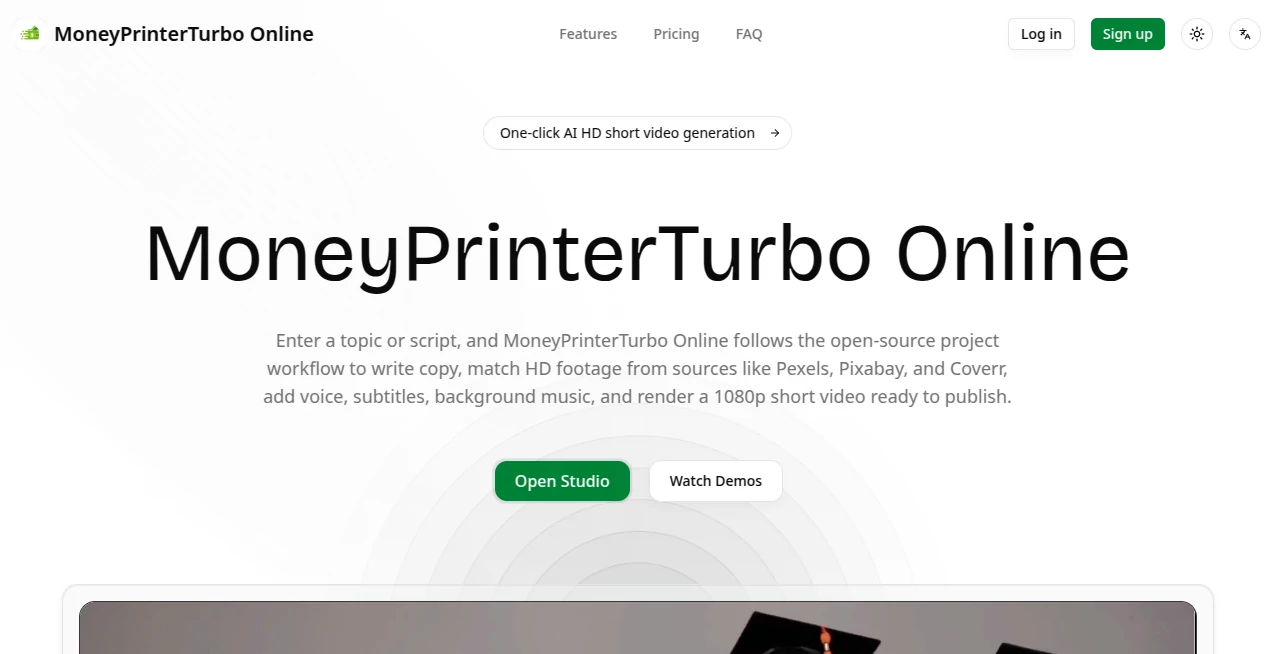
What is MoneyPrinterTurbo Online?
Creating a short video often involves more work than it seems. A creator may need to write a script, find suitable footage, record narration, add subtitles, choose background music, and then assemble everything into a finished video. MoneyPrinterTurbo Online brings these steps into one browser-based workflow, allowing users to start with a topic, keyword, or their own script and turn it into a publish-ready HD video.
The platform is designed around a straightforward idea: reduce the amount of manual production work between an idea and a finished video. It can prepare video copy, match footage from sources such as Pexels, Pixabay, and Coverr, generate voice narration, add subtitles and background music, and render the result at 1080p.
For someone producing frequent social media content, this approach can be particularly useful. Instead of opening several different tools for each stage of production, the main workflow stays in one online workspace.
Key Features
- AI-assisted script and video copy generation from a topic or keyword.
- Support for using a custom script when users already have their own content.
- HD video output in both portrait 9:16 and landscape 16:9 formats.
- Automatic footage matching using sources such as Pexels, Pixabay, and Coverr.
- Support for uploading personal images, video clips, and audio.
- AI voice generation with adjustable voice-related settings.
- Automatic subtitle generation with customizable presentation options.
- Background music support with adjustable settings.
- Browser-based task submission and progress tracking.
- Online preview and download of completed videos.
User Interface
The online workflow keeps the process relatively simple. Users provide a topic or script, select the desired video ratio, configure footage, voice, subtitles, and background music, and then submit the generation task. Once processing is complete, the finished video can be previewed or downloaded from the workspace.
This setup is a good fit for creators who do not want to deal with local installations, Python environments, FFmpeg configuration, models, or API keys. The online version handles the technical runtime on the backend, so the user can work through a normal browser.
Accuracy & Performance
The quality of the final video depends heavily on the topic, script, selected footage, voice configuration, and other production settings. A clear topic gives the system a better starting point, while supplying your own script can provide more control over the final message.
The workflow is especially practical for straightforward informational, educational, promotional, and social media videos where stock footage and narration are appropriate. The service currently focuses on 1080p portrait and landscape output, giving creators formats that fit platforms such as TikTok, Instagram Reels, YouTube Shorts, and conventional website video.
Capabilities
One of the strongest aspects of the platform is how many production stages are connected together. A single project can move from an idea or finished script to footage selection, narration, subtitles, music, and final rendering.
Users can choose between automatically prepared copy and their own script. They can also use public HD footage or upload their own media. Voice speed and volume, subtitle style and position, and background music can be adjusted before rendering.
The underlying workflow is also influenced by the open-source MoneyPrinterTurbo project, whose broader ecosystem supports integrations with several AI model providers. The online service packages this concept into a hosted experience that is easier to access without configuring the original local environment.
Security & Privacy
The service states that it collects information such as names, email addresses, contact details, usage data, IP addresses, browser information, and operating system information. It says this information may be used to operate and maintain the service, provide support, analyze usage, and detect technical problems.
The privacy policy also states that appropriate security measures are used to protect personal information. Users should still review the current privacy policy before uploading confidential business material or sensitive media, particularly when working with client-owned content.
Use Cases
This type of automated workflow can be useful across several content-production scenarios.
- Short-form social content: Create portrait videos suitable for TikTok, Instagram Reels, and YouTube Shorts.
- Educational content: Turn a lesson, fact, explanation, or research topic into a narrated video.
- Marketing: Produce product explainers, promotional clips, and informational videos without building every scene manually.
- Faceless channels: Create narration-driven videos using stock footage instead of appearing on camera.
- Website content: Generate landscape videos for landing pages, blogs, and other web properties.
- Content testing: Produce multiple variations of an idea and determine which format or topic performs best.
For example, a creator could start with a topic such as “five practical ways to improve productivity.” The workflow can prepare the copy, locate relevant footage, add narration and subtitles, and assemble the material into a short video. The creator can then refine the settings or provide custom media when a more specific visual direction is required.
Pros and Cons
Pros
- Combines several video-production steps in one workflow.
- Works directly through a browser without requiring local installation.
- Supports both 9:16 and 16:9 video formats.
- Can work from either an idea or a user-written script.
- Provides access to public footage sources as well as user uploads.
- Includes narration, subtitles, and background music in the generation workflow.
- Produces 1080p output suitable for many common publishing scenarios.
Cons
- Automatically selected footage may not always match the creator's exact visual preference.
- Results can vary depending on the quality and clarity of the topic or script.
- Users looking for highly customized cinematic editing may still prefer a traditional video editor.
- Commercial or sensitive projects should be reviewed carefully against the current terms and privacy documentation.
Pricing Plans
The website includes a dedicated pricing section for choosing a plan, although the publicly indexed page does not expose the individual plan prices and limits in its accessible content. For that reason, it is better to check the current pricing displayed in the service before purchasing rather than relying on outdated third-party figures.
This is particularly important for frequent video producers because the practical value of an online video generator depends not only on the subscription price but also on generation limits, rendering capacity, available credits, and the amount of content that can be produced each month.
How to Use It
- Open the online video studio.
- Enter a topic, keyword, or your own completed script.
- Select a video ratio, such as 9:16 for short-form platforms or 16:9 for landscape content.
- Choose the footage source or upload your own images, video clips, or audio.
- Configure the voice, subtitles, and background music.
- Submit the generation task and monitor its progress.
- Preview the completed video in the workspace.
- Download the rendered HD video when it meets your requirements.
The workflow is intentionally uncomplicated. If the first result does not feel quite right, users can improve the input by writing a clearer script, changing the footage source, adjusting the voice or subtitle settings, or uploading their own visual material.
Comparison with Similar Tools
Many AI video platforms concentrate on generating original visual scenes from prompts, while this workflow takes a different route. It is built around assembling short videos from a topic or script, matched footage, narration, subtitles, music, and final rendering.
That distinction makes it particularly attractive for users who need practical content production rather than purely experimental text-to-video generation. Someone running a faceless social channel, for instance, may benefit more from quickly combining narration with relevant stock footage than from generating every visual frame from scratch.
It also has an advantage for users who prefer control over their source material. The ability to upload personal images, clips, and audio means the workflow does not have to rely entirely on automatically selected footage.
Conclusion
For creators who regularly need short videos, the biggest appeal here is simplicity. The platform connects scripting, footage selection, narration, subtitles, music, and rendering into a single online process, while supporting both vertical and horizontal 1080p output.
It is not intended to replace every professional video-editing workflow. Instead, it shines when the goal is to move quickly from an idea or script to a finished, presentable video. For social media creators, marketers, educators, and anyone experimenting with faceless video content, that can remove a surprising amount of repetitive production work.
The combination of browser-based access, customizable production settings, stock-footage sources, and support for personal media makes it a practical option for users who want to produce more video without spending their time on every individual editing step.
Frequently Asked Questions (FAQ)
Can I create a video using only a topic?
Yes. Users can enter a topic or keyword and let the workflow prepare the script, match footage, add voice, subtitles, and background music before rendering the final video.
Can I use my own script?
Yes. The workflow supports both AI-prepared copy and a script supplied by the user.
What video formats are supported?
The online service supports 9:16 portrait and 16:9 landscape HD output. These formats cover common uses such as Shorts, Reels, TikTok, YouTube, and website videos.
Do I need my own footage?
No. The service can match HD footage from sources such as Pexels, Pixabay, and Coverr. Users can also upload their own images, video clips, and audio when they want more control over the visuals.
Can I customize subtitles?
Yes. Subtitle style and position can be adjusted, along with other voice and background-music settings before rendering.
Does it require local installation?
No. The online version is designed to remove the local setup normally associated with the open-source workflow, allowing users to submit video-generation tasks directly from a browser.
Can I download the generated video?
Yes. After rendering, the finished video appears in the workspace, where it can be previewed, opened, or downloaded.
Is it suitable for social media videos?
Yes. Its 9:16 portrait output is specifically suitable for short-form platforms, while 16:9 output works well for YouTube, websites, and other landscape video placements.
Can I use personal media instead of automatically selected footage?
Yes. Uploading your own images, clips, or audio is supported and can be useful when the automatically matched footage does not provide the exact visual style you want.
What should I do if the generated video needs improvement?
Try providing a more specific topic or your own script, then experiment with the footage source, aspect ratio, voice, subtitle settings, and background music. Uploading your own visual material can also make the result more precise.
AI Video Generator , AI Short Clips Generator , AI Text to Video , AI Voice & Audio Editing .
These classifications represent its core capabilities and areas of application. For related tools, explore the linked categories above.
MoneyPrinterTurbo Online details
Website unavailable — View Alternatives
Pricing
- Freemium
Apps
- Web App
Categories

MoneyPrinterTurbo Online Alternatives Product

Kling 3 AI

Seedance 2 V…

Veo

Klyra AI

Runway Gen-4…

Seedance2 Vi…

Shoorts AI

Krisp

Fiddl.art