

















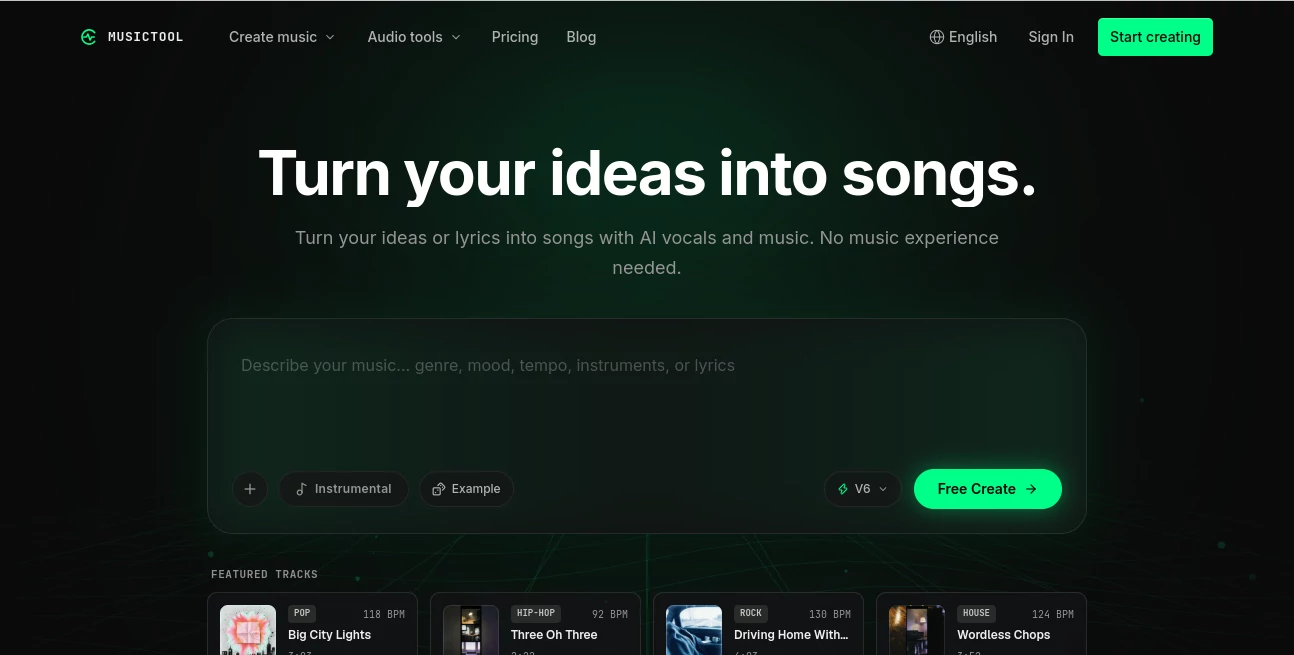
What is MUSICTOOL?
DescriptionMUSICTOOL brings AI song creation, lyric writing, stem separation, and audio editing into one browser workspace. Create from a prompt or your own audio, or ask the Music Agent to guide the workflow. Start with free credits.
Features
- AI song generation — Turn prompts or lyrics into songs with vocals, or create instrumental tracks.
- AI lyrics and lyric editor — Generate lyric drafts, compare alternatives, and rewrite or continue sections.
- Music Agent — Describe what you want to create or change. Review the proposed workflow and credit cost before paid steps run.
- AI music editing — Create covers, extend tracks, replace sections, and combine songs into mashups.
- Stem separation — Separate vocals and instruments for further editing.
- AI mastering — Prepare mastered versions of your tracks.
- Audio-to-MIDI conversion — Convert supported audio into editable MIDI.
- Sheet music recognition — Turn sheet music images into digital notation for playback and editing.
- Browser-based music tools — Find BPM and key, generate chord progressions, trim audio, adjust speed and pitch, and use a metronome or tuner.
- Music library and playback — Organize generated songs and uploaded audio, preview results, and return to them for further work.
- Flexible credits — Try AI features with free credits, then continue with a subscription or credit pack.
Use cases
- Songwriting and demos — Explore song ideas, develop lyrics, and hear different arrangements before recording.
- Content creation — Create music for videos, podcasts, streams, and social posts.
- Audio editing and remixing — Extend a track, change a section, create a cover, or experiment with a mashup.
- Vocal and instrumental practice — Separate a song into vocals and backing tracks, then adjust playback speed or pitch.
- Music production — Extract stems, convert audio to MIDI, and master tracks within the same workspace.
- Music learning — Identify tempo and key, explore chord progressions, and practice with browser-based tools.
- Working with sheet music — Digitize notation and use playback to study or check a piece.
- Guided music workflows — Ask the Music Agent to plan supported tasks and continue creating from completed results.