
















Paper Animation
What is Paper Animation?
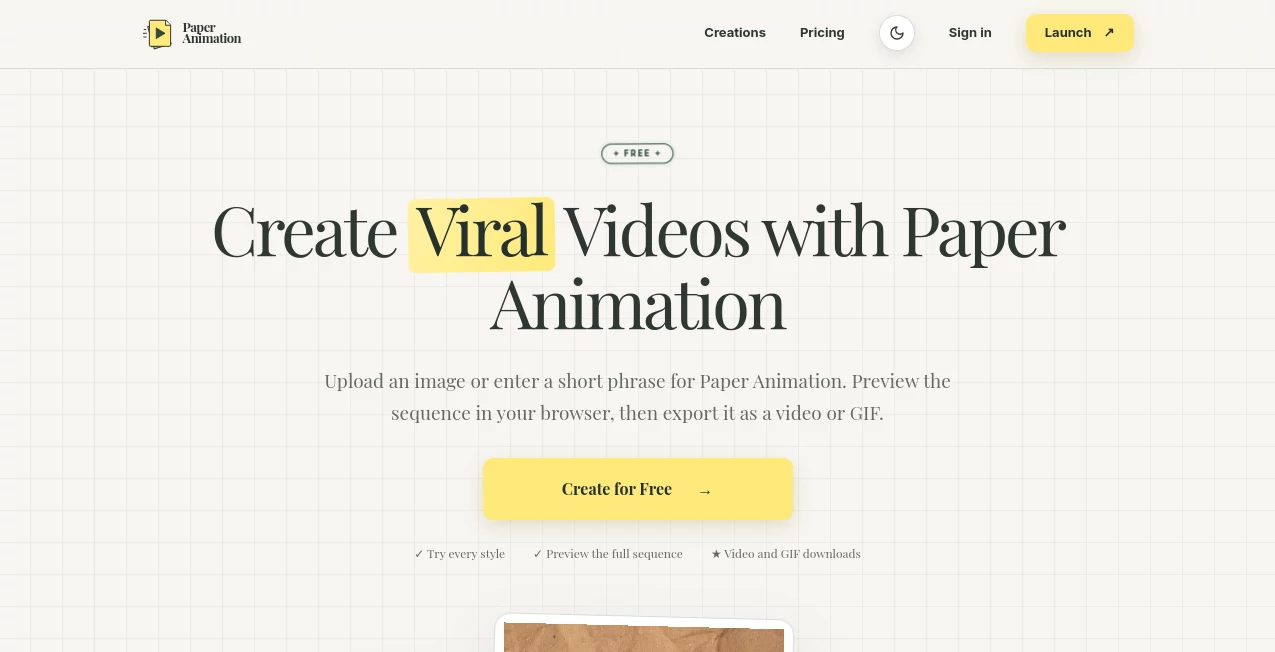
PaperAnimation is a browser-based creative tool that turns images and short phrases into eye-catching paper-inspired animations. Instead of relying on complicated video-editing software, creators can choose a style, adjust a few settings, preview the result, and export the finished animation as a video or GIF.
The concept is refreshingly focused. Rather than trying to be an all-purpose video editor, it specializes in tactile visual effects such as paper folds, newspaper highlights, magazine-style letters, and press-inspired motion. That makes it particularly useful when a standard static image feels a little too ordinary.
The workflow is also designed around quick content creation. A marketer preparing a campaign, a creator working on a Reel, or a teacher making a presentation can create a short animation without leaving the browser.
Key Features
- Paper Fold animations for PNG, JPG, and WebP images.
- Highlight, Magazine, and Press styles for short text phrases.
- Four distinct paper-inspired animation styles.
- Between 4 and 20 animation frames.
- Five aspect ratios including 1:1, 3:4, 4:3, 9:16, and 16:9.
- Adjustable colors, textures, frame count, animation type, and style-specific controls.
- Browser-based preview before exporting.
- Video and GIF export options.
- Local project saving in the browser.
- Free 720p exports with a watermark.
- Watermark-free and 1080p exports available through credits.
User Interface
The interface is built around a straightforward three-step process: choose a style, customize the animation, and download the result. This keeps the learning curve low, especially for people who do not regularly work with professional editing applications.
The editor provides a preview before export, so users can experiment with the animation rather than committing to the first version. Aspect ratio controls are particularly useful for social content because the same idea can be prepared for vertical, square, landscape, or widescreen formats.
Accuracy & Performance
For this type of creative application, performance is less about factual accuracy and more about producing a predictable animation from the selected settings. The editor gives users control over frame count, direction, visual settings, and composition before the final export.
All four styles support sequences ranging from 4 to 20 frames. Video encoding depends on the capabilities of the user's browser, with the editor selecting a compatible format when possible and using an alternative browser-supported encoder when necessary. GIF is available as a separate export option.
Capabilities
The strongest capability is its specialization. Paper Fold can transform a still image into a nine-stage paper reveal, with options to fold or unfold the image. The other styles take a different approach, turning short phrases into newspaper highlight, magazine letter, or press-style animations.
This makes the tool useful for visual hooks, intro cards, announcement graphics, chapter breaks, product moments, and short social-media sequences. A creator could, for example, turn a product image into a paper reveal for the opening seconds of a vertical video, while a podcast producer could animate an episode title or guest name.
Security & Privacy
One of the more notable privacy details is that the current editor processes and stores the working image in the user's browser rather than uploading it to the service's servers. Projects are also saved locally, meaning they can be reopened from the same browser and device.
This approach is convenient for users working with private source images, but it also means that clearing browser data or switching devices can remove access to locally saved projects. Export payments are handled securely through Stripe, and the service states that it does not see or store a user's full card number.
Use Cases
- Social Media Content: Create paper-style hooks, reveals, transitions, and promotional visuals for TikTok, Instagram Reels, and Stories.
- Marketing Campaigns: Give product announcements, launches, and event promotions a distinctive visual treatment.
- YouTube Editing: Produce intro cards, chapter breaks, announcement graphics, and B-roll overlays.
- Podcast Promotion: Animate episode titles, guest names, and memorable quotes for short promotional clips.
- Education: Highlight definitions, important terms, presentation titles, and other learning material with short animations.
- Brand Content: Add a tactile paper aesthetic to campaign assets without building the animation manually.
- Creative Experiments: Turn ordinary images and phrases into short visual sequences for personal projects.
Pros and Cons
- Pros: Very focused creative workflow.
- Pros: Four distinctive paper-inspired animation styles.
- Pros: Supports both images and short text depending on the selected style.
- Pros: Five useful aspect ratios for different publishing formats.
- Pros: Browser-based editing with no traditional video software required.
- Pros: Free watermarked 720p exports make it easy to test the workflow.
- Pros: Credits do not expire and there is no recurring subscription.
- Cons: The current collection is specialized rather than a complete video editor.
- Cons: Local project storage means projects do not automatically move between devices.
- Cons: Higher-resolution and watermark-free exports require credits.
Pricing Plans
The pricing model uses one-time credit purchases rather than a recurring subscription. Watermarked 720p exports are available for free, while successful 1080p or watermark-free video and GIF exports consume one credit.
- 1 Credit: $1.99
- 10 Credits: $3.99
- 50 Credits: $9.99
- 200 Credits: $19.99
Credits never expire, and additional purchases are added to the existing balance. This pay-as-you-go approach can be appealing for occasional creators who do not want another monthly subscription. Watermark-free 1080p exports can also be used for client projects, monetized content, and commercial campaigns, provided the creator has the necessary rights to the source material.
How to Use It
- Choose the animation style that matches the content you want to create.
- Upload a PNG, JPG, or WebP image when using the Paper Fold style, or enter a short phrase for the text-based styles.
- Select the desired aspect ratio for your destination platform.
- Adjust the frame count, colors, texture, animation direction, and available style controls.
- Preview the complete sequence in the browser.
- Make any necessary adjustments before exporting.
- Choose Video or GIF as the output format.
- Download the finished animation.
Comparison with Similar Tools
Traditional video editors provide far more control over timelines, transitions, audio, layers, and effects, but that flexibility can be unnecessary when the goal is simply to create a short visual reveal. General-purpose AI video generators, meanwhile, are typically aimed at generating motion or complete scenes from prompts rather than producing a specific handcrafted paper aesthetic.
This tool sits in a narrower but useful space. Its advantage is speed and consistency: users who specifically want paper folds, editorial-style text motion, or tactile paper visuals can reach that result without assembling the effect manually in a larger editing application.
The focused workflow is especially attractive for social creators and marketers who need a recognizable visual treatment repeatedly. Instead of learning dozens of editing controls, they can work with a small collection of purpose-built styles and export-ready formats.
Conclusion
PaperAnimation takes a simple creative idea and turns it into a practical browser workflow. Its strength is not the number of editing features it offers, but the fact that its available styles are immediately useful and visually distinctive.
For creators who regularly publish short-form content, marketers looking for a memorable campaign effect, or educators and editors who want something more tactile than a conventional title card, it offers a pleasant alternative to heavyweight editing software.
The combination of free watermarked exports, pay-as-you-go credits, local project handling, multiple aspect ratios, and straightforward controls makes it easy to experiment before spending anything. With planned additions such as batch animation creation, custom paper textures, more animation styles, and transparent frame exports, the workflow also has room to become considerably more flexible.
Frequently Asked Questions (FAQ)
What types of files can I use?
The Paper Fold style accepts PNG, JPG, and WebP images. Highlight, Magazine, and Press are designed around short text phrases instead.
Can I create GIFs?
Yes. Finished animations can be exported as either video or GIF files.
Is there a free option?
Yes. Watermarked 720p exports are available without purchasing credits, allowing users to test the creative workflow before paying for higher-quality or watermark-free exports.
Do credits expire?
No. Purchased credits do not expire, and new credits are added to the existing balance.
Does the editor upload my images?
The current workflow processes and stores the working image in the browser rather than uploading it to the service's servers.
Can I use the exported animations commercially?
Watermark-free 1080p exports can be used for client work, monetized content, campaigns, and other commercial projects. Users are responsible for having permission to use their source images and text.
Can I reopen a project later?
Projects are stored locally in the browser and can be reopened from the same browser and device. Clearing site data or moving to another device will not transfer the project.
How many frames can an animation contain?
All four available styles support animation sequences from 4 to 20 frames.
Which aspect ratios are available?
The editor supports 1:1 square, 3:4 portrait, 4:3 landscape, 9:16 vertical, and 16:9 widescreen formats.
Is there a subscription?
No. The current pricing uses one-time credit purchases, so there is no automatic recurring subscription.