
AI Influencer Generator
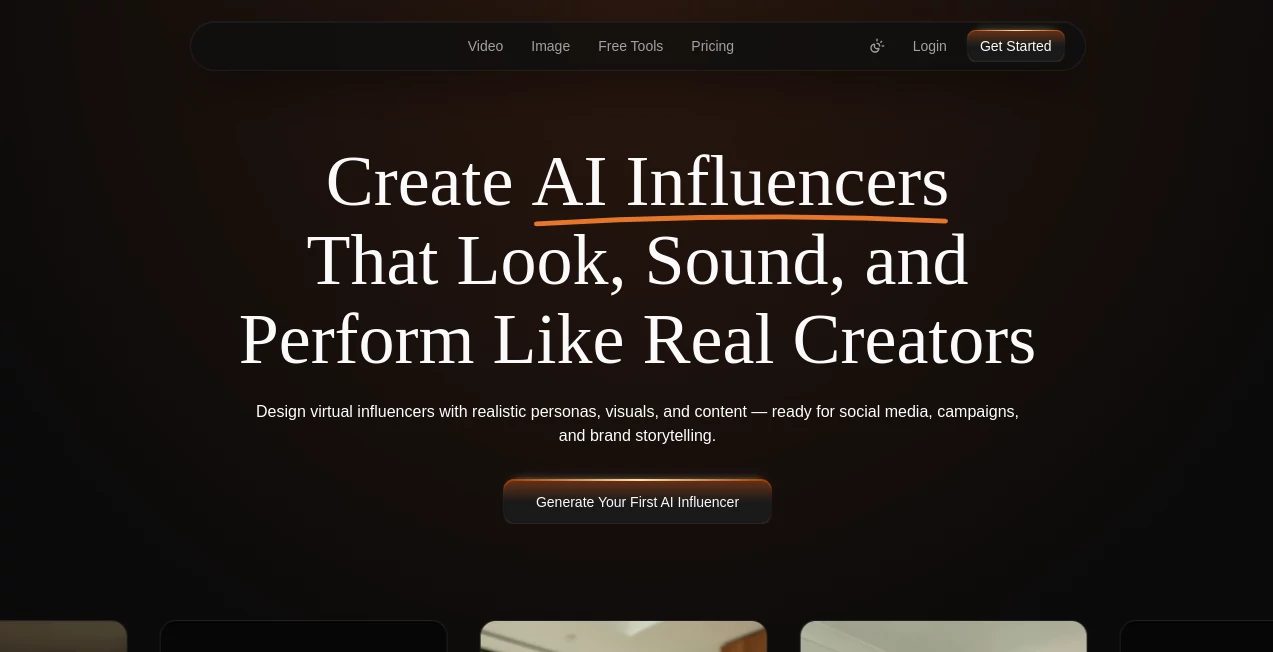
What is AI Influencer Generator?
There’s a special kind of excitement when you describe a scene in plain words—“cozy wooden cabin at dusk, warm light glowing through the windows, snow gently falling outside”—and seconds later you’re flying through a fully realized 3D environment you can actually explore. This tool makes that moment feel almost ordinary, yet it never gets old. Whether you’re a solo creator, game developer, or designer, it turns vague ideas into rich, detailed scenes faster than you could sketch them on paper. I’ve watched people go from “I wish I could visualize this” to sharing immersive previews with clients or friends in under a minute. The results don’t just look good—they feel alive.
Introduction
Creating 3D environments has always been time-consuming. You either learn complex software or hire someone who already knows it. SceneForm AI changes the equation. You describe what you want in natural language, add a reference image if you have one, and it builds a coherent 3D scene complete with lighting, materials, and atmosphere. It’s not just placing objects—it understands context, depth, and mood. For indie developers prototyping levels, architects showing early concepts, or storytellers visualizing a new world, it removes the biggest friction point: getting from idea to something you can actually look at and walk through.
Key Features
User Interface
The workspace feels inviting rather than intimidating. A large prompt box sits front and center, with a clean upload area for reference images below. Simple toggles for scene complexity, lighting mood, and camera angle let you guide the result without needing technical jargon. Generation previews appear quickly, and you can orbit the 3D view immediately. It’s one of those rare tools where beginners feel capable right away, while experienced users appreciate how little gets in the way of their creativity.
Accuracy & Performance
It listens carefully to your description and translates it into believable 3D space—objects sit naturally on surfaces, lighting feels motivated, and materials react appropriately to the environment. Generation speed is impressive for the quality delivered, often completing complex scenes in under 30 seconds. The consistency between prompt and output stands out; it rarely adds random elements that break immersion, which is still common in many 3D generation tools.
Capabilities
Text-to-3D scene generation, image-to-3D guidance, multi-object environments, realistic and stylized rendering modes, adjustable lighting and camera options, and exportable 3D models in common formats. You can create everything from intimate indoor spaces to vast outdoor landscapes. The tool understands composition, scale, and atmosphere, making it useful for game environments, architectural visualization, product showcases, and concept art. The results are production-ready enough for early prototyping or client presentations.
Security & Privacy
Your prompts and reference images are processed securely and not stored long-term unless you explicitly save the scene. No unnecessary data collection or account requirements for basic use. For professionals working with client concepts or proprietary designs, that thoughtful approach to privacy is genuinely appreciated.
Use Cases
A game developer quickly prototypes a new level layout by describing the environment and testing player flow in minutes instead of days. An interior designer shows clients three different mood variations of the same room before any physical work begins. A writer visualizes key scenes from their novel to better understand spatial relationships. A product team creates realistic 3D mockups of new items in different settings for marketing materials. Wherever imagination needs to become something you can see and share, it delivers.
Pros and Cons
Pros:
- Turns natural language descriptions into coherent, walkable 3D spaces remarkably well.
- Fast iteration cycle that keeps creative momentum alive.
- Strong understanding of lighting, composition, and atmosphere.
- Results feel intentional rather than random.
- Accessible enough for non-technical creators while powerful for pros.
Cons:
- Very complex or highly specific scenes may need prompt refinement.
- Export options and higher resolutions are more generous on paid plans.
- Still evolving—some edge cases in extreme stylization can be unpredictable.
Pricing Plans
Free tier gives you enough generations to experiment and see the quality firsthand. Paid plans unlock faster processing, higher resolutions, more complex scenes, commercial usage rights, and priority support. The pricing feels fair for the time it saves—many users say one good month pays for itself by replacing days of manual modeling work.
How to Use SceneForm AI
Start by typing a clear description of your scene. Add a reference image if you want to guide style, colors, or specific objects. Adjust any available settings for mood or complexity, then hit generate. Explore the 3D preview by orbiting and zooming. If the result isn’t quite right, tweak your prompt and try again—it usually improves dramatically with small changes. Once satisfied, download the scene in your preferred format. The whole process feels more like collaborating with a skilled 3D artist than wrestling with software.
Comparison with Similar Tools
Many 3D generation tools either produce low-quality meshes that need heavy cleanup or require technical expertise to use effectively. This one stands out for its balance of speed, visual quality, and accessibility. Where others might give you floating objects or broken lighting, the scenes here feel grounded and intentional. It’s less about raw polygon count and more about delivering usable, inspiring environments quickly.
Conclusion
Good ideas deserve to be seen quickly. This tool removes one of the biggest barriers between imagination and visualization, letting creators explore, test, and share 3D spaces without the usual time sink. Whether you’re building games, designing spaces, telling stories, or pitching concepts, it gives you the ability to bring ideas to life in minutes instead of weeks. The future of creative work isn’t about replacing human vision—it’s about giving that vision better tools. This is one of them.
Frequently Asked Questions (FAQ)
How detailed should my prompt be?
The clearer and more descriptive, the better—but even short prompts often produce impressive results.
Can I export the 3D models?
Yes—common formats are supported for use in Unity, Unreal, Blender, and other tools.
Is it suitable for commercial projects?
Absolutely—paid plans include full commercial rights.
Do I need 3D modeling experience?
Not at all. The tool is designed to be useful whether you’re a complete beginner or a seasoned professional.
What kinds of scenes work best?
Anything from cozy interiors to epic landscapes. It handles both realistic and stylized directions well.
AI 3D Model Generator , AI Image to 3D Model , AI Design Generator .
These classifications represent its core capabilities and areas of application. For related tools, explore the linked categories above.
AI Influencer Generator details
Website unavailable — View Alternatives
Pricing
- Free
Apps
- Web App
Categories