Seedance
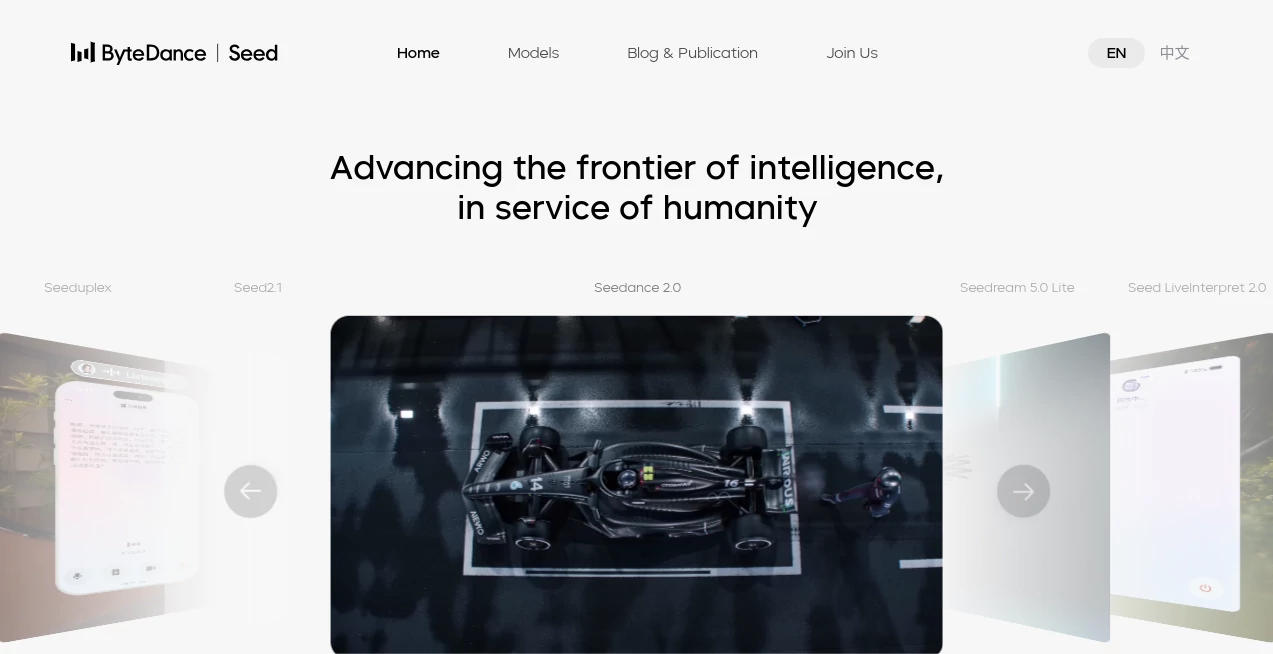
What is Seedance?
There’s a special excitement when you describe a scene in words and watch it come alive as a smooth, cinematic video just moments later. Seedance captures that feeling better than most tools I’ve tried. You type a prompt, add a reference image if you want, and get footage with natural motion, consistent characters, thoughtful lighting, and a real sense of direction. It doesn’t feel like generic AI output — it feels like someone who understands storytelling actually directed it. I’ve seen creators go from rough concept to shareable clip in minutes, and the quality often leaves people doing a double take.
Introduction
Video is one of the most powerful ways to tell stories, but creating it has always been time-consuming and expensive. Seedance lowers that barrier dramatically while keeping quality high. Developed by ByteDance, it combines strong motion understanding with cinematic instincts, producing clips that feel polished and intentional. Whether you’re making social content, visualizing ideas, prototyping scenes, or creating visuals for music, it delivers results that look and feel far more professional than typical AI video tools. The best part is how approachable it remains — you don’t need technical expertise to get impressive output.
Key Features
User Interface
The interface is clean and focused on creativity. You enter a text prompt, optionally upload an image for guidance, choose aspect ratio and duration, and hit generate. Previews appear quickly so you can refine without long waits. Controls for motion strength, camera style, and consistency are intuitive rather than overwhelming. It respects your flow — everything you need is visible without unnecessary complexity.
Accuracy & Performance
What stands out is the temporal consistency. Characters keep their appearance across shots, motion feels natural, and lighting remains coherent. It handles complex actions and camera movements better than many competitors, with fewer of the weird artifacts or sudden changes that break immersion. Generation speed is fast enough to support real creative iteration, and the quality holds up even on more ambitious prompts.
Capabilities
You can generate from text alone, use images for strong visual guidance, or combine both for maximum control. It excels at cinematic camera moves, emotional storytelling, product visualizations, and music-synced clips. The model understands physics, lighting, and composition, making outputs feel directed rather than random. It supports different aspect ratios, making it suitable for everything from vertical social videos to horizontal cinematic pieces.
Security & Privacy
Your prompts and reference images are handled with care. The platform maintains good privacy standards, especially important when working with original ideas or brand content. Generated videos belong to you, giving creators confidence to experiment freely.
Use Cases
A content creator generates eye-catching Reels from simple text descriptions that consistently outperform their usual footage. A filmmaker uses it to quickly visualize key scenes and test pacing before full production. A brand turns product photos into lifestyle videos without expensive shoots. A musician creates compelling visuals that match the emotion of their tracks. It fits beautifully wherever someone needs high-quality moving visuals fast.
Pros and Cons
Pros:
- Strong cinematic quality with natural motion and lighting.
- Excellent character and style consistency across frames.
- Fast generation that supports quick iteration.
- Hybrid text + image guidance gives precise creative control.
- Results often feel directed and intentional.
Cons:
- Clip length is still best for short, impactful scenes.
- Very complex or contradictory prompts can occasionally need refinement.
Pricing Plans
It offers a free tier with daily credits so anyone can experience the quality firsthand. Paid plans unlock higher usage, faster generation, longer clips, and priority access. The pricing is reasonable for the quality and speed it delivers, especially when compared to traditional video production costs.
How to Use Seedance
Describe your scene clearly in the prompt box — include details about mood, camera movement, and action for best results. Upload a reference image if you want stronger visual consistency. Choose your preferred aspect ratio and length, then generate. Watch the preview, refine your prompt if needed, and download when it clicks. Many creators generate several variations and pick the strongest one. The process is fast and addictive once you get comfortable with prompting.
Comparison with Similar Tools
While many AI video tools struggle with consistency or produce unnatural motion, Seedance stands out with its cinematic understanding and reliable character continuity. It balances creative freedom with quality in a way that feels more refined than most alternatives. The hybrid guidance system gives creators more director-like control compared to pure text-to-video tools.
Conclusion
Video creation has never been more accessible, but quality still matters. Seedance delivers that quality without the usual complexity or long wait times. It turns ideas into moving pictures that actually feel cinematic, opening doors for creators who previously couldn’t afford traditional production. Whether you make content for fun, business, or art, it’s a powerful creative partner that consistently impresses.
Frequently Asked Questions (FAQ)
How long are the generated videos?
Typically 5–10 seconds per generation, ideal for impactful short clips.
Do I need a reference image?
No, text-only works well, but adding one improves consistency significantly.
What quality can I expect?
High cinematic quality with natural motion and lighting, often ready for social or professional use.
Can I use the videos commercially?
Check the terms for your plan, but paid usage generally allows commercial applications.
AI Animated Video , AI Image to Video , AI Video Generator , AI Text to Video .
These classifications represent its core capabilities and areas of application. For related tools, explore the linked categories above.

Seedance Alternatives Product

kling 3 AI
Wan 2.7

seedance 2

MaxArt AI

Logo Animati…

Seedance 2.0…

AISeedance2

Free Sora Ge…

Sora 2 AI