seedance2
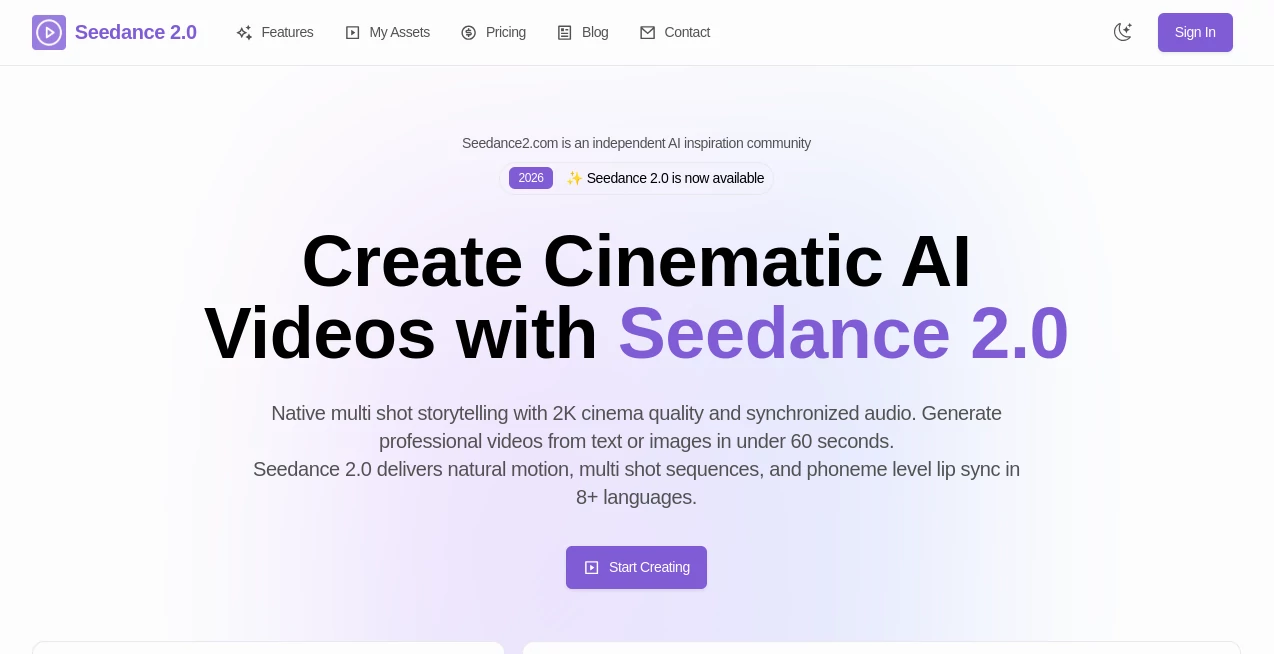
What is seedance2?
There’s a special feeling when you describe a scene in plain words and moments later watch it unfold like a real short film — smooth camera moves, consistent characters, natural lighting, and even audio that matches the rhythm. That’s what makes this tool stand out. It doesn’t just animate random frames; it builds coherent little stories that feel directed. I’ve shown results to people who normally dismiss AI video, and they pause, lean in, and ask how it managed to keep the same face and mood across multiple shots. It’s that level of consistency that turns experimentation into something you’re proud to share.
Introduction
Most AI video tools still feel like impressive demos — flashy but fragmented. Seedance 2 takes a different approach. It focuses on cinematic storytelling with native multi-shot capability, meaning it can create connected scenes with smooth transitions instead of isolated clips. Whether you start with text, an image, or both, the output carries emotional weight and visual continuity that feels closer to real filmmaking. Creators are already using it for everything from social media hooks to pre-visualization for bigger projects. The speed and quality together make it one of those tools that quietly changes how you think about bringing ideas to life.
Key Features
User Interface
The interface is clean and focused, which is a relief after dealing with overly complicated tools. You get a generous prompt box, easy image upload for reference, simple controls for duration and aspect ratio, and one clear generate button. Previews load reasonably fast so you can iterate without losing momentum. It never overwhelms you with options — just enough to guide the result while staying out of your creative flow.
Accuracy & Performance
What impresses most is how well it maintains consistency. Characters look like the same person across shots, lighting feels coherent, and motion follows natural physics instead of looking robotic. Generation times are practical — often under a minute for short clips — and the quality holds up even when you push it with complex scenes. The multi-shot storytelling particularly shines; scenes flow into each other without jarring jumps, which is still rare in this space.
Capabilities
You can generate from text alone, use images as strong visual references, or combine both for precise control. It supports multi-shot narratives with seamless transitions, native audio generation with lip sync, and various aspect ratios for different platforms. The model handles camera movements, emotional expressions, and scene changes with impressive understanding. It’s especially strong when you want to tell a short story rather than just show random motion.
Security & Privacy
Your prompts and reference images are handled responsibly during generation. The platform maintains good privacy standards, so you can experiment with ideas — even client concepts or personal projects — without unnecessary worry about where your content ends up.
Use Cases
A content creator sketches a quick product story and turns it into a polished 8-second ad that performs better than previous live-action attempts. A filmmaker uses it to test emotional beats and camera angles before committing to real production. A musician generates a visualizer that actually matches the song’s mood and rhythm. Small brands create consistent character-driven videos for social media without expensive reshooting. It shines whenever you need storytelling with motion, not just moving pictures.
Pros and Cons
Pros:
- Strong multi-shot storytelling with natural transitions and character consistency.
- Cinematic quality that feels directed rather than purely algorithmic.
- Good balance between creative control and ease of use.
- Fast enough to support real iteration and experimentation.
Cons:
- Clip length is still best for short, focused scenes (though multi-shot helps tell bigger stories).
- Very abstract or contradictory prompts can occasionally confuse the model.
- Higher resolutions and unlimited use sit behind paid access.
Pricing Plans
Free daily credits let you test the quality and get a real feel for what it can do. Paid plans unlock higher resolutions, longer clips, faster generation, and more generous daily limits. The pricing feels fair for the leap in output quality — many creators find that the time saved on traditional production more than justifies the investment once they start using it regularly.
How to Use Seedance 2
Start with a clear, descriptive prompt that includes mood, action, and camera direction if you have something specific in mind. Upload a reference image if you want stronger visual consistency. Choose your aspect ratio and duration, then generate. Review the result, tweak the prompt or reference strength as needed, and export. For longer narratives, create connected shots separately and combine them in your editor. The workflow stays fast and intuitive, encouraging you to try variations until it feels right.
Comparison with Similar Tools
While many AI video generators focus on single clips or struggle with consistency, this one prioritizes multi-shot storytelling and cinematic flow. It often delivers more coherent narratives and better character consistency than competitors, especially when using image references. The balance of quality, speed, and creative control makes it stand out for people who care about storytelling rather than just motion.
Conclusion
Video is one of the most powerful ways to share ideas, but creating it has always been time-consuming and expensive. Tools like this lower the barrier dramatically while still respecting the craft. It gives creators — from solo makers to small teams — the ability to see their stories move with surprising quality and coherence. If you’ve ever had an idea that deserved to be seen in motion, this platform makes turning that idea into something watchable feel exciting again rather than exhausting.
Frequently Asked Questions (FAQ)
How long can the generated videos be?
Best results come in 5–12 second clips, though you can combine multiple shots for longer storytelling.
Do I need a reference image?
Text-only works well, but adding an image significantly improves character and style consistency.
What resolutions are available?
Up to high cinematic quality on paid plans; free generations offer solid preview resolution.
Can I use the videos commercially?
Yes, especially on paid plans which typically include commercial rights.
How good is the lip sync and audio?
Strong native audio support with good lip synchronization, particularly when using uploaded audio tracks.
AI Animated Video , AI Image to Video , AI Video Generator , AI Text to Video .
These classifications represent its core capabilities and areas of application. For related tools, explore the linked categories above.

seedance2 Alternatives Product

AI Hug

Faceless vid…

Runway Gen-4…

Wan AI Video…

AI Pixel Ani…

S2LIfe AI

Sora 2 AI

Video Upscal…
MiniMax H3