SyncGTM
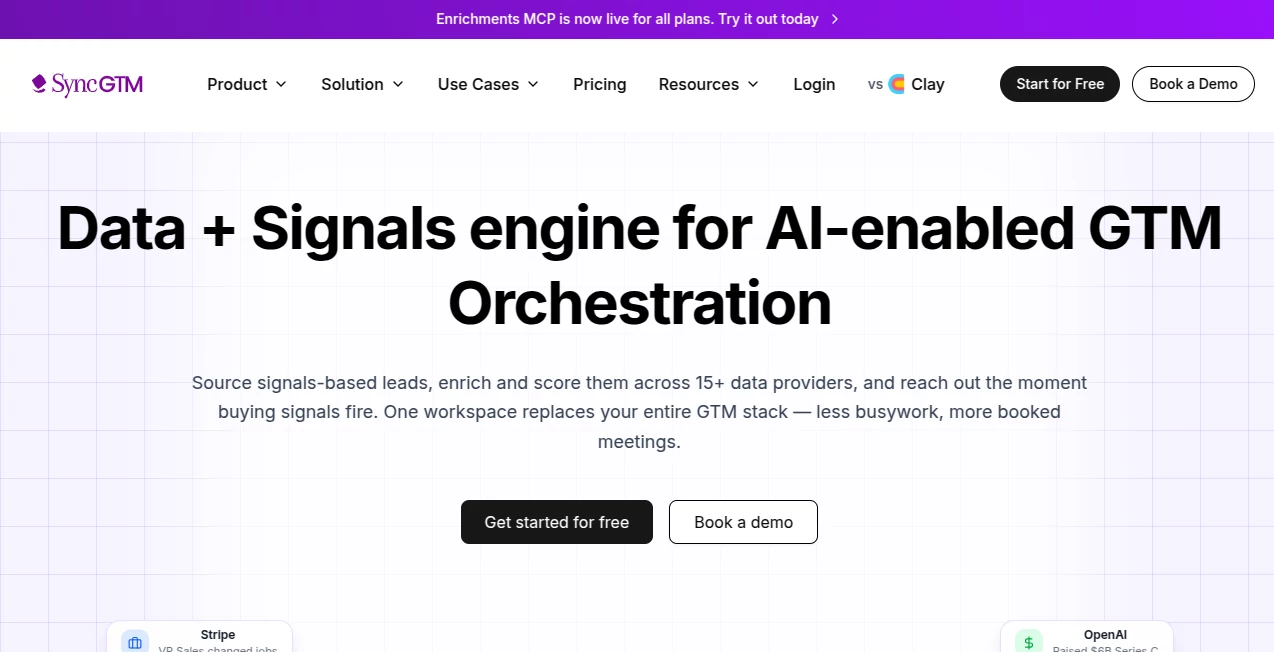
What is SyncGTM?
Managing tracking scripts, analytics tags, and marketing pixels across modern websites can quickly become messy, especially when multiple teams are involved. This platform is built to remove that complexity by bringing structure, automation, and clarity into tag management workflows. Instead of manually handling code snippets or worrying about broken tracking setups, users can centralize everything in one place and maintain full control with minimal effort.
What makes it particularly appealing is how it reduces dependency on developers for routine marketing and analytics updates. Teams can deploy, update, and monitor tags with confidence while maintaining consistency across different environments. It feels less like a technical burden and more like a smooth operational layer sitting on top of your digital stack.
Key Features
User Interface
The interface is designed with simplicity in mind, making it accessible even for non-technical users. Navigation is clean, with clear sections for tags, triggers, and environments. Users can quickly understand what is active, what needs attention, and what has been recently updated without digging through complex menus.
Accuracy & Performance
One of the strongest aspects is reliability. Tag execution is handled in a way that minimizes delays and ensures tracking accuracy across pages. This is particularly important for marketing teams relying on real-time analytics and conversion tracking, where even small inconsistencies can lead to misleading data.
Capabilities
- Centralized tag and script management for multiple platforms
- Environment-based deployment for safer testing and publishing
- Automation support for repetitive tracking updates
- Integration-friendly structure for analytics and marketing tools
- Version control to track and revert changes when needed
Security & Privacy
Security is handled with a strong focus on controlled access and safe deployment practices. Users can define permissions for different team members, ensuring that only authorized individuals can publish or modify critical tracking configurations. This reduces the risk of accidental disruptions and keeps data integrity intact.
Use Cases
This platform is particularly useful for digital marketing teams, agencies, and product teams who manage multiple websites or campaigns. It helps simplify tracking implementation for analytics tools, advertising platforms, and conversion tracking systems.
- Managing analytics tracking across large websites
- Running marketing campaigns with accurate conversion tracking
- Coordinating between developers and marketing teams
- Testing new tags in safe environments before publishing
- Maintaining consistent tracking across multiple domains
Pros and Cons
Pros:
- Reduces dependency on development teams for tag updates
- Improves accuracy of analytics and marketing data
- Clean and user-friendly interface
- Supports structured workflows for teams
- Helps prevent tracking errors in production environments
Cons:
- May require initial learning for beginners unfamiliar with tag management concepts
- Advanced configurations might still need technical understanding
- Best value is realized when used at scale rather than for very small projects
Pricing Plans
The platform typically follows a flexible pricing structure depending on usage, features, or team size. Smaller users may start with basic functionality, while larger organizations can benefit from advanced collaboration tools, automation features, and higher-level support options. This tiered approach ensures both startups and enterprises can find a suitable entry point.
How to Use This Tool
Getting started is straightforward. After creating an account, users begin by setting up their workspace and connecting their website or application. From there, tags can be added, organized, and assigned to specific triggers. Testing environments allow safe validation before publishing changes live.
- Create a workspace and define your project structure
- Add required tracking tags and scripts
- Configure triggers based on user actions or page views
- Test configurations in a staging environment
- Publish changes and monitor performance
The workflow is designed to feel intuitive, even for teams transitioning from manual tag insertion methods.
Comparison with Similar Tools
Compared to traditional tag management systems, this platform focuses more on streamlined workflows and reduced complexity. While many alternatives offer deep customization, they often come with steep learning curves. This solution balances power with usability, making it more approachable for marketing teams who want results without heavy technical involvement.
It also stands out in terms of collaboration features, allowing multiple team members to work together without stepping on each other’s configurations. This is especially useful in fast-paced environments where campaigns change frequently.
Conclusion
For teams looking to simplify tracking infrastructure without sacrificing control, this platform offers a practical and efficient solution. It bridges the gap between technical implementation and marketing execution, allowing both sides to work in harmony. With its focus on usability, structured workflows, and reliable performance, it becomes a valuable part of any modern digital stack.
Frequently Asked Questions (FAQ)
What is this platform mainly used for?
It is used for managing tracking tags, analytics scripts, and marketing pixels in a centralized and structured way.
Do I need coding knowledge to use it?
Basic setup may be simple enough for non-developers, but advanced configurations can benefit from technical understanding.
Can multiple team members collaborate?
Yes, it supports team-based workflows with permission controls and structured environments.
Is it suitable for small websites?
Yes, but its full value is more noticeable in medium to large projects with multiple tracking needs.
Can I test changes before publishing?
Yes, testing environments allow safe validation before pushing updates live.
AI Analytics Assistant , AI Developer Tools , AI DevOps Assistant .
These classifications represent its core capabilities and areas of application. For related tools, explore the linked categories above.

SyncGTM Alternatives Product

Website Traf…
RepoClip

Goodnotes

AllInOneTools

Website Clon…

Project Mela

ModelsLab

KaneAI

VideoDubber'…