


















TinyFish
What is TinyFish?
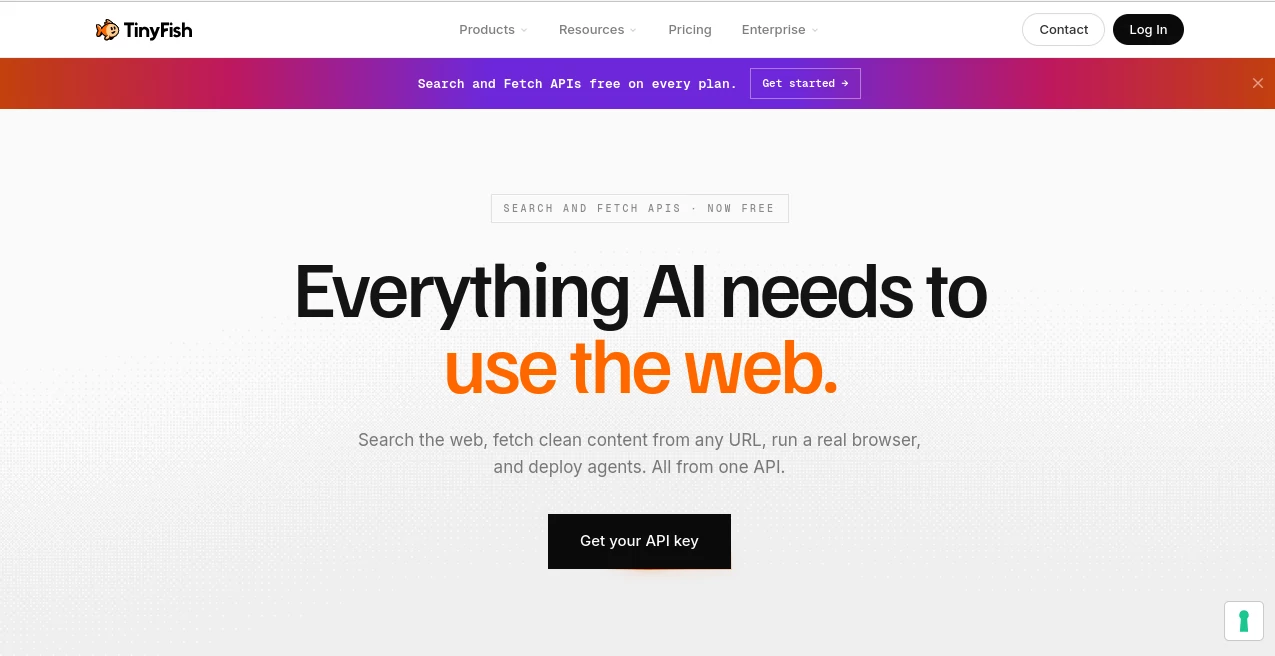
Modern AI applications often struggle with dynamic websites, login-protected pages, and constantly changing web content. This platform solves that challenge by combining web search, browser automation, content extraction, and intelligent agents into one developer-friendly API. Instead of managing multiple services, teams can build reliable workflows from a single integration.
Key Features
User Interface
The platform offers a clean developer experience with detailed documentation, quick API access, and support for popular development environments. Configuration is straightforward, making it easy to launch web automation projects in minutes.
Accuracy & Performance
Built on real browser rendering instead of cached results, it delivers fresh web data and reliable automation across modern websites. Dynamic pages, interactive elements, and authentication flows are handled with impressive consistency, helping reduce maintenance for production systems.
Capabilities
- Live web search with structured results.
- Extract clean HTML, Markdown, or JSON from webpages.
- Automate browser tasks with intelligent web agents.
- Handle authenticated websites and dynamic content.
- Single API for search, browsing, fetching, and automation.
- Integration with MCP-compatible AI development tools.
Security & Privacy
Enterprise-grade security practices help protect customer data while supporting production workloads. Secure authentication, controlled browser sessions, and professional infrastructure make it suitable for business environments.
Use Cases
- Competitive intelligence and market monitoring.
- Automated data collection from dynamic websites.
- Research assistants powered by live web information.
- Browser automation for repetitive business tasks.
- AI agents that interact with real websites.
Pros and Cons
Pros
- Combines several web services into one API.
- Handles modern websites with high reliability.
- Fast developer onboarding.
- Suitable for enterprise-scale automation.
Cons
- Best suited for developers rather than casual users.
- Advanced automation may require API integration knowledge.
Pricing Plans
A free tier includes Search and Fetch capabilities, while advanced browser automation and intelligent agent features are available through paid plans designed for larger workloads.
How to Use TinyFish
Create an account, generate an API key, choose the required API, connect it to your application, and begin building workflows for search, content extraction, browser automation, or intelligent web agents. The documentation includes practical examples for rapid deployment.
Comparison with Similar Tools
Unlike solutions that focus only on scraping or browser automation, this platform brings live search, page extraction, browser control, and autonomous agents together under a unified API. The result is a more streamlined workflow with fewer third-party integrations and simpler maintenance.
Conclusion
For developers building AI applications that depend on live web access, this solution offers an efficient foundation. Its combination of browser automation, structured search, intelligent agents, and clean data extraction makes complex web workflows significantly easier to build and maintain.
Frequently Asked Questions (FAQ)
Is a free plan available?
Yes. Developers can start with free access to Search and Fetch APIs before upgrading when advanced automation is needed.
Can it access dynamic websites?
Yes. It renders pages with real browser technology, making it suitable for modern JavaScript-based websites.
Who is this platform designed for?
It is primarily built for developers, AI engineers, and businesses creating intelligent web automation systems.
Does it support browser automation?
Yes. Browser sessions, intelligent agents, and automated workflows are core capabilities of the platform.
.
These classifications represent its core capabilities and areas of application. For related tools, explore the linked categories above.
