
TradingView Copier Pro
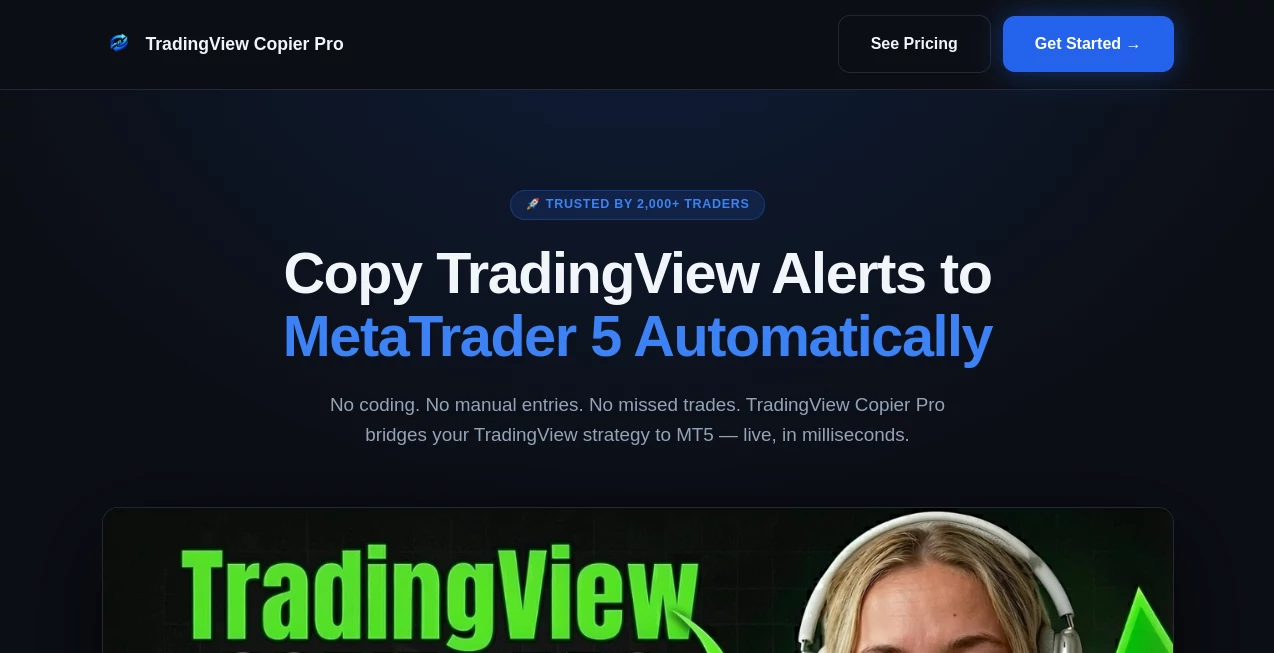
What is TradingView Copier Pro?
Imagine spotting a strong trading signal on TradingView and having it automatically executed in your broker account within seconds—no manual entry, no missed opportunities, no emotional second-guessing. That’s the kind of quiet advantage this tool delivers. It connects your favorite TradingView ideas and alerts directly to your trading account, turning smart analysis into real positions faster than you could do it yourself. I’ve talked to traders who used to sit glued to charts all day and now let the copier handle the execution while they focus on strategy. The difference in consistency and peace of mind is noticeable from the very first week.
Introduction
TradingView is excellent for analysis, but turning those insights into actual trades can still be slow and error-prone. This copier bridges that gap beautifully. It watches your chosen signals, alerts, or strategies on TradingView and instantly replicates them across one or multiple broker accounts. Whether you follow expert ideas, your own custom scripts, or community signals, it handles the heavy lifting with precision. It’s become a favorite among both part-time traders who don’t want to stare at screens all day and serious operators running multiple accounts. The best part? It does all this without asking you to give up control—you decide exactly what gets copied and when.
Key Features
User Interface
The dashboard is clean and practical. You connect your TradingView account once, link your brokers, set simple rules (which signals to follow, lot sizes, risk limits), and you’re done. Everything lives in one intuitive panel where you can monitor active trades, performance, and logs in real time. No overwhelming complexity—just straightforward controls that feel designed by traders for traders. Even if you’re not very technical, you can have it running confidently within minutes.
Accuracy & Performance
Execution speed is impressive—often under a second from alert to order placement. It faithfully copies entry price, stop loss, take profit, and position size according to your rules. Slippage is minimized through smart order types, and it handles both market and pending orders cleanly. Users consistently report high reliability even during volatile news events, which is where many other copy tools stumble.
Capabilities
It supports multiple brokers simultaneously, allows different risk settings per account, copies both manual and automated TradingView alerts, includes smart filters (win-rate, drawdown, etc.), and offers detailed trade logging with performance analytics. You can run it 24/7, pause anytime, or set it to copy only specific symbols or strategies. It works with forex, stocks, crypto, futures—pretty much anything TradingView supports.
Security & Privacy
Security is taken seriously. It uses read-only API connections where possible, never stores your broker passwords, and runs on secure, encrypted infrastructure. You maintain full control and can revoke access instantly. For traders handling real money, that peace of mind is priceless.
Use Cases
A part-time trader follows three proven TradingView strategies and lets the copier execute them while at work. A signal provider scales their ideas across 20+ follower accounts with custom risk levels for each. A prop firm trader tests new strategies on a demo account first, then copies winning ones to live accounts automatically. Even conservative investors use it to mirror low-risk, long-term setups without emotional interference. It adapts to many different trading styles and lifestyles.
Pros and Cons
Pros:
- Extremely fast and accurate order execution.
- Works with multiple brokers and accounts at once.
- Simple setup that doesn’t require coding knowledge.
- Strong risk management and filtering options.
- Reliable even during high-volatility periods.
Cons:
- Performance depends on the quality of the original TradingView signals.
- Advanced automation features are on higher plans.
- Some brokers have stricter API limitations than others.
Pricing Plans
It starts with a free trial so you can test with real signals on a demo account. Paid plans are straightforward and scale with the number of accounts and features you need. Many users say the monthly cost is easily covered by improved execution and time saved—even a small improvement in win rate or risk control makes it worthwhile.
How to Use TradingView Copier
Sign up and connect your TradingView account. Link your broker(s) using secure API keys. Choose which alerts, ideas, or strategies you want to copy. Set your risk rules (lot size, max drawdown, etc.). Activate the copier and monitor from the dashboard. You can pause, adjust, or stop copying anytime. Most people have it running smoothly within 10–15 minutes of starting.
Comparison with Similar Tools
Many copy tools are either too basic (limited brokers, slow execution) or overly complex (steep learning curve). This one hits a sweet spot: fast, reliable, and genuinely user-friendly while still offering serious risk controls. It focuses specifically on TradingView integration, which gives it an edge in accuracy and ease compared to general trade copiers that try to do everything.
Conclusion
Good trading ideas deserve fast, accurate execution. This tool removes one of the biggest bottlenecks between analysis and action, letting you focus on strategy instead of manual order entry. Whether you trade full-time or part-time, following your own ideas or trusted signals, it brings consistency and convenience that feels like a real edge. For anyone serious about trading smarter, not harder, it’s one of those tools that quickly becomes essential.
Frequently Asked Questions (FAQ)
How fast does it copy trades?
Usually within one second of the alert triggering on TradingView.
Can I use it with multiple brokers?
Yes, you can connect and manage several accounts with different risk settings.
Is it safe to connect my broker?
Extremely safe. It uses secure API keys with limited permissions and never stores your login credentials.
Does it work with crypto and stocks?
Yes, it supports forex, stocks, crypto, futures, and more—whatever TradingView covers.
Can I test it first?
Absolutely. Free trial lets you test with demo accounts before going live.
AI Investing Assistant , AI Trading Bot Assistant .
These classifications represent its core capabilities and areas of application. For related tools, explore the linked categories above.
TradingView Copier Pro details
Website unavailable — View Alternatives
Pricing
- Free
Apps
- Web App
Categories

TradingView Copier Pro Alternatives Product

ForexCoupons

CoinIQ

Pionex

MiniValuator

Creget

IntoTheBlock

MacroMicro

Treeova

StockTalker …