
WorkClaw
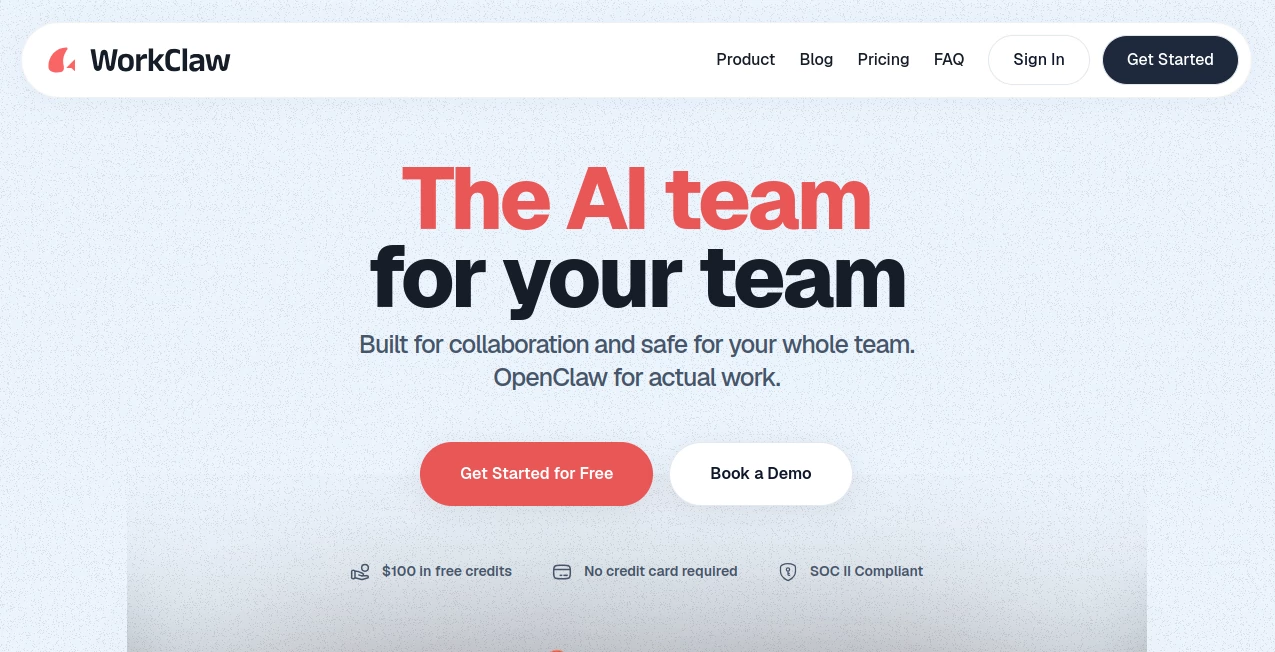
What is WorkClaw?
I used to jump between five different apps just to manage one client project — proposals in one place, contracts in another, invoices somewhere else, and constant back-and-forth on email. It was exhausting. Then I started using this platform and everything finally lived in one calm, organized space. From first outreach to final payment, it keeps the entire client journey smooth and professional without the usual chaos. Many freelancers I know now call it their “business operating system.”
Introduction
Freelancing and running a small team should feel liberating, not overwhelming. WorkClaw brings together client management, proposals, contracts, invoicing, time tracking, and project delivery into one beautifully designed workspace. It’s built specifically for independent professionals and small creative teams who want to look polished and stay organized without spending their life in admin work. The interface feels modern and intuitive, and the features are practical rather than bloated. It’s the kind of tool that makes you wonder how you ever managed without it.
Key Features
User Interface
The design is clean and calming — exactly what you want when juggling multiple clients. Everything is logically grouped: clients, projects, proposals, invoices, and reports. Navigation feels natural, and you can switch between projects quickly without losing context. Dark mode, customizable views, and thoughtful details make daily use pleasant rather than draining. Even on busy days, the interface helps you stay focused instead of fighting the tool.
Accuracy & Performance
Proposals and contracts look professional and convert well. Time tracking is accurate and automatic where possible. Invoicing is fast and reliable with proper tax handling. The platform performs smoothly even when you have several active projects running simultaneously. Users consistently mention how much time they save because the system anticipates common freelance needs instead of forcing workarounds.
Capabilities
You can send beautiful proposals that feel custom, create and e-sign contracts, track time with one click, send professional invoices, and manage client communication all in one place. It also includes project management tools, client portals for transparency, and reporting that helps you understand your business better. The client portal in particular is a favorite — clients can see progress, approve deliverables, and pay invoices without endless email threads.
Security & Privacy
Your client data and financial information are properly protected. Contracts use secure e-signing, and access permissions let you control what each client or team member can see. It’s built with freelancers in mind, so privacy and professionalism are taken seriously without adding complexity.
Use Cases
A freelance designer sends a proposal on Monday, gets it signed by Wednesday, creates a project, tracks time automatically, and sends a polished invoice at the end of the month — all without leaving the platform. A small marketing team coordinates multiple clients with shared workspaces and client portals that reduce back-and-forth. A consultant uses the reporting features to see which type of work is most profitable and adjusts their offerings accordingly. It scales naturally from solo freelancers to small agencies.
Pros and Cons
Pros:
- Truly all-in-one — replaces multiple tools with one cohesive workspace.
- Beautiful, professional templates that impress clients.
- Client portals reduce email overload significantly.
- Fast and reliable performance even with multiple active projects.
- Built by people who understand the real needs of freelancers.
Cons:
- Still growing, so some advanced accounting features are in development.
- Learning all the capabilities takes a few days if you’re coming from fragmented tools.
Pricing Plans
It offers a generous free plan that’s actually useful for solo freelancers getting started. Paid plans unlock unlimited clients, advanced features, custom branding, and team workspaces. The pricing feels fair for the time and tools it replaces — many users report saving money overall by consolidating everything into one platform.
How to Use WorkClaw
Sign up and create your first client profile. Send a proposal using their templates or build your own. Once accepted, turn it into a project, invite the client to their portal, and start tracking time and deliverables. When ready, send an invoice directly from the project. Everything stays connected, so you always know the status of each relationship. The more you use it, the more natural the workflow becomes.
Comparison with Similar Tools
Many tools do one or two things very well but force you to use several platforms. WorkClaw brings the important pieces together in a way that feels cohesive rather than stitched. It’s less overwhelming than heavy enterprise solutions and more complete than simple invoicing tools. For freelancers and small teams who value simplicity and professionalism, it hits a sweet spot that’s hard to find elsewhere.
Conclusion
Running a freelance business or small team doesn’t have to feel scattered. This platform brings order, professionalism, and calm to the process without stripping away the freedom that makes independent work attractive. It handles the business side so you can focus on the creative or strategic work you actually enjoy. If you’re tired of tool overload and constant context switching, this could be the single workspace you’ve been hoping for.
Frequently Asked Questions (FAQ)
Is it suitable for solo freelancers?
Yes — many solo users find it transformative right from the free plan.
Can I send contracts for e-signature?
Yes, with secure and legally recognized e-signing built in.
Does it support team collaboration?
Yes, paid plans include team workspaces and permission controls.
Is there a client portal?
Yes — clients can view progress, approve work, and pay invoices directly.
AI Workflow Management , AI Project Management , AI Productivity Tools , Other .
These classifications represent its core capabilities and areas of application. For related tools, explore the linked categories above.

WorkClaw Alternatives Product

MakeGraph

Hall Of Tarot

TypingFirst

DemoDash

Toolquix

ChatGPT

Greek Numero…
Zamicus

Startup Read…