


















Ai Tor
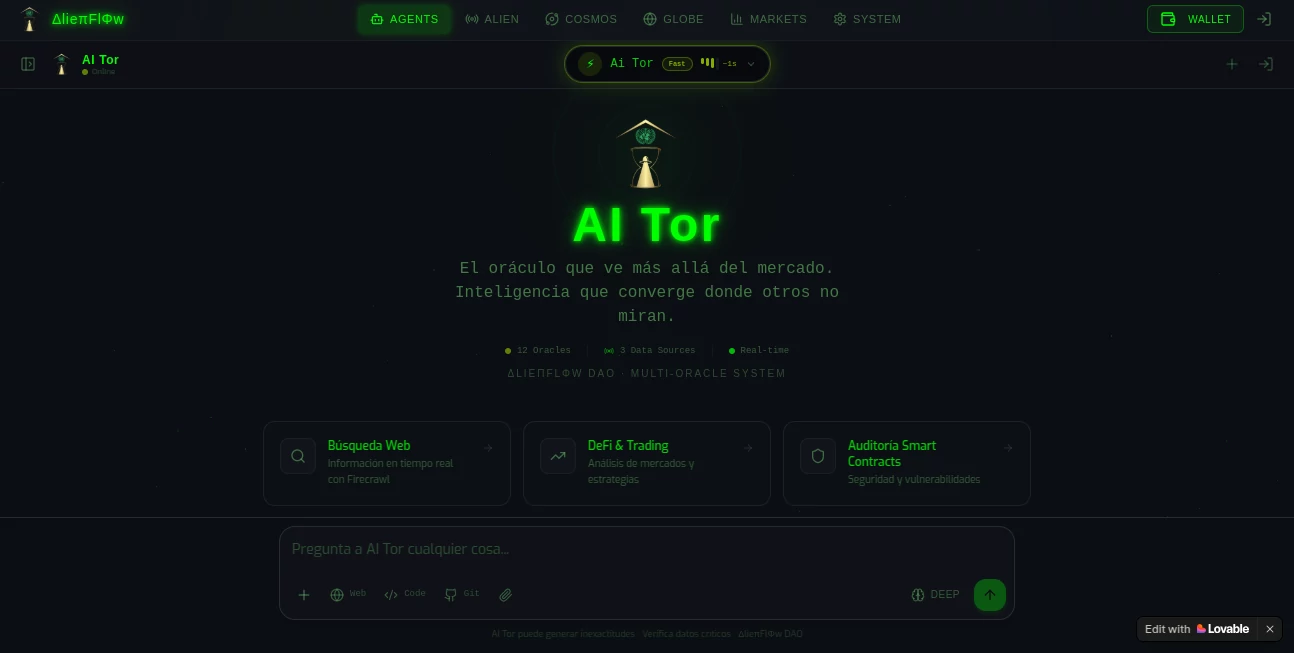
What is Ai Tor?
I’ve been testing no-code tools for years, and most of them make the same promise: you don’t need to know how to code. But here’s the thing — most of them still expect you to understand databases, APIs, and logic flows. That’s not really “no-code.” That’s just “less-code.”
Then I stumbled across this platform, and honestly? It threw me off at first. You open it up, type what you want, and stuff just… appears. Working apps. Real code running behind the scenes. Not wireframes, not prototypes, not something you’d be embarrassed to show a client. Actual production-ready applications.
People have built everything from internal dashboards to full SaaS products on here. Some have launched businesses that actually bring in revenue — not “passion projects,” but real money. Marketing teams ship websites in an afternoon instead of waiting six weeks for development. Product managers walk into meetings with working prototypes instead of slides that say “imagine if this existed.”
I genuinely don’t know how to feel about that last part. It’s impressive but also kind of unsettling — like, what happens to those six-week development timelines?
Key Features
You describe what you want in plain English — or French, or Spanish, or whatever you speak. Drop in a screenshot if that’s easier. The platform figures out the rest. Design, logic, backend, authentication, database, hosting — it’s all there from the first line you type.
Here’s what actually matters, though. You’re not locked into some rigid template. You can iterate by chatting. "Move that button to the left." "Add a dark mode toggle." "Connect Stripe for payments." Every change happens live, and you see the result immediately.
Over 25 million projects have been built on this platform. That number sounds fake, but apparently it’s real.
User Interface
The interface got a major cleanup recently. The new design is cleaner, bolder, and honestly just easier to look at after staring at it for hours. There’s a chat panel on one side, your app preview on the other. That’s it. No endless dropdowns, no property inspectors, no “helpful” tooltips that cover half the screen.
What really caught me off guard was how fast everything moves. You type a request, and within seconds you’ve got updated code running in the preview. Not a loading spinner that makes you question your life choices.
Accuracy & Performance
Let me be real with you — it’s not perfect. Sometimes it misunderstands what you want. Sometimes it builds something that works but looks weird. But here’s the kicker: you can just tell it what’s wrong, and it fixes itself. No deleting and starting over. No hunting through menus.
The new Chat Mode Agent is particularly useful when things go sideways. It doesn’t automatically edit your code — it asks questions, helps you debug, searches through your project files to figure out what’s broken. Think of it like a really patient senior developer who doesn’t judge you for breaking the build at 2 AM.
Capabilities
You can build web apps, mobile apps, websites, landing pages, internal tools, dashboards, SaaS products, marketplaces — pretty much anything that runs on a screen. It connects to Stripe, GitHub, Notion, Shopify, Slack. Authentication and databases are baked in, so you don’t have to figure out why your user login keeps failing at 3 AM.
There’s also a multiplayer mode now — workspaces where teams can collaborate. Invite unlimited collaborators to a project if you’re on a Pro plan. Teams plans support up to 20 people in a shared workspace with pooled credits. Perfect for startups where everyone needs their hands on the same codebase.
And if you need to get your hands dirty with actual code? Dev Mode lets you edit directly. Visual Edits let you tweak styles by clicking on elements — no need to hunt through CSS files.
Security & Privacy
Security is where this thing surprised me the most. Most AI builders treat security like an afterthought — “oh yeah, we’ll get to that eventually.” This platform added a Security Scan feature that checks for vulnerabilities before you publish. It works with Supabase to surface issues you might have missed.
You can also connect custom domains directly — no jumping through hoops with DNS settings that make you want to cry. Over 10,000 custom domains have been connected since that feature launched.
Use Cases
Founders building MVPs. You have an idea. You want to test if anyone will pay for it. Instead of spending three months and $50k on developers, you spend a weekend building it yourself. If it flops, you’re out a weekend. If it works, you’ve got revenue before you hire your first engineer.
Marketing teams that need websites yesterday. Campaign landing pages, microsites, internal request forms — stuff that usually requires waiting for the dev team to have bandwidth. Now marketing just builds it themselves.
Product managers with working prototypes. Remember the last time you presented a prototype in Figma and the engineers said “that’s not actually feasible”? Yeah. That doesn’t happen when you’re showing real code that already works.
Operations people tired of spreadsheets. Internal tools, approval workflows, dashboards that actually pull from real data. You don’t need to beg IT anymore.
Pros and Cons
What works really well:
- You don’t need to understand databases, APIs, or hosting to launch something real
- The iteration speed is genuinely insane — changes happen in seconds, not hours
- Multiplayer collaboration means teams can work together without stepping on each other’s toes
- Security scanning catches problems before they become embarrassing breaches
- Custom domains are built in — no third-party hassle
What might bug you:
- Sometimes the AI misunderstands complex requests and you have to rephrase things
- Very advanced customizations still require Dev Mode and actual coding knowledge
- Credit-based pricing means heavy usage gets expensive faster than a flat subscription
- The mobile app requires iOS 15.1 or newer — sorry, older phone users
Pricing Plans
The pricing got simplified recently. Two main options now:
Pro Plan: Starts around $25 per month. Includes a personal workspace, ability to invite unlimited collaborators to individual projects (they use your credits), custom domains, and all the core features. Multiple tiers available depending on how many credits you need.
Teams Plan: Starts around $30 per month per user. Shared workspace for up to 20 users, centralized billing, admin controls, and pooled credits across the team. Better for startups and smaller enterprise teams that need to collaborate on multiple projects.
There’s a free tier to get started, though you’ll hit limits pretty quickly if you’re building anything serious. Mobile in-app purchases range from $9.99 to $89.99 depending on credit packs and plan level.
How to Use This Tool
Open it up. Type what you want to build. That’s literally it for step one.
The platform generates a working app — design, logic, backend, everything. Then you iterate. “Change the button color to blue.” “Add a login page.” “Connect my Stripe account.” Every change happens through the same chat interface.
When you’re ready to show the world, hit deploy. One click. No configuring servers, no messing with hosting providers. Your app is live.
If something breaks or looks wrong, use Chat Mode to debug — the agent will search your files, check logs, and help you figure out what’s going on without immediately rewriting your code.
Comparison with Similar Tools
Compared to other AI builders, this one sits in an interesting spot. Tools like Bolt and v0 focus more on frontend components — they’re great for generating React components or Tailwind interfaces, but they don’t handle the backend and database stuff. You still need to wire everything up yourself.
Zapier and Make are fantastic for automation workflows, but they’re not really “app builders” in the same sense. You’re connecting services, not building custom applications from scratch.
Where this platform really separates itself is the full-stack approach. You don’t need to figure out authentication separately, or worry about where your data lives, or stress about hosting. It’s all included. The trade-off is less fine-grained control — but for most people building real products, that’s a feature, not a bug.
Conclusion
I keep coming back to the same thought: building software shouldn’t require a computer science degree anymore. The gap between “having an idea” and “having a working product” has shrunk dramatically, and tools like this are why.
Is it perfect? No. Sometimes it misunderstands you. Sometimes you’ll need to hop into Dev Mode and fix something manually. But for the vast majority of people building real things — founders, marketers, product people, operators — it’s more than good enough. It’s genuinely liberating.
If you’ve been sitting on an idea because you couldn’t afford developers or didn’t have time to learn to code, just open this and start typing. Worst case, you waste an afternoon. Best case, you launch something people actually use.
Frequently Asked Questions (FAQ)
Do I need to know how to code?
No. That’s the whole point. Describe what you want in plain language, and the platform builds it. You can dig into the code if you want — Dev Mode exists for a reason — but you don’t have to.
Can I build mobile apps?
Yes. Web apps and mobile apps both work. There’s an iOS app available if you want to build or manage projects from your phone, though you’ll probably want a laptop for serious work.
What happens to my data?
The platform includes hosting, authentication, and databases. Your data lives where you build it. Security scanning helps catch vulnerabilities before they become problems. For sensitive use cases, you’ll want to review their terms carefully.
Can I use my own domain?
Yes. Custom domains are built directly into the platform. Over 10,000 people have already connected theirs.
Is there a free tier?
Yes, you can start building for free. But if you’re building something serious, you’ll probably want a paid plan fairly quickly — the free tier has limits that become annoying once your project grows.
Can multiple people work on the same project?
Yes. Pro plans let you invite unlimited collaborators to individual projects. Teams plans give you shared workspaces with up to 20 people and pooled credits.
AI Website Builder , AI No-Code & Low-Code , AI App Builder , AI Project Management .
These classifications represent its core capabilities and areas of application. For related tools, explore the linked categories above.

Ai Tor Alternatives Product

JustCopy.ai

Emergent

Ultralytics

BootstrapKing

Jujutsu Zero…

Nifty

ShipAhead

Miro

Oasis
