
















What is BootstrapKing?
I’ve spent too many late nights fighting with Bootstrap classes, trying to make a clean dashboard or modern landing page that doesn’t look like it was built in 2015. Then I found this tool and everything changed. You describe what you want in plain English, and it generates clean, modern, fully responsive Bootstrap code that actually looks good. No more hunting through documentation or copying snippets from Stack Overflow. The first time I used it, I had a professional-looking SaaS dashboard ready in under five minutes. It felt almost unfair how easy it was.
Introduction
Building with Bootstrap is still one of the fastest ways to create responsive websites, but writing all that HTML and remembering the right utility classes can slow you down. BootstrapKing removes that friction. It combines the reliability of Bootstrap with the intelligence of AI, so you can go from idea to working code at the speed of thought. Whether you’re a solo founder launching an MVP, a designer who wants to prototype faster, or a developer who just wants to stop boilerplating the same components, it feels like having a very talented Bootstrap expert sitting next to you.
Key Features
User Interface
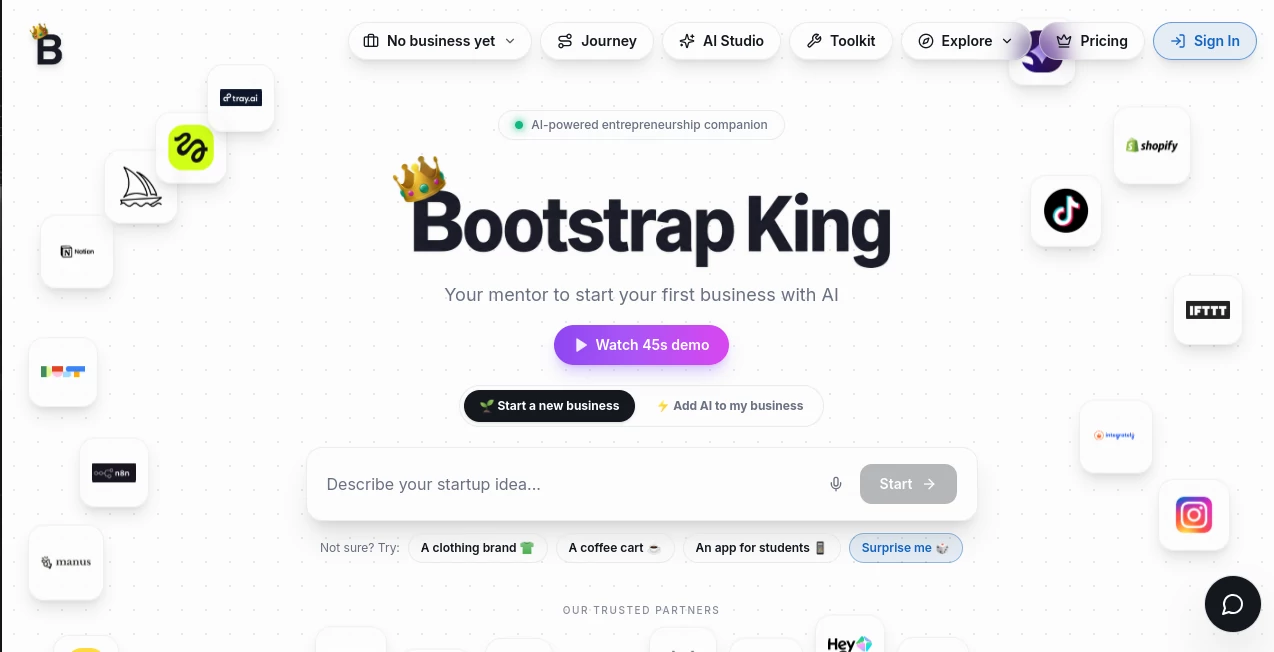
The interface is wonderfully straightforward. You type a description like “modern SaaS dashboard with sidebar navigation, analytics cards, and dark mode” and hit generate. The preview appears almost instantly, and you can chat with the AI to refine anything — change colors, add sections, or adjust layouts. Everything stays within the Bootstrap ecosystem, so the output is clean, maintainable, and ready to drop into any project. No steep learning curve, just fast creative flow.
Accuracy & Performance
It understands Bootstrap deeply — proper grid usage, consistent spacing, accessible components, and modern best practices. The generated code is clean and production-ready, not bloated or hacky. Generation is fast, even for complex pages, and the results look professional on the first try more often than not. I’ve been genuinely impressed by how well it handles responsive behavior across different screen sizes without needing heavy manual fixes.
Capabilities
It can build full pages (landing pages, dashboards, e-commerce, blogs) as well as individual components like navbars, modals, pricing tables, or hero sections. You can start from a prompt, an uploaded screenshot, or even refine existing code. It supports dark mode, multiple color schemes, and modern animations. The output is pure Bootstrap 5 HTML, CSS, and minimal JavaScript — easy to customize further or integrate into any framework.
Security & Privacy
Your prompts and generated code stay private. The platform doesn’t store your projects unless you choose to save them, and there’s no unnecessary data collection. For freelancers and agencies working with client ideas, that respect for privacy is a big plus.
Use Cases
A solo founder describes his SaaS idea and gets a complete landing page plus dashboard in one afternoon. A designer uses it to quickly prototype multiple variations for client presentations. A developer speeds up internal tools by generating the Bootstrap skeleton and then customizing only what’s unique. Students learning web development use it to understand proper Bootstrap patterns by seeing clean examples generated from their descriptions. It fits anyone who wants beautiful, responsive interfaces without spending days on the basics.
Pros and Cons
Pros:
- Extremely fast from idea to clean, working Bootstrap code.
- Results look modern and professional, not generic.
- Great understanding of Bootstrap best practices and responsive design.
- Easy to refine with natural language chat.
- Saves countless hours of repetitive coding.
Cons:
- Complex custom interactions may still need manual JavaScript tweaks.
- Very unique or highly branded designs work best with good prompting.
Pricing Plans
It offers a generous free tier so you can test real projects and see the quality for yourself. Paid plans unlock unlimited generations, priority speed, project saving, and advanced features. The pricing is reasonable for the massive time savings it delivers — many users say they make back the cost on their very first project.
How to Use BootstrapKing
Go to the generator, type a clear description of the page or component you need. Add details like style preferences (“clean and minimal”, “bold and colorful”, “SaaS dashboard”) or reference similar websites. Hit generate and review the preview. Use the chat to ask for changes (“make the sidebar collapsible”, “add a pricing table”, “switch to dark mode”). Once you’re happy, copy the code and paste it into your project. It’s that simple — most pages take just a few minutes from prompt to polished code.
Comparison with Similar Tools
Many AI code generators produce messy or outdated code. This one stays focused on Bootstrap and consistently delivers clean, modern, production-ready markup. While some tools try to do everything, BootstrapKing excels by mastering one framework deeply, which results in better quality and fewer fixes needed afterward. For anyone who loves Bootstrap but hates writing it from scratch, it stands in a league of its own.
Conclusion
Bootstrap is still one of the most practical ways to build responsive websites, but writing it manually can slow you down. BootstrapKing removes that bottleneck without sacrificing quality. It lets you move at the speed of your ideas instead of the speed of your typing. For founders, designers, developers, and anyone who wants to ship beautiful interfaces faster, it’s quickly becoming an indispensable part of the workflow. The future of frontend development isn’t about writing less code — it’s about spending your time on what actually matters. This tool helps you do exactly that.
Frequently Asked Questions (FAQ)
Is the generated code production-ready?
Yes — clean Bootstrap 5 code that you can use directly or customize further.
Can I edit the generated code?
Of course. It’s standard HTML/CSS/JS that you fully own and can modify however you like.
Does it support dark mode?
Yes — you can request dark mode in your prompt or switch it later.
How good is it with complex layouts?
Very good. It handles dashboards, e-commerce, blogs, and admin panels particularly well.
Do I need to know Bootstrap to use it?
No — the AI handles the Bootstrap part so you can focus on your design vision.