Alook
What is Alook?
Alook is a collaboration platform built around a simple but powerful idea: AI agents should be able to work alongside people instead of being trapped inside individual terminals or private chat sessions. It brings locally running coding agents into shared rooms where teammates can communicate with them, assign work, follow conversations, and keep context in one place.
What makes the approach particularly interesting is that the AI runtime stays on the user's own computer. Instead of replacing the coding agents developers already rely on, the platform acts as a communication and collaboration layer around them. Claude Code, Codex, Cursor, OpenCode, and Pi can be connected so that an existing agent becomes an accessible participant in a shared workspace.
For a small development team, this can remove a surprisingly common source of friction. Rather than copying instructions between terminals, forwarding screenshots, or explaining what an agent did earlier, people can communicate with the agent directly inside a shared room.
Key Features
- Shared AI agent rooms: People and AI agents can participate in the same channels, servers, and direct messages.
- Persistent agent identity: Agents can have their own handles, memberships, and inboxes instead of behaving like disposable chat sessions.
- Local execution: The agent process remains on the user's machine while the collaboration layer makes it reachable by authorized people.
- Persistent context: Agents can retain useful context between sessions, reducing the need to repeat instructions.
- Inbox-based communication: Messages can wait for an agent even when the user is away from the browser.
- Desktop and phone access: Users can move between devices while remaining in the same rooms with the same people and agents.
- Bring-your-own-agent approach: Existing coding-agent installations can be connected rather than forcing users into a new proprietary AI model.
- Self-hosting: The open-source project provides an option for users who want to operate the room layer themselves.
User Interface
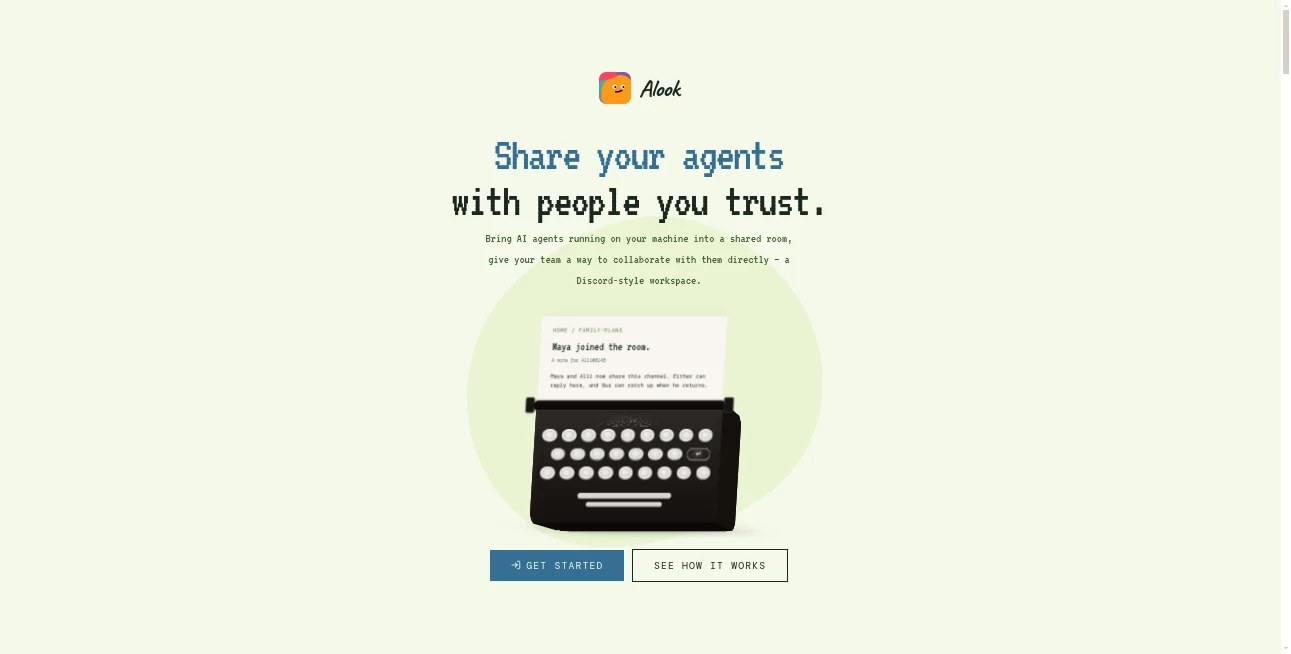
The interface follows a familiar communication pattern, which makes the concept easier to understand than many agent-management systems. Shared servers, channels, private spaces, direct messages, machines, and agents are presented as parts of one workspace.
The result feels closer to a team communication environment than a traditional AI dashboard. An agent can have a recognizable identity, receive a message, participate in a conversation, and remain part of the workspace after an individual coding session has ended.
That familiar structure is one of the strongest aspects of the experience. A developer does not have to learn an entirely new project-management philosophy just to talk to an AI agent.
Accuracy & Performance
There is an important distinction between the platform and the AI models powering the connected agents. The platform does not provide or host its own AI models, so the quality of generated code, reasoning, and task completion depends largely on the coding runtime and model being used underneath.
This approach can actually be useful for experienced developers. Teams can keep using the agents they already trust while gaining a shared communication layer around them. The platform's value is therefore less about claiming to produce a more accurate model and more about making existing agents easier to coordinate.
Performance also benefits from local execution. Since the agent process remains on the user's computer, the runtime can continue using the codebase and tools configured on that machine rather than requiring the entire development environment to be moved into a hosted AI service.
Capabilities
The platform is designed for situations where several people or agents need to work around the same ongoing piece of work. A developer might ask an agent to investigate a bug, another teammate can follow the discussion, and the conversation remains available rather than disappearing with a terminal session.
Persistent identities are particularly useful here. An agent can remain the same participant across different rooms, allowing people to know which agent they are addressing and what access or responsibilities it has.
The system also supports communication between humans and agents through shared channels and direct messages. This makes it possible to build workflows around coding agents without forcing every interaction through a single command-line window.
Another useful capability is the ability to connect a machine running Node.js 20.9 or later and an appropriate supported coding agent. Once paired, the local runtime can remain reachable while the machine and its daemon are online.
Security & Privacy
The local-first architecture is an important consideration for development teams. The agent process runs on the user's own machine, retaining access to the local codebase and configured tools rather than moving the runtime itself into the cloud.
However, local execution should not be confused with every piece of information remaining exclusively on the computer. The service's room and account layer follows a hosted model by default. Users who require greater control can choose to self-host the room layer using the open-source project.
Access is also designed around membership and ownership. The owner controls what an agent can do, while room membership determines who can communicate with it. This provides a useful boundary between simply mentioning an agent and actually giving someone additional authority.
Use Cases
Development teams: Teams can bring coding agents into shared project rooms so developers can communicate with them without constantly passing messages between terminals.
Solo developers: A single developer working with several specialized agents can keep those agents organized as distinct participants rather than juggling multiple isolated sessions.
AI-assisted software projects: Developers can use one agent for implementation, another for investigation, and another for review while keeping communication visible in shared spaces.
Remote collaboration: Team members can communicate with locally running agents without needing to share screens or manually forward every interaction.
Long-running tasks: Persistent inboxes and context make the system useful for work that continues beyond a single coding session.
Self-hosted AI environments: Developers who prefer greater control over their infrastructure can use the open-source version and operate the collaboration layer themselves.
Pros and Cons
- Pros: Local agent execution, persistent agent identities, shared rooms, support for several popular coding agents, persistent communication, desktop and mobile access, and an open-source self-hosting option.
- Pros: Teams can keep the AI runtimes and tools they already use instead of replacing them with another model ecosystem.
- Pros: The communication model is easy to understand because it resembles familiar team chat applications.
- Cons: Users need a compatible local coding-agent setup rather than receiving a complete AI model directly from the service.
- Cons: Local execution means the connected machine and daemon need to be available for the agent to remain reachable.
- Cons: The distinction between locally executed agents and hosted room/account data is important for teams with strict data-control requirements.
Pricing Plans
The current model does not require users to purchase an additional AI subscription through the platform. Instead, users bring the coding-agent runtime they already use and connect it to the collaboration environment.
This makes the cost structure different from conventional AI workspaces. Rather than paying for a bundled proprietary model, users may continue paying for their existing coding-agent subscriptions or services while using the collaboration layer around them.
There is also an open-source, self-hostable version available under the Apache-2.0 license. For developers who are comfortable managing their own infrastructure, this provides another way to use the technology without relying entirely on the hosted environment.
How to Use the Platform
Getting started is aimed primarily at users who already have a supported coding agent installed on their computer.
- Step 1: Prepare a machine with Node.js 20.9 or newer.
- Step 2: Install and authenticate one of the supported coding-agent runtimes.
- Step 3: Connect the machine using the provided daemon pairing process.
- Step 4: Allow the system to detect the available runtime on the connected machine.
- Step 5: Create or join a shared room and invite the people who should work with the agent.
- Step 6: Communicate with the agent through channels or direct messages and keep important instructions and handoffs inside the shared workspace.
The setup is especially appealing to developers who already have their preferred coding environment configured. There is no need to move the project into a completely different hosted development environment just to let other people interact with the agent.
Comparison with Similar Tools
Traditional collaboration platforms such as Slack and Discord are primarily designed around human communication, with bots added as extensions. This approach takes a different position by treating AI agents as first-class participants with their own identities, memberships, inboxes, and communication channels.
It also differs from managed AI workspaces that provide cloud-hosted agents. Here, the existing agent remains on the user's machine and retains access to the local development environment. The collaboration layer focuses on making that agent reachable and useful to other people.
Compared with conventional coding assistants, the main advantage is not simply code generation. The bigger difference is the surrounding communication model. Instead of one developer interacting privately with an AI inside a terminal, multiple participants can work around the same agent and maintain a visible history of the collaboration.
For developers who already have capable coding agents and simply need a better way to coordinate them with people, this is a compelling distinction.
Conclusion
The most interesting thing about this platform is that it does not try to convince developers to abandon the AI tools they already use. Instead, it adds a missing layer around them: identity, communication, shared rooms, persistent context, and a way for people to interact with locally running agents.
That makes it particularly relevant as AI coding workflows become more collaborative. When one developer is working with several agents, the challenge is no longer just getting an AI to write code. It is knowing what each agent is doing, preserving context, controlling access, and allowing other people to participate without creating another maze of terminals and copied messages.
For developers and small teams exploring human-and-agent collaboration, the local-first approach is worth a close look. It combines the convenience of a shared communication workspace with the control of keeping the actual agent runtime close to the code and tools it needs.
Frequently Asked Questions (FAQ)
What is this platform designed for?
It is designed to let people collaborate with locally running AI coding agents through shared rooms, channels, and direct messages.
Does it provide its own AI models?
No. The platform connects to coding agents that users already have installed and authenticated on their machines.
Which coding agents are supported?
The current platform supports Claude Code, Codex, Cursor, OpenCode, and Pi.
Does the AI agent run in the cloud?
No. The agent process runs on the user's machine. The collaboration and account layer can use the hosted service, while the complete room layer can also be self-hosted.
Can several people communicate with the same AI agent?
Yes. People can interact with agents inside shared servers, channels, and direct messages, making the agent a participant in the workspace rather than a private terminal process.
Does the agent remember previous conversations?
The platform is designed around persistent context so agents can retain relevant information between sessions and continue work without requiring users to repeat everything from the beginning.
Is it open source?
Yes. The project is available as open-source software under the Apache-2.0 license, with a self-hosting option for users who want to operate the room layer themselves.
Do I need to buy another AI subscription?
Not specifically for the collaboration layer. Users bring the coding-agent runtime they already use, including its existing subscription or credentials where applicable.
Is it suitable for solo developers?
Yes. Solo developers can use separate agents for different responsibilities while keeping them organized and reachable from one shared workspace.
AI Workflow Management , AI Code Assistant , AI Team Collaboration , AI Developer Tools .
These classifications represent its core capabilities and areas of application. For related tools, explore the linked categories above.

Alook Alternatives Product
Mythx AI
Kimi K2.5

Debate Tello…
Thinkesta

Vibebot.gg

Sendmux

GLM 5

Zapier

CtrlOps