
















AppScreens
Verified Blue CheckMark
Verified Blue CheckMark products are featured above free or unverified listings.
This badge indicates authenticity and builds trust, giving your product higher visibility across the platform.
Upgrade to get verified
Verified Blue CheckMark products are featured above free or unverified listings. This badge indicates authenticity and builds trust, giving your product higher visibility across the platform.
Upgrade to get verified
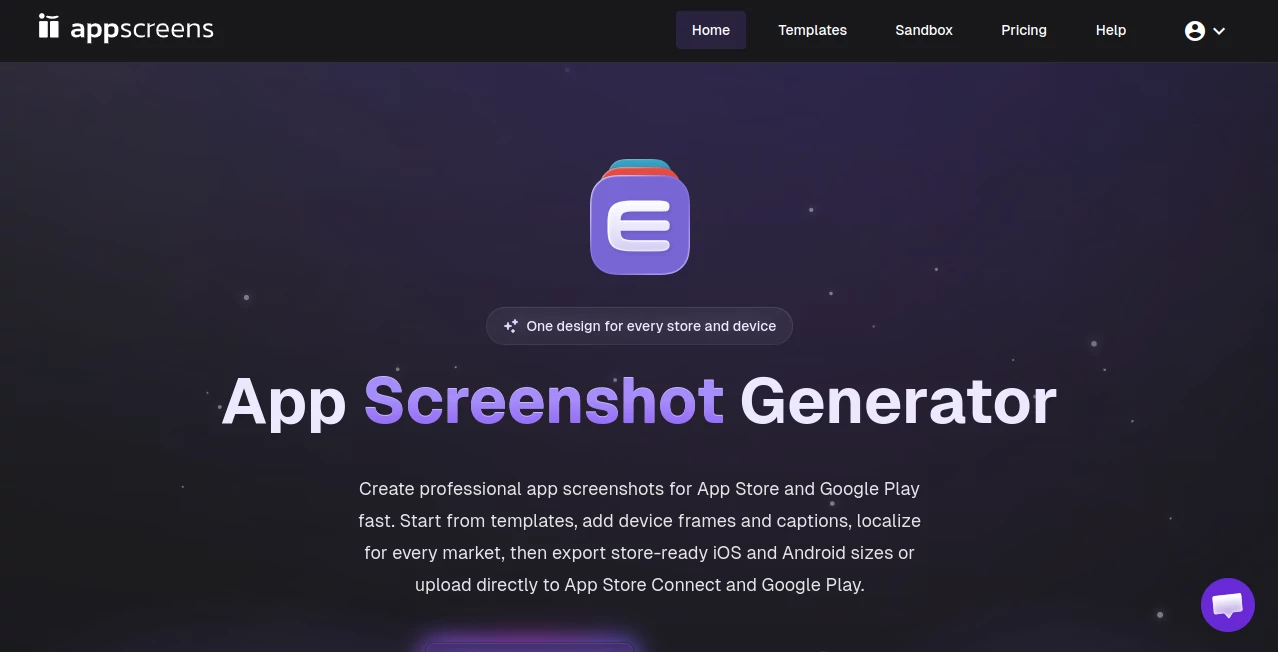
What is AppScreens?
Creating great app store screenshots is one of those tasks that sounds simple until you actually try it. You need the right device frames, perfect layouts, localized text, and visuals that make someone want to download your app. I’ve watched developers waste days struggling with Photoshop templates or inconsistent exports. This platform makes the whole process feel effortless. You design once, and it intelligently generates store-ready screenshots for every device size on both Apple and Google Play, complete with localization and sharp visuals. The difference in quality and speed is immediately obvious.
Introduction
App store listings live or die by their screenshots. They’re often the first real impression users get of your product. Yet most teams either settle for mediocre results or burn too many hours making them. This tool was built specifically to solve that pain. It combines smart templates, responsive design, AI assistance, and one-click exports tailored to App Store and Google Play requirements. Whether you’re a solo indie developer launching your first app or part of a larger team managing multiple products, it turns a tedious chore into a fast, professional workflow. The best part is how it respects your time while delivering results that actually look crafted by hand.
Key Features
User Interface
The workspace is clean and focused. You start with a project, upload your app screens, and everything happens in one responsive canvas. Device frames adapt automatically, text resizes intelligently, and you can switch between different store formats without starting over. The interface stays out of your way so you can concentrate on the visuals. It feels modern and intuitive — even designers who usually prefer desktop tools find themselves enjoying the speed here.
Accuracy & Performance
It gets the technical details right every time: correct device sizes, proper aspect ratios, and export formats that pass store review without issues. Localization is handled cleanly with automatic text fitting and support for many languages. Generation and exports are fast, even when working with multiple languages or device variations. The consistency across outputs means you spend less time fixing and more time refining the message.
Capabilities
You can start from templates, import real app screenshots, or build from scratch. AI helps generate benefit-focused captions, while smart layout tools arrange your content beautifully. Localization into 80+ languages with automatic resizing and RTL support is a standout feature. It exports ready-to-upload assets for both App Store and Google Play in all required sizes from a single project. There’s also support for A/B testing variations and team collaboration features that make larger projects smoother.
Security & Privacy
Your projects and uploaded screenshots remain private to your account. The platform focuses on delivering great tools without unnecessary data collection or sharing. For teams handling sensitive app visuals or upcoming launches, that thoughtful privacy approach builds confidence.
Use Cases
An indie developer launching a new productivity app creates a full set of localized screenshots in a single afternoon instead of a week. A marketing team managing multiple products uses templates to keep visual consistency across the portfolio while customizing messaging per market. A large enterprise localizes screenshots into 15 languages quickly for a global release. Even agencies use it to deliver polished assets to clients faster and with fewer revisions. It fits naturally into any app launch or update cycle.
Pros and Cons
Pros:
- One design generates perfect assets for both App Store and Google Play.
- Excellent localization tools that save enormous time on international releases.
- Professional templates and smart layout features produce great-looking results quickly.
- Fast workflow that reduces the usual screenshot headache dramatically.
- Regular updates and new features keep it improving.
Cons:
- Advanced team collaboration and white-label features are on higher plans.
- Very custom or highly artistic designs may still benefit from manual tweaks.
Pricing Plans
It offers a free plan generous enough to create full screenshot sets for smaller apps or to test the workflow. Paid tiers unlock unlimited projects, more languages, priority exports, team workspaces, and advanced features. The pricing is reasonable for the time and quality it delivers — many teams say it pays for itself after the first major launch or update.
How to Use AppScreens
Start a new project, choose a template or import your app screenshots. Arrange your visuals and text on the responsive canvas. Use AI assistance for captions if needed, then apply localization for different languages. Preview how it looks on various devices, make final adjustments, and export the complete set of store-ready images with one click. The entire process stays visual and intuitive from start to finish.
Comparison with Similar Tools
Many screenshot tools are either too basic or overly complicated with steep learning curves. This one strikes a sweet spot: powerful enough for professional results but simple enough to use immediately. The combination of responsive design, strong localization, and store-specific exports gives it a clear advantage over generic design tools or basic generators. It’s built specifically for app store visuals, and that focus shows.
Conclusion
Your app deserves screenshots that make people want to download it. This platform helps you create them efficiently, professionally, and with the details that matter to both stores and users. It removes the usual friction and lets you focus on what your app actually offers. Whether you’re launching your first app or updating an established one, it makes the visual side of your launch smoother and more effective. In a competitive app market, that edge matters.
Frequently Asked Questions (FAQ)
How long does it take to create a full set?
Most teams complete professional sets in under an hour once they have their app screens ready.
Does it support localization?
Yes — into 80+ languages with automatic text fitting and RTL support.
Can I export for both App Store and Google Play?
Absolutely — from the same project with correct sizes and formats for each store.
Is there a free way to try it?
Yes — the free plan lets you create and export real screenshot sets.
Do I need design skills to use it?
No — the templates and smart tools make great results accessible even without strong design experience.