ArtEdge
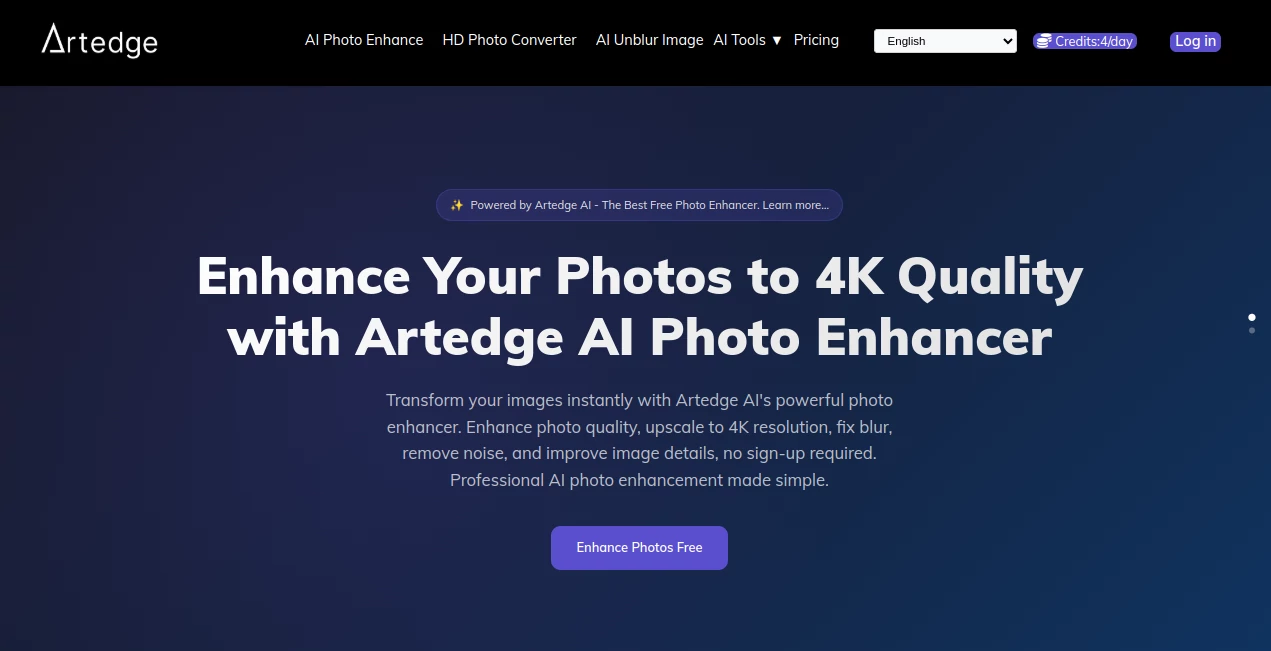
What is ArtEdge?
In a world where visual content defines attention, this platform positions itself as a creative companion for designers, marketers, and digital artists who want to turn imagination into polished artwork within seconds. It blends intuitive controls with advanced generative models, allowing users to create high-quality visuals without needing technical design skills or complex software.
What makes it stand out is its focus on accessibility. Whether someone is experimenting with AI art for the first time or producing assets for commercial projects, the experience feels smooth, fast, and surprisingly natural.
Key Features
User Interface
The interface is designed with simplicity in mind. Users are greeted with a clean workspace where prompts, styles, and settings are easy to adjust. Even first-time users can navigate without confusion, which reduces the learning curve significantly.
Accuracy & Performance
Image generation quality is one of the strongest aspects of this platform. It interprets prompts with impressive precision, producing detailed and visually coherent outputs. Rendering speed is also optimized, making it suitable for both casual use and professional workflows.
Capabilities
- Text-to-image generation with high creative flexibility
- Style customization for different artistic directions
- High-resolution output suitable for digital and print use
- Variation generation for concept exploration
- Creative enhancement for refining existing visuals
Security & Privacy
User data and generated content are handled with attention to privacy. Projects remain within the user’s workspace, and the platform avoids unnecessary data exposure, making it suitable for professionals handling sensitive creative material.
Use Cases
- Creating marketing visuals for social media campaigns
- Designing concept art for games, films, or storytelling projects
- Generating product mockups for e-commerce branding
- Producing illustrations for blogs, websites, and digital content
- Exploring creative ideas during early-stage design thinking
Pros and Cons
Pros
- Fast and responsive image generation
- Beginner-friendly interface
- High-quality artistic output
- Flexible creative control
Cons
- Advanced customization may require experimentation
- Results depend heavily on prompt quality
- Some styles may take time to fine-tune
Pricing Plans
The platform typically follows a flexible access model, offering users entry-level options to explore features and more advanced plans for heavy or professional usage. Free access is often limited, while premium tiers unlock higher resolution outputs, faster rendering, and expanded generation limits.
How to Use This Tool
Getting started is straightforward. Users begin by entering a descriptive prompt that outlines the desired image. After selecting a style or theme, the system generates multiple variations. These can be refined further by adjusting settings or regenerating outputs until the desired result is achieved.
For best results, detailed prompts with clear visual cues tend to produce more accurate and visually appealing artwork.
Comparison with Similar Tools
Compared to other AI image generators, this platform emphasizes ease of use and fast iteration. While some tools focus heavily on complex professional controls, this one balances simplicity with creative depth, making it suitable for both beginners and experienced designers who want quick results without sacrificing quality.
Conclusion
Overall, this creative platform offers a strong balance between usability and artistic capability. It is particularly valuable for users who want to generate high-quality visuals quickly without dealing with complicated software. From content creators to designers, it provides a reliable space to explore ideas and bring them to life visually.
Frequently Asked Questions (FAQ)
Is this platform suitable for beginners?
Yes, the interface is designed to be intuitive, making it easy for beginners to start creating images immediately.
Can it be used for commercial projects?
Yes, many users apply generated visuals in marketing, branding, and digital content creation.
Do I need design experience?
No design experience is required. Simple text prompts are enough to generate artwork.
Can I refine generated images?
Yes, users can adjust prompts and regenerate outputs to improve results iteratively.
What makes it different from other tools?
Its combination of simplicity, speed, and creative flexibility makes it stand out in the AI art space.
Design & Art , AI Art Generator , AI Image to Image , AI Text to Image .
These classifications represent its core capabilities and areas of application. For related tools, explore the linked categories above.

ArtEdge Alternatives Product
Nano Banana …
Gamelabs Stu…

Fiddl.art

SeeDream 4.5
Niji V7

NanoBanana P…

Uni-1

ModelsLab

Flux2 Klein