
Audio Transcriber AI
What is Audio Transcriber AI?
I still remember sitting through a two-hour interview recording, rewinding constantly and typing everything out manually. By the end I was exhausted and the result was full of mistakes. Then I tried this tool. I uploaded the same file, grabbed a coffee, and came back to a clean, well-organized transcript with speaker labels and timestamps. It felt almost unfair how much time it saved me. That moment made me realize how powerful a truly good transcription tool can be.
Introduction
Whether you’re a journalist transcribing interviews, a student turning lectures into notes, a podcaster creating show notes, or a business professional documenting meetings, turning audio into usable text is still a major pain point. This platform makes that process feel effortless. It handles different accents, background noise, and multiple speakers with impressive reliability, delivering clean transcripts you can actually work with. What sets it apart is the balance of speed, accuracy, and thoughtful features that fit naturally into real workflows instead of adding more complexity.
Key Features
User Interface
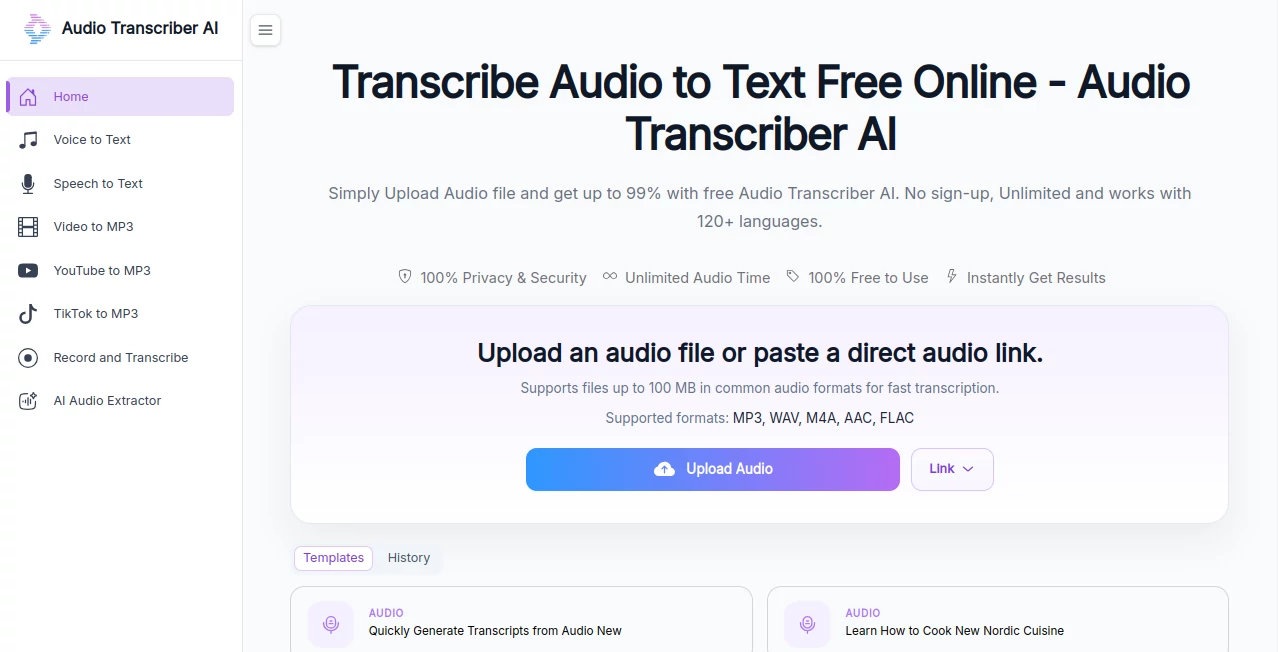
The design is wonderfully straightforward. You drag and drop your audio file or click to upload, choose your preferences if needed, and hit transcribe. The progress bar is satisfying to watch, and once finished, the transcript appears with clear formatting, speaker labels, and clickable timestamps. You can edit directly in the interface, highlight important parts, or export in multiple formats. It never feels overwhelming — just calm and efficient.
Accuracy & Performance
The accuracy is consistently high, even with challenging audio — casual conversations, interviews with overlapping speech, or recordings with some background noise. It picks up nuances in different accents and maintains good punctuation and sentence structure. Processing is fast enough that you’re not left waiting around, yet the quality doesn’t suffer. In my experience, it often requires very little cleanup compared to other tools I’ve tried.
Capabilities
It supports a wide range of audio formats and languages, offers speaker identification, automatic timestamps, summarization options, and the ability to export as clean text, Word documents, or subtitles. You can upload long files (podcasts, lectures, meetings) and still get reliable results. The combination of transcription + smart post-processing features like key point extraction makes it much more than just a basic converter.
Security & Privacy
Your audio files and transcripts are handled with care. The platform uses strong encryption and doesn’t store your data longer than necessary. For professionals handling sensitive interviews, client calls, or confidential meetings, that peace of mind is invaluable.
Use Cases
A journalist uploads an hour-long interview and gets a perfectly timestamped transcript ready for quoting within minutes. A college student records lectures and turns them into searchable, well-organized notes for exam revision. A podcast host generates show notes and social clips from raw audio in one go. A business team documents important meetings and extracts action items automatically. It fits comfortably into busy, real-world routines where time is precious.
Pros and Cons
Pros:
- Impressive accuracy across different accents and recording conditions.
- Fast processing even for longer audio files.
- Helpful extras like speaker labels, timestamps, and summarization.
- Clean, easy-to-use interface that doesn’t get in the way.
- Strong privacy practices that professionals can trust.
Cons:
- Extremely noisy environments can still need some manual correction.
- Advanced features and higher usage limits require a paid plan.
Pricing Plans
It offers a generous free tier that’s actually useful for occasional needs or testing the quality. Paid plans unlock longer transcription limits, more storage, priority processing, and advanced features like custom vocabulary. The pricing feels fair for the time it saves — many users say they recover the cost after just a few long meetings or interviews.
How to Use AudioTranscriber
Go to the upload area and drop your audio file (or click to browse). Select any specific options like language or speaker identification if needed. Click transcribe and wait a short while. Once ready, review the text, make light edits if necessary, and export in your preferred format. For regular users, you can save custom settings or build a library of past transcripts. The entire flow is designed to be quick and repeatable.
Comparison with Similar Tools
While many transcription services exist, this one stands out for its balance of accuracy, speed, and user-friendly design. Some tools are faster but less accurate, others are more accurate but painfully slow or expensive. The thoughtful features like clean timestamps and summarization give it a practical edge for everyday professional and personal use.
Conclusion
Audio transcription used to be one of those tedious tasks you dreaded. This tool turns it into something quick, reliable, and almost enjoyable. It respects your time, delivers results you can actually use, and removes one more friction point from creative and professional work. If you regularly deal with recorded audio — interviews, lectures, meetings, podcasts — this is one of those tools that quickly becomes indispensable.
Frequently Asked Questions (FAQ)
How accurate is the transcription?
Very high on clear recordings, with good performance even on moderately challenging audio.
What file formats are supported?
Most common audio formats including MP3, WAV, M4A, and more.
Does it identify different speakers?
Yes, speaker detection works well on conversations with clear turns.
Is there a limit on file length?
Free tier has reasonable limits; paid plans support much longer recordings.
Are my files kept private?
Yes — files are processed securely and not used for training.
AI Documents Assistant , AI Transcription , AI Speech to Text , AI Notes Assistant .
These classifications represent its core capabilities and areas of application. For related tools, explore the linked categories above.
Audio Transcriber AI details
Website unavailable — View Alternatives
Pricing
- Free
Apps
- Web App
Categories

Audio Transcriber AI Alternatives Product

TO MD

Lynote

JSON to Excel

AI Voice Clo…
TikoTranscri…

mainaro
Transcribe A…

Remove My Me…

Maestra