

















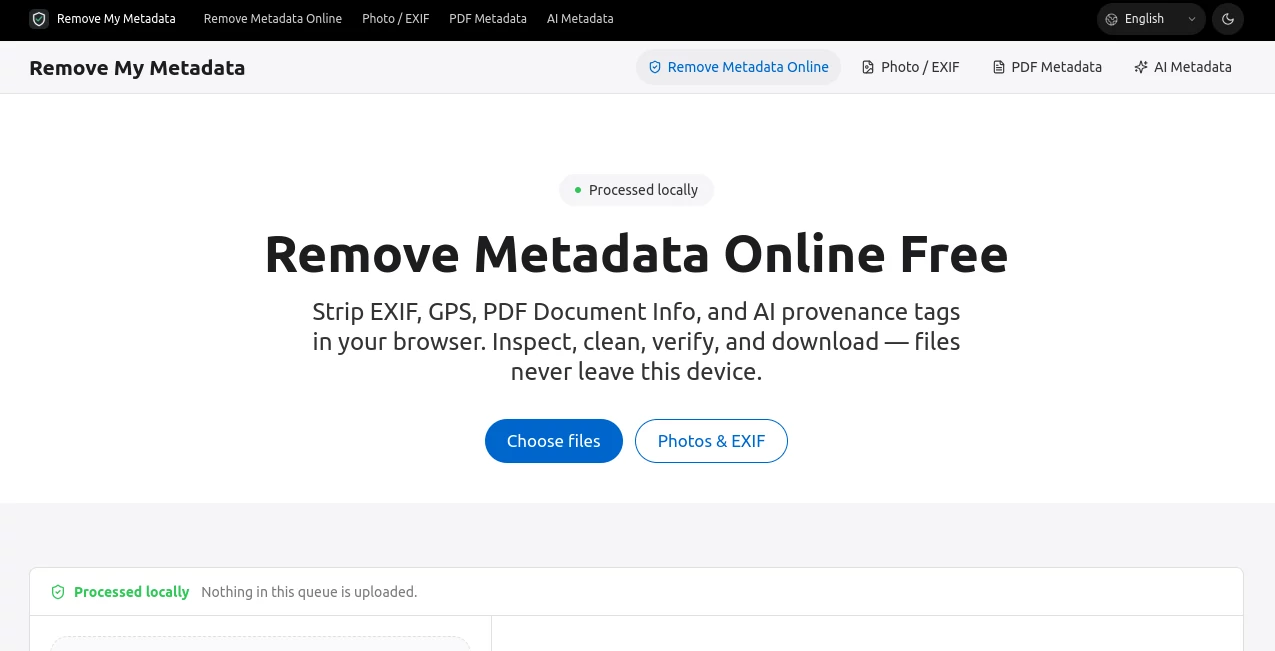
What is Remove My Metadata?
RemoveMyMetadata is a simple and privacy-focused tool designed to help users remove hidden metadata from their digital files before sharing them online. Many files contain invisible information such as author names, editing history, device details, software information, and other properties that users may not realize are included. This tool provides an easy way to clean files and protect personal information with minimal effort.
Whether you are a professional sharing documents, a photographer publishing images, or a business handling sensitive files, this solution offers a practical way to prepare your content for public distribution. Its straightforward approach makes metadata removal accessible even for users without technical knowledge.
Key Features
User Interface
The platform focuses on simplicity and ease of use. The clean interface allows users to upload files, process them, and remove unwanted metadata without complicated settings or advanced steps. The workflow is designed for quick results, making it suitable for everyday users who want a fast privacy solution.
Accuracy & Performance
The tool efficiently detects and removes embedded metadata from supported files while maintaining the original quality and usability of the content. Users can clean their files without worrying about unnecessary changes to the actual document, image, or media content.
Capabilities
The service helps eliminate hidden file information that may reveal personal or technical details. It is useful for preparing documents, images, and other digital assets before uploading them to websites, marketplaces, social platforms, or sharing them with clients.
- Removes hidden metadata from digital files
- Helps protect personal and professional privacy
- Simple upload and cleaning process
- Useful for individuals, creators, and businesses
- Helps prepare files for safer online sharing
Security & Privacy
Privacy is an important concern when handling digital files. The platform is built around the idea of reducing unnecessary information exposure by helping users remove metadata before distribution. Cleaning files before sharing can prevent accidental leaks of details that were never intended to be public.
User Cases
This tool can be valuable in many situations where file privacy matters. For example, photographers can remove camera information before publishing images, companies can clean business documents before sending them externally, and freelancers can prepare client files without revealing unnecessary details.
- Removing metadata from personal photos
- Preparing business documents for clients
- Protecting privacy when uploading files online
- Cleaning digital assets before publishing
- Managing sensitive documents more securely
Pros and Cons
Pros
- Easy-to-use interface
- Helps improve digital privacy
- No advanced technical knowledge required
- Fast and convenient file cleaning process
- Useful for both personal and professional users
Cons
- Availability depends on supported file formats
- Advanced editing features are not the main focus
Pricing Plans
The platform offers a simple approach focused on helping users clean their files without unnecessary complexity. Users can check the official website for the latest information about available plans, features, and usage limits.
How to Use RemoveMyMetadata
Using the service is designed to be quick and beginner-friendly. Users can follow a few simple steps to remove hidden information from their files:
- Upload the file that needs cleaning
- Allow the tool to analyze the file metadata
- Remove unwanted hidden information
- Download the cleaned version
- Share the safer file with confidence
Comparison with Similar Tools
Compared with traditional desktop privacy utilities, this type of online solution provides a faster and more accessible experience. Many users do not need complex configuration options; they simply need an efficient way to remove hidden information before sharing files. The lightweight workflow makes it convenient for occasional users as well as professionals.
Conclusion
Protecting personal information has become increasingly important in today's digital world. Hidden metadata can reveal details that users may not expect to share, making file cleaning an important step before publishing or sending digital content.
With its simple workflow, privacy-focused purpose, and practical functionality, this tool provides an effective solution for anyone who wants more control over their digital files. It is a useful addition to the toolkit of creators, professionals, and everyday users who value safer online sharing.
Frequently Asked Questions (FAQ)
What does metadata removal do?
Metadata removal deletes hidden information stored inside files, such as author details, device information, and editing records.
Why should I remove metadata before sharing files?
Removing metadata can help protect privacy by preventing accidental exposure of personal or technical information.
Can beginners use this tool?
Yes. The simple design allows users with any technical background to clean their files easily.
Does removing metadata affect the original content?
Metadata removal is designed to clean hidden information while keeping the main content of the file unchanged.
Who can benefit from this service?
Photographers, businesses, freelancers, researchers, and anyone sharing digital files online can benefit from removing unnecessary metadata.