


















Axell
What is Axell?
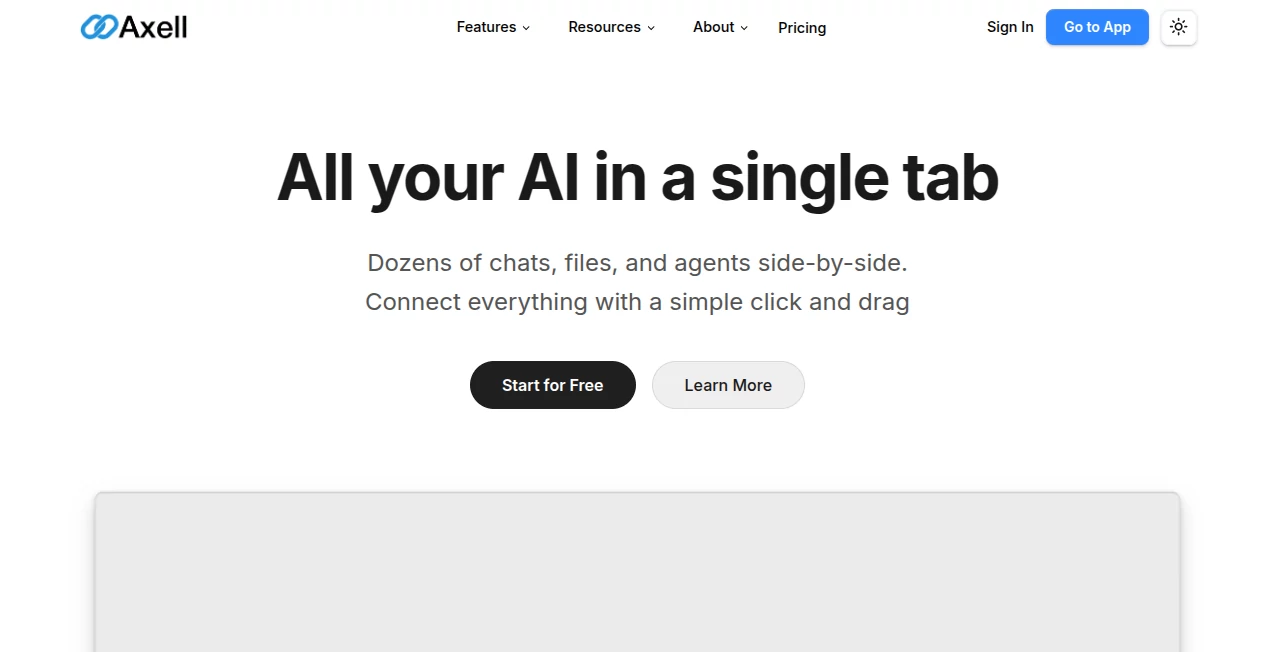
Modern AI workflows often become scattered across multiple browser tabs, disconnected chats, and isolated tools. This platform brings everything together inside a unified workspace where conversations, files, AI agents, and knowledge remain connected instead of fragmented. Rather than switching between different AI providers or constantly copying information from one application to another, users can organize every project in one collaborative environment.
The workspace is designed for professionals, creators, developers, marketers, and teams that rely on several AI models every day. Multiple conversations can run simultaneously while sharing documents, project files, and contextual knowledge. Whether analyzing reports, generating content, reviewing videos, or brainstorming ideas, the platform keeps every resource connected so work continues naturally without losing valuable context.
Another standout advantage is the freedom to choose among leading AI models without locking projects into a single ecosystem. This flexibility makes it easier to experiment with different models while maintaining a consistent workflow that grows alongside personal or business needs.
Key Features
User Interface
The interface focuses on simplicity without sacrificing power. Users can open numerous AI conversations side by side, drag files directly into the workspace, and connect chats with documents, knowledge bases, or custom AI experts. The visual canvas makes complex projects feel organized, especially when multiple conversations are happening simultaneously.
Accuracy & Performance
Instead of depending on only one language model, the workspace supports several industry-leading providers, allowing users to select the model that performs best for a particular task. Context-aware conversations remember connected files and previous discussions, helping responses stay relevant throughout long projects. Large documents, PDFs, images, videos, and text files can all become part of the conversation, making analysis more practical and efficient.
Capabilities
- Unified AI workspace for projects and conversations.
- Support for multiple leading AI models.
- Parallel AI chats with different configurations.
- Context-aware conversations connected to files.
- Custom AI experts tailored to specific workflows.
- Knowledge base integration for richer responses.
- Document reading, analysis, and editing.
- Image, audio, and media generation support.
- Video analysis inside collaborative projects.
- Real-time collaboration with shared workspaces.
- Project organization through dedicated workspaces.
- Cloud-based accessibility from virtually anywhere.
Security & Privacy
Privacy receives significant attention through workspace-based organization and responsible data handling. User content remains under the user's ownership, and uploaded files are processed solely to provide requested AI functionality. The service also states that user content is not used to train AI models, providing additional reassurance for professionals working with sensitive documents. GDPR compliance and secure account management further strengthen confidence for business users.
Use Cases
- Managing multiple AI conversations during research projects.
- Collaborative content creation for marketing teams.
- Analyzing business documents and reports.
- Reviewing videos alongside AI-generated summaries.
- Building specialized AI assistants for recurring tasks.
- Organizing project knowledge in shared workspaces.
- Generating creative assets from a single environment.
- Supporting software development with AI collaboration.
- Creating presentations, documentation, and workflows.
- Improving productivity across cross-functional teams.
Pros and Cons
Pros
- Combines several AI models in one workspace.
- Excellent collaboration features for teams.
- Context-aware conversations improve productivity.
- Supports many common document formats.
- Flexible custom AI experts.
- Free plan available for new users.
- Clean and intuitive interface.
Cons
- Advanced collaboration benefits are greater on paid plans.
- Heavy AI usage depends on monthly credit limits.
- Learning every workspace feature may take some time for beginners.
Pricing Plans
The platform offers a free Hobby plan that allows users to explore the core experience without requiring a credit card. Paid subscriptions increase AI credits, supported models, storage capacity, projects, and workspaces. Higher-tier plans are designed for professionals and organizations requiring extensive collaboration and larger AI workloads.
How to Use Axell
Create an account and start a new workspace. Upload documents, images, videos, or other supported files, then connect them to AI conversations using the visual workspace. Open multiple chats simultaneously, assign different AI models to each task, and build custom AI experts for repetitive workflows. Invite teammates into shared workspaces whenever collaboration is needed, allowing everyone to work with the same context in real time.
Comparison with Similar Tools
Unlike traditional AI chat applications that isolate conversations, this workspace emphasizes connected information. Documents, knowledge bases, AI agents, and conversations work together instead of remaining separate. The ability to combine multiple AI providers within one interface also offers greater flexibility than platforms tied to a single language model. Teams benefit particularly from live collaboration features that keep projects synchronized without constant file sharing.
Conclusion
For anyone juggling several AI tools throughout the day, this platform offers a refreshing alternative by bringing conversations, files, projects, and intelligent assistants into one organized environment. Its combination of multi-model support, collaborative workspaces, contextual understanding, and flexible customization makes it well suited for both individual professionals and growing teams. The result is a smoother workflow where ideas move faster, context is preserved, and productivity naturally improves.
Frequently Asked Questions (FAQ)
Can multiple AI models be used in one workspace?
Yes. Users can choose from several leading AI providers and assign different models to different conversations.
Does it support document analysis?
Yes. Users can upload documents, PDFs, images, videos, and text files for AI-powered analysis and editing.
Is collaboration available?
Yes. Shared workspaces allow teams to collaborate in real time while viewing synchronized project content.
Is there a free plan?
Yes. A free Hobby plan allows users to explore the platform before upgrading to larger plans.
Who is this platform best suited for?
It is ideal for professionals, creators, developers, marketers, researchers, and teams that regularly work with multiple AI models and collaborative projects.
AI Productivity Tools , AI Team Collaboration , AI Chatbot , AI Files Assistant .
These classifications represent its core capabilities and areas of application. For related tools, explore the linked categories above.

Axell Alternatives Product

LLaMaRush

Period Calcu…

Coresite

FormRoyale

Jotform AI A…

Sendmux

freellm

Notion

Kaamfu
