
Baby Dance AI
What is Baby Dance AI?
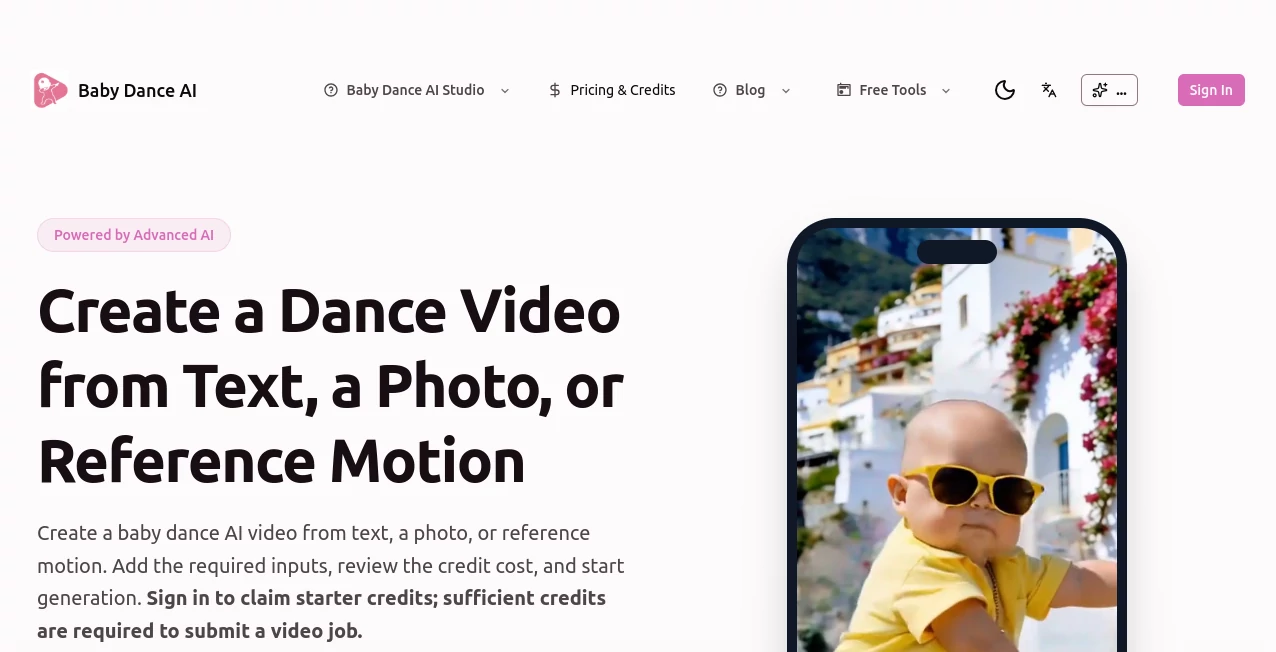
Turning a simple image into a lively dance performance has never been easier. This creative video platform allows anyone to transform photos, text prompts, or reference movements into fun animated clips without requiring editing experience. Whether you want to surprise friends, create engaging social media content, or simply experiment with AI-powered animation, the experience is designed to be fast, intuitive, and enjoyable.
The platform combines multiple generation methods in a single workspace, giving users the flexibility to start with a written prompt, upload a picture, or guide the animation using reference motion. The streamlined workflow, transparent credit system, and browser-based interface make it accessible for beginners while still offering advanced controls for creators looking for more precise motion.
Key Features
User Interface
The interface is clean and easy to navigate. Users simply choose a generation mode, upload the required files, customize available settings, and submit the project. Helpful previews, dance templates, and visible credit costs eliminate confusion before rendering begins. Everything works directly in the browser, so there is no software installation required.
Accuracy & Performance
The animation engine produces smooth dance movements while preserving the appearance of the uploaded subject. Different generation modes support varying levels of creative control, allowing users to balance automation with customization. Processing is handled asynchronously, making it possible to continue working while videos are being generated.
Capabilities
- Generate videos from text prompts.
- Animate uploaded photos.
- Support standard and professional motion control.
- Use reference videos to guide movement.
- Select different video durations depending on the chosen mode.
- Download completed videos after generation.
- Preview dance templates before creating content.
- Display credit usage before every generation.
Security & Privacy
Users upload only the media required for each workflow, while generation jobs are processed through supported providers. The platform encourages responsible use of uploaded content and clearly explains that available features, rendering quality, and output behavior may vary depending on the selected generation provider.
Use Cases
- Create entertaining short-form videos for TikTok, Instagram Reels, and YouTube Shorts.
- Produce personalized birthday or celebration videos.
- Generate humorous family memories from old photographs.
- Create engaging social media campaigns with animated characters.
- Experiment with AI-driven motion design without learning professional editing software.
- Produce creative promotional content using reference motion.
Pros and Cons
- Pros
- Multiple generation modes including text, image, and motion control.
- Simple browser-based workflow.
- No credit card required to begin with starter credits.
- Visible credit costs before submission.
- Supports downloadable generated videos.
- Suitable for both beginners and experienced creators.
- Cons
- Advanced generations require credits.
- Rendering speed depends on provider availability.
- Output quality may vary across different generation models.
- Some features are only available in specific modes.
- Choose your preferred generation mode.
- Upload a photo, write a prompt, or add a reference motion video.
- Adjust available settings such as duration and motion options.
- Review the required credit cost.
- Submit the generation job.
- Wait for processing to complete.
- Preview and download the finished video.
Pricing Plans
New users can sign up and receive starter credits without providing a credit card. Additional generations require purchasing credits, with costs varying based on video duration, selected generation mode, and enabled options. The transparent pricing model allows users to see the exact credit requirement before submitting each project.
How to Use Baby Dance AI
Comparison with Similar Tools
Unlike many animation tools that focus on only one workflow, this platform combines text-to-video, image animation, and reference motion guidance in a unified interface. The inclusion of both standard and professional motion control provides additional creative flexibility, while transparent credit accounting helps users understand generation costs before committing. Its browser-based design also removes the need for dedicated desktop software, making content creation significantly more accessible.
Conclusion
For creators who want a quick and enjoyable way to generate animated dance videos, this platform delivers an impressive combination of simplicity and creative freedom. The variety of input methods, flexible motion controls, and straightforward workflow make it suitable for casual users, content creators, marketers, and anyone interested in producing eye-catching short videos. With an intuitive interface and transparent pricing, it provides a practical solution for transforming static ideas into lively animated content.
Frequently Asked Questions (FAQ)
Can I create videos from text only?
Yes. The platform supports text-to-video generation in addition to image-based workflows.
Can I animate an existing photo?
Yes. Upload a compatible image and generate a dancing animation using available templates or custom prompts.
Is there a free version?
New users receive starter credits after signing up, allowing them to try the service before purchasing additional credits.
Do I need to install software?
No. Everything runs directly inside a web browser.
Can I control the movement?
Yes. Motion Control and Motion Control Pro allow users to guide animations using reference videos when supported by the selected generation mode.
AI Animated Video , AI Image to Video , AI Video Editor , AI Video Generator .
These classifications represent its core capabilities and areas of application. For related tools, explore the linked categories above.

Baby Dance AI Alternatives Product

AI Motion Co…

Seedance 2.5

Banana 2 Edi…

Veo4AI

Seedance 2.5

Faceless vid…

WonderShare …

Wan 2.7

Wan AI