
BrainyCanvas
What is BrainyCanvas?
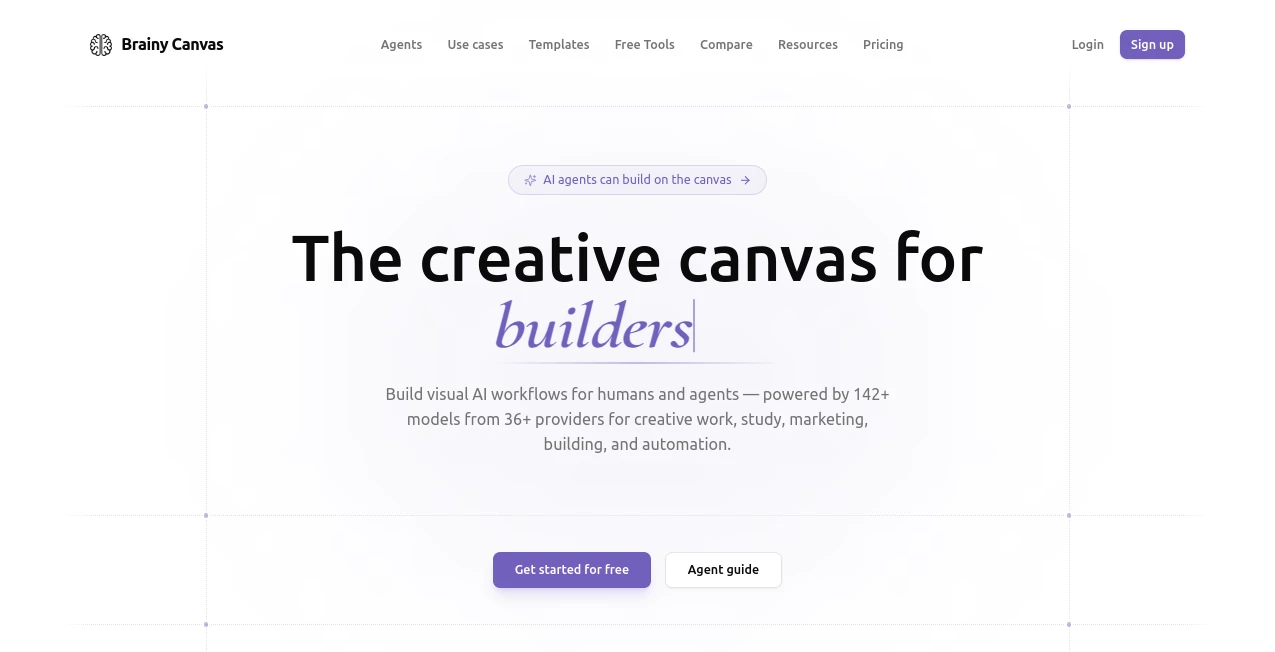
Managing multiple AI tools can quickly become overwhelming. This platform brings everything into one visual workspace where ideas, files, prompts, and AI models connect naturally. Instead of switching between separate applications, users can build complete workflows, generate creative content, and organize projects with an intuitive drag-and-drop canvas. It is especially valuable for students, creators, marketers, developers, and teams looking for a faster and more organized way to work.
Key Features
User Interface
The visual canvas is clean, modern, and easy to understand. Every task appears as a connected node, making complex AI workflows surprisingly simple to build, edit, and review without writing code.
Accuracy & Performance
The platform supports more than 140 AI models from dozens of leading providers, allowing users to compare outputs and choose the most suitable result for each project. Fast processing keeps creative work flowing without unnecessary delays.
Capabilities
- Create visual AI workflows with drag-and-drop tools.
- Generate images, videos, presentations, and study materials.
- Convert files and extract text from documents.
- Build quizzes, flashcards, notes, and diagrams.
- Connect multiple AI models inside one project.
- Support API access for advanced automation.
Security & Privacy
Projects remain organized inside dedicated workspaces, while API integration allows developers and teams to automate workflows in a structured environment. The platform is designed to keep projects manageable and easy to review.
Use Cases
- Creating marketing campaigns from a single brief.
- Turning study notes into quizzes and flashcards.
- Building AI-powered presentations.
- Designing visual workflows for creative projects.
- Generating multimedia content from documents.
Pros and Cons
Pros
- Simple visual workflow builder.
- Supports a large collection of AI models.
- No coding required for most tasks.
- Suitable for education, marketing, and content creation.
Cons
- Advanced workflows may require some learning.
- Heavy usage depends on available monthly credits.
Pricing Plans
A free plan is available with starter credits for new users. Paid plans provide larger monthly credit limits for creators, professionals, and teams with frequent AI workloads.
How to Use Brainy Canvas
Create a new workspace, drag the required nodes onto the canvas, connect them into a workflow, upload any files or prompts, choose an AI model, and run the project. Results can be reviewed, edited, and reused within the same visual interface.
Comparison with Similar Tools
Unlike traditional automation platforms that focus mainly on connecting applications, this solution emphasizes visual AI creation. It combines workflow building, content generation, file processing, presentations, and multimedia production inside a single interactive canvas, making it an excellent choice for creative and educational projects.
Conclusion
For anyone looking to organize AI-powered work without juggling multiple services, this platform offers a refreshing approach. Its visual interface, extensive model support, and broad creative capabilities make everyday tasks easier while encouraging experimentation and collaboration.
Frequently Asked Questions (FAQ)
Is it suitable for beginners?
Yes. The drag-and-drop interface makes it approachable even for users with no programming experience.
Can it generate different types of content?
Yes. It supports text, images, presentations, videos, study materials, and document processing in one workspace.
Does it support AI workflow automation?
Yes. Users can visually connect multiple AI tasks into reusable workflows and automate creative processes.
Is there a free version?
Yes. A free plan allows new users to explore the platform before upgrading to paid plans.
AI Workflow Management , AI Diagram Generator , AI Productivity Tools , AI Presentation Generator .
These classifications represent its core capabilities and areas of application. For related tools, explore the linked categories above.

BrainyCanvas Alternatives Product

Fig0

MakeGraph

ShipBoost

Period Calcu…

Hands Off

Carmatec

Slackactivity

TopPDF

Nova AI