
Bypassify
What is Bypassify?
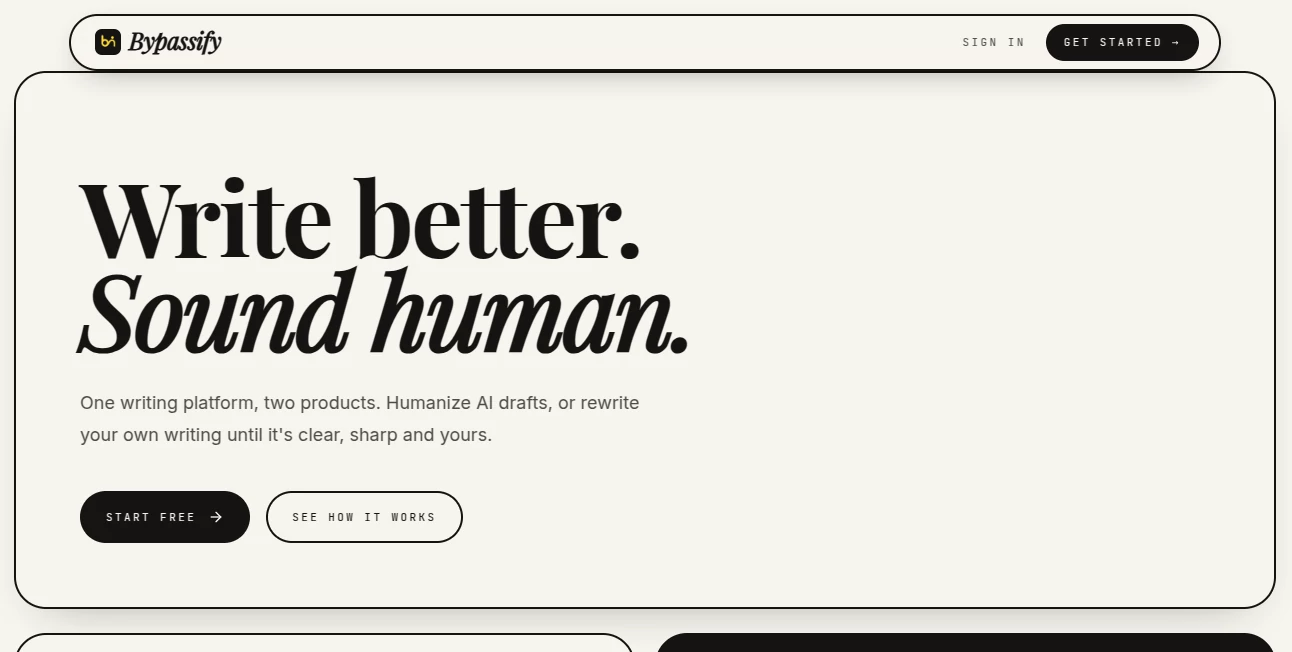
Turning an AI-assisted draft into something that genuinely feels like your own writing can be harder than it sounds. A sentence may be grammatically correct but still feel too polished, repetitive, or unlike the way you normally write. Bypassify is built around that exact problem, offering a focused workspace for humanizing AI-generated drafts as well as improving writing that was created by the user in the first place.
The platform brings two related tools together: an AI humanizer for reshaping AI-assisted writing and a rewriter designed to improve grammar, clarity, flow, and tone. Rather than simply replacing words with synonyms, its approach focuses on sentence rhythm, structure, and overall readability. This makes it useful for students, writers, researchers, and anyone who regularly works with drafts that need a more natural voice.
One particularly practical detail is the way the platform handles important information inside a document. Citations, quotations, numbers, URLs, and named facts are protected during rewriting, helping users avoid the frustrating experience of getting a cleaner paragraph only to discover that the references have been changed.
Key Features
- AI-assisted text humanization focused on natural wording and sentence flow.
- Rewriting that works on sentence rhythm and structure rather than relying only on synonym replacement.
- Protection for citations, direct quotes, URLs, numbers, and named facts.
- Multiple writing tones, including Academic, Neutral, and Casual.
- Three rewriting strengths: Light, Balanced, and Aggressive.
- Support for TXT, DOCX, and PDF uploads.
- Version history with side-by-side and inline comparison options.
- A risk meter based on writing patterns and residual AI-related signals.
- Voice matching on the higher-tier plan using a sample of the user's own writing.
- Batch processing for users working with multiple drafts.
User Interface
The interface takes a deliberately simple approach. Instead of surrounding the writing workspace with unnecessary dashboards and promotional elements, the workflow centers on the draft itself. A typical session is straightforward: bring in the text, select the preferred approach, process it, and review the result.
The comparison features are especially useful when working on academic or professional material. Users can inspect the original and revised versions rather than blindly accepting every change. That small step can make a big difference when the goal is to improve a piece of writing without losing the author's personality.
Accuracy & Performance
The platform says its humanization pipeline uses a dedicated model followed by multiple deterministic processing stages. These stages are designed to address elements such as sentence cadence, punctuation, structure, vocabulary patterns, and rhythm.
Another important part of the workflow is citation protection. Citations, quotations, and URLs are masked before the rewriting stage and restored afterward. For someone editing a research paper, that is far more useful than a basic paraphraser that may accidentally alter references or quoted material.
The service also provides a risk meter. It is presented as a heuristic rather than a guaranteed detector result, which is a sensible distinction because AI-detection systems can produce inconsistent results. Users should therefore treat any detector-related score as an indicator rather than a promise of a particular outcome.
Capabilities
The platform goes beyond simple AI text humanization. Its broader writing workflow includes rewriting for grammar, clarity, flow, and tone, making it useful even when the original draft was written entirely by a person.
For academic users, the Academic tone can provide a more suitable starting point for essays, reports, and research drafts. Professional and Casual options are better suited to workplace communication, blog content, personal writing, and everyday documents.
More advanced users can also take advantage of voice matching, allowing the system to use a sample of their previous writing as a reference. This is an interesting option for people who want revisions to remain closer to their established writing style rather than adopting a generic AI voice.
Security & Privacy
Privacy is an important consideration when uploading essays, reports, research material, or unpublished content. The service states that drafts are stored under the user's account and are not used for training without consent. Its feature documentation also says that saved writing history remains private and is not publicly indexed.
Users should still review the current privacy policy before uploading confidential business documents, sensitive research, or material covered by institutional policies. As with any cloud-based writing service, understanding how your content is handled is worth doing before using it for sensitive work.
Use Cases
Academic writing: Students can use the platform to improve the readability and flow of essays, reflections, literature reviews, and other drafts while keeping citations and quotations intact.
Content creation: Bloggers and content creators can refine AI-assisted drafts that feel repetitive or overly mechanical and turn them into more natural editorial copy.
Professional writing: Business users can adjust tone and improve clarity in emails, reports, internal documents, and other workplace content.
Personal writing: Someone who has already written a document can use the rewriting features to tighten awkward sentences without completely changing the original meaning.
Long-form projects: Users working on larger documents can benefit from higher word limits, voice matching, batch processing, and richer document exports available on the paid plans.
Pros and Cons
Pros
- Focused specifically on natural rewriting and humanization.
- Protects citations, quotations, URLs, numbers, and named facts.
- Offers several tones and rewriting strengths.
- Supports PDF, DOCX, and TXT uploads.
- Includes useful comparison and revision-history features.
- Has a genuinely usable free plan with no credit card requirement.
- Higher plans offer voice matching and batch processing.
- Pricing is relatively inexpensive compared with many competing writing services.
Cons
- The free plan limits each draft to 300 words and five humanizations per day.
- Some of the more advanced features are restricted to higher-priced plans.
- Detector results should not be interpreted as guaranteed outcomes.
- The Humanizer and Rewriter are separate products with separate subscriptions.
- Some integrations are still being developed.
Pricing Plans
The Humanizer is available through three subscription levels. The Free plan costs $0 forever and provides five humanizations per day with drafts of up to 300 words. It also includes a standard model, history, diff comparison, and citation protection.
The Pro plan costs $3.99 per month and removes the daily humanization limit, allowing drafts of up to 8,000 words. It adds the premium two-pass detector-aware model, TXT, DOCX, and Markdown exports, and priority processing.
The Ultra plan costs $6.99 per month. It includes everything in Pro, plus a third Deep Humanize pass, five writing-style presets, voice matching from the user's own writing, batch processing for up to 10 drafts, support for drafts of up to 15,000 words, rich DOCX export, and priority-plus processing.
The platform also offers separate Rewriter plans, meaning users interested in both products should be aware that they are billed independently.
How to Use
- Create an account and open the writing workspace.
- Choose whether you want to humanize an AI-assisted draft or rewrite your own writing.
- Paste your text or upload a supported TXT, DOCX, or PDF document.
- Select an appropriate tone and rewriting strength when using the humanization workflow.
- Run the process and review the revised version.
- Use the comparison or diff view to inspect important changes.
- Check citations, quotations, facts, and formatting before using the final document.
- Export the result in a supported format when your plan includes document export.
Comparison with Similar Tools
Many rewriting services take a straightforward paraphrasing approach: replace words, adjust a few sentences, and return the result. This can work for basic editing, but it can also produce writing that feels strangely uniform or overly polished.
This platform takes a more structured route. Its rewriting pipeline is designed around sentence cadence, rhythm, structure, and common patterns associated with AI-assisted prose. The citation-locking system is another meaningful distinction, particularly for students and researchers who cannot afford to have references or quotations altered during editing.
The free tier also makes it relatively easy to test the workflow before paying. For occasional short assignments, 300-word drafts and five daily runs may be sufficient. Users handling full papers or multiple documents will likely find the Pro or Ultra limits more practical.
Conclusion
A good rewriting tool should not simply make a paragraph different. It should make the writing clearer while respecting what the author was trying to say. That is where this platform has an appealing approach: it combines humanization with more conventional writing assistance and puts considerable attention on preserving important pieces of the original document.
The free plan is a useful starting point for anyone who wants to experiment without committing to a subscription. For heavier academic workloads, longer documents, or users who want their revisions to stay closer to their personal voice, the paid tiers add meaningful capabilities rather than simply increasing an arbitrary word limit.
It is not a replacement for careful proofreading or responsible authorship, and detector scores should never be treated as absolute guarantees. Used as an editing and refinement layer, however, it can be a practical addition to a modern writing workflow.
Frequently Asked Questions (FAQ)
Is there a free plan?
Yes. The free Humanizer plan costs nothing and includes five humanizations per day with a maximum of 300 words per draft. No credit card is required.
Does the tool preserve citations?
Yes. The service is designed to protect citations, direct quotations, URLs, numbers, and named facts during the rewriting process.
Can I upload documents?
Yes. TXT, DOCX, and PDF files are supported for text extraction and rewriting.
What writing tones are available?
The Humanizer offers Academic, Neutral, and Casual tones, combined with Light, Balanced, and Aggressive rewriting strengths.
Can it match my writing style?
Voice matching is available on the Ultra Humanizer plan. Users can provide a sample of their own writing so the output can be shaped more closely around their established voice.
How much does the Pro Humanizer plan cost?
The Pro Humanizer plan costs $3.99 per month and supports drafts of up to 8,000 words with unlimited humanizations.
How is Ultra different from Pro?
Ultra adds a third Deep Humanize pass, five writing-style presets, voice matching, batch processing, support for up to 15,000 words per run, and richer DOCX exports.
Are the Humanizer and Rewriter included in one subscription?
No. They are separate products with separate subscriptions. A subscription to one does not automatically unlock the features of the other.
Should detector scores be treated as guaranteed?
No. AI detectors can disagree and their results can change between versions or providers. Any risk or detector-related score should be treated as an indication rather than a guarantee.
AI Content Generator , AI Rewriter , AI General Writing , AI Writing Assistants .
These classifications represent its core capabilities and areas of application. For related tools, explore the linked categories above.

Bypassify Alternatives Product

ReportRemarks

Lutains

Enji

GPT Image 2

Overchat AI

Resuque

Geoleaper

Filmpitch

LLaMaRush