

















GPT Image 2
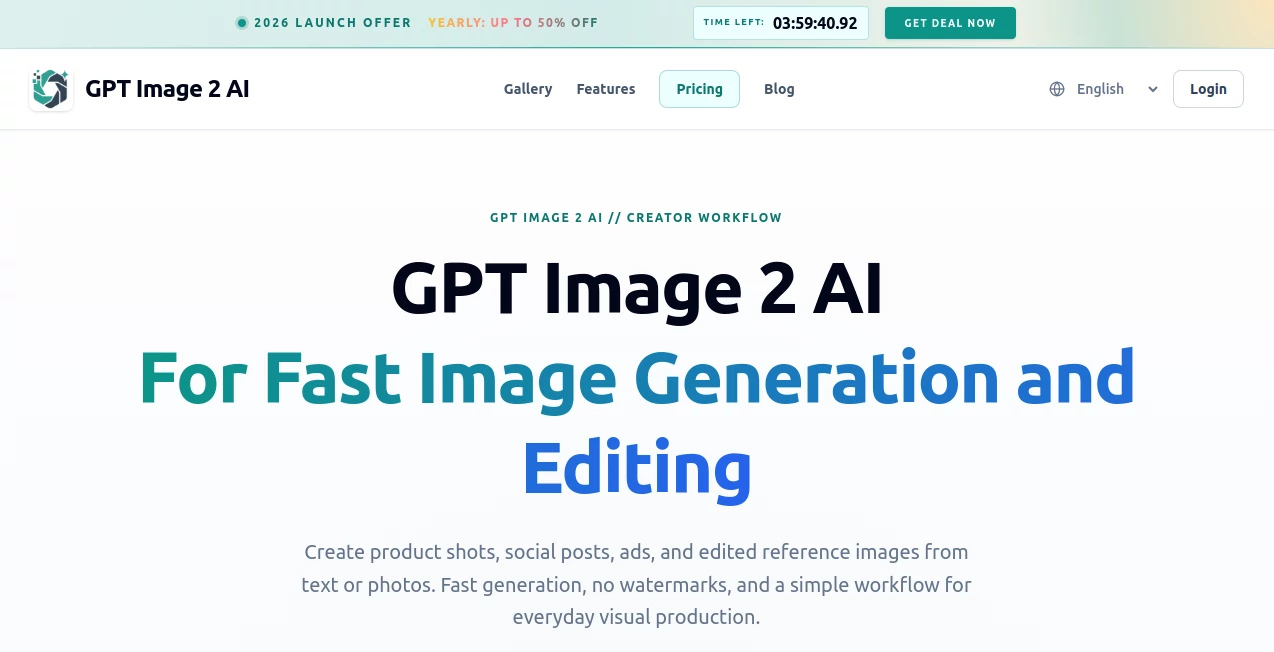
What is GPT Image 2?
You know that frustrating moment when you ask an AI to draw a simple poster, and the text comes out looking like alien hieroglyphics? Or worse, it places the headline upside down? We’ve all been there. For years, designers and content creators have fought a losing battle with AI image generators when it came to logic, layout, and legible words. It felt like asking a toddler to write a Shakespearean sonnet with crayons. The potential was there, but the execution was always just a little bit... off.
Recently, that frustration has turned into pure astonishment. I stumbled upon a tool that actually thinks before it draws. It doesn’t just guess where to put the pixels; it plans the composition, checks the physics, and even makes sure the fine print is readable. We are looking at a massive leap forward in visual AI. This tool isn’t just about generating "pretty pictures" anymore. It’s about generating accurate, usable, and context-aware designs that feel less like computer hallucinations and more like the work of a skilled human designer who works at lightning speed.
This platform completely redefines what we expect from image generation. Whether you need a complex infographic, a realistic e-commerce product shot, or a multi-panel comic strip with flawless foreign language text, this engine delivers with a level of consistency that was previously impossible. Let me walk you through exactly why this feels like the start of a new era for visual content.
Key Features
The shift from simple image synthesis to "visual reasoning" is the headline here. Unlike previous models that relied purely on diffusion (essentially denoising random static into an image), this engine implements a Transformer-based architecture that plans the image in a latent space before rendering a single pixel . This means it understands how objects relate to each other. If you ask for a glass of water next to a window, it knows the glass should refract light. If you ask for a logo on a t-shirt, it understands the fabric folds. This reasoning layer is the secret sauce.
Additionally, the platform offers two distinct operational modes to suit different needs. There is an "Instant Mode" for rapid generation when you need a quick concept or a simple visual, and a "Thinking Mode" for complex tasks. The Thinking Mode integrates web search and logical self-checking, allowing the AI to fact-check itself. For example, if you ask for a "2025 calendar showing June," it will verify that June has 30 days before laying out the grid . This drastically reduces the "hallucinations" that plagued earlier art generators.
User Interface
Interacting with this tool feels surprisingly natural. You don't need to be a prompt engineer who writes paragraphs of cryptic code. The interface allows for conversational language. You can upload a rough sketch or a reference image and simply say, "Make this look like a modern iOS app," and it understands the visual language . The platform supports drag-and-drop functionality for reference images, making the workflow incredibly smooth for professionals moving from Figma or Photoshop.
One of the most praised aspects by early users is the "Multi-Image" generation feature in Thinking Mode. You can ask for a set of eight social media posts, and the AI will ensure the model's face, the color palette, and the font choices remain consistent across every single image. This eliminates the annoying "roulette wheel" effect where every generation looks like it came from a different artist.
Accuracy & Performance
Let’s talk numbers, because the stats here are jaw-dropping. On the Image Arena Text-to-Image排行榜, this model didn't just win; it performed a "clean sweep," leading the second-place model by over 200 Elo points . The most impressive metric is the text rendering accuracy, which has jumped from a shaky 90-95% in previous iterations to a stunning 99% . This is the difference between a fun toy and a professional tool.
The speed is equally impressive. The platform generates images roughly six times faster than its predecessors . We are talking about 2K resolution images, packed with complex details and typography, rendering in seconds rather than minutes. This performance leap is critical for businesses that need to scale visual content production without hiring a dozen full-time designers.
Capabilities
The scope of what this tool can create is vast. It handles "world knowledge" exceptionally well. For instance, if you ask it to generate a "YouTube homepage screenshot," it doesn't just slap a red play button on a white background. It knows the exact layout of the sidebar, the position of the like button, and even the style of video thumbnails . Similarly, if you upload a blurry photo of a product (say, a keyboard or a box of blueberries), the AI can strip away the messy background, re-light the scene professionally, and generate a full e-commerce product page ready for sale .
It also excels at specialized tasks like generating UI mockups for apps, creating storyboards for video projects, or visualizing architectural concepts. The ability to handle dense data visualization is a game-changer for agencies. You can feed it a CSV file or a boring spreadsheet, and it will output a stunning, magazine-style infographic with accurate numbers and labels.
Security & Privacy
With great power comes great responsibility, and the developers are aware of the risks. Because this tool can generate photorealistic images, including fake social media posts or product labels, there are inherent concerns about misuse . The platform has implemented safety filters to prevent the generation of violent or harassing content and blocks prompts that attempt to mimic specific living artists or copyrighted characters (like requiring "Studio Ghibli style" and refusing) .
However, it’s important to note that the tool is still learning to handle sensitive personal data. Tests have shown that the model can sometimes manipulate personal identity documents if instructed to do so, highlighting the need for strict content moderation policies and user vigilance . Always use such powerful tools ethically and verify critical information manually.
Use Cases
The practical applications for this technology are expanding every day. For digital marketing agencies, this is a goldmine. You can generate an entire ad campaign—from YouTube banners to Instagram stories—in a single session, ensuring brand consistency across every asset . For e-commerce store owners, the ability to turn a poor-quality smartphone photo into a studio-quality image with AI-generated lifestyle backgrounds is a massive cost saver.
In the tech world, developers are using it to prototype app interfaces. You can sketch a wireframe on a napkin, take a photo, and ask the AI to "turn this into a dark-mode React native screen with rounded buttons." The output is often clean enough to use as a pitch deck for investors or even as a reference for coding . Educational content creators are leveraging its "knowledge cards" feature to generate detailed learning materials, such as a visual timeline of historical events or a breakdown of complex scientific processes, complete with accurate labeling.
Pros and Cons
Pros:
The pros are substantial. First, the text rendering is revolutionary; you can finally generate posters and logos without needing Photoshop to fix the spelling. Second, the reasoning engine means the AI understands physics and spatial logic, leading to anatomically correct hands and coherent backgrounds. Third, the speed and resolution (up to 2K or even 4K in some modes) are ready for print. Finally, the consistency across multiple images keeps characters and styles uniform, which is non-negotiable for branding.
Cons:
There are a few drawbacks to consider. The cost can add up for heavy users, with API pricing varying based on resolution, though a subscription model through the main chat interface offers some relief . There is also a learning curve regarding the "masking" feature; while you can edit specific parts of an image, doing so requires precise language or uploading specific edit masks, which takes practice. Lastly, the ethical risk of deepfakes means you must use this tool cautiously, especially regarding public figures and legal documents.
Pricing Plans
Currently, access is tied to the ecosystem of the developer. For standard users, the "Thinking Mode" (which includes the reasoning and web search features) is generally locked behind the Plus or Pro subscription tiers . This ensures that the high-compute features remain available for power users, while free-tier users usually get access to the "Instant Mode."
For developers and businesses, the model is available via API. The pricing is consumption-based, typically measured in tokens. It is estimated that generating a standard 2K image via API costs between roughly $0.006 to $0.21 depending on the complexity and resolution requested . Compared to the cost of hiring a graphic designer for every single asset, the API is incredibly cheap, though for massive automation projects, the bills can grow quickly.
How to Use This Tool
Getting started is fairly intuitive, especially if you have used chatbots before. To get the best results, you want to move away from simple prompts like "cat" and toward structured requests.
Step 1: Define the Task
Start by telling the AI what you want and why. For example, "I need a modern landing page hero image for a meditation app." This sets the context.
Step 2: Provide Structure & Style
Upload a reference image for the layout (a wireframe) and another for the style (a color palette or mood board). The AI excels at "double reference" prompting, where it combines the bones of Image A with the skin of Image B .
Step 3: Specify the Details
Use Markdown or bullet points to list the exact elements. If it is an app UI, specify the buttons, the text on them, and the font size. For a product image, specify "soft lighting, white background, 4K resolution."
Step 4: Iterate
Don't expect perfection on the first try. If the text is misspelled or an element is misaligned, just reply with a correction: "Change the button text from 'Los' to 'LA' and move the icon 10px to the left." The model is remarkably good at following surgical edit instructions .
Comparison with Similar Tools
In the crowded market of AI image generators, the differentiation is stark. Most competitors (like previous diffusion-based models) are still struggling with what is called "world coherence." They can generate a beautiful face or a nice landscape, but they fail when asked to generate a specific UI or a detailed blueprint because they don't "understand" the rules of those objects.
This particular platform stands out because of its Reasoning Engine. It doesn't just paint; it plans. While tools like Midjourney lead in pure artistic "vibe" and style, they often fall short on specific text rendering and logical layout. This tool leads in Utility and Accuracy. It is the better choice for business reports, UI/UX design, e-commerce, and educational content because you can trust the text and data representation .
Furthermore, the speed-to-quality ratio is unmatched. Competitors might take a minute to generate a decent image; this one generates a significantly more complex, text-heavy image in half the time. For a fast-paced work environment, that efficiency is the deciding factor.
Conclusion
We are witnessing a fundamental shift in visual content creation. The era of "prompt lottery" is ending. We are entering the era of "prompt engineering," where the AI acts less like a magic 8-ball and more like a diligent intern who understands your instructions perfectly the first time. This platform represents that bridge.
Is it perfect? No. The security concerns regarding deepfakes are real, and the pricing can be a barrier for hobbyists. But for professionals—designers, marketers, developers, and business owners—the value proposition is irrefutable. It removes the friction between having an idea and seeing it visualized. If you have been frustrated by AI slop in the past, I highly recommend giving this tool a try. Just be prepared to be a little bit amazed, and maybe a little bit alarmed, at how real the fake world looks.
Frequently Asked Questions (FAQ)
Does this tool understand languages other than English?
Absolutely. This is one of its flagship features. It supports complex scripts like Chinese, Japanese, Korean, and Arabic with near-perfect accuracy. It can generate everything from manga comics to detailed restaurant menus in multiple languages without the text turning into gibberish .
Can I edit specific parts of an image without changing the rest?
Yes. You can use "masking" or simply use the chat interface to tell it exactly what to change. For example, "Keep the background exactly the same, but change the blue shirt to a red shirt." It is very good at localized edits .
Is there a watermark on the generated images?
For standard outputs, the platform does not currently force a visible watermark that hinders the image, though policies regarding AI disclosure are evolving to prevent misuse .
How many images can it generate at once?
In "Thinking Mode," it can generate up to 8 images in a single batch, all maintaining consistent style and character details. This is perfect for creating storyboards or social media carousels .