


















Cliptude
What is Cliptude?
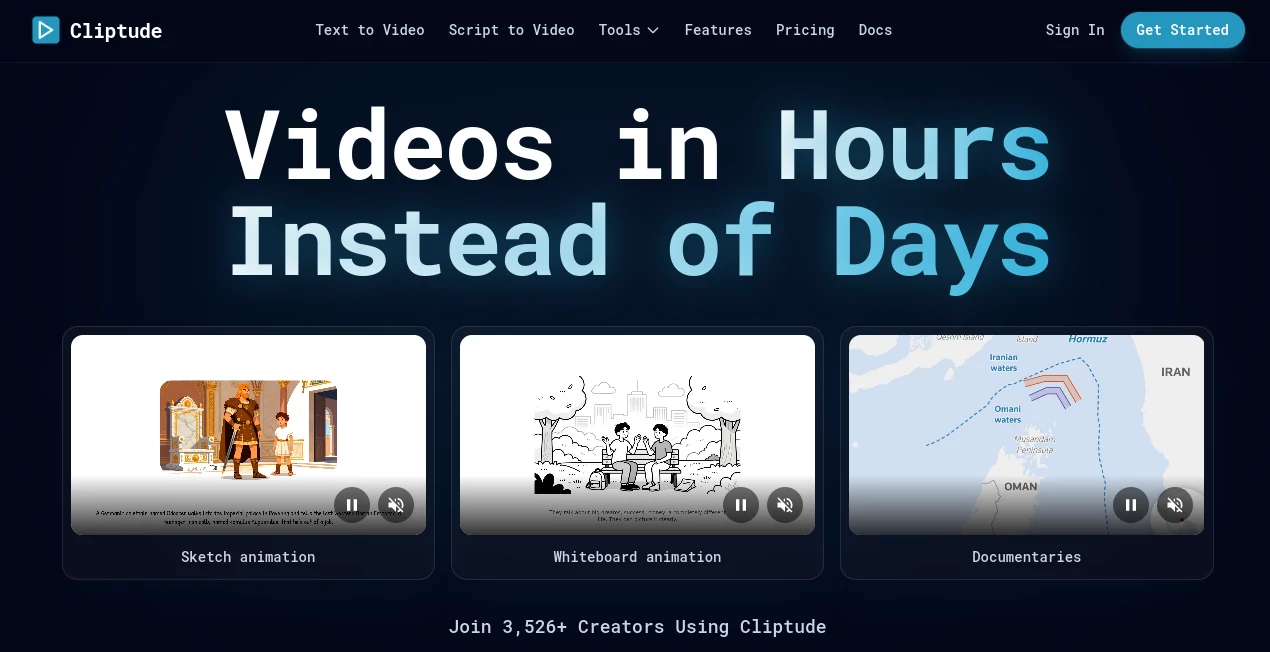
Creating long-form videos usually takes hours of research, editing, and voice recording. This platform simplifies the entire workflow by transforming a simple idea or script into a polished video with narration, visuals, motion graphics, and stock footage. It is especially useful for creators who want to publish documentary-style content, educational videos, or engaging YouTube productions without managing multiple editing tools.
Key Features
User Interface
The workspace is clean and beginner-friendly. Users simply enter a topic or script, choose the preferred format, and let the platform assemble the project. An integrated editor also allows quick adjustments before exporting the final result.
Accuracy & Performance
The AI builds structured scripts, matches visuals with the narration, and produces natural-sounding voiceovers. Automatic synchronization between media, animations, and audio helps create professional-looking videos in far less time than traditional editing.
Capabilities
- Generate videos from text prompts or scripts
- Create documentary and educational videos
- Produce realistic AI voiceovers
- Automatically add stock footage, maps, timelines, and motion graphics
- Export projects for further editing in professional software
- Create content for YouTube, TikTok, and Instagram
Security & Privacy
Generated videos remain the creator's property and can be downloaded with commercial rights. The platform also allows exporting project assets for additional editing and backup.
Use Cases
- YouTube documentary channels
- Educational content creators
- Marketing agencies producing social videos
- Businesses creating explainer videos
- Creators publishing Shorts, Reels, and TikTok videos
Pros and Cons
- Pros
- Automates research, scripting, editing, and narration.
- Supports multiple video formats and aspect ratios.
- Realistic AI voices with smooth pacing.
- Commercial ownership of generated videos.
- Cons
- Subscription is required for regular production.
- Longer videos consume more credits.
- Creative fine-tuning may still require manual edits.
Pricing Plans
Several subscription plans are available, starting with a low-cost trial option and scaling to professional and agency packages. Pricing is credit-based, with video generation charged according to the final video length.
How to Use Cliptude
Enter a topic or upload a script, choose the desired video format, and start the generation process. The AI researches the subject, creates a voiceover, gathers visuals, and assembles the final video. Review the output, make edits if needed, then export the finished project.
Comparison with Similar Tools
Unlike many AI video generators that focus only on short clips, this solution emphasizes complete storytelling. It combines script writing, realistic narration, automatic visual selection, and documentary-style editing in one workflow, making it a practical option for long-form content creators.
Conclusion
This platform offers an impressive balance between automation and quality. It removes much of the repetitive work involved in video production while still delivering polished results suitable for professional publishing. For creators looking to produce engaging videos faster, it provides a reliable all-in-one solution.
Frequently Asked Questions (FAQ)
Can beginners use this platform?
Yes. The workflow is designed for users with little or no video editing experience.
Does it create voiceovers automatically?
Yes. It generates realistic AI narration that matches the style of the video.
Can videos be used commercially?
Yes. Generated videos include commercial ownership rights for the creator.
Which platforms are supported?
Videos can be produced for YouTube, TikTok, Instagram, and other social media platforms.
AI Video Generator , AI Video Editor , AI Text to Video , AI YouTube Assistant .
These classifications represent its core capabilities and areas of application. For related tools, explore the linked categories above.

Cliptude Alternatives Product

ytzolo

Seedance Art

Happyhorse

Seedance 2.0

Seedance2 Vi…

Toon Composer

Seedance AI

Visfeng AI F…

Wan 2.7 AI
