
















Happyhorse
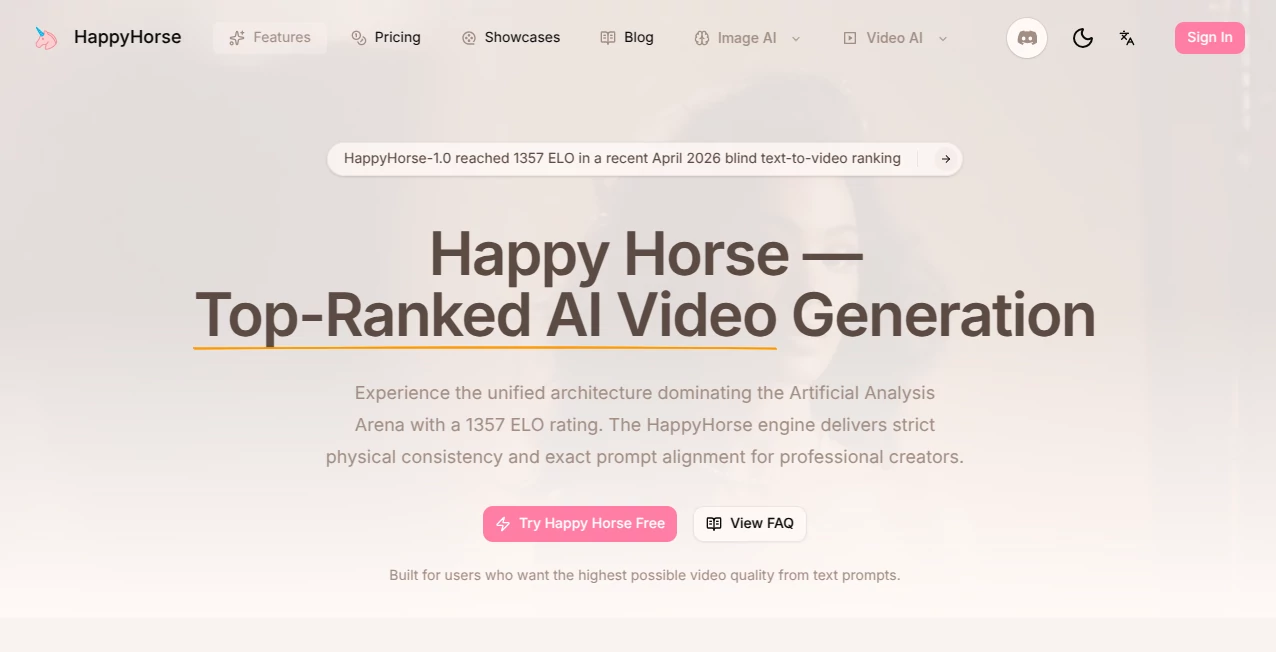
What is Happyhorse?
You know that feeling when you watch an AI-generated video, and the lips are just slightly out of sync with the words? Or when the visuals look amazing, but the sound feels like an afterthought slapped on top? It pulls you right out of the moment, doesn't it? For a long time, that was just the trade-off for using artificial intelligence to create content. You got speed, but you sacrificed that organic, real-world feel.
Well, that trade-off is officially gone. I’ve been testing a new platform that completely rewrites the rules of video creation, and it honestly feels like the first time I’m watching AI that actually understands cinema. It doesn't just generate pretty pixels; it generates a complete, audiovisual experience where the sound and the picture are born together. For anyone who has ever wasted hours trying to manually sync dialogue in post-production or gave up on a project because the lip movements looked like a bad kung-fu movie dub, this is the breath of fresh air you have been waiting for. It’s the kind of tool that doesn't just make your job easier; it makes your final product look like it cost ten times more than it did.
Key Features
User Interface
Let’s be real for a second—nobody wants to wrestle with a dashboard that looks like a flight cockpit. The beauty of this platform is how it gets out of your way. You aren't bombarded with a hundred confusing sliders right off the bat. The layout is clean, almost minimalist, but don't let that simplicity fool you. Everything you need is exactly where you expect it to be. You have your prompt box front and center, and next to it, the essential toggles: aspect ratio (whether you need that vertical 9:16 for TikTok or a wide 16:9 for YouTube), duration (5 or 10 seconds for now), and the resolution switch between 720p and 1080p.
I remember showing this to a filmmaker friend of mine who usually swears by high-end editing suites. He looked at the interface and laughed, saying, "This looks too simple to actually work." Ten minutes later, he was deep into generating moody, noir-style clips, muttering to himself about how he couldn't believe he wasn't pulling his hair out. That is the magic here. It respects your time. Whether you are on the web app or using it inside the Qwen App, the experience is snappy. You type, you click, and you get a result faster than it takes to brew a cup of coffee.
Accuracy & Performance
This is where the wheels either fall off or the thing flies. And trust me, this one flies. We have all seen those AI videos where a person walks down the street and their legs morph into a puddle of goo halfway through the clip. Or where the background seems to be having a seizure. I have thrown some pretty tough prompts at this tool—things involving fast movement, clapping hands, pouring water—the classic "AI killers"—and it handled them with surprising grace.
But the real star of the show is the accuracy of the audio-visual sync. Because the audio and video are generated in a single, unified pass by the model (a 15B-parameter beast), there isn't that telltale drift where the mouth finishes moving a half-second before the sound finishes playing. I tested a prompt involving a flamenco dancer—specifically asking for the sharp "zapateado" heel strikes to match the rhythm. The result was astonishing. You could feel the weight of the foot hitting the wooden floor at precisely the right moment. It captures the nuance of performance, not just the action.
Capabilities
Right now, the platform is a powerhouse focused on short-form cinematic content. You have the standard Text-to-Video and Image-to-Video options, but the party trick is the "Multi-Image reference." If you have a specific character design or a particular color palette, you can upload a few images to guide the model, ensuring consistency across your shots. That is huge for storytellers who want to keep the same face across a 15-second narrative arc.
It supports multi-shot storytelling, meaning you can get a video where the camera cuts from a wide shot to a close-up without the model losing track of the scene. We are talking about actual directing here, not just a single static camera angle. Plus, the style range is wild. You can go from hyper-realistic film grain—like something shot on analog stock—to whimsical claymation or even stylized ink wash painting. I ran a prompt asking for "stop-motion cooking show" just out of curiosity, and it delivered a quirky, charming little clip of a dough ball being kneaded that looked straight out of a Wes Anderson film.
Security & Privacy
I know the question that’s buzzing in your head: "If I upload my brand logo or a private concept sketch, where does it go?" Given that this is backed by a major cloud infrastructure provider (think Alibaba Cloud Bailian), the architecture is built with enterprise-level data separation in mind. For those who are extra cautious, the platform provides clear pathways for professional creators and business clients, ensuring that the assets you generate are yours. It’s not an open wild west where your prompts are fed back into the public model. They have structured it to respect that "commercial confidentiality," which is non-negotiable if you are using this for actual client work.
Use Cases
Who is actually going to use this? Honestly, almost anyone making moving visuals. For social media managers trying to crank out short-form content for Reels or Shorts, the ability to generate a 10-second 9:16 video with native sound effects saves hours of digging through stock footage libraries. You want rain on a window with a sad voiceover? You generate it in sixty seconds.
Indie filmmakers and storyboard artists are another huge group. Instead of drawing static storyboards, they can generate the actual mood and lighting of a scene before stepping onto a set. It helps communicate the vision to the Director of Photography without expensive pre-visualization. For advertising agencies focusing on e-commerce, the ability to show a product in a "lifestyle" setting—like a watch glinting in the golden hour light with ambient city noise—without a photoshoot is a game changer. And let’s not forget localization specialists; the multilingual lip-sync (covering English, Mandarin, Japanese, French, German, and more) means you can take one commercial and adapt the dialogue for different global markets without reshooting a single frame.
Pros and Cons
Pros:
✅ Native audio generation – No manual syncing, ever.
✅ Multilingual lip-sync that actually works across seven languages.
✅ Cinematic camera control – Pull focus, pan, zoom; it follows direction.
✅ High-quality 1080p output suitable for professional social ads.
✅ Fast inference; you aren't waiting ten minutes for a 10-second clip.
Cons:
❌ Limited duration (currently capped at 5 or 10 seconds). You won't be making a short film here yet.
❌ No 4K support currently, which high-end commercial editors might miss.
❌ The learning curve isn't steep, but mastering the "prompt engineering" for specific camera angles takes a few tries.
❌ Pricing can get steep if you are generating hundreds of clips without a subscription.
Pricing Plans
Money talks, right? The good news is that you don't have to pay to play. There is a generous free tier. On the Qwen App, you get daily free credits—roughly enough to generate about 5 videos a day to test the waters. If you get hooked (and you probably will), the premium options are structured for different needs.
On the official website, the list prices are $0.9 per second for 720p and $1.6 for 1080p. That sounds expensive, but nobody pays list price. The "Professional" monthly membership currently has a heavy discount that drops the effective cost down to roughly $0.44 per second for 720p and $0.78 for 1080p. There is also a "Standard" tier for lighter users. If you are a high-volume creator making dozens of assets a day, the membership is a no-brainer. Otherwise, the free daily quota is surprisingly robust for sketching out ideas.
How to Use HappyHorse
Getting started is ridiculously simple. You have two main doors to walk through. If you are a power user or want the full web experience, head to the main website. If you are on mobile and want convenience, just update your Qwen App.
In the Qwen App, you will see a dedicated "HappyHorse" button right on the home feed. Tap it, and you are in. In the web portal, you will need to sign up (new users get free credits immediately). Once inside, look for the text box. Write your prompt like you are talking to a cinematographer. Instead of "a car driving," try "low angle shot, a classic muscle car driving on a wet asphalt road at midnight, neon lights reflecting off the hood, suspenseful ambient synth music."
Select your aspect ratio. Do you need a square for a product shot? 1:1. A vertical story? 9:16. A cinematic trailer? 16:9. Hit generate. Wait about 30 seconds to a minute. Download your MP4. That is literally it. No layers, no keyframes, no rendering farms.
Comparison with Similar Tools
You might be wondering, "How is this different from the other big names like Runway or Kling?" In the crowded space of AI video, every tool has a gimmick. Some are great at surreal, trippy visuals. Others are great at raw speed. What sets this one apart is the "Single-Pass Architecture." In almost every other tool, you generate the silent video first, then you go to a separate AI audio tool to generate sound, then you try to mash them together in an editor and pray the sync holds up.
This platform removes that friction entirely. It isn't just a video generator; it's a video + audio + sync generator. When comparing resolution, it holds its own at 1080p, though some competitors are pushing for 4k (which most social viewers can't see on a phone anyway). Where it truly dominates is in character realism and lip-sync. Other models tend to have that "waxy" skin look or mouth movements that look like a sock puppet. This model handles the micro-movements of the face—the subtle twitch of an eyebrow or the softness of a lip curl—way better than most. It feels less like an algorithm and more like an actual actor performing.
Conclusion
We are at a fascinating point in creative tech where the question is shifting from "Can AI do this?" to "How good can AI make this look?" After spending a solid week pushing this tool to its limits, trying to break it with complex motion and fast dialogue, I walked away genuinely impressed. It isn't perfect yet—the 10-second limit is a bit frustrating when you are on a creative roll—but what it does in that 10-second window is nothing short of remarkable.
For the freelancer juggling five clients, the marketer who needs to pump out engaging ads yesterday, or the storyteller who just wants to get the movie out of their head and onto a screen, this is an essential piece of kit. It solves the "uncanny valley" problem of bad lip-sync and empowers you to focus on the narrative, not the technical grunt work. Give the free version a spin; I suspect you will be upgrading to the professional plan before the week is out.
Frequently Asked Questions (FAQ)
Q: Do I need a powerful computer to run this?
A: Not at all. The magic happens on the cloud. If you can load a website or an app on your phone, you can use this. Your device is just a window.
Q: Can I upload a specific voice to clone for the dialogue?
A: Currently, the platform handles the generated audio based on your prompt context, but advanced voice cloning is a highly requested feature for the roadmap.
Q: Why are my videos only 5 or 10 seconds long?
A: That is the current version's capability. It is optimized for short, high-impact storytelling, social media clips, and commercials. Longer form generation is likely coming in future updates.
Q: Who owns the copyright to the videos I make?
A: Generally, as a paying user, the output belongs to you for commercial use, but always check the specific terms of service for your region.