
Cluing
What is Cluing?
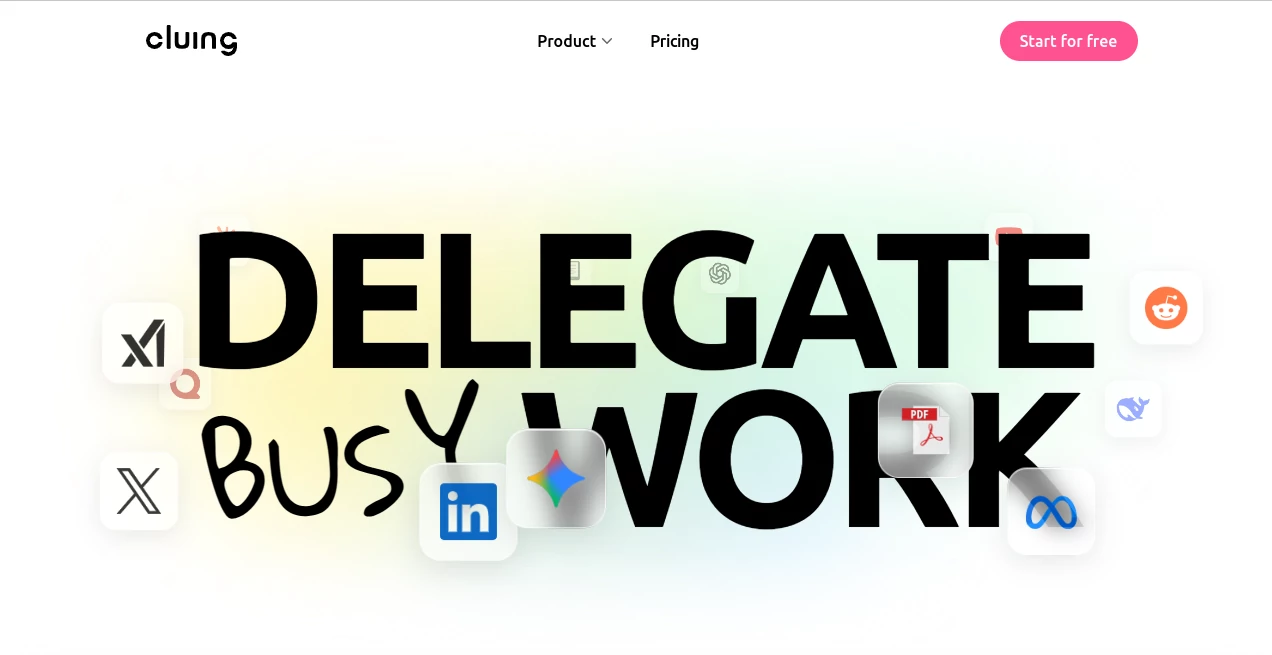
Cluing is a research and knowledge workspace built for people who collect information constantly and need a better way to turn scattered findings into useful work. Instead of leaving articles, PDFs, videos, social posts, highlights, and personal notes across different applications, it brings them together in one connected environment.
The idea is refreshingly practical: save what matters, keep the context around it, and make those insights useful later. The platform combines research organization, collaboration, AI assistance, and writing tools, making it particularly appealing to researchers, marketers, students, content creators, consultants, and teams that work with a large amount of information.
One of its strongest advantages is that AI can work with the research you have already collected rather than treating every conversation as a completely new starting point. That small difference can make research-heavy workflows considerably easier to manage.
Key Features
- Save highlights and important information from webpages and PDFs.
- Collect research from sources such as YouTube, LinkedIn, Reddit, X, articles, and other online content.
- Add comments, notes, tags, and context to saved insights.
- Organize information into Topics and larger Clusters.
- Search through previously collected research instead of relying on memory or browser history.
- Collaborate with teammates by sharing insights, commenting, and managing permissions.
- Use AI Chat with access to multiple leading AI models and specialized agents.
- Upload documents and ask questions about their contents.
- Use AI Canvas to turn research and conversations into structured documents.
- Generate summaries, outlines, blog content, marketing material, and other written outputs from existing research.
- Use AI-assisted research to surface useful information and connect related insights.
User Interface
The interface is centered around the idea of a research workspace rather than a simple chatbot. Saved information can be grouped into Topics, organized into Clusters, tagged, commented on, and searched later.
The workflow feels especially useful when a project grows over time. Instead of creating a new document every time you discover something interesting, you can save the finding and keep it connected to its source and surrounding context. For someone researching a market or preparing a long article, this can prevent the familiar problem of having dozens of browser tabs open with no clear idea where a particular fact came from.
The AI Chat area adds another layer to the workspace. Users can select different models or agents, provide their own saved Topics as context, upload files, and work with information already stored in the workspace.
Accuracy & Performance
The quality of an AI answer often depends on the quality of the information available to it. This is where the platform takes an interesting approach. Rather than relying only on a general prompt, its AI features can use saved snippets, comments, Topics, uploaded documents, and web sources as additional context.
Answers can also include source links, which makes it easier to trace information back to its origin. This is particularly useful for research and content workflows where checking the original source matters.
Users should still verify important claims independently, especially when working with legal, financial, academic, or regulatory information. The real strength here is not eliminating human judgment, but giving that judgment a much better organized information base to work from.
Capabilities
The platform covers much more than bookmarking. It can act as a central research library, collaboration space, AI research assistant, and writing environment at the same time.
AI Chat provides access to several major AI models and specialized agents. Depending on the task, users can work with models from providers such as OpenAI, Anthropic, Google, xAI, and DeepSeek, while specialized agents can focus on particular research or content tasks.
Document analysis is another useful capability. Users can upload files such as PDFs and other supported documents, then ask questions, summarize material, compare information, or extract useful points. Multiple pieces of research can therefore become part of the same conversation instead of being handled separately.
AI Canvas takes the workflow one step further by turning collected insights into a structured document. A researcher might begin with scattered notes, identify the important themes with AI, create an outline, and then move directly into drafting without constantly copying material between applications.
For people who use Claude, an MCP integration also allows certain workspace actions to be performed through Claude, extending the research workflow beyond the main interface.
Security & Privacy
Research libraries can contain commercially valuable information, internal documents, client research, and private notes, so access control is an important part of a collaborative knowledge system.
The platform provides workspace organization and permission controls that allow teams to manage who can view, comment on, or edit shared research. Public sharing links can also be used when selected information needs to be shared with someone outside the workspace.
As with any cloud-based research application, users should review the provider's current privacy and data-handling policies before uploading confidential or sensitive material.
Use Cases
Content Research: Writers can collect articles, statistics, videos, reports, and expert commentary in one place before turning their findings into a structured article.
Marketing Strategy: Marketing teams can gather competitor activity, customer insights, social media posts, market research, and campaign ideas, then use AI to identify patterns and develop strategies.
Academic Research: Students and researchers can save highlights from papers, PDFs, lectures, and online resources, attach their own observations, and later use AI to summarize or test their understanding.
Team Knowledge Management: Companies can preserve useful research and the reasoning behind decisions instead of allowing important knowledge to disappear inside individual browsers, documents, or private notes.
Regulatory Research: Compliance and legal teams can organize regulations, reports, policies, and related findings while keeping each insight connected to its original source.
Blog Writing: Content creators can move from research to outline to draft without repeatedly transferring information between separate applications.
Pros and Cons
- Pros: Combines research collection, organization, collaboration, AI assistance, and writing in one workspace.
- Pros: AI can work with the user's existing research and saved context.
- Pros: Supports multiple AI models and specialized agents.
- Pros: Source links make AI-generated research easier to verify.
- Pros: Useful collaboration and permission features for teams.
- Pros: AI Canvas provides a natural bridge from research to finished content.
- Cons: The large number of features may take some time to learn.
- Cons: Users who only need a basic note-taking or bookmarking application may find the broader workspace unnecessary.
- Cons: Advanced AI functionality is tied to paid plans.
Pricing Plans
The platform offers several plans designed for different levels of use. The Hobbyist plan is free forever and provides the basic ability to save, organize, and comment on content.
The Professional plan costs $20 per month and is aimed at individuals who conduct research frequently and need additional capabilities. The Superhuman plan costs $200 per month and targets power users, offering unmetered MCP requests, up to 150 web searches per message, and early access to frontier AI models.
For collaborative work, the Team plan costs $25 per user per month and is designed for teams working together on research, content, or strategy.
How to Use It
- Start by creating an account and opening your research workspace.
- Save useful information from webpages, PDFs, videos, social platforms, and other supported sources.
- Add comments, tags, and personal observations to the highlights you save.
- Organize related information into Topics and Clusters.
- Open AI Chat when you need to understand, summarize, compare, or explore your research.
- Mention a Topic in your prompt when you want the AI to use the information already collected there.
- Upload documents when the answer requires information contained in files.
- Use AI Canvas to turn useful findings into an outline or structured document.
- Review the generated material, check the cited sources, and add your own judgment and expertise.
- Share selected research with colleagues or continue refining the final work inside the workspace.
Comparison with Similar Tools
Traditional bookmarking tools are excellent for saving links, but they often stop there. Note-taking applications provide more room for writing, yet the connection between a note and its original source can become difficult to maintain as a project grows.
This platform sits somewhere between those approaches while adding AI directly to the research workflow. It is designed not simply to store information, but to preserve why a particular piece of information mattered, connect related findings, and make the collected material available to AI when it is time to analyze or create something.
It is also different from using a standalone AI chatbot. A chatbot may provide an excellent answer to a prompt, but it generally does not have the same persistent understanding of a user's accumulated research library. Here, saved snippets, comments, Topics, documents, and sources can become part of the working context.
For someone who spends most of the day researching, collecting references, and transforming information into content or decisions, that connected workflow can be more valuable than simply having another AI chat window.
Conclusion
The biggest appeal of this platform is its focus on the entire journey from information discovery to useful output. Saving a link is easy. The difficult part is remembering why it mattered three weeks later, finding it again, connecting it with other research, and turning everything into something useful.
By combining research collection, structured knowledge management, collaboration, AI models, specialized agents, document analysis, and an AI-powered writing canvas, the platform gives research-heavy users a practical place to work from beginning to end.
It is particularly well suited to people who regularly write, study, analyze markets, build strategies, or collaborate around large amounts of information. If your current workflow involves too many browser tabs, scattered notes, and repeated copy-and-paste sessions, bringing those pieces into one connected workspace could make a noticeable difference.
Frequently Asked Questions (FAQ)
What is this platform designed for?
It is designed for collecting, organizing, understanding, sharing, and transforming research and insights. It combines knowledge management with AI-powered research and content workflows.
Can it analyze my own documents?
Yes. Supported documents can be uploaded into AI Chat so users can ask questions, summarize content, extract important information, and compare material.
Which AI models are available?
Depending on the plan and current availability, users can access models from providers including OpenAI, Anthropic, Google, xAI, and DeepSeek, along with specialized AI agents.
Can I use it for writing blog posts?
Yes. Research can be collected first, analyzed with AI, organized into a structure through AI Canvas, and then developed into a draft within the same workflow.
Is there a free plan?
Yes. The Hobbyist plan is available at no cost and is described as free forever.
Is there a plan for teams?
Yes. The Team plan is priced at $25 per user per month and is intended for teams working together on research, content, or strategy.
Can I collaborate with other people?
Yes. Users can share research, comment on insights, collaborate with teammates, and manage access permissions.
Does it support mobile devices?
Mobile applications are available for iOS and Android, allowing users to save content, capture ideas, and continue working with AI features away from their desktop.
Can I verify information produced by the AI?
Yes. AI responses can include links to their sources, making it easier to inspect the original material and verify important claims.
Who would benefit most from using it?
Researchers, students, content creators, marketers, consultants, strategists, and teams that regularly collect and reuse information are likely to get the most value from the workflow.
AI Knowledge Management , AI Research Tool , AI Knowledge Base , AI Writing Assistants .
These classifications represent its core capabilities and areas of application. For related tools, explore the linked categories above.

Cluing Alternatives Product

ModelsLab

Hintder AI

Schema Synth

Zloth

Arobis AI Vi…
AiZolo

Techvorizon …

Clay Read

PromptZerk