CoAnimator
What is CoAnimator?
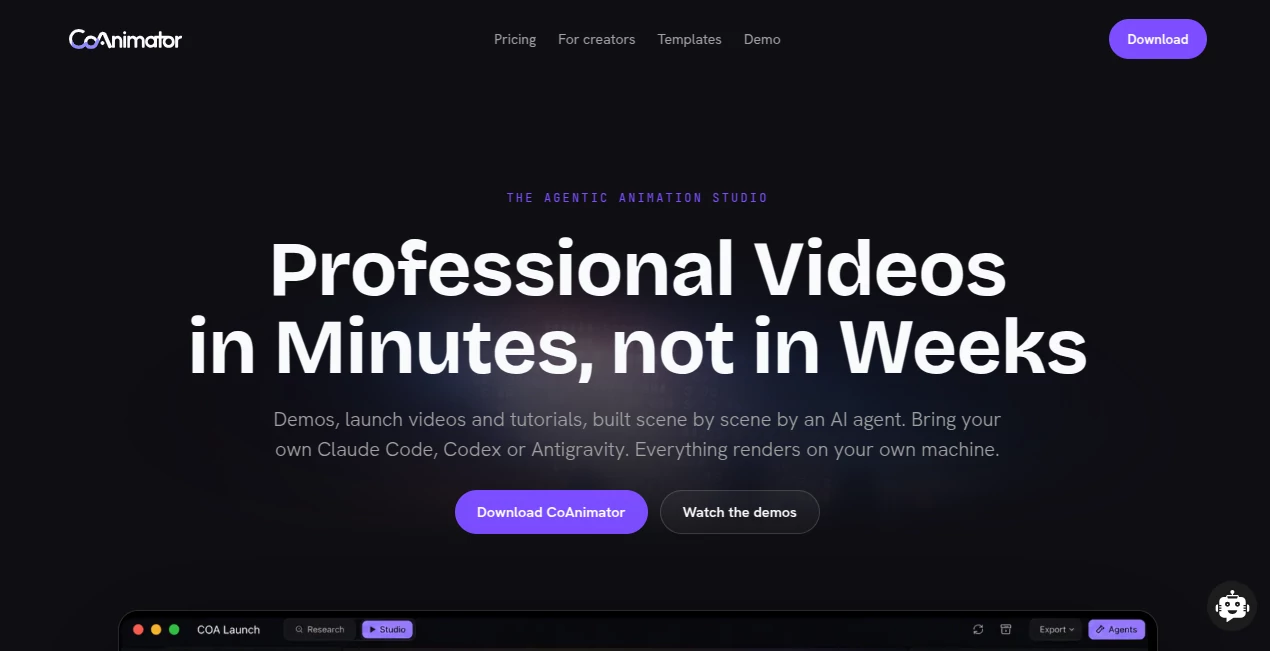
CoAnimator is an agentic animation studio designed to change the way professional videos are produced. Instead of spending hours moving clips around a timeline, adjusting keyframes, and rebuilding scenes whenever a product changes, users can describe what they want in plain language and let an AI agent build the animation scene by scene.
The platform is particularly interesting for product teams, creators, developers, and marketers who need polished demos, launch videos, tutorials, changelog videos, podcast edits, and social content without turning every small update into a full production project.
What makes the approach different is that the result remains an editable project rather than simply being a generated video clip. The animation, timeline, narration, effects, and other elements can be refined as the project develops. Rendering also happens locally on the user's own computer, which means there is no need to upload footage simply to produce an export.
Key Features
- AI-assisted scene and timeline creation from plain-language instructions.
- Support for AI agents such as Claude Code, Codex, and Antigravity.
- Production-ready product demos, launch videos, tutorials, and explainers.
- Motion graphics, kinetic typography, effects, captions, overlays, and transitions.
- 3D animation using WebGL, including low-poly environments, cameras, and rigged characters.
- Built-in voiceover, sound, AI image, and research integrations.
- Unlimited local rendering without credits or per-render fees.
- Editable project files that can be reused and updated for future videos.
- Desktop support for macOS, Windows, and Linux.
- Command-line rendering for scripted and automated workflows.
User Interface
The workflow is built around a studio-style environment where the project, stage, timeline, and AI agent work together. Rather than forcing users to learn every control before making their first video, the agent can handle much of the initial construction while the visual stage updates as changes are made.
This is especially useful when working on repeatable content. For example, a software company can create a product demonstration, keep the project files, and later ask the agent to update a particular scene when the interface changes. That is considerably more practical than treating every new version as an entirely new video.
For experienced creators and developers, the editable project structure also leaves room for direct control. The workflow does not completely hide the underlying production process, which makes it more flexible than a typical prompt-to-video generator.
Accuracy & Performance
The platform takes a practical approach to video generation by keeping rendering on the user's own hardware. Local rendering produces MP4 files without requiring footage to be uploaded to a remote rendering service. The rendering pipeline is designed to work in parallel, while projects can also be rendered through a command-line workflow.
Another useful feature is research-assisted production. With the appropriate premium functionality enabled, the agent can research a subject before planning a video, helping the resulting script and scenes stay grounded in the available information instead of relying solely on whatever the language model already knows.
Performance will naturally depend on the computer being used, particularly for graphics-heavy and 3D projects. Still, the local approach is appealing for creators who prefer predictable rendering without credits disappearing every time a video is exported.
Capabilities
The range of possible projects goes well beyond conventional animated presentations. Users can create kinetic typography, product interfaces in motion, narrated explainers, social clips, tutorial videos, podcast edits, and effects applied directly to recorded footage.
The 3D capabilities add another layer of flexibility. Low-poly environments, animated cameras, characters, and narrated scenes can be directed through prompts while taking advantage of the computer's GPU.
There are also templates designed around particular production styles. These include product demos, motion graphics, drawing animations, explainers, studio effects, and retro terminal-style visuals. Templates come with documented skills and examples, giving users a starting point rather than asking them to build every animation from an empty project.
Security & Privacy
One of the strongest privacy advantages is local rendering. The service states that video rendering currently happens entirely on the user's machine, so footage does not need to be uploaded just to generate an MP4 export.
The application also supports offline operation, and projects are stored as ordinary files on the computer. Third-party services such as voice, research, or other AI integrations can work through the user's own API keys, giving technically minded users more control over how external services are connected to their workflow.
Use Cases
Product demos: Software companies can turn product walkthroughs into polished demonstrations with titles, zooms, narration, and animated interface elements. If the product changes later, individual scenes can be updated instead of rebuilding the entire video.
Launch videos: Marketing and product teams can create launch content with motion graphics, scripted narration, product visuals, and branded presentation styles.
Tutorials and explainers: Screen recordings can be enhanced with captions, titles, zoom effects, narration, and carefully timed visual elements. This is useful for software documentation and educational content.
Social media: A single project can be adapted for short-form content, including vertical versions, captions, and opening titles designed to capture attention quickly.
Podcasts and recorded content: Existing footage can be enhanced with speaker effects, freeze frames, captions, spotlights, titles, and other visual treatments without recreating the original recording.
Developer workflows: Because projects are ordinary files and can be rendered through a command-line interface, development teams can integrate video production into scripted or repeatable workflows.
Pros and Cons
Pros
- Turns plain-language direction into editable animated scenes.
- Works with several popular AI coding agents.
- Unlimited local rendering without credit-based export limits.
- No subscription is required for the paid licence.
- Supports 4K exports with the paid licence.
- Projects remain editable and reusable.
- Useful for product demos, tutorials, launch videos, and social content.
- Local rendering is attractive for users working with private footage.
- Supports macOS, Windows, and Linux.
Cons
- The workflow may feel unfamiliar to users accustomed to traditional timeline editors.
- Advanced projects can still require human direction and refinement.
- The free version limits exports to 720p and adds a watermark.
- Some premium capabilities require the paid licence.
- Lottie export is not currently available.
- Final rendering performance depends on the user's hardware.
Pricing Plans
The free plan is available at no cost with no expiration date and does not require a credit card. It includes unlimited local rendering, templates, free tools, screen capture, voiceover, publishing, and the ability to bring an AI agent into the workflow. Exports are limited to 720p and include a watermark.
The lifetime licence is currently offered for $99 as a one-time payment, reduced from the stated regular price of $249. It adds up to 4K export, premium plugins, research mode, watermark-free exports, support for two devices, and one year of updates.
After the included update period, continued updates are optional at $79 per year. The application itself remains usable without renewing, and the company states that the licence is not a subscription. Additional device slots are available for a one-time $29 each.
How to Use the Tool
- Download and install the desktop application for your operating system.
- Start a new project or choose a suitable template.
- Connect an AI agent such as Claude Code, Codex, or Antigravity if desired.
- Describe the video, visual style, scenes, pacing, and narration you want.
- Let the agent build the scenes, animation, timeline, and supporting elements.
- Watch the stage update and refine the result through additional instructions.
- Add or adjust footage, captions, voiceover, effects, graphics, or 3D elements.
- Render the finished project locally and export the final MP4.
A practical workflow might start with a simple request such as creating a sixty-second software demo. Once the first version is built, the creator can refine individual moments rather than manually rebuilding the entire timeline. That iterative approach is where the platform becomes particularly useful.
Comparison with Similar Tools
Traditional motion graphics applications give creators extensive manual control, but they can require considerable time for keyframing, timing, compositing, and revisions. Prompt-based video generators are usually faster for producing an initial clip, but the resulting output may not offer the same level of scene-by-scene editability.
This platform sits somewhere between those approaches. It uses AI agents to handle much of the repetitive production work while keeping the project structured and editable. It also differs from cloud-first video generators because local rendering is central to the workflow rather than an optional feature.
For someone who wants a quick disposable AI-generated clip, a conventional generator may be simpler. For a product team that expects to revise the same demo after every release, however, an editable, reusable project can be much more valuable.
Conclusion
The biggest strength of this approach is not simply that AI can make a video. Plenty of tools already promise that. The more interesting idea is using an AI agent as part of an actual production studio, where scenes can be created, reviewed, changed, and rendered repeatedly.
For product teams, developers, marketers, and creators who produce videos on a regular basis, that distinction matters. A product demo that needs updating next month does not have to become a completely new production. A tutorial can evolve with the software. A social video can be adapted into several formats. And because rendering happens locally without credit limits, experimentation does not have to feel expensive.
There is still a learning curve, especially for people coming from conventional video editors, and human judgment remains important for pacing, storytelling, and visual quality. But for users who want to combine AI assistance with real editing control, this is a compelling direction for modern video production.
Frequently Asked Questions (FAQ)
What is this tool designed for?
It is designed for creating professional product demos, launch videos, tutorials, explainers, motion graphics, social videos, podcast edits, and other animated content with help from AI agents.
Do I need coding experience?
No. Users can describe the desired video in natural language and let the AI agent create the animation and timeline. Developers can also work directly with the editable project files when they want more control.
Which AI agents can be used?
The platform currently supports agents including Claude Code, Codex, and Antigravity, while its agentic design allows users to work with the AI tools they already use.
Does it use video credits?
No. Local rendering is unlimited and is not metered through credits or per-render fees.
Where is video rendering performed?
Rendering currently happens locally on the user's computer. The resulting video is exported as an MP4 without requiring footage to be uploaded for rendering.
Can it create voiceovers?
Yes. A built-in text-to-speech voiceover plugin can generate narration and place it on the timeline so visual timing can be coordinated with the spoken track.
Does the free version have a watermark?
Yes. Free exports are limited to 720p and include a “Made with CoAnimator” watermark. The paid lifetime licence enables higher-resolution, watermark-free exports.
Does it support 4K?
Yes. 4K export is included with the lifetime licence.
What operating systems are supported?
The desktop application supports macOS, Windows, and Linux.
Is there a monthly subscription?
No. The current paid option is a one-time lifetime licence. One year of updates is included, while continued updates after that period are optional.
Can projects be reused for future videos?
Yes. Projects remain as editable files, making it possible to duplicate an existing production, replace content, adjust scenes, and render a new version instead of starting from scratch.
Can it export Lottie files?
Not currently. Lottie export is listed on the roadmap, while MP4 is the available finished-video export format at present.
AI Animated Video , AI Video Generator , AI Video Editor , AI Text to Video .
These classifications represent its core capabilities and areas of application. For related tools, explore the linked categories above.

CoAnimator Alternatives Product

Happyhorse 1…

CinemaDrop
JoyFlix AI

Kling 5.0

Wan AI Video…

Wan 2.7

Seedance 2.0

Kling 3.0 Vi…

lyric video …