


















CreateMemorial
What is CreateMemorial?
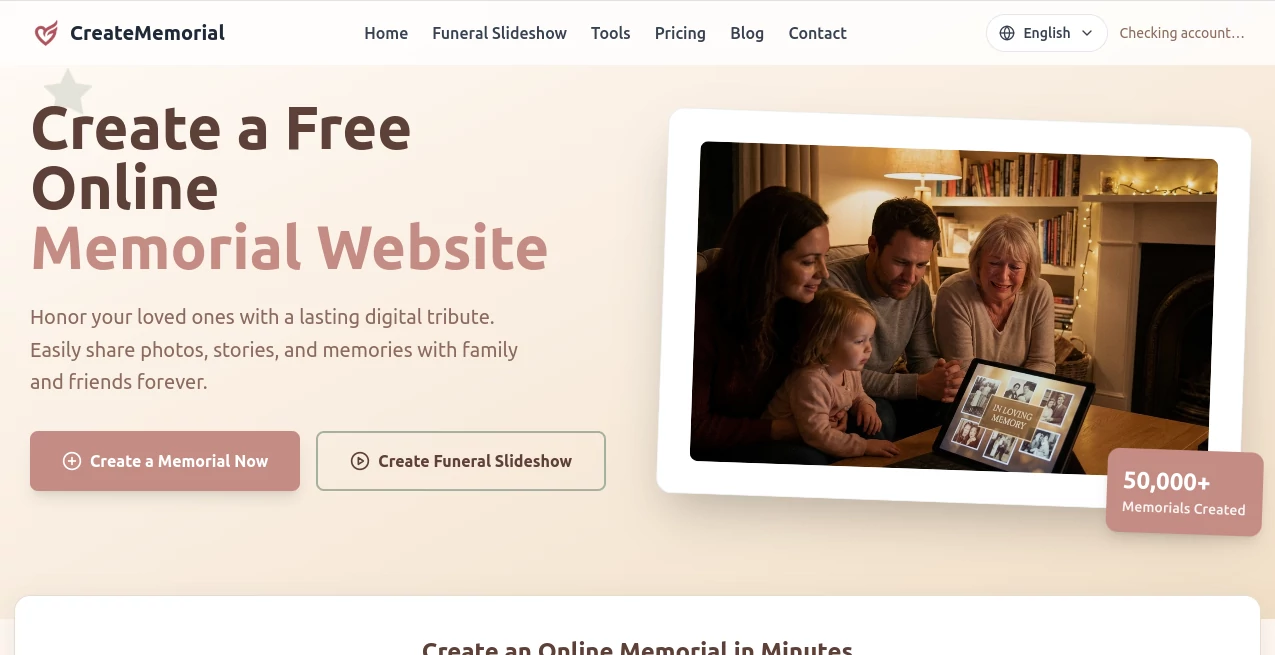
When someone you love passes, finding the right way to honor their memory can feel overwhelming. You want something meaningful, lasting, and easy to share with family scattered across the country or the world. This platform makes that possible in a gentle, respectful way. You can create a dedicated online space filled with photos, stories, and tributes that stay available forever, or quickly turn cherished pictures into a touching funeral slideshow. Many families tell me it brought them comfort during the hardest days — turning scattered memories into something beautiful they could all gather around.
Introduction
Grief is deeply personal, and the way we remember should be too. CreateMemorial offers a compassionate space where families can build digital tributes that feel warm and personal rather than cold or generic. From a simple memorial website to a polished 1080p funeral slideshow video, it handles the technical parts so you can focus on what matters most: honoring the life lived. Thousands of families have already used it, and the consistent feedback is how easy and dignified the whole process feels. In a time when everything else can feel chaotic, this brings a sense of calm and permanence.
Key Features
User Interface
The process is thoughtfully designed to be gentle on emotions. You start with basic information about your loved one, choose from beautiful templates with soft, respectful color palettes, and then add photos, stories, and messages. Everything flows naturally — drag and drop photos, write from the heart, and preview how it will look for visitors. The funeral slideshow builder is equally straightforward: upload pictures, pick a template with gentle music, preview, and export a ready-to-play video. It never feels technical or cold; it feels supportive.
Accuracy & Performance
The slideshow videos come out crisp in 1080p with smooth transitions and tasteful motion that respects the moment. Templates are well-balanced, ensuring text is readable and photos are highlighted beautifully. Families often mention how professional the final video looks while still feeling personal. The memorial pages load quickly and stay accessible, giving distant relatives the chance to visit and contribute whenever they need to.
Capabilities
You can create a full online memorial website with photos, stories, condolence messages, and virtual candles. The built-in funeral slideshow maker turns your collection into a polished video complete with music. Privacy controls let you make the memorial public, private, or password-protected. Templates range from classic and warm to serene and uplifting, so you can choose one that truly reflects the person you’re honoring. Everything is designed to preserve memories in a lasting, shareable way.
Security & Privacy
Creating something so personal requires trust. The platform offers strong privacy options so you decide who can view the memorial. Your memories and tributes are protected, and the site is built with care for sensitive situations. Families appreciate knowing their tribute stays exactly as they intended, safe and accessible for years to come.
Use Cases
A daughter creates a memorial page for her mother and invites family from three different countries to share stories and light virtual candles together. A family preparing a celebration of life uses the slideshow tool to turn decades of photos into a touching video played during the service. A group of friends builds a tribute for a lost classmate, turning it into a living space where memories continue to grow. It works for immediate needs after a loss and for long-term remembrance that future generations can visit.
Pros and Cons
Pros:
- Beautiful, respectful templates that feel appropriate for any life.
- Easy funeral slideshow creator that produces professional-looking videos.
- Strong privacy controls give families full choice over access.
- Permanent hosting means the memorial stays available for years.
- Free to start with meaningful options for everyone.
Cons:
- Advanced customization and extra features are on paid plans.
- Some users may want even more template variety as they expand.
Pricing Plans
Basic memorials are free to create and include core features like photo sharing and messages. Premium and Ultimate plans add more photos, custom domains, ad-free experience, extended video credits, and extra tools. Many families find the free version already sufficient for a meaningful tribute, while those wanting a more elaborate memorial upgrade comfortably.
How to Use CreateMemorial
Start by clicking to create a new memorial. Enter your loved one’s name and basic details, choose a template that feels right, and begin adding photos and stories. For a slideshow, upload pictures, select a style with gentle music, preview the video, and export when it feels perfect. Invite family members to contribute memories. Adjust privacy settings anytime. The whole process is designed to be calming rather than stressful, even during difficult times.
Comparison with Similar Tools
Many memorial sites feel either too basic or overly complicated. This one stands out with its balance of simplicity and thoughtful features, especially the integrated slideshow maker that produces ready-to-use videos. Unlike social media posts that eventually fade, these memorials are built to last. The respectful design and privacy focus make it feel more appropriate than general-purpose platforms.
Conclusion
Honoring someone you love should bring comfort, not added stress. This platform helps families create something beautiful and lasting without technical headaches or emotional overload. Whether you need a quiet online space for reflection or a touching video for a service, it delivers with care and dignity. In moments when words are hard to find, it gives you a meaningful way to say “you will always be remembered.”
Frequently Asked Questions (FAQ)
Is it really free to create a memorial?
Yes, you can create a meaningful basic memorial at no cost. Premium features are available for those who want more.
How long will the memorial stay online?
Your tribute is hosted permanently so future generations can visit and remember.
Can I make the memorial private?
Absolutely. You can choose public, private, or password-protected settings.
Does the slideshow tool require video editing skills?
Not at all. Just upload photos, choose a template, and export a finished video.
Can multiple family members contribute?
Yes, you can invite others to add photos, stories, and messages.
AI Life Assistant , AI Fun Tools .
These classifications represent its core capabilities and areas of application. For related tools, explore the linked categories above.

CreateMemorial Alternatives Product

6 Letter Wor…

Trump AI Vid…

YouCam AI & …

MBTI Compati…

Lexikon AI

Free AI Kiss…

HelloDay.ai

Ovulation Ca…

FeelsTheAura
