Crisp3D
What is Crisp3D?
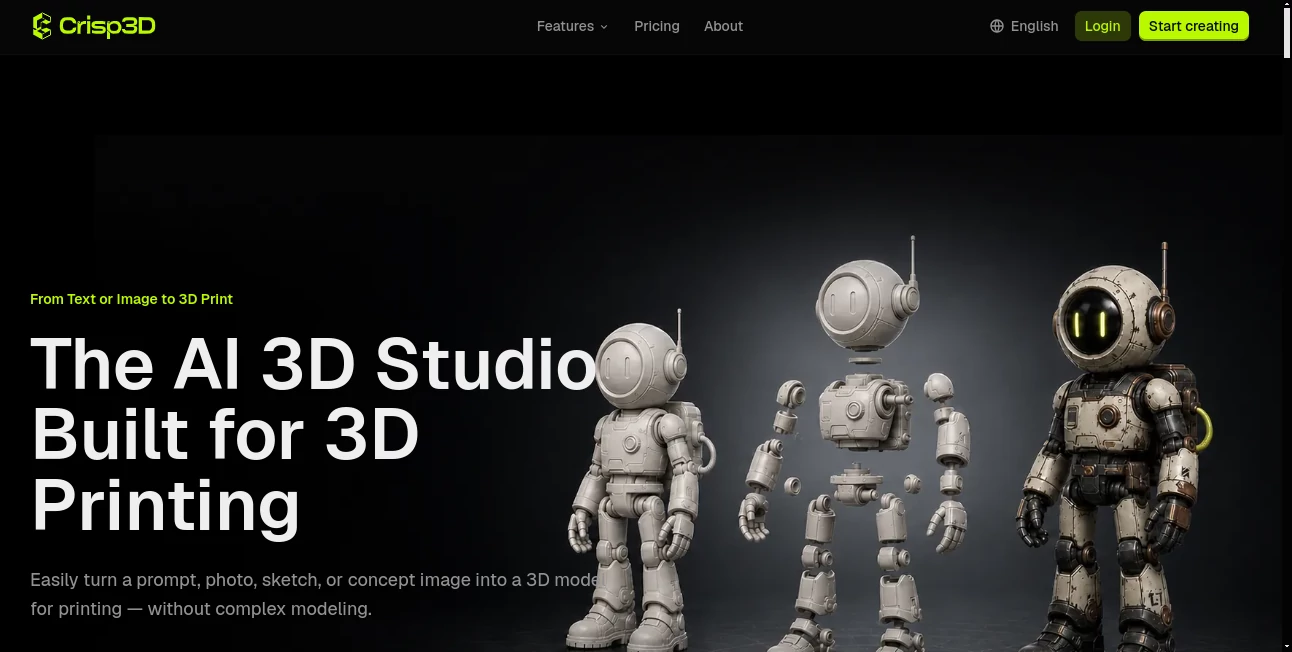
Crisp3D brings a practical idea to AI-powered 3D creation: getting from an idea to something you can actually print should not require a long detour through complicated modeling software. The platform lets users start with a text prompt, photograph, sketch, or concept image and turn it into a 3D model designed with physical creation in mind.
That focus on 3D printing makes the experience particularly useful for makers, miniature artists, product designers, cosplay creators, model sellers, educators, and print studios. Instead of stopping at model generation, the workflow continues into preparation, refinement, segmentation, texturing, and slicer integration.
For someone who has a character idea in the morning and wants to see a physical version of it later, this can remove several traditionally time-consuming steps. A hobbyist might begin with a rough sketch, while a product designer could use an early concept image to explore a prototype before investing more time in traditional modeling.
Key Features
- Text-to-3D generation for turning written concepts into 3D geometry.
- Image-to-3D generation using photos, sketches, and reference images.
- AI texturing for exploring colors, materials, and painted finishes.
- 3D segmentation for dividing complex models into separate printable components.
- Support for practical assembly options such as ball joints and dovetail joints.
- AI retopology for simplifying dense geometry and producing cleaner, lighter meshes.
- Access to multiple AI models for different generation styles and levels of detail.
- Direct integration with popular slicers used for preparing models for printing.
- Support for working with existing 3D models as well as newly generated assets.
- Unlimited downloads on paid plans.
User Interface
The workflow is designed to be approachable rather than centered around traditional 3D modeling expertise. Users can begin with a prompt or reference image and move through generation and preparation without needing to build every part of a model manually.
The biggest advantage is the way the different stages are connected. Generation, model preparation, texturing, segmentation, and retopology are presented as parts of the same creative process. For beginners, that can make the first steps into 3D creation feel considerably less intimidating.
Accuracy & Performance
Performance depends on the selected AI model, the complexity of the request, and the desired level of detail. Having several models available under one account gives users room to choose an approach that fits the project instead of relying on a single generation method.
The platform is especially thoughtful about the transition from digital asset to physical object. Generated models should still be checked in a slicer before printing, including scale, wall thickness, orientation, supports, and connections. This is an important distinction: AI generation can accelerate the modeling process, but the final print still depends on the printer, material, and chosen settings.
Capabilities
The range of creative possibilities is broad. Users can create miniatures, figurines, collectibles, toys, decorative objects, cosplay props, concept models, and prototypes. A large character or object can be separated into smaller pieces, making it easier to print, paint, and assemble.
The retopology feature is another useful addition for people working with dense meshes. Instead of treating generation as the end of the process, the workflow gives users tools to make geometry lighter and cleaner. Texturing also adds a helpful visual step for exploring how an object might look before printing or post-processing it.
Multiple AI models are available, including Tripo3D, Meshy, Hunyuan3D, Rodin, and Hi3D. This model variety is valuable for creators who work across different types of projects and want to experiment with different generation characteristics.
Security & Privacy
Privacy and usage rights are important considerations when working with generated assets. The platform provides dedicated privacy and terms information, while paid plans include private models and commercial licensing. Users should still review the applicable license and make sure they have the necessary rights for any photographs, artwork, characters, or other reference materials they upload.
Commercial users should also pay attention to the specific terms attached to their subscription. The availability of commercial licensing on paid plans makes the service more suitable for creators who intend to turn generated models into products or use them as part of professional projects.
Use Cases
3D Printing Hobbyists: Turn a simple idea or reference image into a model and move it toward printing without building the entire object from scratch.
Miniature Artists: Create character concepts, fantasy figures, collectibles, and other detailed models that can be refined for resin printing.
Cosplay Creators: Develop prop concepts from reference images and split larger designs into manageable pieces for printing and assembly.
Product Designers: Explore early concepts and prototypes quickly before committing significant time to conventional modeling.
Model Sellers: Produce original model concepts and prepare assets for physical production, with commercial licensing available on paid plans.
Print Studios: Handle multiple projects more efficiently by combining generation, preparation, and slicer integration in one workflow.
Educators and Students: Experiment with 3D design concepts without requiring extensive prior experience with professional modeling software.
Pros and Cons
Pros
- Designed specifically around 3D printing workflows.
- Supports both text and image-based 3D generation.
- Combines generation and model preparation in one platform.
- Offers several AI models under a single account.
- Includes segmentation and joint options for complex printable objects.
- Provides AI retopology for cleaner and lighter geometry.
- Works with several popular slicers.
- Paid plans include commercial licensing and private models.
Cons
- Generated models can still require manual checks before printing.
- The free plan has limited AI models and basic features.
- Free users cannot download generated assets.
- Monthly credits do not roll over to the next billing cycle.
- Some advanced usage requires a paid subscription.
Pricing Plans
The platform uses a credit-based subscription system. The free plan costs $0 and is intended for exploration, with one concurrent task, public models, limited AI models, basic features, and no downloads.
The Basic plan provides 1,000 credits per month and supports up to 50 3D models per month, five concurrent tasks, private models, commercial licensing, unlimited downloads, all AI models, and advanced features. The listed monthly price is $25.90, with a discounted yearly equivalent shown at $15.92 per month.
The Pro plan includes 3,900 credits per month and supports up to 195 3D models per month with 20 concurrent tasks. It also includes private models, commercial licensing, unlimited downloads, all AI models, advanced features, and priority processing. The listed monthly price is $59.90, with a discounted yearly equivalent of $31.92 per month.
The Ultra plan is aimed at professional and high-volume users. It includes 12,000 credits per month, supports up to 600 3D models, and allows up to 50 concurrent tasks. It also includes private models, commercial licensing, unlimited downloads, all AI models, advanced features, and priority processing. The listed monthly price is $169.90, with a discounted yearly equivalent of $95.92 per month.
Additional credit packs are available for active subscribers. Options include 1,000 credits for $22, 5,000 credits for $99, and 10,000 credits for $150. Purchased top-up credits do not expire, although an active subscription is required to download generated assets.
How to Use It
Start by describing the object you want to create or upload a suitable reference image or sketch. The system generates the initial 3D geometry based on the selected generation approach.
Once the model is created, you can continue refining it. Complex objects can be divided into separate printable pieces, and practical joints can be added when appropriate for assembly. You can also experiment with materials and finishes using the texturing tools.
If the mesh contains unnecessary geometric complexity, retopology can help produce a lighter and cleaner version. When the model is ready, send it to a supported slicer such as Bambu Studio, OrcaSlicer, Creality Print, ElegooSlicer, or Snapmaker Orca.
Before starting the physical print, check the model's scale, wall thickness, orientation, supports, connections, and other slicer settings. That final review is especially important when working with intricate AI-generated geometry.
Comparison with Similar Tools
Many AI 3D generators concentrate primarily on producing a model from text or an image. The main difference here is the stronger emphasis on what happens after generation. Instead of treating the generated mesh as the finished product, the workflow continues into segmentation, texturing, retopology, and print preparation.
The availability of several underlying generation models is also useful for creators who want to experiment. A project that needs a quick concept can take a different approach from one requiring a detailed figurine or more practical printable geometry.
For users who only need a quick 3D concept, a simpler generator may be enough. For someone who regularly turns digital ideas into physical objects, however, having generation and preparation tools connected can save considerable back-and-forth between different applications.
Conclusion
Crisp3D stands out by focusing on the complete journey from an idea to a physical 3D print. Text and image generation provide an accessible starting point, while segmentation, texturing, retopology, multiple AI models, and slicer integration give experienced creators more control over what happens afterward.
It is a particularly appealing option for people who do not want traditional 3D modeling software to be the first obstacle between an idea and a printed object. Whether the goal is a resin miniature, cosplay prop, collectible, prototype, or a completely original design, the workflow provides a practical bridge between imagination and physical creation.
Frequently Asked Questions (FAQ)
What is this tool used for?
It is an AI-powered 3D creation platform focused on generating, refining, and preparing models for 3D printing.
Can I create a 3D model from an image?
Yes. Users can upload photos, sketches, or concept images and use them as references for generating 3D models.
Can I create 3D models from text?
Yes. A written prompt can be used as the starting point for generating 3D geometry.
Can large models be divided into smaller pieces?
Yes. The segmentation tools can divide characters and objects into separate printable components. Joint options include ball joints and dovetail joints, depending on the intended assembly.
Are the generated models immediately ready to print?
Not necessarily. Models should be reviewed in a slicer for scale, wall thickness, orientation, supports, connections, and other printer-specific requirements before printing.
Can existing 3D models be uploaded?
Yes. Existing supported models can be used for tasks such as exploring finishes, segmenting parts, adding joints, and simplifying dense geometry.
Does it support commercial use?
Paid plans include commercial licensing, subject to the applicable license, platform terms, and rights associated with the user's input materials.
AI 3D Model Generator , AI Text to 3D , AI Image to 3D Model , 3D .
These classifications represent its core capabilities and areas of application. For related tools, explore the linked categories above.

Crisp3D Alternatives Product
AI 3D World
Project Geni…

Image to STL

volume shader

SAM 3D

text to 3d w…

HY Motion

Image to STL

Seed3D 2.0