


















CustomJS
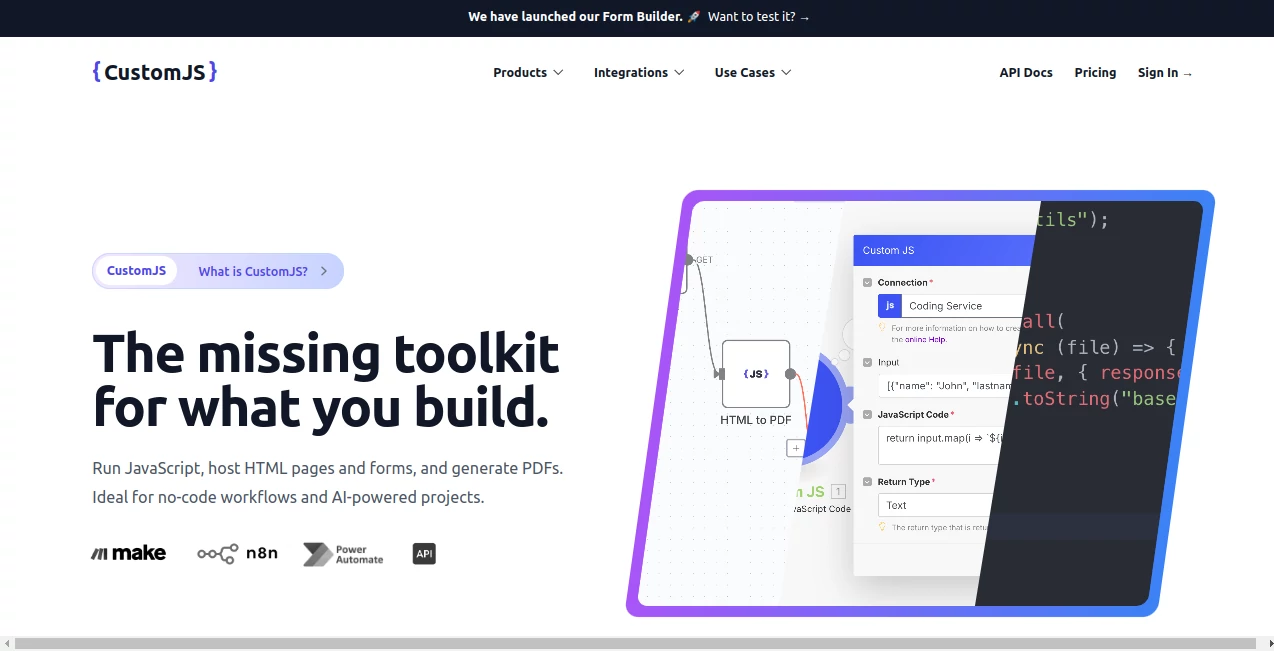
What is CustomJS?
Modern web development often requires fast, flexible, and lightweight scripting solutions. Developers, designers, and even non-technical users increasingly need a simple way to create and manage JavaScript functionality without dealing with heavy environments or complicated setups.
This platform is designed exactly for that purpose. It provides a streamlined environment where users can build, test, and customize JavaScript snippets in a smooth and efficient way. Instead of switching between multiple tools or dealing with complex configurations, everything is centralized in one intuitive space that focuses on speed and simplicity.
Key Features
User Interface
The interface is minimal, clean, and developer-friendly. It focuses on reducing distractions while giving users direct access to essential coding tools. Even beginners can quickly understand how to navigate and start building scripts without a steep learning curve.
Accuracy & Performance
The system is optimized for fast execution and reliable output. JavaScript snippets run smoothly, making it ideal for quick testing, prototyping, and real-time adjustments. Performance remains consistent even when handling multiple scripts or frequent updates.
Capabilities
Users can create custom scripts for a variety of web-based tasks such as DOM manipulation, automation, UI enhancements, and logic-based interactions. It is especially useful for developers who want to experiment with ideas before integrating them into larger projects.
Security & Privacy
Security is an important focus. Scripts are handled in a controlled environment to minimize risk and ensure safe execution. Users maintain control over their code, and sensitive data is not unnecessarily exposed during usage.
Use Cases
- Quick JavaScript prototyping for web projects
- Testing and debugging small code snippets
- Enhancing UI interactions on websites
- Automating repetitive frontend tasks
- Learning and practicing JavaScript in a hands-on environment
Pros and Cons
Pros
- Simple and clean interface
- Fast execution of scripts
- Great for both beginners and developers
- No heavy setup required
- Useful for quick experiments and testing
Cons
- Not a full-scale development environment
- Limited advanced backend capabilities
- Focused mainly on JavaScript-based tasks
Pricing Plans
The platform typically follows a flexible model that may include free access for basic usage and premium options for advanced features. Free tiers are usually sufficient for experimentation, while paid plans are more suitable for professionals who need extended functionality or higher limits.
How to Use the Platform
Getting started is straightforward. Users begin by opening the workspace, creating a new script, and writing their JavaScript code directly in the editor. Once the code is ready, it can be executed instantly to see real-time results. Adjustments can be made on the fly, making the entire workflow fast and interactive.
Comparison with Similar Tools
Compared to traditional coding environments, this solution is much lighter and more focused. While full IDEs offer extensive features for large-scale development, they can often feel overwhelming for simple tasks. This platform fills the gap by offering a quick and efficient way to work specifically with JavaScript without unnecessary complexity.
Conclusion
For developers and learners who want a fast, clean, and practical way to work with JavaScript, this tool provides an excellent balance between simplicity and functionality. It removes friction from the development process and allows users to focus on creativity and problem-solving rather than setup and configuration.
Frequently Asked Questions (FAQ)
Is this suitable for beginners?
Yes, the interface and workflow are designed to be simple enough for beginners while still useful for experienced developers.
Can it be used for professional projects?
It is best suited for prototyping, testing, and small to medium scripts rather than full-scale production systems.
Does it support advanced JavaScript features?
Yes, most standard JavaScript features are supported, making it versatile for a wide range of tasks.
Is installation required?
No installation is needed. Everything runs in a ready-to-use environment.
Can I test UI interactions with it?
Yes, it is especially useful for experimenting with frontend behaviors and UI logic.
AI No-Code & Low-Code , AI Code Assistant , AI Code Generator , AI Developer Tools .
These classifications represent its core capabilities and areas of application. For related tools, explore the linked categories above.

CustomJS Alternatives Product

Project Genie

git-lrc

Perchance AI

JSON to TOON…

axiom.ai

JSON to TOON…

Devplan

Geekflare AI

ModelsLab
