
Designkit
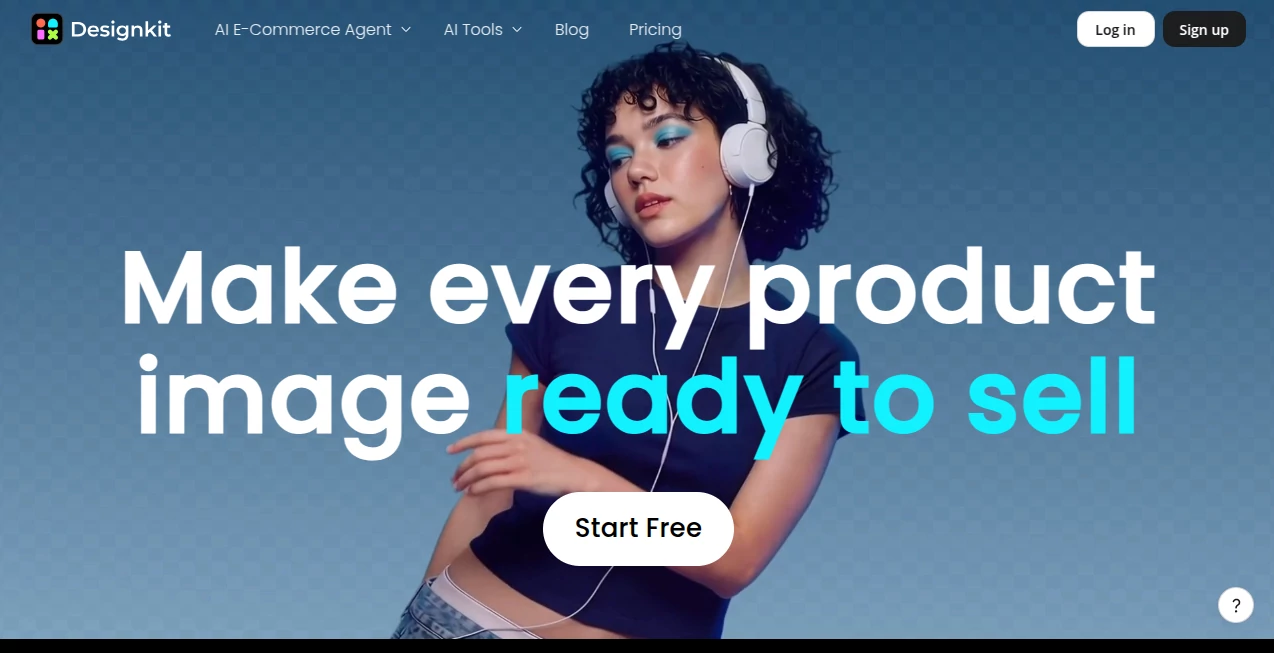
What is Designkit?
Running an online store is tough enough without spending days (or dollars) on product photography. You get supplier shots that look flat, or you try to stage lifestyle images yourself and they still don’t convert. This platform changes the game completely. You give it one decent photo or even just a description, and it returns a full set of professional, platform-ready visuals — hero shots, lifestyle scenes, videos, virtual try-ons — that look like you hired a studio. I’ve watched sellers go from mediocre listings to eye-catching ones in minutes, and the difference in click-through rates is noticeable almost immediately.
Introduction
Good visuals sell. Bad ones sit there collecting dust. Designkit was built specifically for e-commerce sellers who need high-converting images and videos fast, without the usual hassle and expense. It combines smart generation with practical editing tools, so you can turn one basic supplier photo into complete Amazon or Shopify listing stacks, dynamic videos, and localized versions for different markets. No photography team, no expensive shoots, no learning complex design software. Just results that look polished and professional. Many sellers say it’s one of the highest-ROI tools they’ve added to their workflow.
Key Features
User Interface
The workspace feels clean and focused. You upload a product photo or type a prompt, choose what you need (hero image, lifestyle shot, video, etc.), and the AI gets to work. Before-and-after comparisons appear clearly, and you can tweak styles or backgrounds easily. Batch processing lets you handle dozens of products at once. Everything stays intuitive — even non-designers get great results on their first try.
Accuracy & Performance
The outputs look natural and on-brand. Skin tones stay realistic, product details remain accurate, and lighting feels like a real photoshoot. Generation is fast enough that you can iterate quickly, and the consistency across a full listing set is impressive. Sellers report that these images perform noticeably better than basic supplier photos, with higher click and conversion rates.
Capabilities
It goes far beyond simple background removal. You get complete listing stacks, AI fashion models for clothing and accessories, product videos, virtual try-ons, background generators, object removers, image enhancers, and auto-translation for global markets. One input can produce everything you need for Amazon, Shopify, TikTok Shop, and more. The AI understands e-commerce requirements and delivers platform-ready assets every time.
Security & Privacy
Your product photos and generated assets are handled securely. The platform focuses on delivering value without unnecessary data retention or sharing. For sellers working with new collections or sensitive designs, that reliability matters.
Use Cases
A fashion seller uploads supplier flats and gets lifestyle shots with realistic models in seconds, saving thousands on photoshoots. A home goods store turns basic product photos into warm, inviting scenes that boost conversion rates. A beauty brand creates short demo videos and before-after visuals that perform well on social media. Teams managing large catalogs use batch processing to refresh hundreds of listings quickly before peak seasons. It fits anywhere visuals directly impact sales.
Pros and Cons
Pros:
- Turns basic supplier photos into professional, high-converting assets extremely fast.
- Full suite from static images to videos and virtual try-ons in one place.
- Batch processing saves enormous time on large catalogs.
- Results look natural and on-brand, not obviously AI-generated.
- Generous free tier lets you test real results before committing.
Cons:
- Very complex or highly custom creative directions may need a few iterations.
- Higher-volume usage and advanced features require a paid plan.
Pricing Plans
You can start for free and generate a meaningful number of assets to see the quality firsthand. Paid plans unlock higher limits, faster generation, batch processing, and priority access to new models. The pricing is practical for both small sellers testing the waters and larger stores scaling visual production. Many users say the return in saved time and increased sales makes it one of the smartest investments they’ve made.
How to Use Designkit
Upload a clear product photo or type a detailed prompt. Choose the output type — hero image, lifestyle scene, video, virtual try-on, etc. Adjust style preferences if needed and generate. Review the results, make small tweaks, and download ready-to-use files. For multiple products, switch to batch mode and let it process everything at once. The workflow is fast enough that you can refresh entire sections of your store in a single session.
Comparison with Similar Tools
Many AI image tools are general-purpose and produce generic results. This one is built specifically for e-commerce, understanding listing requirements, platform best practices, and the kind of visuals that actually drive sales. The combination of generation, editing, and batch tools in one focused platform gives it a clear edge for online sellers who need speed and quality together.
Conclusion
Product visuals are often the difference between a browser and a buyer. This platform makes creating those visuals fast, affordable, and genuinely effective. It removes the biggest barriers most sellers face — time, cost, and skill — and replaces them with a reliable AI partner that delivers results. Whether you’re just starting out or scaling an established store, it’s one of those tools that quickly becomes essential. Your listings deserve to look their best, and this makes it happen.
Frequently Asked Questions (FAQ)
How fast can I generate images?
Most assets are ready in seconds to under a minute, even in batch mode.
Do the images look natural?
Yes — the focus is on realistic, on-brand results that don’t scream “AI-generated.”
Can I use it for my entire catalog?
Absolutely — batch processing is built for large stores and frequent updates.
Is there a free way to try it?
Yes, the free tier gives you enough generations to evaluate real results on your own products.
Which platforms are the outputs optimized for?
Amazon, Shopify, Etsy, TikTok Shop, and other major marketplaces.
AI Image to Image , AI Graphic Design , AI Design Generator , AI Product Description Generator .
These classifications represent its core capabilities and areas of application. For related tools, explore the linked categories above.

Designkit Alternatives Product
Maginary

Pixelied

Flux 2 Klein

XIMAGIN

Ernie Image

volume shade…

Seedream Ima…

Image To Ima…

Z Image Turbo