
Dynamiks
What is Dynamiks?
Sales teams already have plenty of dashboards, reports, and CRM records. The harder question is often much simpler: what is actually moving a deal forward, and which opportunities need attention right now?
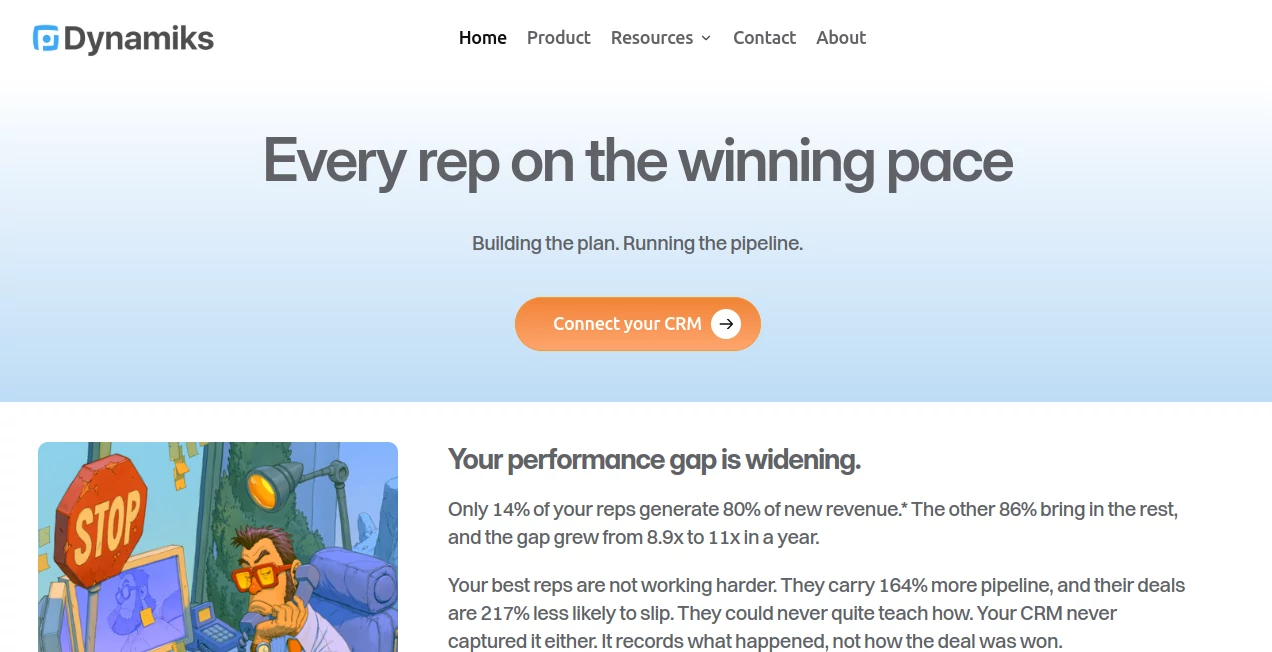
Dynamiks.ai takes a different approach to sales execution by working on top of an existing CRM and studying how deals move over time. Instead of treating a pipeline as a collection of stages and activities, it looks at the trajectory of deals, learns from successful outcomes, and helps sales representatives understand what needs to happen next.
Its AI coworker, called the Quarterback, is designed to work alongside sales representatives rather than replace their judgment. It can study previous winning deals, help build a plan for an active opportunity, monitor whether that plan is staying on course, and highlight deals where momentum is beginning to disappear.
The result is a more practical way to look at pipeline health. A deal can have plenty of activity and still be going nowhere. Conversely, a small action can have a meaningful effect if it changes the direction of an opportunity.
Key Features
- AI-powered sales coworker for individual representatives
- Analysis of winning deal trajectories and milestones
- Real-time Impact measurement for sales actions
- Momentum measurement for individual deals and teams
- Collaborative deal planning between the AI and sales representative
- Monitoring of overdue or drifting milestones
- Morning guidance on which opportunities deserve attention
- Live sales leaderboard based on value created
- Pipeline analysis based on activity, timing, and outcomes
- Integration with existing CRM workflows
User Interface
The experience is designed around the places sales teams already use rather than forcing them into another isolated dashboard. The platform can work with Salesforce or HubSpot and is also designed to meet users in environments such as Slack, the browser, and compatible AI tools.
The interface is centered around conversations, deal plans, pipeline movement, and actionable information. Instead of simply presenting another list of opportunities, it helps answer practical questions such as which deal deserves attention today, whether an opportunity is drifting, and whether recent activity is actually changing its trajectory.
For a sales representative managing a busy pipeline, that distinction matters. The goal is to spend less time interpreting scattered CRM activity and more time deciding what to do with the information.
Accuracy & Performance
The platform's approach is based on the historical behavior of a company's own deals. It examines successful opportunities, including the milestones they reached, the order in which those milestones appeared, and the time taken between them.
This creates a company-specific reference point instead of relying entirely on a generic sales methodology. An active deal can then be considered against patterns found in previous wins.
Another important concept is Momentum. Rather than looking only at the amount of pipeline a company has, the system considers whether deals are actually moving. Activities that change the direction of an opportunity can increase momentum, while prolonged inactivity can cause it to decline.
Because sales outcomes depend on human decisions and customer behavior, the system is best viewed as decision support rather than a replacement for a salesperson's understanding of the customer.
Capabilities
One of the most interesting capabilities is its use of deal trajectories. Traditional CRM systems are excellent at storing activities and stage changes, but those records do not always explain how one event influenced the next. This platform attempts to reconstruct that movement so successful patterns can be identified.
The Quarterback can help a representative create a deal plan based on previous winning patterns. The salesperson remains involved in that process and can challenge, modify, or reject suggested milestones. This keeps customer knowledge and human judgment at the center of the sales process.
The system also introduces Impact, a measurement intended to represent the value created by an individual action. A response from a prospect, for example, can carry more significance than an email that receives no response. This provides a more meaningful view of activity than simply counting calls, emails, or logged tasks.
At the team level, Momentum brings individual deal velocity together to provide a broader view of whether the pipeline is gaining ground or quietly losing it.
Security & Privacy
Because the platform works with CRM information, data handling is an important consideration for any sales organization evaluating it. The company states that teams can use an Incognito mode when they want to evaluate the functionality without sharing their business data.
The company also positions the product as an augmentation layer rather than an autonomous replacement for sales professionals. Representatives retain ownership of customer relationships and decisions while the AI handles pipeline analysis and operational complexity.
Teams considering deployment should still review the provider's current legal, privacy, and data-processing documentation before connecting production CRM data, particularly when working with sensitive customer information.
Use Cases
Sales Pipeline Management: Sales managers can use Momentum and Impact to gain a different perspective on pipeline health. Instead of asking only how much pipeline exists, teams can look at whether opportunities are actually progressing.
Deal Prioritization: Representatives handling many open opportunities can use the platform to identify deals where action could meaningfully change the outcome. This can help reduce time spent on opportunities that appear busy but are not progressing.
Learning from Won Deals: Teams can turn historical sales outcomes into practical reference points. The system studies previously successful deals and uses their trajectories to help evaluate current opportunities.
Sales Coaching: Managers can use value-based activity information to understand how sales work contributes to outcomes rather than relying entirely on activity counts.
Pipeline Reviews: Leadership teams can use Momentum as another signal during pipeline reviews, particularly when a large pipeline number does not necessarily mean that revenue is moving toward completion.
Daily Sales Planning: The morning brief can help representatives decide where to focus their time by surfacing opportunities that are drifting, approaching overdue milestones, or losing momentum.
Pros and Cons
Pros
- Focuses on deal movement rather than static CRM snapshots
- Learns from a company's own successful opportunities
- Introduces Impact and Momentum as useful pipeline concepts
- Works alongside existing CRM systems instead of replacing them
- Combines AI assistance with human decision-making
- Can help representatives prioritize their daily work
- Provides a value-oriented view of sales activity
Cons
- The product is aimed primarily at sales and revenue teams rather than general business users
- Its usefulness depends on the quality and history of CRM data available
- Organizations may need time to adapt to a different way of measuring pipeline performance
- Public pricing information is not clearly listed, making initial cost comparison difficult
- Teams should evaluate privacy and data requirements before connecting production CRM information
Pricing Plans
Public pricing plans are not currently displayed on the product website. The company has offered early access for sales teams, including trials for teams using HubSpot. Organizations interested in adopting the platform should contact the company to discuss access and current commercial terms.
This approach is fairly common for an enterprise-focused sales intelligence product, particularly while the product is still developing. Companies evaluating it should ask about available plans, user limits, CRM integrations, implementation requirements, and any usage-based costs before making a purchasing decision.
How to Use the Platform
Getting started is centered around connecting the platform to an existing sales workflow rather than rebuilding a CRM from scratch.
- Connect your supported CRM and provide the required access.
- Allow the system to analyze existing deal and activity history.
- Let it identify patterns from previously successful opportunities.
- Review current deals and their trajectories.
- Work with the AI to create milestones for important opportunities.
- Monitor Momentum and Impact as deals progress.
- Use the daily guidance to decide which opportunities deserve attention.
- Adjust deal plans when customer circumstances change.
The most useful results should come from treating the AI as a sales partner rather than an unquestionable decision-maker. A representative still understands the customer, the relationship, and the context behind the numbers.
Comparison with Similar Tools
Many sales tools focus on CRM automation, activity tracking, forecasting, lead generation, or conversational intelligence. This product takes a narrower and more distinctive position: understanding the movement of opportunities and using historical outcomes to help guide the next stage of a deal.
Traditional CRM software remains the system of record. Sales engagement platforms may concentrate on outreach volume and sequencing. Forecasting tools typically focus on predicting revenue. Conversation intelligence products can extract information from calls and meetings.
The approach here sits closer to an operational intelligence layer for the sales pipeline. Its emphasis on Impact and Momentum is particularly notable because it tries to measure the effect and velocity of sales activity rather than simply recording that an activity occurred.
That makes it especially interesting for B2B sales organizations that already have a functioning CRM but feel that their existing reports show where the pipeline is rather than where it is going.
Conclusion
For sales teams, a healthy pipeline is not simply a large pipeline. Opportunities need to move, milestones need to happen, and salespeople need to know where their time can make a difference.
This platform offers an appealing answer to that problem by combining historical deal analysis, AI-assisted planning, and real-time measures of Impact and Momentum. Its strongest idea is also its simplest: sales activity should be judged by what it changes, not merely by how much activity gets logged.
The product is particularly worth considering for B2B teams already using Salesforce or HubSpot and looking for a more dynamic layer on top of their existing CRM. It does not try to remove the salesperson from the process. Instead, it aims to give representatives a clearer picture of what is happening so they can make better decisions and spend more of their time building customer relationships.
Frequently Asked Questions (FAQ)
What is this platform designed for?
It is designed for sales and revenue teams that want AI assistance with pipeline execution, deal planning, opportunity prioritization, and understanding how deals move over time.
Does it replace Salesforce or HubSpot?
No. It is designed to sit on top of an existing CRM. The product currently supports workflows around Salesforce and HubSpot while adding analysis of deal trajectories, Impact, and Momentum.
What is Momentum?
Momentum represents the velocity of a deal. It is intended to show whether an opportunity is gaining ground or losing movement based on what is happening throughout its trajectory.
What is Impact?
Impact is designed to represent the value of a sales action based on what that action changes in the deal. For example, an action that generates a meaningful response can have greater value than an action followed by prolonged silence.
Can sales representatives override the AI's recommendations?
Yes. The product is designed around human judgment. Representatives can discuss suggested milestones, adjust the plan, and decide how to respond when customer circumstances change.
Is there a free plan?
A public free pricing plan is not currently listed. The company has offered early access trials for sales teams, so interested organizations should contact the provider for current availability and pricing.
Who would benefit most from this tool?
B2B sales teams with an established CRM and multiple active opportunities are likely to benefit most, especially organizations that want to understand pipeline movement rather than relying only on stages, activity counts, and static forecasts.
AI Sales Assistant , AI Analytics Assistant , AI CRM Assistant , Business .
These classifications represent its core capabilities and areas of application. For related tools, explore the linked categories above.

Dynamiks Alternatives Product

Lebesgue: AI…

LazyLister

Aiso

Alloy

Sales Prospe…

QuickFlip.AI

CartLens

Schedpilot

Meev