Energy Rebate Calculator
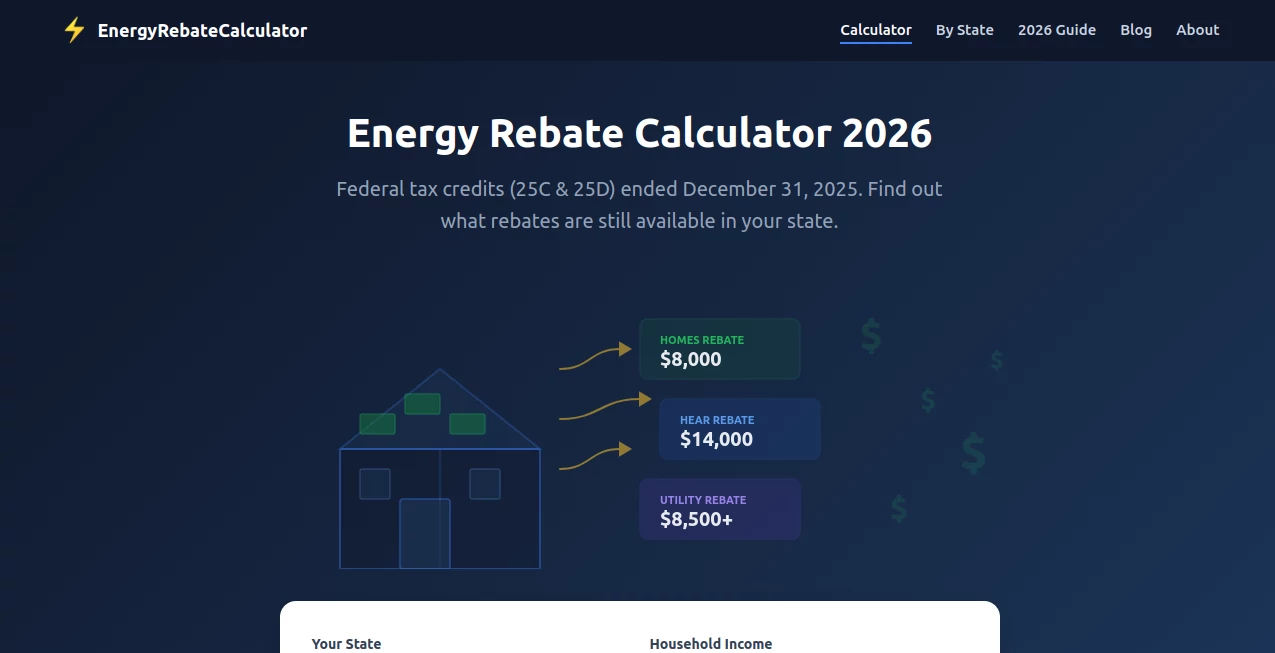
What is Energy Rebate Calculator?
Let’s be honest for a second. Figuring out energy rebates feels like solving a puzzle where half the pieces are missing. You know there’s money out there—government programs, local incentives, utility company offers—but actually finding what applies to your home? That’s the tricky part. Most people just give up and leave thousands on the table. That’s exactly why this tool was built.
Think of it as your personal rebate hunter. No more digging through outdated government PDFs or trying to decode confusing eligibility requirements. You just answer a few simple questions about where you live and what upgrades you’re considering, and it does the heavy lifting. A neighbor of mine recently used it to find out she qualified for both a heat pump rebate and attic insulation incentives. She had no idea either existed before that day. That’s the kind of “why didn’t I do this sooner” moment this tool delivers.
Key Features
User Interface
Nobody wants to feel like they need a engineering degree just to check for rebates. The interface here keeps things dead simple. You’ll answer maybe five or six straightforward questions—your zip code, the type of upgrade you’re planning, maybe a few details about your home. That’s it. The whole process takes under three minutes. Everything is laid out in plain English, no jargon, no fine-print surprises. You can literally walk through it while waiting for your morning coffee to brew.
Accuracy & Performance
Here’s what separates this from those generic calculators that give you wildly different answers every time you try them. This tool pulls from live, updated rebate databases. It doesn’t guess. It doesn’t rely on outdated averages. When a new program launches or an old one expires, the system knows about it right away. The calculations reflect actual utility rates and real incentive amounts available in your specific area. You’re not getting a ballpark figure—you’re getting the real numbers you can actually use.
Capabilities
The tool covers pretty much every major home upgrade you can think of. Solar panels? Yes. Heat pumps? Absolutely. Insulation, windows, EV chargers, smart thermostats, efficient water heaters—it’s all in there. What’s really impressive is how it handles multiple rebates at once. Some upgrades qualify for stackable incentives from local, state, and federal programs simultaneously. The tool catches every single one and shows you the combined total. You might walk in expecting a few hundred dollars and walk out realizing you qualify for thousands.
Security & Privacy
Nobody wants to hand over personal data just to check for rebates. This tool doesn’t ask for your name, your email, your address, or any sensitive info unless you choose to save your results. The calculations work fine with just your zip code and basic home details. If you do decide to save a report, your data stays encrypted and never gets sold to contractors or marketing lists. What you search for stays yours.
Use Cases
So who actually gets value from this? Pretty much any homeowner thinking about energy upgrades. Let me paint a few real scenarios.
The “I’m replacing my old HVAC anyway” homeowner. Your furnace is twenty years old and dying. You were just going to replace it with whatever the local HVAC guy recommends. But after running through this calculator, you realize a heat pump qualifies for a $2,000 rebate that makes the upgrade almost the same price as a standard furnace—and you’ll save on monthly bills too.
The solar curious renter? Okay, not renters. But homeowners who’ve been flirting with solar for years but couldn’t justify the upfront cost. Run your address through. See exactly which federal tax credits and local incentives apply. One user found a state program covering 30% of her installation costs on top of the federal credit.
The “I just bought this old house” crowd. Old homes leak energy like a sieve. New windows, insulation, weatherstripping—it adds up fast. But so do the rebates. The tool catches efficiency programs you’d never find on your own, sometimes covering half the project cost or more.
Contractors and energy auditors. Yeah, pros use this too. Instead of manually hunting down rebate info for every client, they plug in the details and generate accurate incentive reports on the spot. Closes deals faster and makes customers happier.
Pros and Cons
What works really well: The speed is the biggest win. You get actual numbers in under three minutes. The database coverage is excellent—most tools miss smaller local programs, but this one catches them. And it handles stacked rebates correctly, which is where most calculators fall apart.
What could be better: Some very niche upgrades or emerging technologies might not show up if the incentive programs are brand new. The tool updates regularly, but there’s sometimes a short lag. Also, if you live in an area with unusually complex utility rules, you might get results that say “contact your provider for final confirmation.” That’s honest, but mildly frustrating if you wanted an instant answer.
The bottom line: For 95% of homeowners and upgrades, this is the fastest, most accurate rebate finder you’ll use. The few edge cases where it falls short are exactly the situations where any automated tool would struggle.
Pricing Plans
Here’s some refreshing news. The basic rebate check is completely free. No credit card, no “start your trial,” none of that nonsense. You enter your info, you get your results. That covers most people’s needs perfectly well.
If you want to save your report, download a detailed breakdown, or revisit your results later, there’s a small one-time fee. It’s cheap—way cheaper than hiring someone to do this research for you. And frankly, if you find even one rebate you didn’t know about, it pays for itself many times over. No monthly subscription traps either. Pay once if you need the extras, or just use the free version forever. Your call.
How to Use This Tool
You don’t need instructions, really. But here’s the quick walkthrough anyway. Step one: head to the calculator page. Step two: enter your zip code. Step three: select what kind of upgrade you’re planning—solar, HVAC, insulation, windows, whatever. Step four: answer two or three follow-up questions about your home (size, existing equipment, that sort of thing). Step five: hit calculate and watch the results appear.
That’s literally it. Most people finish in under two minutes. If you want to save or print your rebate summary, you’ll create a quick account at that point. Otherwise, you’re done. Go apply for those rebates.
A quick tip: run the numbers before you hire a contractor. Knowing what incentives you qualify for ahead of time changes the whole conversation. Contractors can’t quietly pocket the rebate savings if you already know they exist.
Comparison with Similar Tools
How does this stack up against the competition? Most government-run calculators (like the OEB or UCA tools) only cover basic rate comparisons. They won’t find stacked incentives or local programs. They’re also clunky to use and rarely updated.
Utility company tools are better but limited. Hydro Ottawa’s calculator works fine—if you’re a Hydro Ottawa customer looking at electricity plans. It won’t help with gas rebates, solar incentives, or insulation programs. Too narrow.
Then you’ve got niche calculators. Solar-only tools. Heat pump-only tools. EV-only tools. They do one thing well and ignore everything else. Great if you already know exactly what upgrade you want. Terrible if you’re still exploring options.
This tool sits in the sweet spot. Broader coverage than utility tools, faster than government calculators, and smarter about stacked incentives than niche options. The only competitor that comes close is RetroFix AI, but that’s aimed at commercial buildings and New York specific. For homeowners anywhere else, this is the better choice.
Conclusion
Look, energy rebates shouldn’t be this hard to find. But they are. Programs change constantly. Rules vary by zip code. And most homeowners just don’t have the time or patience to track it all down. That’s money left on the table. Sometimes a lot of money.
This tool fixes that problem. Not with complicated spreadsheets or dense policy documents. Just straightforward questions and instant answers. You’ll know exactly what rebates you qualify for, how much you’ll save, and what to do next. No guesswork. No fine print. Just savings.
Try it before your next home upgrade. Worst case? You spend two minutes and find nothing. Best case? You save thousands on a project you were already planning. Seems like an easy bet to take.
Frequently Asked Questions (FAQ)
Does this work for renters or just homeowners?
Homeowners get the most value since most rebates require ownership. But renters can still check for appliance-specific incentives or programs their landlord might qualify for. Either way, it’s free to check.
How often is the rebate data updated?
The database refreshes continuously. When a new program launches or an existing one changes, the tool reflects that within days. You won’t find expired rebates clogging up your results.
Do I need to create an account to see results?
Nope. Basic results are instant and account-free. You only need to sign up if you want to save a report or come back to your results later.
What upgrades are covered?
Solar, heat pumps, HVAC, insulation, windows, doors, smart thermostats, EV chargers, efficient water heaters, lighting upgrades, and more. Basically anything that saves energy probably has rebates in the system.
Is this available outside the US?
Coverage focuses on North American programs currently. International users may find limited results depending on the region.
What if I don’t see my specific upgrade listed?
Try selecting the closest category. New or very niche technologies sometimes don’t have established rebate programs yet. The tool will still show you what’s available for similar upgrades.
Are these rebate amounts guaranteed?
The tool shows current programs based on available data. Always confirm with the incentive provider before starting your project. Programs can have fine print about income limits, contractor requirements, or deadlines that the tool summarizes but doesn’t fully capture.
These classifications represent its core capabilities and areas of application. For related tools, explore the linked categories above.
Energy Rebate Calculator details
Website unavailable — View Alternatives
Pricing
- Free
Apps
- Web App
Categories

Energy Rebate Calculator Alternatives Product

SalaryHow

AI Business …

CapyQR

Preuve AI

ForexCoupons

Calculadora …

Naxely

wigoo

AI Business …