


















Face Search
What is Face Search?
Sometimes the photo you have is not the photo you are looking for. A reverse image search can locate copies of the exact picture, but it may miss completely different photos of the same person. This is where face search becomes useful. The service is designed to compare facial features rather than simply matching the pixels of an uploaded image, helping users discover other publicly indexed photos where the same face may appear.
For example, imagine finding an old photograph of someone you used to know. The original image may never have been published elsewhere, so a conventional image search could return nothing. A facial search can approach the problem differently by focusing on the face itself. The same idea can be useful when checking suspicious dating profiles, investigating possible photo misuse, or reviewing your own public image footprint.
One particularly useful aspect is that face matching and ordinary reverse image search answer different questions. Instead of treating them as competitors, users can combine both approaches. Start with a traditional image search when you want to locate copies of a particular photograph, then use facial matching when the goal is to discover different pictures of the same person.
Key Features
- Reverse face search based on facial characteristics rather than whole-image similarity.
- Searches can help locate different photographs of the same person.
- Results can include similarity scores to help users assess potential matches.
- Useful for images with different backgrounds, clothing, lighting, or composition.
- Designed for public-web discovery rather than simply identifying duplicate image files.
- One-time search credits are available instead of requiring a recurring subscription.
- Credits do not expire, making the service suitable for occasional searches.
User Interface
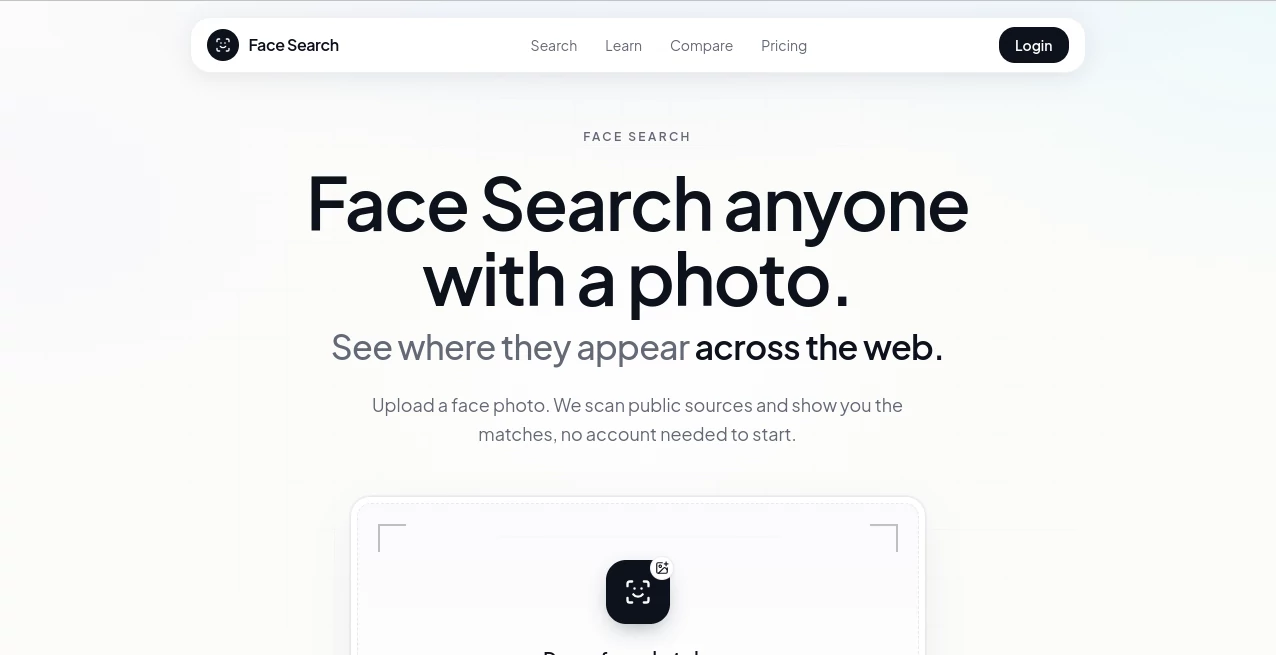
The workflow is deliberately straightforward. A user starts with a photograph containing a visible face and submits it for searching. After processing, potential matches can be reviewed as individual results rather than forcing users to understand complicated technical settings.
This simplicity matters for a tool of this type. Someone checking an unfamiliar dating profile, for instance, usually wants to spend time evaluating the results rather than learning how an image-processing system works. The upload-and-review approach keeps the process accessible while still providing a more specialized search method than ordinary image lookup.
Accuracy & Performance
Facial search works differently from traditional reverse image search. Instead of looking primarily for the same image file, the system detects a face and creates a representation of its facial geometry before comparing it with indexed faces. This makes it possible to discover potential matches even when the surrounding image is completely different.
That does not mean every result should be treated as definitive proof of someone's identity. A similarity score is a useful signal, not a legal identity verification. Results can be affected by image quality, facial angle, lighting, aging, occlusion, and the availability of relevant images in the underlying index.
In practical use, a clear front-facing photograph is generally a better starting point than a heavily edited, blurry, or partially obstructed image. Users should also inspect the pages behind potential matches and compare the surrounding information before drawing conclusions.
Capabilities
The main strength is the ability to approach a search from the perspective of the person rather than the photograph. A person can appear in completely different environments, wear different clothes, or be photographed years apart while retaining facial characteristics that can be compared by a specialized search system.
This makes the technology particularly interesting for situations where conventional reverse image search reaches its limits. It can help uncover additional publicly indexed appearances of a face, investigate whether profile photographs may have been reused, and perform a personal audit of images appearing online.
There is also a practical advantage to using this alongside conventional reverse image tools. A duplicate-photo search can be excellent at finding the original source of a particular picture, while facial matching can look beyond that exact file. Using both methods can provide a broader picture without relying entirely on one type of search.
Security & Privacy
Facial-search technology deserves more careful handling than an ordinary image lookup because photographs of people can contain sensitive personal information. Users should only search images they have a legitimate reason to investigate and should think carefully before uploading photographs of other people.
Search results should also be treated responsibly. Finding a visually similar face does not establish someone's identity, location, occupation, or personal circumstances. Any important conclusion should be independently verified using reliable information rather than relying solely on a similarity result.
The service is primarily intended to surface publicly indexed information, so the absence of a result should not be interpreted as evidence that a person has no online presence. A person may simply have limited publicly indexed photographs, or the relevant pages may not be included in the searchable index.
Use Cases
- Dating profile checks: Compare a profile photograph against other publicly indexed appearances when something about a profile seems questionable.
- Photo impersonation: Investigate whether someone may be using different photographs of you or another person online.
- Personal image audits: Discover publicly indexed photographs in which your face may appear.
- Finding an old contact: An old photograph can provide a starting point when you no longer remember a person's name or current online presence.
- Online research: Explore potential connections between photographs appearing on different public pages.
- Scam investigation: Combine facial search with conventional reverse image search when a profile or listing appears suspicious.
Pros and Cons
- Pros: Searches facial characteristics instead of relying only on duplicate images.
- Pros: Can uncover different photographs of the same person.
- Pros: Similarity scores make potential matches easier to evaluate.
- Pros: One-time credit packages are convenient for occasional users.
- Pros: Credits do not expire.
- Cons: Results depend on the availability of publicly indexed images.
- Cons: A similarity result should not be considered definitive identity verification.
- Cons: Poor-quality or heavily obscured photographs can make matching more difficult.
Pricing Plans
The pricing model is built around individual search credits rather than a traditional monthly subscription. The Essential package provides 2 searches for $7, while Plus provides 7 searches for $11. For users who expect to perform more searches, Ultra provides 20 searches for $29. The credits do not expire, which is a useful advantage for people who only need this type of service occasionally.
This structure makes more sense for an occasional investigation than paying for a recurring plan that may go unused. Someone performing a one-time photo check can purchase a small package, while researchers or frequent users can choose a larger credit bundle.
How to Use the Tool
- Choose a clear photograph containing the face you want to search.
- Upload the photograph through the search interface.
- Allow the system to detect and process the visible face.
- Review the returned potential matches and their similarity information.
- Open relevant sources and examine the surrounding context.
- Compare the findings with other available evidence before making an important decision.
For the best results, start with a reasonably clear photograph where the face is visible. If the search produces limited results, trying another suitable photograph can provide a useful second perspective.
Comparison with Similar Tools
The biggest distinction is between facial search and conventional reverse image search. Tools such as Google Images, Google Lens, TinEye, and Yandex are particularly useful when the objective is to locate the same image or visually similar copies. They can be excellent for finding reposted photographs, original sources, and modified versions of an image.
Facial search addresses a different problem. Instead of asking, “Where else does this exact picture appear?”, it asks, in effect, “Where might this face appear in other photographs?” That distinction becomes important when the person is photographed in a completely different setting.
For that reason, using both approaches can be more effective than choosing only one. Conventional reverse image search can be tried first because it is often free and useful for duplicate-image discovery. Facial search can then provide another layer of research when the objective is finding different photographs of the same individual.
Conclusion
Finding a person through a photograph is not always the same problem as finding a photograph online. That subtle difference is what makes facial search useful. By concentrating on facial characteristics instead of requiring the same image file to appear elsewhere, the service gives users another way to explore publicly indexed photographs.
It is especially practical for self-audits, suspicious profile checks, photo misuse investigations, and situations where an old photograph is the only useful starting point. The pay-as-you-go credit system is another welcome touch for users who do not need a recurring subscription.
The smartest approach is still to treat search results as leads rather than final answers. Combine facial matching with ordinary reverse image search, inspect the original sources, and verify important information independently. Used that way, this can be a valuable addition to a careful online research workflow.
Frequently Asked Questions (FAQ)
Is face search the same as reverse image search?
No. Reverse image search primarily looks for the same or visually similar image, while facial search focuses on finding the same person across different photographs.
Can it find someone in a completely different photograph?
That is one of its main purposes. The system can compare facial characteristics even when the background, clothing, composition, or other parts of the photograph have changed.
Are search results proof of someone's identity?
No. A potential match and its similarity score should be treated as a research lead rather than definitive proof of identity. Important findings should always be independently verified.
What kind of photograph works best?
A clear image with a visible face is generally a better starting point. Very low-resolution photographs, extreme angles, heavy filters, and faces covered by objects can make matching more difficult.
Do the search credits expire?
No. The available credit packages are designed as one-time purchases, and unused credits do not expire.
Is there a monthly subscription?
The service uses one-time search credit packages rather than requiring users to maintain a recurring monthly subscription.
Should I also use a normal reverse image search?
Yes. The two methods complement each other. A conventional reverse image search is useful for locating copies of a specific photograph, while facial search can help discover different photographs of the same person.
Can a search find every photograph of a person online?
No. Results depend on which images are publicly accessible and included in the underlying index. A missing result does not prove that no other photographs exist online.
AI Image Recognition , Other , AI Search Engine .
These classifications represent its core capabilities and areas of application. For related tools, explore the linked categories above.

Face Search Alternatives Product

WhatIsThisMo…

morse code t…

Photo Locati…

MBTI Compati…

Suno top

Wafler

Perplexity AI

Black Screen

SciDraw AI
