

















SciDraw AI
Verified Blue CheckMark
Verified Blue CheckMark products are featured above free or unverified listings.
This badge indicates authenticity and builds trust, giving your product higher visibility across the platform.
Upgrade to get verified
Verified Blue CheckMark products are featured above free or unverified listings. This badge indicates authenticity and builds trust, giving your product higher visibility across the platform.
Upgrade to get verified
What is SciDraw AI?
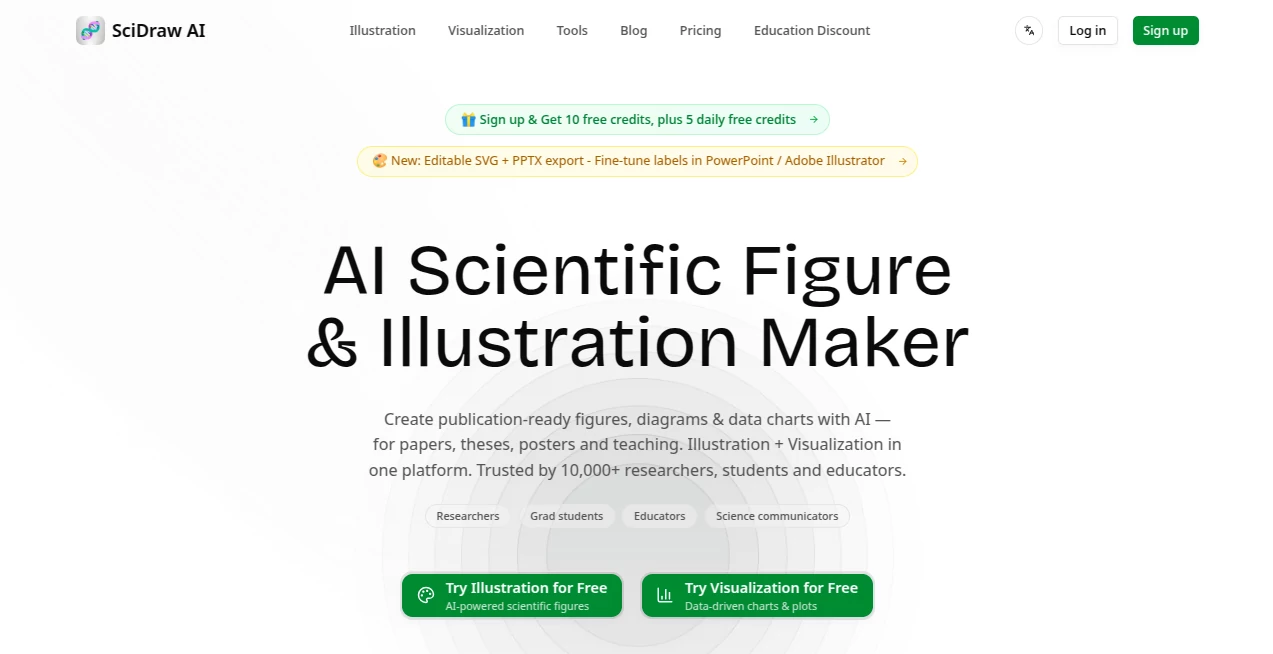
I’ve watched too many researchers waste entire weekends redrawing figures for paper revisions or struggling with clunky software just to make a clean diagram. This tool quietly solves that pain. You describe what you need in plain language — a cell signaling pathway, a molecular structure, an experimental setup — and it generates clean, accurate, publication-ready illustrations in seconds. The best part? The outputs are editable SVGs, so you can fine-tune them in Illustrator or PowerPoint without starting from scratch. It feels like having a skilled scientific illustrator who works at the speed of thought.
Introduction
Creating figures for papers, theses, grants, or presentations is one of the most time-consuming parts of research. Traditional tools require design skills most scientists don’t have, while generic AI image generators often produce pretty but scientifically inaccurate results. SciDraw bridges that gap perfectly. Built specifically for science, it understands technical concepts, follows academic conventions, and delivers figures that look like they belong in high-impact journals. Researchers, students, and educators are already using it to create everything from graphical abstracts to detailed mechanistic diagrams — saving hours while maintaining the precision their work demands.
Key Features
User Interface
The interface is clean and focused — exactly what busy researchers need. A prominent text box invites you to describe your figure, with helpful examples and templates nearby. You can choose different modes (illustration, chart, schematic) and adjust parameters like style or level of detail. Generation is fast, and the results appear with clear options to regenerate, edit prompts, or export. It never feels overwhelming; it just gets out of the way so you can focus on the science.
Accuracy & Performance
What sets it apart is how well it understands scientific accuracy. It doesn’t just draw pretty pictures — it respects biological pathways, chemical structures, physical systems, and experimental logic. Outputs are consistently clean, properly labeled, and publication-grade. Generation happens quickly, usually in under 30 seconds, and the editable SVG format means you can make final tweaks without losing quality. Researchers report that figures often need only minor adjustments before submission, which is remarkable for AI-generated work.
Capabilities
It handles a wide range of scientific visuals: molecular diagrams, cell biology illustrations, experimental workflows, data charts, anatomical drawings, physical systems, and more. You can create graphical abstracts, TOC figures, teaching slides, or full multi-panel figures. The smart chart mode turns data descriptions into proper visualizations. Export options include high-resolution PNG and fully editable SVG, making it ready for journals, posters, or presentations. It supports multiple scientific domains, from biology and chemistry to physics and engineering.
Security & Privacy
Your prompts and generated figures are handled with care appropriate for research work. The platform is designed for academic and professional use, with sensible data practices that respect the sensitive nature of unpublished work. You stay in control of your creations and can download everything you need without worrying about long-term storage of sensitive ideas.
Use Cases
A PhD student preparing their thesis quickly generates clear schematic diagrams of their experimental setup instead of spending days in PowerPoint. A professor creates engaging teaching figures for lectures that students actually understand. A research team working on a high-impact paper produces multiple versions of a graphical abstract in one afternoon and picks the strongest one. A grant writer visualizes complex mechanisms to make proposals more compelling. In every case, it frees researchers to focus on the science rather than fighting with design software.
Pros and Cons
Pros:
- Produces genuinely publication-ready figures with proper scientific accuracy.
- Extremely fast compared to traditional illustration methods.
- Editable SVG exports give you full control for final polishing.
- Understands domain-specific scientific concepts across disciplines.
- Saves researchers significant time during paper writing and revisions.
Cons:
- Very complex or highly novel mechanisms may still need some manual refinement.
- Free tier has usage limits suitable for testing but heavier users benefit from paid plans.
Pricing Plans
It offers a generous free tier so researchers can test it with real figures and see the quality firsthand. Paid plans provide higher usage limits, priority generation, advanced features, and commercial rights where needed. Pricing is reasonable for the time it saves — many users say it pays for itself after just one major paper or grant submission.
How to Use SciDraw
Go to the main generator, describe your figure in clear, descriptive language (“cross-section of a mitochondrion showing electron transport chain with labeled complexes”). Choose the illustration style or mode if needed. Hit generate and review the result. If something isn’t quite right, refine your prompt or regenerate. Once satisfied, download the high-res PNG for quick use or the editable SVG for further customization in your favorite design software. The whole process is fast enough to iterate several versions in one session.
Comparison with Similar Tools
General AI image generators often produce scientifically inaccurate or cartoonish results. Traditional illustration software requires significant time and design skills. This platform sits in the sweet spot — specialized for science, fast, accurate, and giving editable outputs that researchers actually need for publication. It outperforms generic tools on technical accuracy while being far more accessible than professional illustration software.
Conclusion
Research is hard enough without spending days on figures. This tool gives scientists back valuable time by turning text descriptions into high-quality, publication-ready visuals with impressive accuracy and speed. It respects the rigor of science while making the visual communication part significantly easier. For anyone who creates scientific figures — whether for papers, grants, teaching, or presentations — it’s quickly becoming an indispensable part of the modern research toolkit.
Frequently Asked Questions (FAQ)
How accurate are the scientific details?
Very high for standard concepts and pathways; complex or cutting-edge mechanisms may need prompt refinement or minor edits.
Are the outputs editable?
Yes — SVG exports allow full editing in tools like Illustrator, Inkscape, or PowerPoint.
Can I use it for published papers?
Yes, many researchers already do. Always follow your journal’s AI disclosure policies.
How fast is generation?
Most figures are ready in under 30 seconds, making iteration very practical.
Is there a free way to try it?
Yes, the free tier lets you generate several figures to evaluate quality before upgrading.