

















Fulcra
Verified Blue CheckMark
Verified Blue CheckMark products are featured above free or unverified listings.
This badge indicates authenticity and builds trust, giving your product higher visibility across the platform.
Upgrade to get verified
Verified Blue CheckMark products are featured above free or unverified listings. This badge indicates authenticity and builds trust, giving your product higher visibility across the platform.
Upgrade to get verified
What is Fulcra?
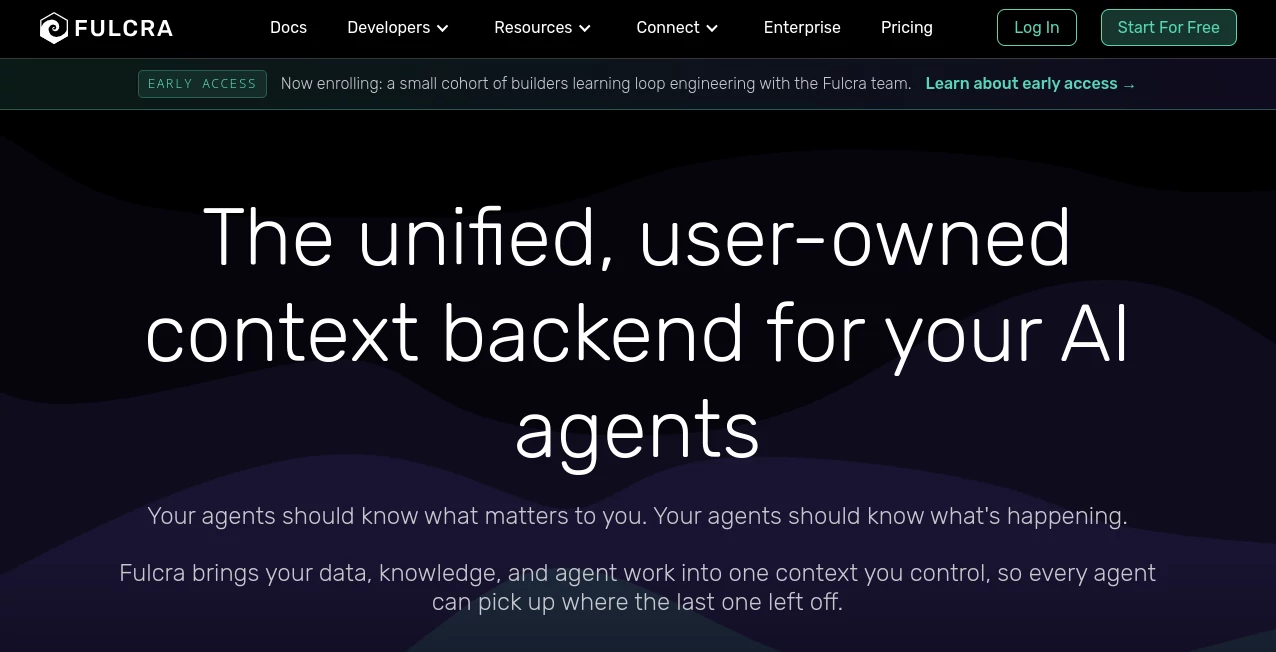
Fulcra is built around a simple idea: AI agents become far more useful when they can work with the right context instead of starting from zero every time. It provides a user-owned context backend where information, files, activity, agent work, and connected data can stay together while remaining under the user's control.
Instead of keeping valuable information locked inside individual AI applications, the platform creates a shared context layer that compatible agents can access. This means an agent can build on information collected by another agent, remember useful details between sessions, and work with a broader picture of what is happening.
The approach is particularly interesting for people who use several AI assistants, developers building agent-based workflows, and users who want their personal or work context to remain portable when they change applications or models.
Key FeaturesUser Interface
The platform presents context as a browsable, human-readable resource rather than treating it as an invisible collection of background data. Users can work with information collected from connected sources and see how their context develops over time.
This visibility makes the experience easier to understand. Instead of wondering what an AI system remembers, users have a clearer place to inspect the information available to their agents and manage what is shared.
Accuracy & Performance
The biggest performance advantage comes from giving agents access to persistent context. An agent does not have to rely entirely on the limited information available in a single conversation. Previous knowledge, recorded information, files, events, and agent contributions can remain available as part of the broader context.
For example, imagine using one assistant to organize a project and another to analyze related information. Rather than treating the two interactions as completely separate, a shared context layer can allow useful information from one workflow to become available to another compatible agent.
The platform is designed around the idea that context should accumulate over time. Each useful interaction can contribute to a larger body of information instead of disappearing when a session ends.
Capabilities
One of the strongest aspects of the platform is its flexibility. It can bring together structured and unstructured information, files, events, notes, activity data, and agent-generated work in a shared context environment.
Users can connect app and device data through available connectors, while developers can interact with the platform through tools such as the Life API, MCP server, and CLI. This opens the door to both everyday AI use and more advanced agent workflows.
The context layer can also support recurring workflows in which agents remember information, perform actions, and contribute new results. For developers, this creates an interesting foundation for building agents that need continuity rather than isolated conversations.
Security & Privacy
Privacy is a central part of the platform's design. Data is encrypted at rest and in transit using AES-256 encryption, while granular access controls allow users to decide what information is shared with different agents or people.
Another notable feature is the ability to export context in standard, open formats. Users can also request deletion of their data. The company states that it does not sell, license, or monetize personal data and instead operates around a subscription-based model.
For anyone connecting personal information, device data, files, or other sensitive context to AI systems, these ownership and access controls are worth paying attention to before building a larger workflow.
Use CasesThere are several practical ways to use this type of context infrastructure. Someone who regularly works with multiple AI assistants can use it as a shared layer so useful information does not have to be repeatedly explained.
Developers can use the platform when creating agents that need persistent context, recurring workflows, or access to information outside a single model session. The MCP server and CLI make it possible to connect the context layer with compatible AI environments and development workflows.
It can also be useful for personal productivity. Calendar information, notes, activity data, files, location information, and other connected sources can become part of a broader context that an assistant can work with.
Teams and businesses have another potential use case: creating a controlled context layer for agents that need access to shared information while maintaining boundaries around what different users or systems can see.
Pros and ConsOne clear advantage is portability. Your context is designed to remain separate from a particular AI model or application, which can reduce the frustration of rebuilding your setup whenever you change tools.
Another strength is visibility. The platform is designed so users can inspect context, see updates, control access, export information, and request deletion rather than treating AI memory as something completely hidden.
The main consideration is that the value increases as more useful data and integrations are connected. Users who only need a simple chatbot may not need this additional context infrastructure. It is more compelling for people who want persistent, connected AI workflows or are experimenting with multiple agents.
Pricing PlansThe service currently offers a free Personal plan with 5 GB of file storage and up to 10 million metric and event records. The free plan also includes unlimited data connectors, a context data collection app, seven-day automatic insights, Life API access, MCP server access, CLI access, and access to the Discord community.
The Pro plan is listed at $14.99 per month or $149.99 per year. It expands storage and metric and event capacity to unlimited levels, provides unlimited automatic insights, and adds priority support.
For teams and businesses, the Scale plan uses custom pricing and is designed for custom storage, data scaling, automatic insights, and dedicated support.
How to Use ItGetting started can be relatively straightforward for users who already work with compatible AI assistants. The service provides a Context app for collecting information from connected sources, while developers and advanced users can work through the MCP server or CLI.
For an AI chat workflow, connect the assistant to the available MCP server and authorize access to the context you want it to use. From there, the assistant can work with information that exists outside the immediate conversation.
Developers can take a more technical route by connecting through the available API, MCP tools, or CLI workflows. This makes it possible to experiment with agents that read from and contribute to persistent context rather than keeping everything inside temporary sessions.
Comparison with Similar ToolsTraditional AI assistants generally keep much of their useful conversational context inside their own application or model environment. That approach can work well for individual conversations, but it becomes less convenient when someone regularly switches between different assistants.
A dedicated user-owned context layer takes a different approach. Instead of making the AI application the permanent home of a user's accumulated information, the context is designed to remain independent and accessible to compatible agents.
This distinction is especially relevant for developers building multi-agent systems. Rather than creating a separate memory structure for every agent, a shared context layer can provide a common source of information while keeping ownership and access controls with the user.
The result is less about replacing an AI model and more about giving different AI systems a common memory and data foundation to work from.
ConclusionFulcra takes a thoughtful approach to one of the biggest limitations of today's AI assistants: continuity. AI models can reason remarkably well, but their usefulness often depends on whether they have enough context about the person, project, or situation they are working with.
By creating a user-owned context layer that can connect data, files, applications, devices, and agent work, the platform provides a practical foundation for more persistent AI workflows. Its support for MCP, APIs, CLI access, connectors, sharing controls, exports, and privacy-focused data management also gives it appeal beyond simple personal AI use.
For anyone experimenting with AI agents and looking for a way to make context portable instead of tied to one application, this is an interesting platform to explore.
Frequently Asked Questions (FAQ)What is this platform designed for?
It is designed to provide a user-owned context backend for AI agents. It allows data, knowledge, files, and agent work to be stored in a shared context that compatible AI systems can access.
Can it work with multiple AI agents?
Yes. The core concept is a shared context that can be accessed by multiple compatible agents and applications, allowing useful information to travel between AI tools.
Does it support MCP?
Yes. An MCP server is available for connecting compatible AI assistants to the user's context.
Is there a free plan?
Yes. The Personal plan is free and includes 5 GB of file storage, up to 10 million metric and event records, unlimited connectors, and access to several agent connection features.
How much does the Pro plan cost?
The Pro plan is currently listed at $14.99 per month or $149.99 per year.
Can users control access to their information?
Yes. The platform provides granular sharing controls so users can decide what information is available to different agents or people and revoke access when necessary.
Can data be exported?
Yes. Users can download their context in standard, open formats, including connected or recorded information and the agent work associated with it.
Can users delete their data?
Yes. The service states that users can request deletion of their data from its systems.
What makes a persistent context layer useful for AI?
Persistent context allows an AI agent to work with information accumulated outside a single conversation. This can reduce repetitive explanations and make workflows more continuous, especially when several agents or applications are involved.