

















Mentor
What is Mentor?
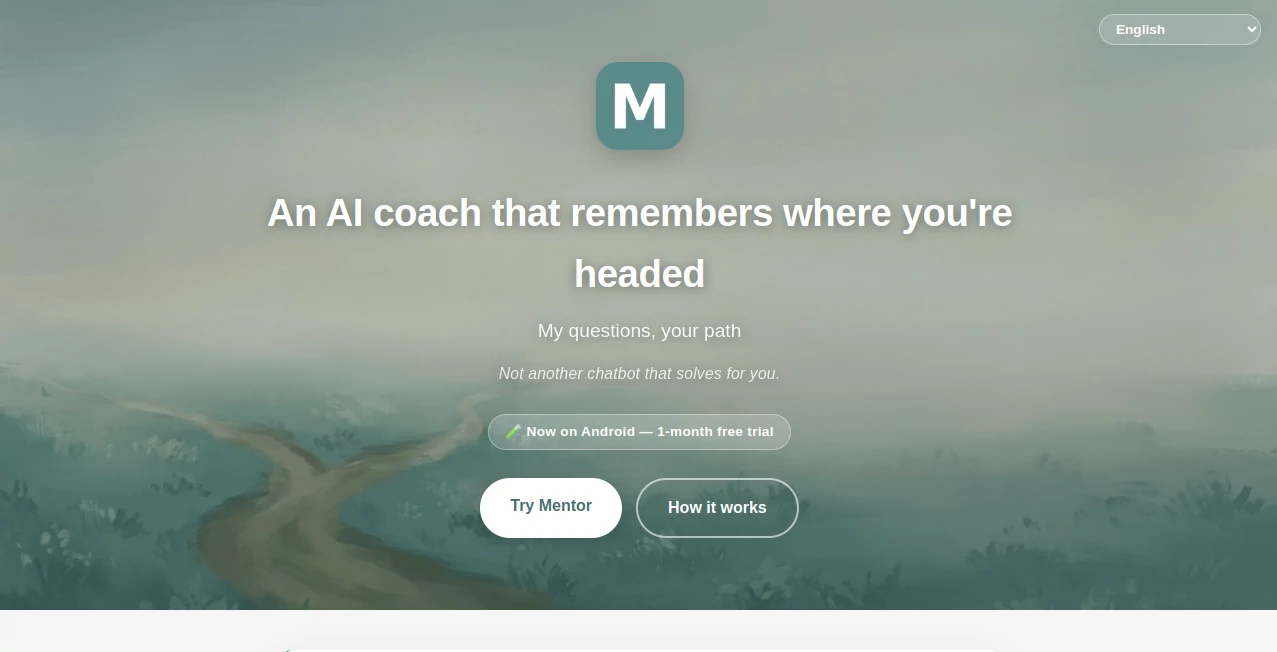
Mentor is an AI coaching companion built around a simple idea: sometimes the best answer is not an answer at all, but the right question. Instead of behaving like a conventional chatbot that immediately provides solutions, it uses thoughtful questions to help users understand their goals, commitments, setbacks, and next steps.
What makes the experience particularly interesting is its long-term memory. Conversations are not treated as isolated sessions. Goals, breakthroughs, and difficulties can remain part of the relationship over weeks and months, giving the coaching experience a sense of continuity that is often missing from general-purpose AI assistants.
The service is currently available through a private Android beta with a one-month free trial. It is designed for adults looking for reflective coaching and personal accountability rather than therapy or instant task-based advice.
Key Features
- Long-term memory that keeps important goals, setbacks, and breakthroughs in context.
- An AI accountability partner that follows up on commitments in a conversational way.
- A reflective journaling experience where users receive questions instead of generic lectures.
- Goal-oriented conversations designed to help users discover their own path.
- An anti-addictive approach without streaks, gamification, or push notifications designed to pull users back unnecessarily.
- Privacy-focused conversations with GDPR compliance and the ability to delete personal data.
- A conversational coaching style designed around questions rather than ready-made plans.
User Interface
The experience is centered on conversation rather than complicated dashboards or forms. Users can write about what is happening in their lives, describe a goal, or explore something that has been bothering them, and the system responds with a question intended to move the reflection forward.
This approach makes the interface feel closer to a private digital journal than a traditional productivity application. There are no complicated workflows to learn, which is useful for someone who simply wants to sit down and think through an issue.
Accuracy & Performance
The value here is less about factual question answering and more about maintaining context during personal conversations. Its long-term memory is designed to preserve goals, setbacks, and breakthroughs in the user's own words instead of reducing everything to short summaries.
That distinction matters. A coaching conversation can lose much of its meaning if an important personal detail disappears between sessions. Keeping those details available allows follow-up questions to feel more connected to the user's actual journey.
Capabilities
The platform can be used to define goals, establish personal commitments, reflect through journaling, and revisit previous experiences. Rather than automatically producing a rigid action plan, it encourages users to arrive at their own conclusions.
For example, someone who repeatedly postpones an important personal goal might not receive a ten-step productivity plan. Instead, the conversation can focus on why the commitment keeps slipping and what the user actually wants to change. That makes the experience especially suitable for people who prefer reflection and accountability over generic advice.
Security & Privacy
Privacy is an important part of the product's positioning because coaching conversations can contain highly personal information. The service states that it is GDPR-compliant, that conversations are not used to train someone else's model, and that users can delete their data at any time.
It also clearly distinguishes reflective coaching from therapy. The service is intended for adults and should not be considered a replacement for professional mental-health care.
Use Cases
One of the strongest uses is personal goal setting. A user can describe something they want to accomplish, turn it into a commitment, and continue the conversation over time as circumstances change.
It can also work well as a digital reflection journal. Instead of writing into a notebook that never responds, users can describe their thoughts and receive a question that encourages deeper consideration.
Another useful scenario is accountability. Someone working toward a career change, personal project, habit, or other long-term objective may benefit from having previous commitments brought back into the conversation rather than starting from zero every time.
It is also suitable for people who find conventional AI assistants too solution-oriented. If the goal is to think more clearly rather than simply receive instructions, a question-driven approach can be a refreshing alternative.
Pros and Cons
Pros
- Long-term memory creates continuity between conversations.
- Question-based coaching encourages users to find their own answers.
- Useful for goals, commitments, reflection, and accountability.
- No gamification or engagement tricks designed to encourage unnecessary usage.
- Clear privacy positioning and GDPR compliance.
- Simple conversational experience without complicated forms.
Cons
- It may not be suitable for users who want instant answers or ready-made plans.
- The product is currently in a private Android beta.
- It is intended for adults and is not a substitute for therapy or professional care.
- Users looking for a broad general-purpose AI assistant may find the focused coaching approach limiting.
Pricing Plans
The current offering is a private Android beta with a one-month free trial. Access requires joining the beta testing process, accepting the test invitation, and installing the application through Google Play.
The beta process asks testers to use the application for at least 14 days and provide feedback about what works, what feels frustrating, and what could be improved. This makes the current experience more of an early-access product than a conventional public subscription service.
How to Use Mentor
Getting started is straightforward. First, join the private tester group using the Google account associated with your Play Store. Next, accept the testing invitation and opt in. After that, install the Android application from Google Play.
Once inside, start with something meaningful rather than treating the app like a conventional search box. Describe a goal, a problem, a commitment, or simply what has been on your mind. The conversation is designed to develop through questions, allowing you to work toward your own conclusions.
Over time, the memory feature becomes more valuable because previous goals and experiences can remain available for future conversations. The result is intended to feel less like starting a new chat every day and more like continuing an ongoing coaching relationship.
Comparison with Similar Tools
General-purpose AI assistants are usually optimized to answer questions, generate content, summarize information, and complete tasks. This product takes a noticeably different direction. Its purpose is not to solve every problem immediately, but to help users think through their own problems.
Traditional journaling applications offer a private place to write, but they generally do not respond to what has been written. Here, journaling becomes interactive because the system can respond with questions and maintain relevant context over time.
Human coaching provides deeper interpersonal understanding, but it can be expensive and is not always available when someone needs to think something through. An AI coaching companion offers a more accessible option for everyday reflection, while still being clear that it does not replace a human professional or therapist.
Conclusion
This is an interesting take on AI coaching because it deliberately avoids one of the most common patterns in AI products: giving users an answer as quickly as possible. Instead, it focuses on asking useful questions, remembering what matters, and helping people develop their own understanding.
The long-term memory is arguably its most distinctive feature. When goals and personal experiences remain available across conversations, the interaction can become considerably more meaningful than a series of disconnected chatbot sessions.
For adults who want a private space for reflection, personal goals, and accountability, the approach is worth exploring. It will not be the right fit for someone looking for instant solutions, but for users who value thoughtful questions over predetermined answers, it offers a compelling alternative.
Frequently Asked Questions (FAQ)
What is this AI tool designed for?
It is designed for reflective coaching, personal goal setting, accountability, and interactive journaling. Its approach is based on asking questions that help users find their own path.
Does it remember previous conversations?
Yes. Long-term memory is one of its core features. The system is designed to remember goals, setbacks, breakthroughs, and other meaningful details across weeks and months.
Is it the same as ChatGPT?
No. The product is intentionally focused on coaching rather than general-purpose question answering. Its central approach is to ask questions that encourage users to reach their own conclusions.
Can it create a ready-made plan for me?
Its philosophy is specifically against simply handing users a template plan. Instead, conversations are designed to help users identify what they want and determine their own next steps.
Is it a replacement for therapy?
No. It is presented as reflective coaching rather than therapy and is intended for adults. People experiencing a serious or acute mental-health crisis should seek appropriate professional help instead.
Is my conversation data private?
The service states that conversations are private, GDPR-compliant, and not used to train someone else's model. It also provides the ability to delete data.
Is there a free trial?
Yes. The current private Android beta includes a one-month free trial for testers.
How can I join the beta?
Users need to join the tester group, accept the testing invitation, and install the Android application through Google Play. The current beta process asks testers to use the application for at least 14 days.