
















GPT Image 2
What is GPT Image 2?
You know that feeling when you ask an AI to create a poster, and everything looks great until you zoom in on the text? Suddenly, “Grand Opening” turns into “Gand Openng,” and your menu looks like it was written by a cat walking across a keyboard. We have all been there, and it has been driving designers, marketers, and business owners crazy for years.
Well, that frustrating era just ended. The new model that dropped in April 2026 is not just another incremental update. It is a complete overhaul of how machines understand and generate images with text. For the first time, we have a tool that can create a restaurant menu with every item spelled correctly, design a brand kit from a single selfie, or even generate a fully formatted YouTube thumbnail that actually looks clickable. This is the moment AI image generation finally grew up.
People who have tested it are throwing around words like “terrifyingly good” and “game over.” But here is the honest truth: it is not here to replace your favorite designer. It is here to handle the heavy lifting so you can focus on the big ideas. If you have ever wasted hours fixing AI typos or trying to explain your vision to a model that just didn't get it, your workflow is about to get a whole lot smoother.
Key Features
This tool is packed with upgrades that actually matter for real-world work. It is not just about prettier pictures; it is about getting things right the first time. From the moment you type your first prompt, you will notice it thinks differently than any other image generator you have used before.
User Interface
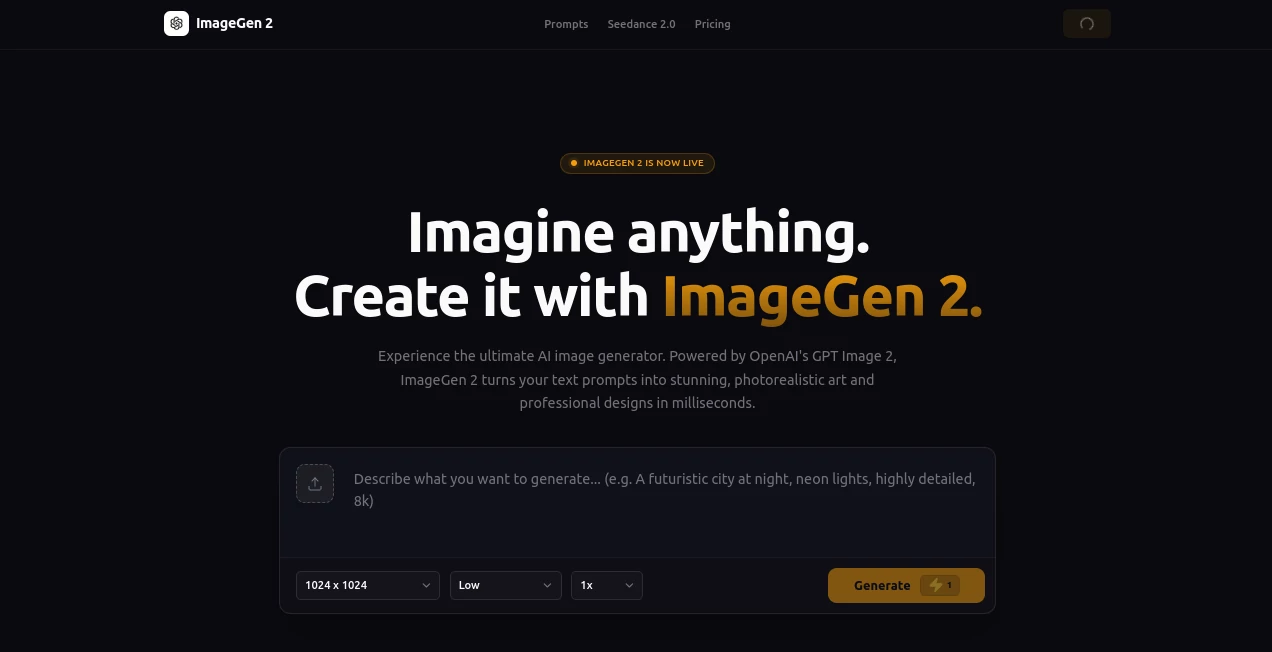
Accessibility is the name of the game here. You do not need to be a tech wizard or a prompt engineer to get stunning results. If you are using the standard ChatGPT interface, all you have to do is type what you want, and the model handles the rest. There is also an API for developers who want to build this into their own applications, which is expected to become more widely available around May 2026 for those deep integration projects.
What stands out is the dual-mode system. The first is "Instant Mode," which is fast and available to everyone, including free users. Then there is "Thinking Mode," available for Plus and Pro subscribers. When you turn this on, the model stops for a second to plan out the composition like a human would. It researches, checks its own work, and even browses the web to make sure it gets the facts right before it draws a single pixel. This makes it feel less like a robot and more like a thoughtful assistant.
Accuracy & Performance
Here is the statistic that should make you sit up and pay attention: text rendering accuracy has jumped from a shaky 90% to roughly 99%. That is a massive leap. In plain English, this means that when you ask for a specific word or phrase, it actually shows up correctly. Previous models would often scramble letters or replace them with strange symbols, but those days are finally behind us.
In terms of raw power, the model can handle resolutions up to 4096×4096, which is incredibly sharp. It is also about twice as fast as its predecessor, so you are not left waiting forever for your concepts to materialize. Whether you need a quick social media graphic or a high-res print ad, the performance holds up under pressure. Independent tests on the Image Arena Text-to-Image排行榜 have confirmed that this model is currently leading the pack by a very wide margin. You can feel the difference immediately.
Capabilities
This is where the tool truly separates itself from the pack. It has something the developers call “world knowledge.” Basically, it understands how real things are supposed to look. If you ask it to generate a screenshot of a YouTube homepage, it does not just slap a red play button on a random layout. It draws the exact navigation bars, the correct button placements, and even realistic video thumbnails that look like they belong there.
Another standout capability is character consistency. You can generate a series of images, like a short comic strip or a multi-page brand guideline, and the same character or product will look the same from one image to the next. Their face doesn't change, their clothes don't randomly shift colors, and the details stay locked in. This has been a nightmare for AI generation for years, and finally, someone has cracked the code. You can even upload a reference image for layout or style, and the model will mimic that look across a whole project.
Security & Privacy
Whenever a tool gets this powerful, people start asking the hard questions about safety, especially since it can create images that look incredibly authentic. The developers have added technical safeguards, including C2PA metadata. Think of this as a digital watermark embedded directly into the image file. It tells you, and anyone else who checks, that this picture was generated by AI.
However, to be completely transparent, this is not a perfect solution. If someone screenshots the image or compresses it for social media, that metadata can be stripped away. The company has also built content moderation filters to prevent the generation of harmful or deceptive material. They have classifiers that try to detect and block misuse before it happens. But like any tool, it depends on how people use it. The general guidance is to treat these images as what they are: powerful AI creations that are meant to assist your work, not to deceive others.
Use Cases
The practical applications for this tool are incredibly broad. You are not just limited to making pretty art; you can actually build functional assets.
- Marketing & Social Media: Generate complete ad campaigns, Instagram carousels, or YouTube thumbnails with perfect text overlays. You can even turn a simple product photo into a full e-commerce detail page with features and pricing included.
- UI/UX Design: Use it to kickstart your next app design. You can upload a rough sketch of a dashboard or a simple screenshot, and the AI will generate a polished, modern interface concept. Designers are using this to create “concept drafts” that they then refine in tools like Figma.
- Education & Training: Teachers and professors are using this to create visual aids instantly. Need a poster about the solar system with accurate labels? Done. Need a worksheet for a history class? It does that, too, with clean layouts and correct spelling.
- Internal Presentations: No more boring bullet points. You can generate infographics, process diagrams, and even complete slide decks that look professional and clean, saving you hours of manual formatting.
Pros and Cons
No tool is perfect, but the positives here are so strong that they are reshaping expectations for the entire industry.
Pros: The most obvious win is the text rendering. Being able to trust that your words will be spelled correctly saves a mountain of editing time. The reasoning capability is also a huge step forward; the model plans its work before it starts, which leads to better compositions and fewer weird errors. The world knowledge is impressive, too. It understands visual culture, from how an iPhone interface looks to how a comic book panel is structured. Lastly, the speed is excellent. You can iterate on ideas without waiting for minutes on end.
Cons: On the downside, that amazing "Thinking Mode" is locked behind a paid subscription. Free users get a taste, but the full power requires a monthly fee. Additionally, while it is amazing for design and marketing, it has some reported difficulties maintaining perfect consistency for specific things like rendering Asian faces across multiple generations. It is also very resource-heavy, meaning that if you are using the API at a high volume, you will need to manage your usage tiers carefully to keep costs predictable.
Pricing Plans
When you look at the pricing model, you have a few different pathways depending on how you plan to use it. For the average person just messing around or doing light work, the Free tier gives you access to the faster "Instant Mode." You are limited to roughly two images per day, but it is a great way to test the waters.
For professionals and serious creators, the Plus subscription costs $20 a month. This unlocks the full "Thinking Mode," which includes reasoning, multi-image generation, and web search integration. There are also Team and Enterprise plans for larger organizations that need higher limits and administrative controls. If you are a developer looking to integrate via the API, pricing is token-based. The cost breaks down to about $8 per million input tokens and $30 per million output tokens. Depending on quality and size, a single 1024×1024 image typically costs somewhere between $0.01 and $0.08. For very high volume needs, there are also third-party resellers offering alternative rate structures to help manage those API costs more predictably.
How to Use GPT Image 2
Getting started is surprisingly simple, even if you have never used an AI tool before. The easiest method is to go directly to the standard ChatGPT website and log in. Just select the GPT-image-2 model from the dropdown menu. Once you are there, type your request as naturally as you would speak to another person. You do not need complex commands or weird formatting.
For example, you can say, “Make a poster for a summer barbecue with the date July 4th and a list of items: burgers, hot dogs, and lemonade.” Press enter, and the model will get to work. If you have the Plus subscription, you can activate the "Thinking Mode" before you hit send for more complex tasks. That is where the magic really happens. You can also upload an existing photo or screenshot and ask the AI to redesign it, remove the background, or turn it into a different style entirely. It takes about thirty seconds to learn but offers professional-grade results.
Comparison with Similar Tools
If you have used other AI image generators like Midjourney or DALL-E 3, you know they are great at creating moody landscapes or fantastical creatures. But when you ask them for a poster with specific text, they often crumble. Historically, the struggle has been treating text like just another shape in the image rather than a meaningful part of the layout.
This new model changes that dynamic completely. While other tools are still trying to figure out how to spell "enchilada" correctly, this one is generating full comic books and brand guidelines. The integration of "world knowledge" is another differentiator. Where other models guess at what a computer screen looks like, this one accurately renders the specific icons, fonts, and layouts. It is not necessarily "better" at artistic creativity than something like Midjourney, which still excels at pure aesthetic generation. But for commercial work—ads, UI, presentations, education—it is currently the best option by a wide margin because it actually understands the rules of our visual world rather than just mimicking them.
Conclusion
We are standing at a before-and-after moment for AI image generation. The ability to accurately render text is not just a feature; it is a fundamental shift that turns a toy into a tool. This model bridges the gap between "AI art" and "real asset." You no longer have to explain to your boss that the typo on the flyer is the AI's fault or spend an hour in Photoshop fixing the date on a generated invitation.
Of course, this power comes with responsibility. The fact that it can create such convincing fake interfaces, documents, and signage means we have to be more thoughtful about how we distinguish real content from synthetic content moving forward. But for the legitimate user—the marketer, the teacher, the indie hacker, the small business owner—this is a massive unlock. It is fast, it is smart, and it finally speaks our language. If you create visual content for a living, you owe it to yourself to see what all the hype is about. It is not the end of design; it is the end of tedious, manual corrections.
Frequently Asked Questions (FAQ)
Q: Is the free version actually useful?
A: Yes, for light tasks. The free version gives you access to "Instant Mode," which is very fast and great for testing ideas. However, if you need consistency, complex reasoning, or plan to generate many images daily, the paid Plus plan is a significant upgrade.
Q: Can I use these images for my business?
A: Generally, yes. You own the images you create. However, you are responsible for the content. You cannot use it to generate misleading information, violate trademarks, or create harmful material. Always check the current terms of service for the platform you are using to be safe.
Q: Does it work with languages other than English?
A: Absolutely. One of the biggest selling points is how well it handles complex scripts like Chinese, Japanese, Korean, and others. Tests show it can generate everything from ancient calligraphy to modern newspaper layouts in multiple languages with very high accuracy.
Q: Why is my image taking so long to generate?
A: "Instant Mode" is usually very fast. If you are waiting a while, you might be using "Thinking Mode," which takes extra seconds to plan, reason, and check its work. It is slower by design because it is doing more complex cognitive work under the hood.