


















Habidu
What is Habidu?
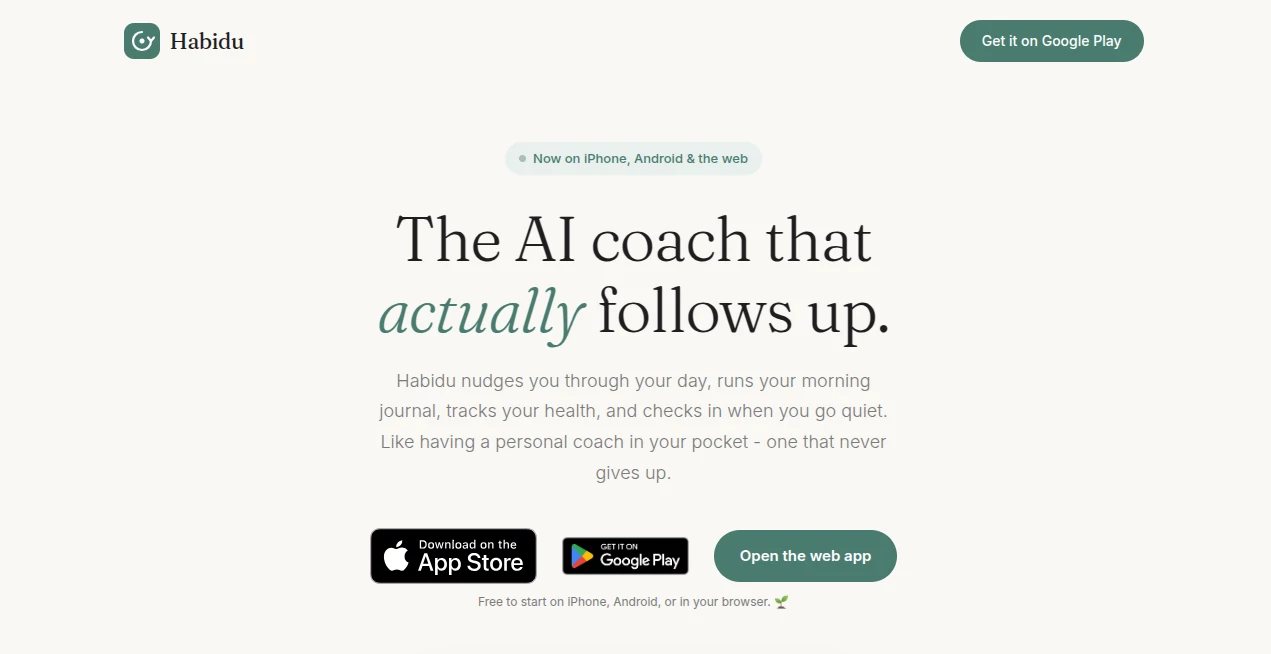
Most productivity apps send one polite reminder and then quietly give up when you ignore it. That never worked for me. I needed something that kept showing up, checked in when I went quiet, and helped me rebuild the day instead of just logging another missed task. This platform does exactly that. It acts like a real coach in your pocket: it plans your schedule, nudges you through every block, runs a morning journal, tracks your health data, and still has energy left to chat when you feel stuck. The difference is noticeable after just a few days of consistent use.
Introduction
Building habits is hard when life keeps interrupting. Traditional trackers and to-do lists often leave people with long lists of unfinished items and a growing sense of guilt. This tool was created to solve that exact problem. It combines persistent, friendly follow-ups with time-blocked planning, AI conversation, and automatic health insights. Available on iPhone, Android, and the web, it is free to start and designed especially for people who struggle with focus, time blindness, or simply finishing what they start. The founder built it because existing apps kept giving up too easily, and the result feels personal rather than mechanical.
Key Features
User Interface
The interface stays clean and conversational. You interact mostly through short messages and clear buttons: Start, Snooze, or Skip. Your day appears as a visual timeline of focused blocks, and the health dashboard shows sleep, steps, readiness, and focus hours in one glance. Morning and evening journals use simple numbered prompts that take only a couple of minutes. Nothing feels cluttered or overwhelming, which makes it easy to open the app even on a low-energy day.
Accuracy & Performance
Reminders arrive on time and continue following up until you respond, sometimes gently, sometimes with smarter suggestions if you keep delaying. The calendar feature works by reading a simple screenshot you take each afternoon, so it builds tomorrow’s plan around real meetings without needing complex integrations. Health metrics update automatically from wearables, and the AI chat responds quickly with practical next steps rather than generic advice. In daily use the system feels reliable and responsive.
Capabilities
It covers the full day: persistent task nudges, automatic time blocks for deep work and recovery, guided morning intention and evening reflection, streak tracking that forgives the occasional miss, and a coaching chat that helps break big tasks into tiny first steps. You can talk or type your plans, share a calendar photo, and watch the coach reorganize the schedule around what actually matters. It also learns how long tasks really take for you and adjusts future estimates accordingly.
Security & Privacy
Your data stays under your control. There are no ads and no selling of personal information. You can export or delete everything at any time. The approach is straightforward and respectful of privacy, which feels important when an app is tracking habits, health numbers, and daily reflections.
Use Cases
Someone with ADHD uses the persistent nudges and visual timeline to finally finish projects that used to stall at 80 percent. A remote worker shares a calendar screenshot each afternoon so the next day’s deep-work blocks automatically avoid meetings. A parent squeezes in short exercise and reading goals while the coach gently checks progress without adding pressure. Freelancers and students rely on the morning journal and evening reflection to keep momentum across unpredictable weeks. The tool works especially well for anyone whose plans regularly fall apart by mid-morning.
Pros and Cons
Pros:
- Reminders that keep following up until you respond instead of giving up after one try.
- Calendar planning via simple screenshot, no complicated app integrations required.
- Combined coaching, journaling, health tracking, and task management in one place.
- Designed with ADHD and distracted minds in mind, with forgiving streak logic.
- Available across phone and web with a free starting tier.
Cons:
- Works best when you engage with the daily check-ins and journal prompts.
- Some advanced consistency features and unlimited coaching sit behind a subscription.
Pricing Plans
You can begin for free on iPhone, Android, or the web and experience the core coaching, journaling, and nudges. Paid plans unlock the full experience. At launch there have been promotional offers around $7.99 per month or roughly $40 per year, with a free trial period so you can test everything before committing. The pricing stays accessible for something that aims to become a daily companion rather than an occasional app.
How to Use Habidu
Download the app or open the web version and set your preferred wake time, work blocks, and exercise goals. The coach then takes over: it sends reminders at the right moments, offers Start / Snooze / Skip buttons, and follows up if you go quiet. Each afternoon share a quick calendar screenshot so tomorrow’s schedule can be built around real meetings. Use the morning journal to set intention and the evening reflection to close the day. Chat with the coach whenever you feel stuck. Over time the streaks and health dashboard show the compound effect of simply showing up.
Comparison with Similar Tools
Many habit trackers send a single reminder and stop. Meditation apps focus mainly on calm rather than daily execution. Advanced schedulers often require deep calendar integrations that feel heavy. This platform stands out by combining persistent, kind follow-ups with time blocking, health data, journaling, and conversational coaching in one lightweight experience. It feels less like another checklist and more like having someone in your corner who actually stays with you through the day.
Conclusion
Consistency is rarely about willpower alone. It is about having a system that keeps showing up even when you do not. This AI coach was built for exactly that reality. By blending gentle persistence, smart planning, health awareness, and real conversation, it turns the intention to improve into daily action that compounds. Whether you struggle with focus, unfinished tasks, or simply want a more intentional rhythm to your days, it offers practical support without the usual guilt or complexity. The difference is feeling accompanied rather than managed.
Frequently Asked Questions (FAQ)
Is it free to try?
Yes. You can start on iPhone, Android, or the web at no cost and explore the core features before deciding on a paid plan.
Does it work for people with ADHD?
It was specifically designed with ADHD and distracted minds in mind, including persistent yet kind nudges, forgiving streaks, and help breaking tasks into tiny first steps.
How does the calendar feature work?
Each afternoon the coach simply asks for a screenshot of your calendar. It reads the meetings and builds tomorrow’s time blocks around them. No API connection required.
Can I use it on both phone and computer?
Yes. It is available as native apps and as a web version so you can stay connected across devices.
What health data does it track?
It pulls sleep, HRV, steps, and readiness from wearables and combines them with focus hours and reading time in one clear dashboard.
AI Life Assistant , AI Productivity Tools , AI Task Management , AI Coaching .
These classifications represent its core capabilities and areas of application. For related tools, explore the linked categories above.
Habidu details
Website unavailable — View Alternatives
Pricing
- Freemium
Apps
- Web App
- iOS App
- Android App
Categories

Habidu Alternatives Product

Duct Tape AI…

Khuram Youraj

Peanut AI

Speech Text

ZenMako

GetVivix

TypingFirst

tarotguide

YouMind
