Hairstyle AI
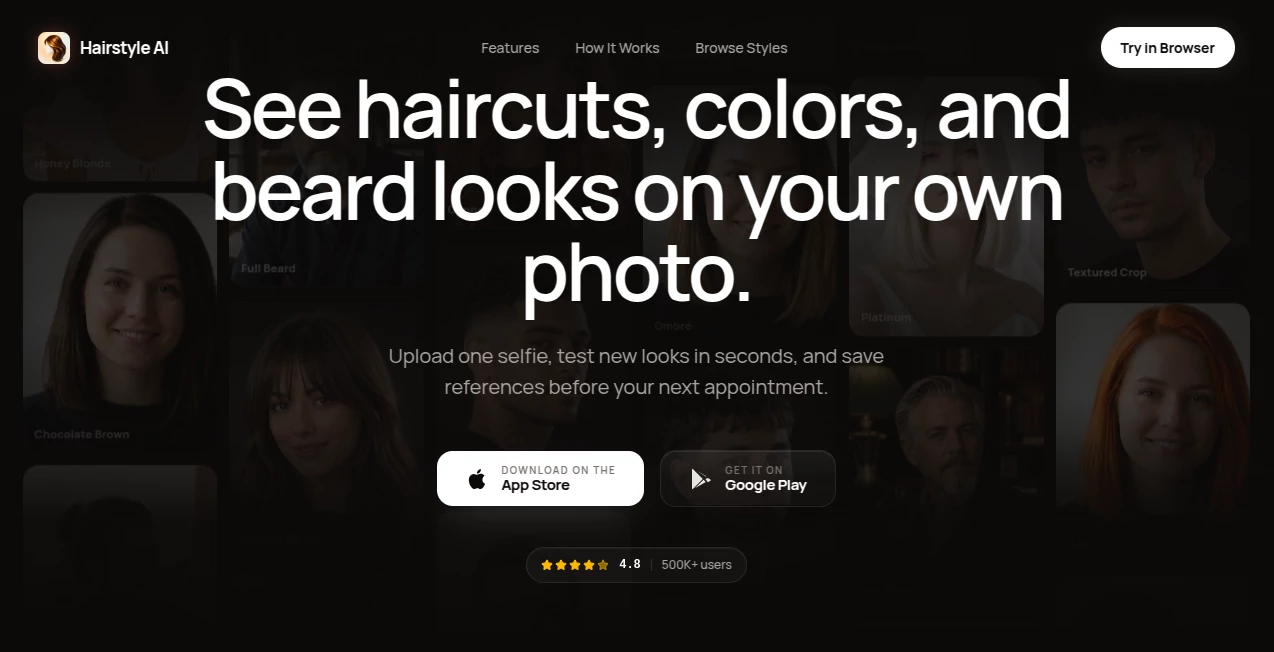
What is Hairstyle AI?
Walking into a salon with a vague idea and hoping for the best is stressful. What if the cut doesn’t suit your face shape? What if the color washes you out? This tool removes that anxiety completely. Upload one clear selfie and instantly see how dozens of hairstyles, colors, and beard styles would actually look on you. The results are realistic enough that many people take their favorite previews straight to their barber or stylist. I’ve watched friends finally commit to a big change after seeing themselves with a wolf cut or fresh fade—they left the salon confident instead of nervous.
Introduction
Hair changes are exciting but risky. Traditional apps and filters often look cartoonish or unrealistic. HairChanger uses smart AI that understands face shape, lighting, and hair texture to create previews that feel honest and true to life. It’s not just slapping on a generic style—it maps the new look onto your actual features. Whether you’re thinking about a dramatic color shift, a fresh cut, growing a beard, or just curious how you’d look with curtain bangs, it gives you a safe digital try-on before you touch the scissors. For anyone who’s ever regretted a haircut, this feels like a smart safety net.
Key Features
User Interface
The process is delightfully simple. Upload a clear selfie (face centered works best), browse curated styles or search for something specific, and see results in seconds. You can switch between different haircuts, colors, and beard options instantly, with side-by-side before-and-after views. The interface stays clean so you can focus on the looks rather than figuring out buttons. Even on mobile it feels smooth and responsive.
Accuracy & Performance
The AI pays attention to important details—how hair falls around your face shape, how color interacts with your skin tone, and how different lengths change your overall appearance. Results look natural rather than plastic or fake. Processing is quick, and the consistency across styles is impressive. Many users say the previews were close enough to the real thing that they avoided bad decisions at the salon.
Capabilities
It offers a wide variety of men’s and women’s hairstyles, from classic cuts to trending looks. You can experiment with dozens of hair colors—from natural shades to bold fantasy tones. Beard and facial hair styles are included for men. There’s even an age preview feature and the ability to describe custom changes with words. Save your favorites and bring them as references to your next appointment. It works for everyday styles as well as more creative or cosplay looks.
Security & Privacy
Your photos are processed securely and not stored permanently unless you choose to save them. The tool respects your privacy so you can experiment freely without worrying about your images ending up somewhere unexpected. It’s a safe space to try bold looks you might not be ready to show the world yet.
Use Cases
Someone nervous about going blonde uploads their photo and tests several shades before booking the appointment. A guy considering a big cut tries buzz cut, fade, and textured crop options to see what suits him best. A parent helps their teenager preview prom hairstyles. A person with thinning hair explores styles that work with their current situation. The tool turns “what if” moments into confident decisions.
Pros and Cons
Pros:
- Realistic previews that actually look like you, not a generic model.
- Huge variety of styles, colors, and beard options to explore.
- Fast results that make experimentation fun instead of stressful.
- Great for saving references to show your stylist.
- Easy enough for anyone to use, no tech skills required.
Cons:
- Best results come from clear, well-lit selfies with good angles.
- Extremely complex or very specific custom styles may need refinement.
- Some advanced or unlimited features require a paid upgrade.
Pricing Plans
You can start exploring for free with several high-quality previews. Paid plans unlock unlimited tries, higher resolution downloads, more styles, and priority processing. The pricing is reasonable for how much time, money, and regret it can help you avoid at the salon. Many users say one good decision pays for the subscription several times over.
How to Use HairChanger
Upload a clear selfie where your face is well-lit and centered. Browse the style gallery or search for something specific (buzz cut, wolf cut, balayage, etc.). Tap on different options to see instant previews. Use the word editor to describe custom changes if you want something unique. Save the looks you like best and bring them to your appointment. The whole process takes just a few minutes but can save you from months of regretting a bad haircut.
Comparison with Similar Tools
Many hairstyle apps use simple filters that look fake or only work with perfect model photos. This one stands out because it actually maps the style to your unique face shape and features. The realism and variety of options make it more useful than basic try-on tools, while the speed and ease keep it more approachable than complicated professional software.
Conclusion
Changing your hair should be exciting, not stressful. HairChanger takes the guesswork out of the process by letting you see realistic results before you commit. It empowers you to make confident decisions about cuts, colors, and styles while saving time and money at the salon. Whether you’re due for a refresh or just curious about something new, it turns “maybe someday” into “let’s try this now.” Your next great look might be just one upload away.
Frequently Asked Questions (FAQ)
How realistic are the results?
Very realistic when using good lighting and clear photos. The AI pays attention to your face shape and skin tone.
Can I try both hair and beard changes?
Yes—you can preview hairstyles and facial hair together for a complete look.
Do I need to create an account?
No account is needed to start trying styles. Signing up lets you save favorites.
Will it work for different hair types?
It handles a wide range of hair textures and lengths for both men and women.
What if I don’t like any of the styles?
Try different angles or lighting in your photo, or use the word editor to describe exactly what you want.
AI Fun Tools , Photo & Image Editor , AI Design Generator , AI Image to Image .
These classifications represent its core capabilities and areas of application. For related tools, explore the linked categories above.
Hairstyle AI details
Website unavailable — View Alternatives
Pricing
- Free
Apps
- Web App
- iOS App
- Android App
Categories

Hairstyle AI Alternatives Product

AuraMeaning
Uni-1
YoFont
Image By Qwen

Simplified

Before After…
Maginary

VividManga

Just Christm…