

















Happy Oyster
What is Happy Oyster?
Think about every AI video tool you have tried so far. You type a prompt, wait a minute or two, and then watch a flat video clip. It looks nice, sure. But that is it. You cannot walk inside that video. You cannot change what happens next. You cannot share that world with a friend and let them explore it their own way.
That feeling of being locked out of the creation is exactly what this new platform eliminates. I have spent the last few days testing something different. Something that does not just generate pixels but builds entire little universes that wait for you to step inside. You control where to look. You decide when the story changes. You shape the light, the characters, and even the weather with simple words while the world keeps running around you. It feels like the first real taste of what下一代交互 should look like.
For anyone tired of passive AI content and hungry for actual creative control, this tool changes the rules completely. Let me walk you through exactly why it impressed me so much and where it might still stumble.
Key Features
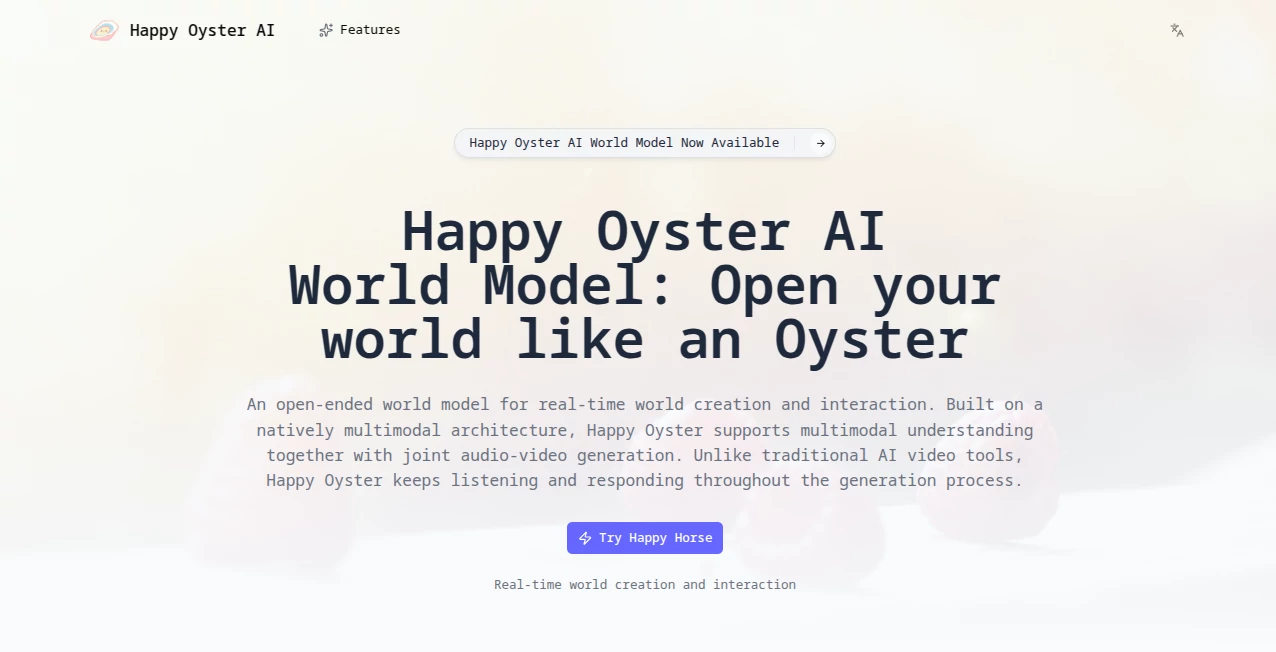
Instead of giving you a static video file, the platform builds complete digital environments that live and breathe as long as you stay inside them. Everything runs in real time. Every decision you make changes what happens next. No waiting for renders. No fixed endings.
Under the hood, a原生多模态架构 powers the whole experience. That technical phrase simply means it understands text, images, and even your keyboard inputs simultaneously while generating both visuals and sound together. The result feels less like using software and more like stepping into a lucid dream you can edit on the fly.
User Interface
You do not need a manual to figure this out. The moment you land on the page, two clear doors greet you: Wander and Direct. Clicking Wander drops you into a first-person exploration mode. Your keyboard arrows move your character through forests, cities, or fantasy landscapes. The mouse looks around naturally. A minimap helps you track where you have been. It feels familiar to anyone who has played an open-world game.
Direct mode looks more like a导演控制台. Sliders let you choose resolution (480p or 720p). Dropdowns set the emotional tone — Regular, Peaceful, or Dramatic. Another slider controls camera stability from Steady to Fast. A large text box sits at the bottom waiting for your next命令. Type something, and the scene changes instantly. The interface never overwhelms you with options. Yet every creative control you might want sits just one click away.
Accuracy & Performance
Here is where things get interesting. I uploaded a simple photo of a rainy street. Within seconds, the platform built a fully explorable 3D space from that single image. Cars moved along wet roads. Streetlights cast realistic reflections. Rain continued falling. When I pressed the W key, my character walked forward naturally. The scene did not break or glitch. Every building stayed exactly where it was supposed to be.
Performance does come with limits. The Wander mode currently supports about one minute of continuous exploration before you need to reload the world. Direct mode stretches further to three minutes of real-time video generation. Neither limit feels restrictive during casual creative sessions. But for longer projects, you will notice the boundary. The platform prioritizes speed and consistency over marathon sessions. And honestly, the tradeoff works for most use cases right now.
Capabilities
This tool does things I have never seen any AI product do before. You can generate a medieval castle, then walk through its gates in first person. You can create a cyberpunk alley, then命令 the weather to turn rainy and watch the reflections update instantly across every wet surface. You can spawn NPC characters with a sentence like "a baker walks out of the shop" and watch them emerge from the doorway naturally.
The Director功能 genuinely surprised me. I generated a short scene of a girl sleeping in a bedroom. Then I typed "a cat jumps onto the bed and wakes her up." Instead of restarting the generation, the platform continued the existing video seamlessly. The cat appeared. The girl stirred. The camera kept rolling as if the scene had been planned that way from the start. That level of on-the-fly editing opens possibilities I am still processing.
Sound deserves special mention here. Unlike other tools that add generic background music after rendering, this platform generates audio and video together from the same world state. When you walk through a forest, you hear birds and wind. When lightning strikes in a storm scene, the thunder syncs perfectly. Small detail. Huge difference in immersion.
Security & Privacy
Right now, the platform requires an邀请码 for access. This closed approach means your creations stay within a controlled environment during these early days. The official documentation mentions standard data protection practices without getting overly technical. For most creators, the bigger privacy consideration is simply that everything you generate remains yours. No vague clauses about training future models on your worlds have appeared yet.
That said, always read updated terms carefully. Early access products sometimes change policies as they scale. Currently, though, the platform feels responsibly managed on the privacy front.
Use Cases
Game developers will find immediate value here. Instead of blocking out levels with gray boxes, you can describe a scene and walk through it within minutes. Test lighting. Experiment with atmosphere. Show stakeholders a playable concept before writing a single line of engine code. One developer I spoke with said he mocked up an entire village in two hours — something that would have taken his team three days traditionally.
Filmmakers and video creators can use Director mode to storyboard complex sequences. Describe the opening shot. Then change the camera angle mid-scene. Then introduce a plot twist with a single sentence. Export the result as a reference for your crew. No more drawn storyboards that nobody interprets the same way.
Teachers and trainers also benefit. Create historical environments students can walk through. Build scientific simulations where learners change variables and watch results unfold. One educator tested it for a biology class by generating a rainforest and having students identify animal species as they explored.
For普通 creators like you and me, the most exciting use case might be the simplest: sharing worlds. You can build something, save it to your gallery, and let others explore your creation. They can even remix it with their own changes. A collaborative, iterative creative process emerges that feels closer to social media than traditional content creation.
Pros and Cons
What Works Beautifully
The real-time responsiveness changes everything. No waiting means no broken creative flow. The consistency across long sequences impressed me most — objects stay put, lighting remains coherent, characters do not morph into nightmares after thirty seconds. Director mode尤其 stands out as something no competitor offers yet. And the built-in audio generation makes exported clips feel complete rather than hollow.
What Needs Work
The one-minute limit in Wander mode cuts sessions short just when you get immersed. Switching between Wander and Direct modes requires exiting and reloading, which breaks momentum. Performance can stutter slightly on older machines during complex scenes. And the invitation-only access means you cannot try it instantly — though waiting lists move reasonably fast based on community reports.
One more honest observation: the platform sometimes interprets vague prompts too literally. I asked for "a busy market" and got a stall with exactly one merchant. Adding "crowded" fixed it immediately, but you learn to be specific over time. Small learning curve. Nothing deal-breaking.
Pricing Plans
The platform remains in早期体验阶段. No public pricing has been announced yet. Access currently flows through invitation codes distributed to waitlist members and select early testers. Based on similar tools at this stage, expect a freemium model with limited free generations plus paid tiers for higher resolution, longer sessions, and commercial usage rights once the full launch happens.
For now, your best move is joining the waitlist on their website. Early access often comes with founder pricing or lifetime deals. Those几乎 never return once the public launch completes.
How to Use HappyOyster
Getting started takes about three minutes. First, request an invitation code from the official site. Approval usually arrives within a week based on current community feedback. Once you have your code, create an account and log into the web-based dashboard.
Start with Wander mode. Upload any image or type a simple scene description like "abandoned train station at sunset." The platform generates your world in roughly fifteen seconds. Use your keyboard arrows to move. Hold right-click to look around. Press F to toggle first and third-person views. Spend your first few sessions just exploring without trying to创造 anything. Understanding how worlds behave makes directing them much easier later.
Move to Direct mode once you feel comfortable. Start with a basic prompt, and then practice changing things mid-scene. Type "storm rolls in" while filming a sunny beach. Type "character turns left" while following someone walking. Experiment with the tone controls. Peaceful feels completely different from Dramatic even with the same prompt. Fail a few times on purpose. The platform forgives mistakes instantly with no rendering costs.
Save your favorite worlds to your gallery. Share the link with friends. Let them remix your creations. That collaborative spiral produces the most unexpected and delightful results.
Comparison with Similar Tools
Google Genie 3 represents the closest competitor. Both platforms build interactive worlds. But Genie focuses more on game-like mechanics and预设 behaviors. This tool leans harder into director-led storytelling. Genie might suit a puzzle game designer better. HappyOyster fits filmmakers, educators, and anyone who wants narrative control without learning complex tools.
Traditional video generators like Runway or Kling serve completely different needs. They produce high-quality clips but offer zero interaction. You watch. That is all. Those tools excel when you need a polished commercial or a finished short film. This platform excels when you need to iterate, experiment, and collaborate.
3D world builders like Unreal Engine or Unity give you ultimate control but demand weeks of learning. HappyOyster trades some precision for immediate access. You cannot build a production-ready game inside it yet. But you can prototype ten ideas before lunch that would take a traditional team ten days. Different tools for different stages of creation.
Conclusion
We are still early in the world model revolution. Let me be clear about that. This platform has rough edges. Time limits frustrate. Mode switching interrupts. Hardware requirements exclude some older computers. But when you walk through your first self-generated forest, with sunlight filtering through correctly animated leaves and footsteps echoing authentically, you feel the future arriving ahead of schedule.
The team behind this clearly understands something important: AI should not just generate content for us. It should generate worlds we can live inside. We should direct, wander, share, and remix. We should break the fourth wall completely. This tool represents the most compelling step in that direction I have seen from any company, big or small.
If you create anything — videos, games, lessons, or just dreams — join the waitlist today. Experiment while the platform still feels wild and undiscovered. The polished,商业化 version will come eventually. But the magic lives in these early days when every new world feels like a small miracle.
Frequently Asked Questions (FAQ)
Is this completely free to use right now?
Access requires an invitation code, but no payment has been requested from current testers. The platform is still in early access. Expect pricing details closer to the public launch.
Can I sell videos or worlds I create on this platform?
Terms currently focus on personal and evaluation use. Commercial rights will likely come with paid tiers. Check the official documentation before selling anything.
What hardware do I need to run this smoothly?
A modern browser and a stable internet connection. The platform runs entirely in the cloud. Your local machine just streams the result. That said, older laptops may struggle with 720p Director mode. Dropping to 480p usually fixes performance issues.
How long until I receive my invitation code?
Community reports range from three days to two weeks. Some people receive codes within hours. The team seems to process waitlist applications in batches. No guaranteed timeline exists right now.
Can I collaborate with someone else in the same world?
Not yet. Multiplayer exploration remains on the roadmap but not currently implemented. You can share worlds for others to explore solo. Simultaneous collaboration is coming later.
Does this work on mobile devices?
The platform recommends desktop browsers. Touch controls are partially implemented but keyboard input offers the best experience. Mobile support may improve closer to full launch.
What happens to my worlds if the platform shuts down?
No platform guarantees permanence during early access. Export your favorite creations as videos. Save scene descriptions separately. Treat generated worlds as delightful ephemera until commercial terms solidify.