
AI Image Cleanup Tool
What is AI Image Cleanup Tool?
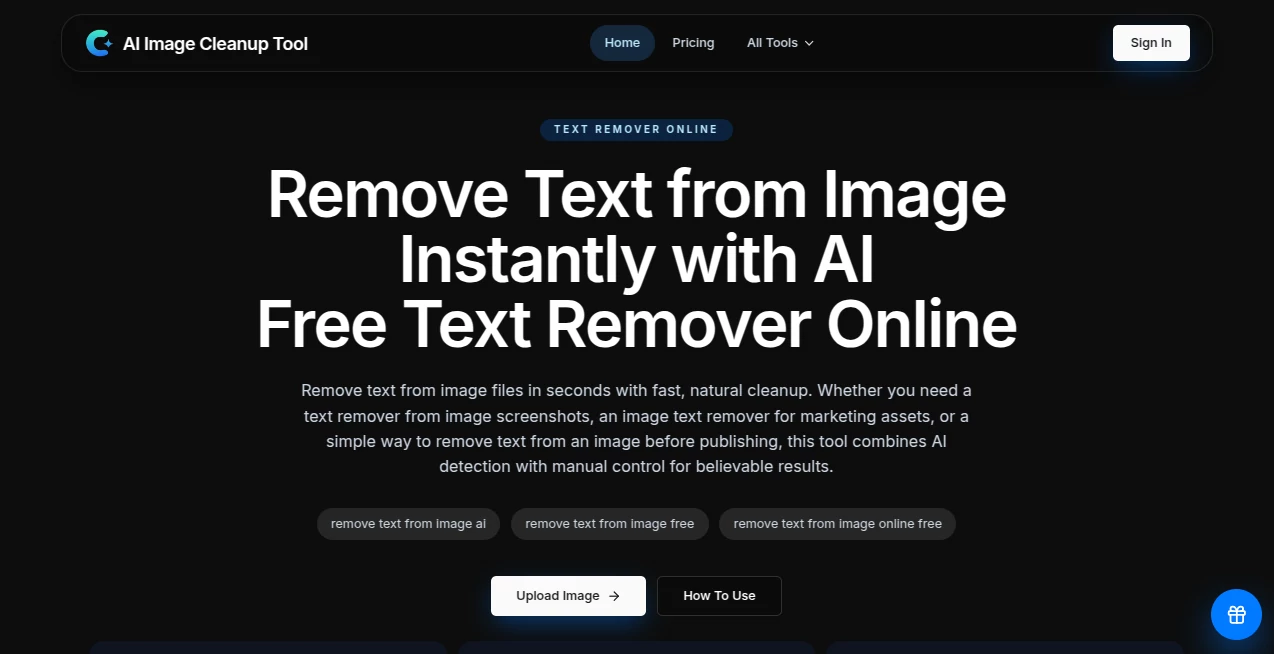
There's nothing more frustrating than a great photo ruined by a random stranger in the background, a power line across the sky, or that one coffee cup you didn't notice on the table. This tool quietly solves that problem with remarkable precision. You upload the image, brush over the thing you want gone, and it fills the space so naturally that you’d never know anything was there. I've used it on family vacation shots where tourists photobombed the perfect moment — a few clicks later and the memory looks exactly how I remembered it. It's one of those tools that makes you wonder how you ever lived without it.
Introduction
Photo editing used to mean hours in complicated software or paying someone to fix small details. Image Cleanup AI changes that completely. It focuses on one thing and does it exceptionally well: intelligently removing unwanted objects while preserving the natural look of the scene. Whether it's a distracting person, a blemish on a product shot, or random clutter in the background, the AI understands context and fills the gap like a skilled retoucher would. No more compromising on the perfect shot because of one annoying detail. It's fast, intuitive, and delivers results that look convincingly real.
Key Features
User Interface
The design is refreshingly straightforward. Upload your photo, use a simple brush tool to mark what you want removed, and hit process. There's no steep learning curve or overwhelming panels — just the image, your brush, and a clear before/after view once it's done. The interface stays out of your way so you can focus on the result. Even my non-technical friend used it successfully on her first try to remove an ex from an old picture. That kind of simplicity is rare and very welcome.
Accuracy & Performance
What impresses most is how naturally it reconstructs the background. Textures, lighting, and perspective stay consistent instead of the usual blurry or mismatched patches you see in lesser tools. Processing is quick — most images finish in seconds — and it handles complex scenes surprisingly well, like removing people from crowded streets or objects from detailed landscapes. The results hold up even when you zoom in, which is where many similar tools fall apart.
Capabilities
Beyond basic object removal, it excels at cleaning wires, signs, reflections, skin blemishes, and photobombers. You can remove multiple items in one go or work in passes for more control. It also handles background extension when needed and works beautifully on product photography, travel shots, portraits, and real estate images. The AI is smart enough to understand what belongs in the scene, so the filled areas rarely look artificial or cloned.
Security & Privacy
Your photos are processed securely and not stored after the job is complete. No account is required for basic use, which is great for one-off personal cleanups. For those who do sign up, data handling is straightforward and respectful. It's comforting to know your private or client images aren't hanging around on someone else's servers longer than necessary.
Use Cases
A real estate agent quickly removes parked cars and trash bins from listing photos, making properties look cleaner and more appealing. A product photographer cleans up reflections and stands from e-commerce shots, saving hours of manual editing. Parents remove strangers from family vacation pictures, preserving the memory exactly as they experienced it. Social media creators tidy up lifestyle shots before posting, giving their feed a more polished feel. It's one of those everyday tools that quietly improves so many different workflows.
Pros and Cons
Pros:
- Extremely natural-looking results — most people can't tell anything was removed.
- Fast processing that fits into real workflows without slowing you down.
- Simple brush tool that gives you precise control over what gets cleaned.
- Works well on a wide variety of photo types and lighting conditions.
- Generous free tier lets you test it thoroughly before committing.
Cons:
- Very large or extremely complex scenes can sometimes need multiple passes.
- Heavy batch processing is more efficient on paid plans.
- Extremely fine details (like thin wires against busy backgrounds) may need extra attention.
Pricing Plans
The free plan gives you enough credits to clean up several important photos and get a real feel for the quality. Paid plans are reasonably priced and unlock unlimited usage, higher resolution processing, priority speed, and batch capabilities. Many users find that the time saved on even a few projects more than covers the cost. It's flexible enough for occasional personal use or heavy professional workflows.
How to Use Image Cleanup AI
Upload your photo using the big central button or drag-and-drop. Use the brush tool to paint over anything you want removed — you can adjust brush size for precision. Click Process and wait a few seconds. Review the before/after comparison and make additional passes if needed. Once satisfied, download the clean version in high resolution. The entire process usually takes under a minute, even for tricky shots.
Comparison with Similar Tools
Many object removal tools either leave obvious patches or require technical know-how. This one stands out for its natural inpainting and ease of use. Where others struggle with complex backgrounds or lighting, the results here consistently look believable. It's less about having every possible editing feature and more about doing one crucial job exceptionally well — which is exactly what most people need.
Conclusion
Great photos deserve to be seen without distractions. This tool makes that possible in the simplest way imaginable: upload, brush, done. It respects the original image while giving you the freedom to perfect it. Whether you're preserving memories, polishing professional work, or just cleaning up everyday shots, it delivers satisfying results that make you wonder why you ever struggled with manual editing. Sometimes the best tools are the ones that quietly remove problems so you can focus on what matters.
Frequently Asked Questions (FAQ)
How accurate is the removal?
Extremely accurate on most everyday objects and backgrounds. Complex or highly detailed areas may need a second pass.
Do I need to create an account?
No — you can start cleaning photos immediately without signing up.
Can I remove multiple objects at once?
Yes, just brush over everything you want gone in one go.
Is the free version good enough to test?
Absolutely. Many people get everything they need from the free credits.
Are the cleaned photos high resolution?
Yes, outputs maintain excellent quality suitable for print and professional use.
AI Background Remover , Photo & Image Editor , AI Photo Enhancer , AI Image to Image .
These classifications represent its core capabilities and areas of application. For related tools, explore the linked categories above.
AI Image Cleanup Tool details
Website unavailable — View Alternatives
Pricing
- Free
Apps
- Web App
Categories

AI Image Cleanup Tool Alternatives Product

Banana Pro

RemoveText

whisk ai

VividManga

Beard Remover

Playyy AI
DLSS 5 Meme …

City Boy Meme

MakeMyOC