

















Playyy AI
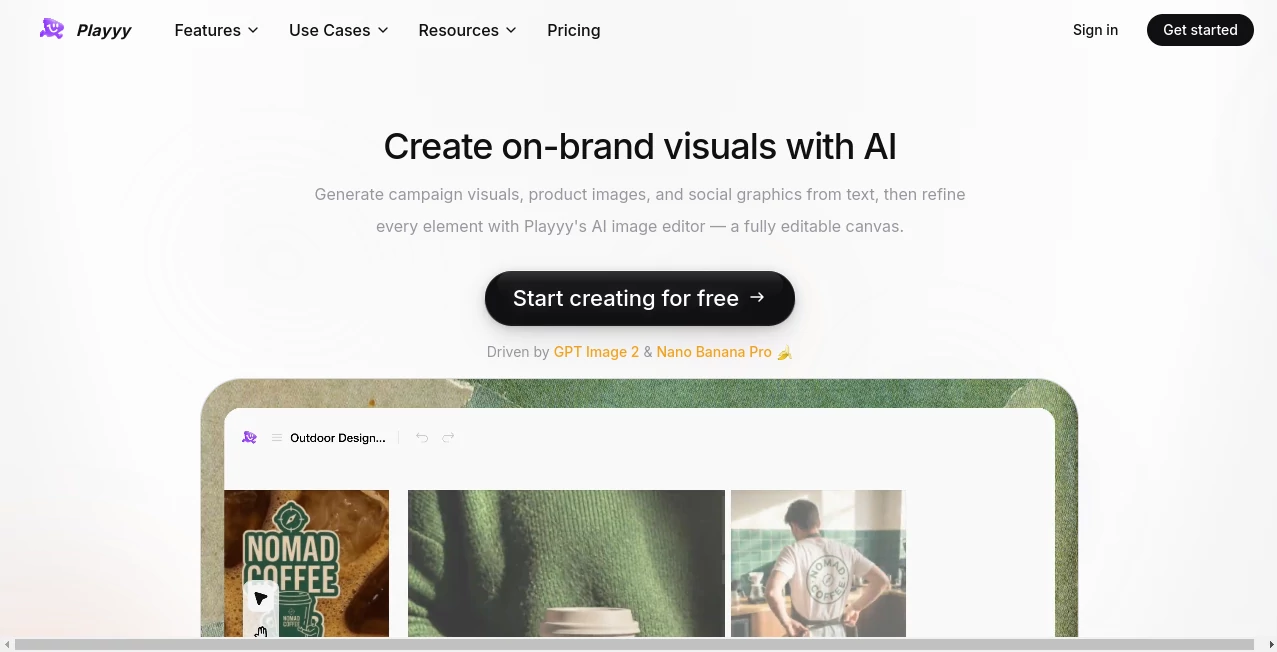
What is Playyy AI?
Creating professional visuals no longer requires years of design experience. This AI-powered creative workspace helps anyone transform simple ideas into polished graphics, marketing assets, social media posts, and product images within minutes. Whether you need to generate a brand-new image or improve an existing one, the platform combines intelligent editing with an intuitive workflow that feels fast and natural. Its impressive collection of editing tools makes creative work accessible to freelancers, marketers, online stores, and growing businesses.
Key Features
User Interface
The workspace is clean, modern, and easy to navigate. Users can generate images, edit selected areas, remove backgrounds, upscale photos, or apply new styles without dealing with complicated menus. Even first-time visitors can produce attractive visuals after only a few clicks.
Accuracy & Performance
The editing engine delivers consistent results while preserving important details. Local editing allows specific parts of an image to be modified without affecting the rest, making revisions more precise and reducing unnecessary adjustments.
Capabilities
- AI image generation from text prompts
- Background and object removal
- Image upscaling for higher resolution
- Style transformation for creative variations
- Smart inpainting and element editing
- Canvas expansion for larger compositions
- Layer splitting for easier editing
Security & Privacy
User projects are processed through an online workspace supported by dedicated privacy and terms policies. Creative assets remain organized within the platform, making it suitable for both personal projects and commercial design workflows.
Use Cases
- Creating marketing graphics for social media
- Designing product images for e-commerce stores
- Producing posters, flyers, and invitations
- Improving low-quality images before publishing
- Removing unwanted objects from photos
- Generating creative concepts for branding projects
Pros and Cons
Pros
- Very beginner-friendly interface
- Fast AI-powered image editing
- Wide collection of creative tools in one place
- Supports commercial design workflows
- Free plan available for getting started
Cons
- Advanced usage limits may require a paid plan
- Some professional designers may still need external editing software for highly complex projects
Pricing Plans
A free plan allows users to explore image generation and editing features. Paid plans provide higher usage limits, faster processing, and additional capabilities for professionals and businesses.
How to Use Playyy
Create an account, choose an AI creation or editing tool, upload an image or describe your idea, customize the result with targeted edits, then export the finished design for websites, social media, advertising, or print materials.
Comparison with Similar Tools
Unlike many image generators that focus only on creating pictures, this platform combines generation, enhancement, local editing, background removal, object removal, style transfer, and image expansion inside a single workspace. This integrated approach reduces the need to switch between multiple applications during a design project.
Conclusion
This platform offers an enjoyable and efficient way to create high-quality visual content with AI. Its combination of image generation and practical editing features makes it a valuable solution for creators, marketers, online sellers, and anyone looking to produce professional graphics quickly without mastering traditional design software.
Frequently Asked Questions (FAQ)
What can I create?
You can generate images, marketing materials, product visuals, posters, social media graphics, and more.
Can existing images be edited?
Yes. You can remove objects, replace elements, expand images, enhance quality, and apply different artistic styles.
Is it suitable for beginners?
Yes. The interface is designed for users with little or no design experience.
Is there a free version?
Yes. A free plan is available, while premium plans unlock higher usage limits and additional features.
Who benefits most from this platform?
Content creators, marketers, e-commerce businesses, agencies, and small business owners looking for faster design workflows.