
















Imagens App
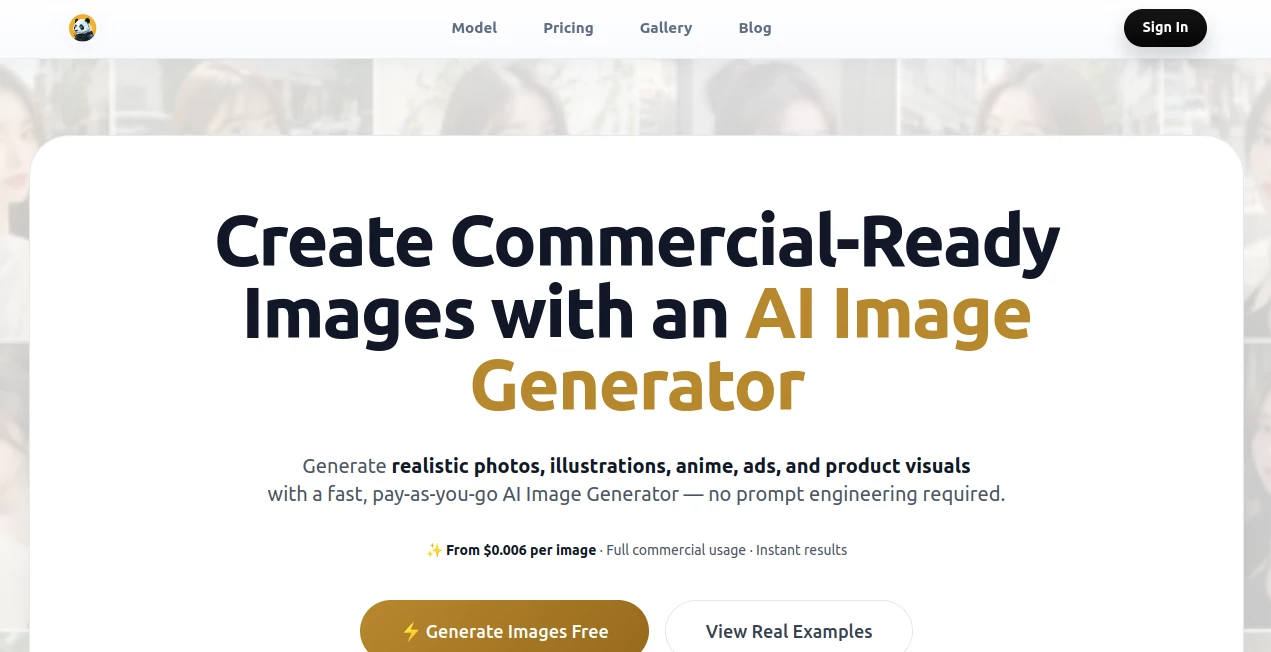
What is Imagens App?
You know that frustrating moment when you take what feels like the perfect shot, only to realize the lighting is off or there's something awkward in the background? We have all been there. Fixing those issues used to mean spending hours learning complicated software or simply giving up and settling for less. But that old story is changing fast. There is a new wave of smart editing tools that actually understand what you want to fix. Think about being able to erase an entire crowd from your vacation photo with just a few clicks, or magically expanding a cropped picture so it fits perfectly on your social media feed. It almost sounds like science fiction, but it is very real right now. This platform brings professional-grade editing power to everyone, whether you're a seasoned designer or someone who just wants their family pictures to look a bit nicer. It removes the technical barriers and puts the focus back on creativity. No more wrestling with confusing sliders or watching endless tutorial videos. The experience feels more like having a conversation with a helpful assistant who just gets things done. Let's take a closer look at what makes this tool stand out from the crowd.
Key Features
What sets this platform apart is how it packs a suite of complex editing capabilities into a clean, accessible package. You are not getting just one trick; you are getting a whole toolbox designed to handle the most common and frustrating photo problems people face every day. The magic happens quietly in the background, so you can focus on the result rather than the process. Whether you need to salvage an old family photo or create eye-catching content for your business, the features are built to deliver. The developers clearly spent a lot of time understanding what users actually struggle with, and then they built smart solutions for those exact problems. The result is a tool that feels surprisingly intuitive despite its powerful engine.
User Interface
The first thing you notice is how uncluttered everything feels. There are no intimidating menus or cryptic icons hiding essential functions. Instead, you are greeted with a straightforward layout that guides you naturally from one step to the next. Uploading an image takes a second, and the editing options are presented clearly. You can jump between tools like background removal, object erasing, and image expansion without feeling lost. The design team clearly prioritized speed and simplicity. Buttons are placed where you expect them to be, and previews happen in real time, so you see exactly what your edit will look like before you commit. For someone who gets anxious just opening advanced editing software, this is a breath of fresh air. It feels more like using a well-designed mobile app than a professional desktop suite, yet the results are anything but basic.
Accuracy & Performance
This is where the tool really shines. Removing a background used to be a tedious process of manually tracing edges, and even then, you often ended up with jagged lines or missing chunks of hair. Those days are gone. The AI here identifies subjects with impressive precision. It can distinguish between a person's complex hairstyle and the busy background behind them, leaving the subject intact while cleanly removing everything else. The same goes for the object removal feature. You simply brush over an unwanted tourist, a trash can, or a power line, and the tool intelligently fills the space with matching textures and lighting. It does not just blur the area or create a obvious smudge. It actually understands the surrounding environment. The uncrop or image expansion feature is equally clever. When you need to change the aspect ratio of a photo, the AI generates new content that blends seamlessly with the original, maintaining the same style and detail level. Performance feels snappy too. Most edits happen in seconds, not minutes, so your workflow never really gets interrupted.
Capabilities
Beyond the core features, the platform has a few more tricks up its sleeve. You can use it to enhance photo quality, sharpening details and reducing noise without making the image look artificial. There is also a feature for changing backgrounds entirely, which is fantastic for product photography or creating themed portraits. Imagine taking a simple headshot and placing it into a professional office setting or a sunny beach scene with realistic lighting and shadows. That level of capability used to require a green screen and professional software, but now it is accessible to anyone. The tool also supports high-resolution exports, so you are not stuck with tiny, low-quality images. Whether you need a picture for a website, a print flyer, or a massive billboard, the output quality remains consistently high.
Security & Privacy
Nobody wants their personal photos ending up in some database or being used to train a public AI model. The people behind this service seem to understand that concern deeply. Uploaded images are processed securely and are not stored on their servers any longer than necessary. The system does not claim ownership of your content, and there are clear assurances that your private memories stay private. For business users dealing with sensitive product shots or confidential marketing materials, this level of respect for data handling is non-negotiable. You can edit with peace of mind, knowing that your images are not being scraped or shared without your knowledge. It creates a trust that is often missing in the world of free online tools.
Use Cases
One of the best things about this platform is its versatility. E-commerce store owners can use it to create clean, consistent product images by removing distracting backgrounds. A furniture seller, for example, can take a photo of a chair in a messy showroom and instantly isolate it on a pure white background. Social media managers will love the uncrop feature, which allows them to adapt horizontal photos into vertical formats for Instagram Stories or TikTok without cropping out important details. Real estate agents can remove cars or clutter from property photos, making listings look significantly more appealing. Graphic designers can use it as a rapid prototyping tool, quickly isolating elements for larger compositions. Even for personal use, the benefits are huge. You can restore old scanned photos, remove photobombers from wedding shots, or create custom profile pictures. The use cases really are endless, and the tool adapts to whatever you throw at it.
Pros and Cons
Pros:
The accuracy of the background removal is genuinely impressive, especially with complex subjects like hair or fur. The user interface is clean and welcoming for beginners, yet powerful enough for pros. Processing times are fast, keeping you productive. The image expansion feature is a standout, saving countless hours of manual work. Privacy policies are respectful of user data. And finally, the range of features covers almost every common editing need in one place.
Cons:
Like any AI tool, it is not absolutely perfect. Extremely complex scenes with overlapping transparent objects can sometimes confuse the system, requiring a manual touch-up. The tool relies on an internet connection since the processing happens on powerful remote servers, so it is not ideal for editing on a plane. Some of the more advanced batch-processing features for businesses might be locked behind higher pricing tiers. But for the vast majority of everyday tasks, the performance is outstanding.
Pricing Plans
While specific prices can change and are best checked directly on the website, the platform generally follows a freemium model. This means you can start using basic features for free to test the waters. For users who need regular access or higher-resolution exports, there are usually monthly or yearly subscription options. These paid plans generally unlock unlimited edits, faster processing speeds, and access to all premium features like the uncrop tool and background changer. For professional users, there are often business plans that support team collaboration and higher usage volumes. Compared to hiring a graphic designer or paying for expensive software licenses, the value here is substantial. You are paying for time saved and headaches avoided.
How to Use This Tool
Getting started takes less than a minute. First, navigate to the website. You will see a clear upload button right on the main page. Click it and select the photo you want to edit from your computer or phone. Once the image loads, you will see the toolbar with options like "Remove Background," "Erase Object," or "Expand Image." For removing a background, simply click that button and wait a few seconds. The result pops up instantly, and you can download it as a PNG with a transparent background. For erasing objects, you use a brush tool to paint over the unwanted item. The AI does the rest, filling the space naturally. The uncrop tool asks you for a new aspect ratio or lets you drag the crop handles outward; the system then generates the missing pixels. Every action has a preview, so you can undo and retry if you are not satisfied. Once you are happy, hit download and choose your preferred file format and quality. That is literally all there is to it.
Comparison with Similar Tools
You might have heard of other popular AI editors like Adobe Photoshop with its generative fill or online services like Remove.bg. So, how does this stack up? Adobe Photoshop is incredibly powerful, but it is also expensive, complex, and requires a significant time investment just to learn how to use the AI features properly. It is overkill for someone who just needs to clean up a few photos a week. On the other hand, simple single-purpose tools like a basic background remover are cheaper or free, but they offer zero versatility. If you need to erase an object or expand an image, you have to go find another separate tool. This platform hits the sweet spot in the middle. It offers a full suite of advanced features that usually require multiple different subscriptions, all wrapped in an interface that does not require a degree to understand. The quality of the generative fill for uncropping also tends to be more coherent and stylistically consistent compared to some competitors, which often produce blurry or repetitive patterns.
Conclusion
In a world where visual content is currency, having a reliable way to polish your photos is no longer a luxury; it is a necessity. This tool democratizes high-end photo editing. It hands you the power to fix mistakes, generate new compositions, and enhance your visuals without any of the usual headaches. The combination of a clean interface, lightning-fast performance, and shockingly accurate AI makes it a joy to use. Whether you are running an online business, managing social media for a brand, or just trying to make your personal memories look their best, this platform delivers real value. It saves time, reduces frustration, and helps your images stand out. Give it a try with a free edit and see the difference for yourself. You will probably wonder how you ever managed without it.
Frequently Asked Questions (FAQ)
Q: Do I need to create an account to use the tool?
A: For basic free edits, you can often jump right in without signing up. However, creating a free account allows you to track your history and access higher-resolution downloads.
Q: What file formats are supported?
A: The tool commonly supports popular formats like JPG, PNG, and WebP. For downloads, you can usually save images as PNGs (to keep transparency) or high-quality JPGs.
Q: Is the quality of the output good enough for printing?
A: Yes, the tool typically supports high-resolution outputs that are suitable for print materials like flyers, business cards, and even large posters, depending on your original image quality.
Q: Can I use the edited images for commercial purposes?
A: Yes, users generally retain full ownership and commercial rights to their edited images. You can use them for product listings, ads, or any business material without attribution.
Q: Why does the tool need an internet connection?
A: The heavy AI processing happens on powerful cloud servers rather than your local device. This ensures you get fast, high-quality results without draining your computer's resources.