imagetosvg
What is imagetosvg?
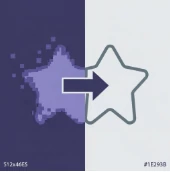
Converting raster images into crisp, scalable vector formats has always been a challenge for designers, developers, and creators. This platform simplifies that entire process by offering a fast and intuitive way to transform ordinary images into high-quality SVG files. Whether you're working on logos, illustrations, icons, or web graphics, it helps you achieve clean, resolution-independent results without needing advanced design skills.
What makes this solution particularly appealing is its balance between simplicity and precision. Instead of dealing with complex vector software, users can upload an image and receive a usable SVG output in seconds. It is designed for both beginners who need quick conversions and professionals who require reliable vector assets for production.
Key Features
User Interface
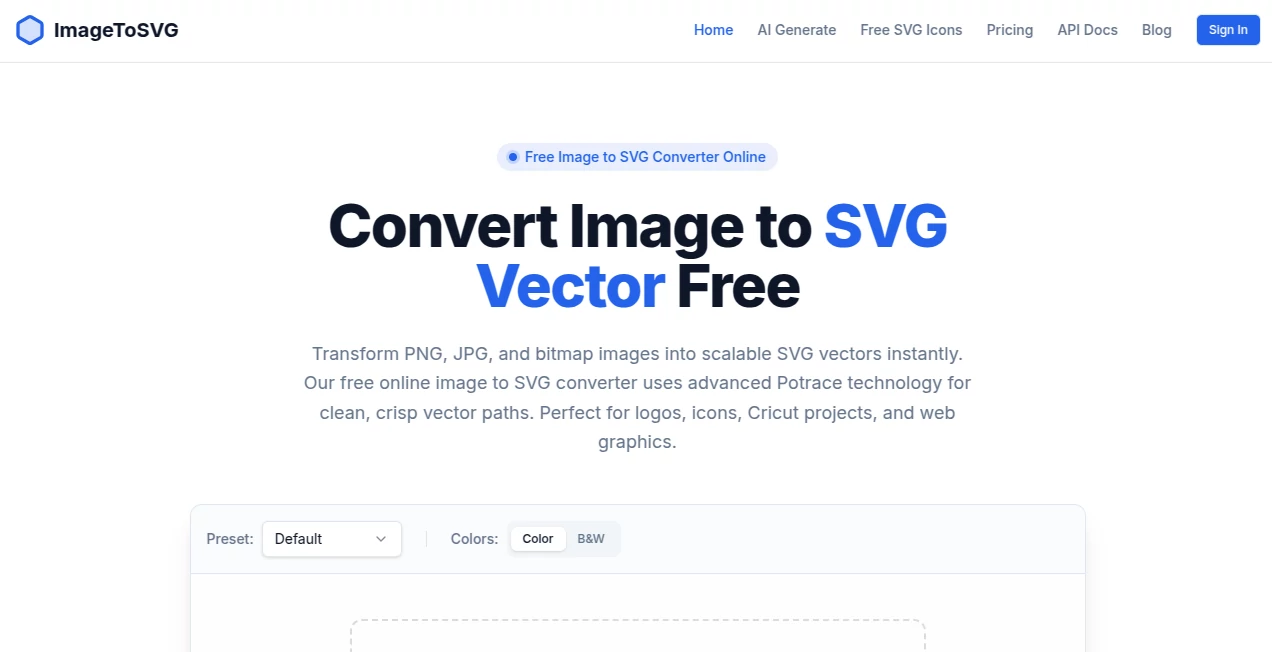
The interface is minimal, clean, and straightforward. Users can upload images with a simple drag-and-drop action. Everything is organized to reduce friction, making the conversion process smooth even for first-time users.
Accuracy & Performance
The conversion engine is optimized to preserve shapes, edges, and details as much as possible. It intelligently traces elements and produces scalable vector paths that remain sharp at any size. Processing is fast, allowing multiple conversions without noticeable delay.
Capabilities
It supports a wide range of image formats and can handle logos, illustrations, icons, and even more complex visuals. The output SVG files are lightweight and suitable for web use, printing, and digital design workflows.
Security & Privacy
Uploaded images are processed securely, ensuring that user files are not misused. The platform focuses on quick processing and safe handling of content, making it reliable for both personal and professional use.
Use Cases
- Converting logos into scalable vector formats for branding
- Preparing icons for web and mobile applications
- Transforming illustrations for print-ready designs
- Improving image scalability for UI/UX projects
- Creating editable vector assets for design workflows
Pros and Cons
Pros
- Fast and simple conversion process
- No need for advanced design skills
- Produces scalable and lightweight SVG files
- Works well for logos and icons
- User-friendly interface
Cons
- Complex images may lose some fine details
- Advanced vector editing options are limited
- Output quality depends on input image resolution
Pricing Plans
The platform typically offers a flexible model where users can start with basic conversions for free or at minimal cost. Advanced features, higher limits, or batch processing options may be available through premium plans designed for professional users and businesses.
How to Use This Tool
Using the platform is straightforward. First, upload an image from your device. Next, initiate the conversion process with a single click. Within seconds, the system generates a downloadable SVG file. Users can then download and integrate the vector output into their design projects or development workflows without additional adjustments.
Comparison with Similar Tools
Compared to traditional vector design software, this solution removes the complexity of manual tracing. While professional tools may offer deeper editing control, they require technical expertise. This platform focuses on speed and accessibility, making it ideal for users who need quick and reliable conversions without a learning curve.
Conclusion
For anyone working with digital graphics, the ability to convert images into scalable vectors is incredibly valuable. This platform provides a practical, efficient, and user-friendly solution that bridges the gap between raster images and professional vector outputs. It is especially useful for designers, developers, and creators who prioritize speed and simplicity without sacrificing output quality.
Frequently Asked Questions (FAQ)
What is the main purpose of this tool?
It converts standard image files into scalable vector graphics suitable for design and development use.
Can it handle complex images?
Yes, though simpler images like logos and icons produce the best results.
Is it suitable for professional use?
Yes, it is widely useful for both personal projects and professional design workflows.
Do I need design skills to use it?
No, the platform is designed for users of all experience levels.
What format does it output?
It generates SVG files, which are widely supported in web and design applications.
AI Logo Generator , AI Graphic Design , AI Design Generator , AI Image to Image .
These classifications represent its core capabilities and areas of application. For related tools, explore the linked categories above.

imagetosvg Alternatives Product

Nano Banana 2

Plottie

Quant AI

Uni-1

X Grok Imagi…

insMind
Designmd.fun

img2img.net

BananaPro